
iStat View 3.04
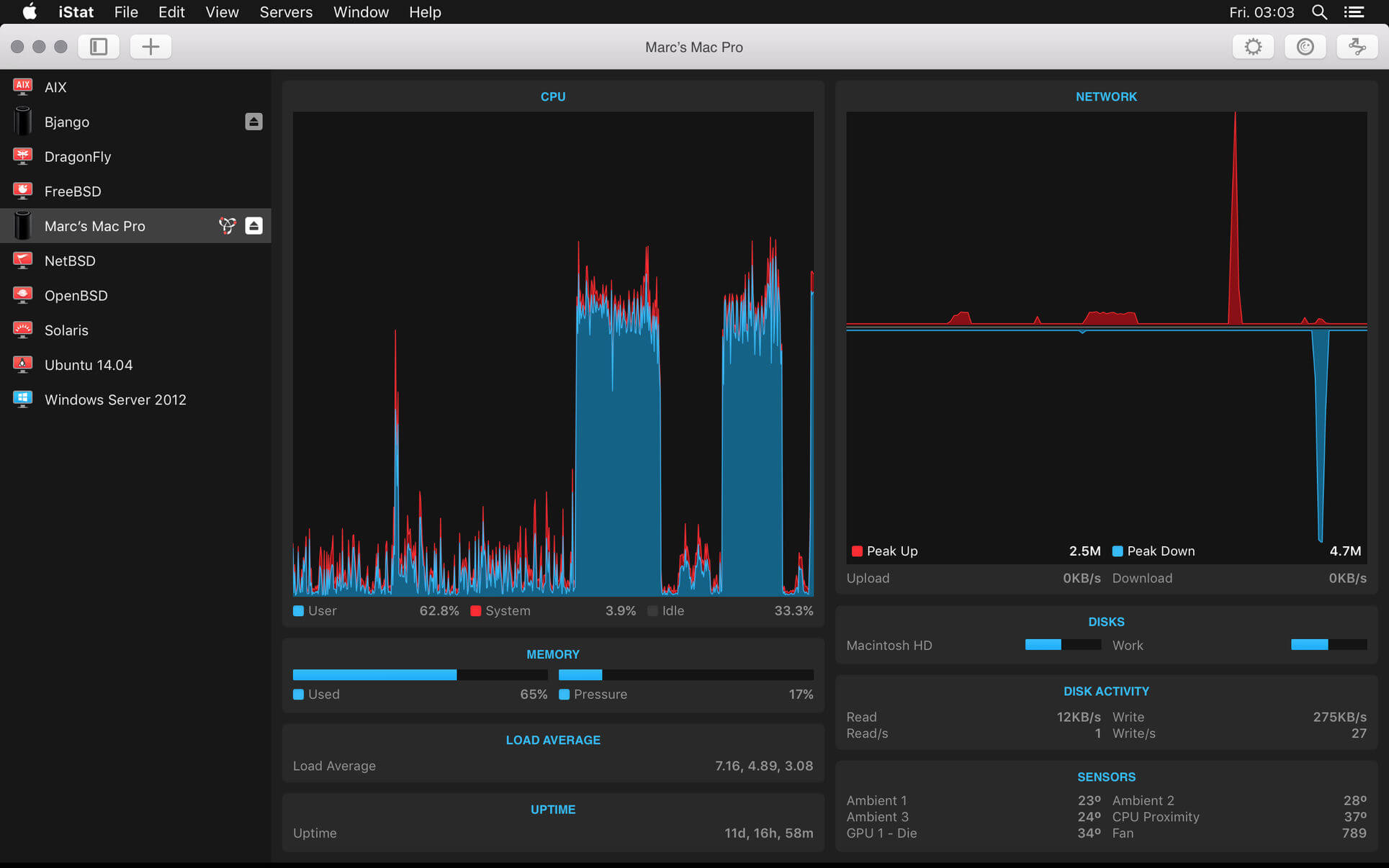

iStat View is a highly detailed remote monitoring app, letting you check the vital stats for Macs, PCs and servers from anywhere in the world. To get started, please install iStat View on your Mac, and install iStat Server on the computer you would like to monitor.
Stats
iStat View displays a huge range of detailed system stats, including CPU, memory, disk space, network usage, temperatures, fan speeds and more.
Monitor Macs, PCs and servers
Monitor computers running macOS, Windows, Linux, FreeBSD, AIX, Solaris and other BSD/Linux based OSs by installing iStat Server. Macs can view local stats, too — just install iStat Server and iStat View on the same Mac. Download iStat Server from bjango.com/istatserver/
History
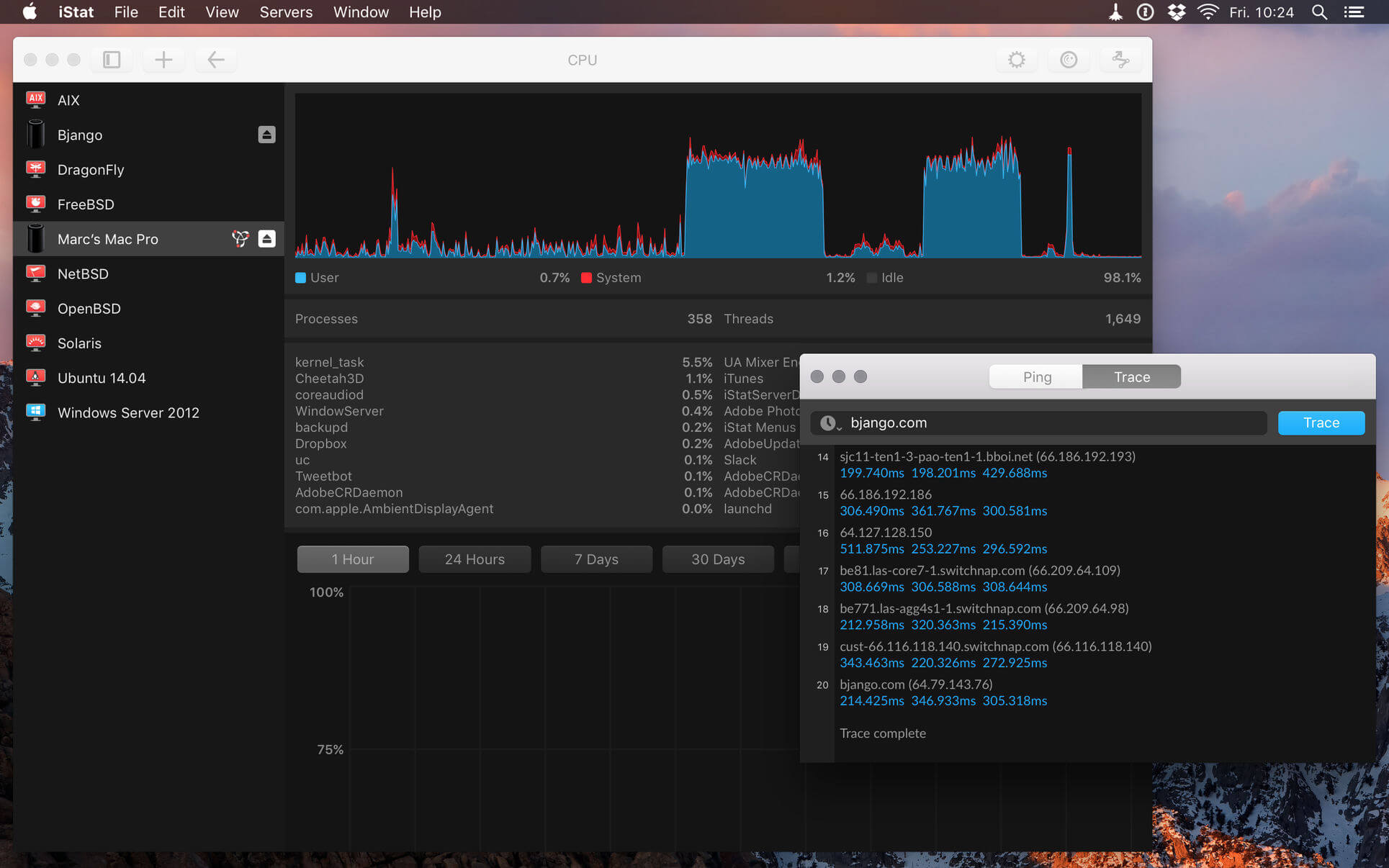
iStat View includes history graphs for most stats, covering 1 hour, 24 hours, 7 days, 30 days, 3 months, 6 months and 12 months.
Secure
iStat View connects to iStat Server securely over the internet or via Bonjour. A password or five digit passcode can be used to restrict access. Authorization can be reset from the server side, if required.
Network tools
iStat View also contains the handy network tools, ping and traceroute.
iCloud
Effortlessly keep your list of servers in sync across your iOS devices and Macs.
Version 3.04
- Fixed an issue with backgrounds being rendered incorrectly.
- Bug fixes.
Frequently asked questions
How do I install the app?
Mount the image, drag the app into the "Applications" folder and launch it. If the system blocks the launch, allow it in "System Settings → Privacy & Security".
The app is damaged or won't launch
Reinstalling from a fresh image usually helps. Make sure your macOS version matches the one listed in the compatibility specs.
How do I update?
Download the new version from the site and install it over the current one — your settings will be preserved.
The download link doesn't work
Try a mirror or a download manager. For large files the browser often drops the connection.
How do I completely remove the app?
Use an uninstaller utility — it cleans up the service files that remain after moving the app to the trash.
VersioniStat View 3.04
DeveloperBjango Pty Ltd
CompatibilityOS X 10.10 or later, 64-bit processor
LanguageMultilangual
IncludesK'ed by TNT





Information
Visitors in the group Guests cannot leave comments on this publication.
Choose a download source
iStat View 3.04 · 14.88 MB