
Viper FTP 7.2.1
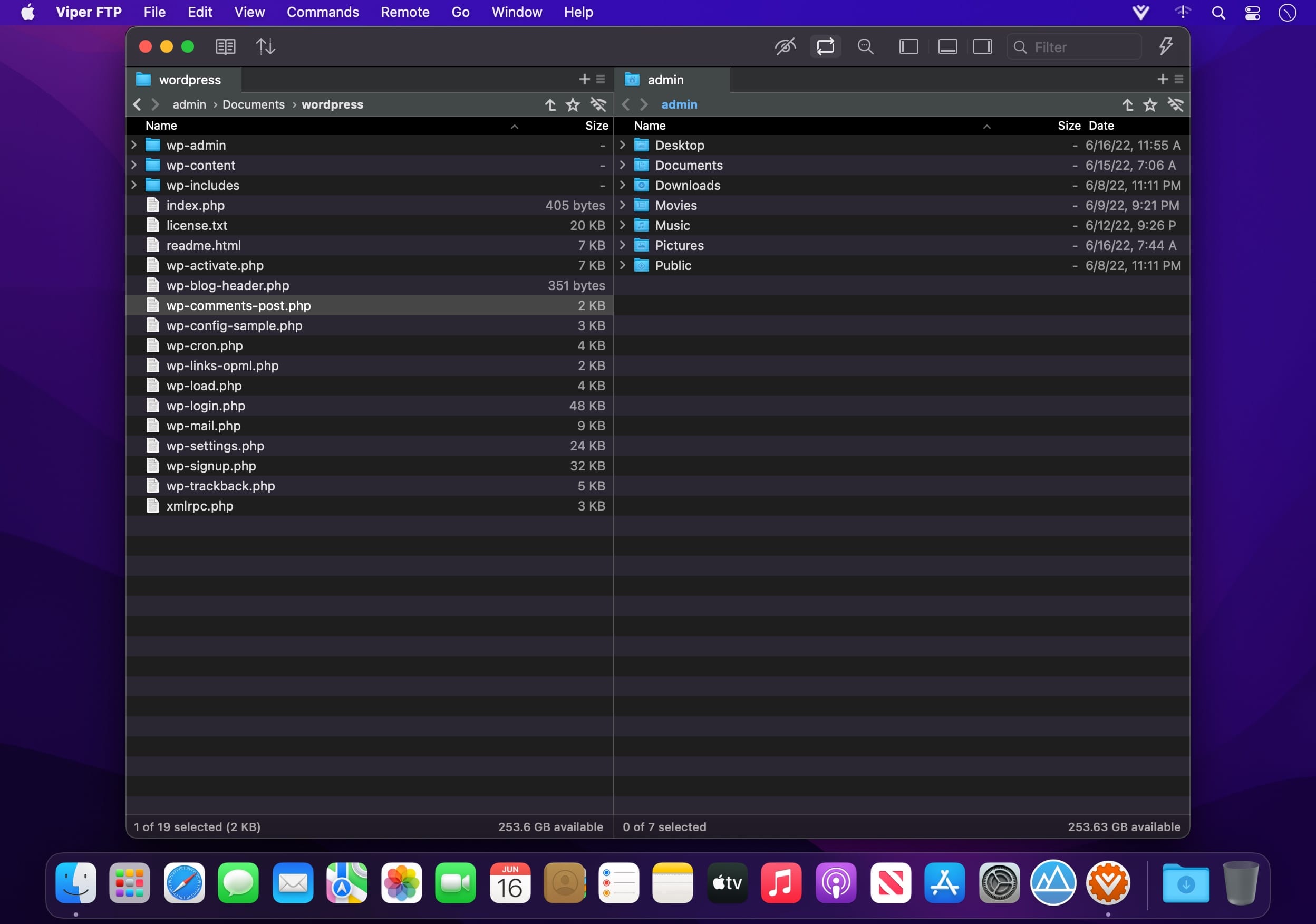
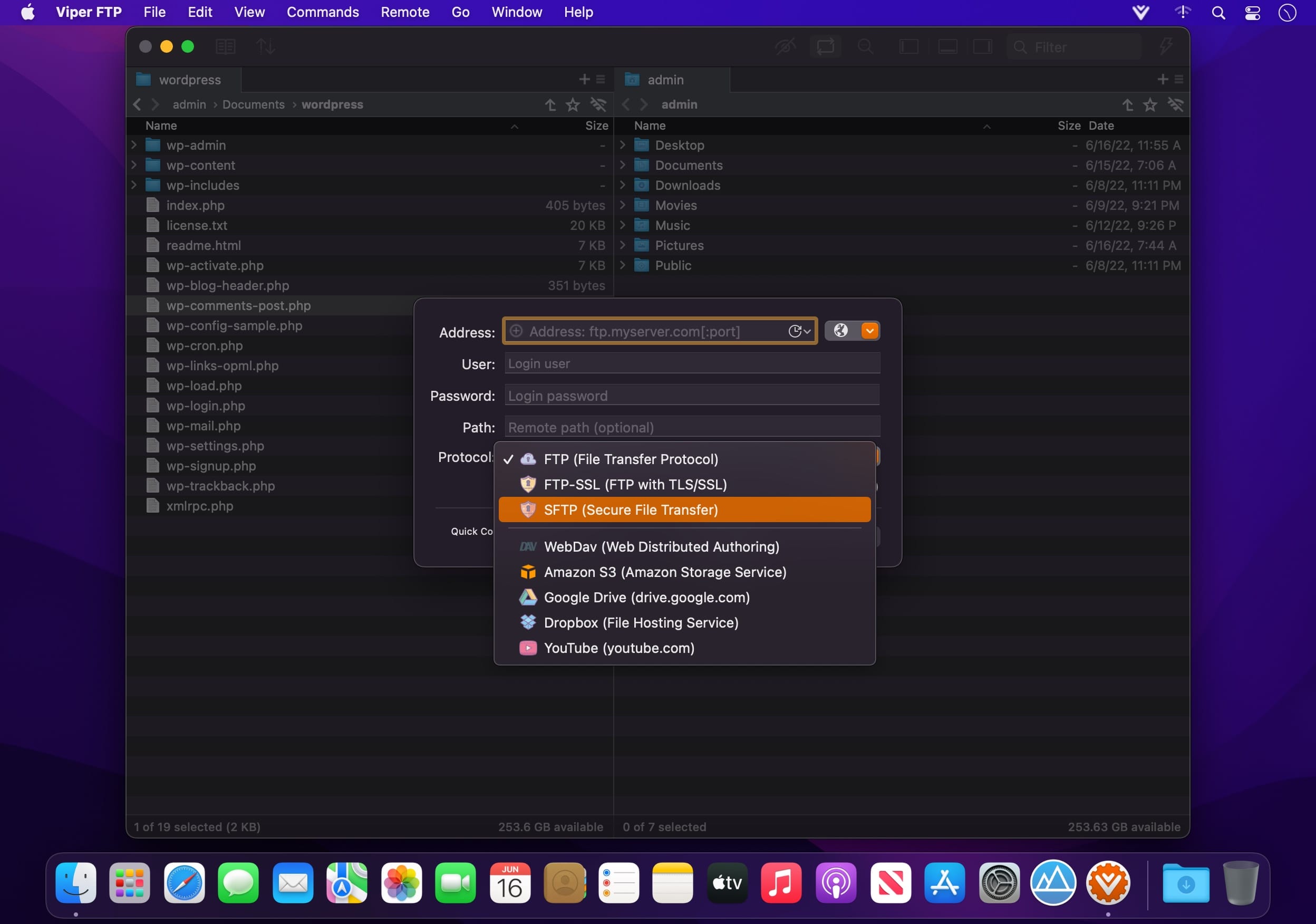
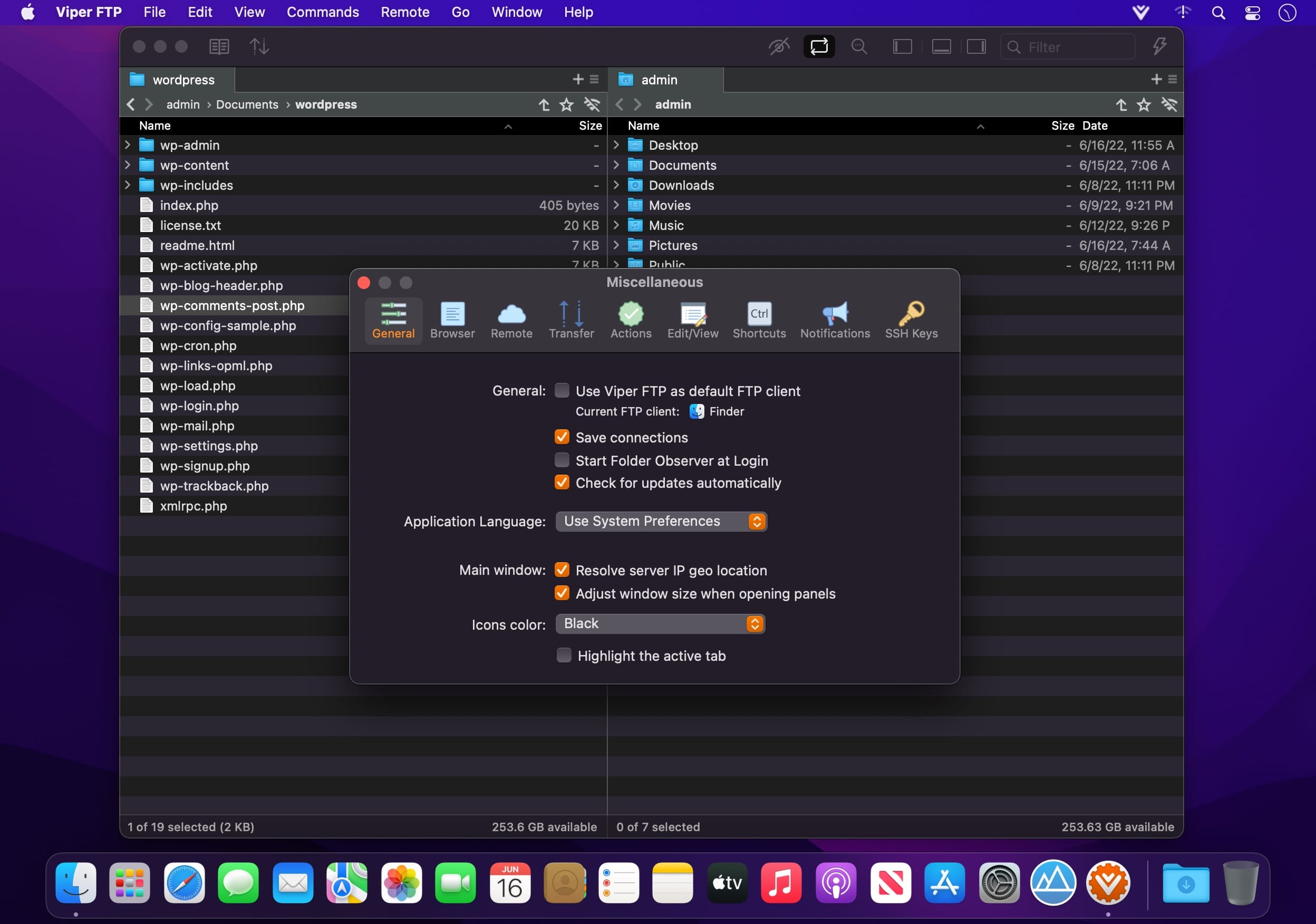
Viper FTP is a handy and powerful file manager for macOS, with a tremendous user interface that makes it effortless to use. Quickly access your remote servers to manage and transfer your files. The new user interface was redesigned to be cool, clean and functional. Viper FTP handles WebDav servers, Amazon S3 servers, LAN Bonjour servers, and even the uploading of videos directly to YouTube. It will create the HTTP URL of files you select, allowing you to easily share them via URL or email. It stores and shows your history and trace log, stores the credentials of multiple FTP accounts, and allows you to have multiple simultaneous transfers happening across different servers. The Toolbar gives you instant access to your bookmarked servers. Viper FTP has in-built ZIP, RAR, GZ, and TAR support. It has fast file searching on both your local and remote machines. You can customise many elements of the interface via preferences. You can edit remote files to make quick changes.
Top features
- Local and remote file management (FTP, FTPS, SFTP, WebDav, Amazon S3, Google Drive, Dropbox, YouTube-upload)
- Folder Observer - connect local folder with a remote one. Automatically upload all items dropped to the observed folder.
- Synchronised Browsing
- FTP Aliases (droplets) - create FTP alias and upload files and folders onto the connected server without launching Viper FTP.
- Batch uploads - upload files and folders to multiple servers with one click.
- Local file encrypting and decrypting using AES-256 standard.
- Last connections, Bookmarks, Bonjour, Favourites can be managed in one place.
- Monitors everything you have done and keeps a record in the History Log.
- Each transfer you start has it's own trace log to watch how the transfer is going on.
- Converting remote file/folder into HTTP/HTTPS address with an instant email option.
- Find everything fast. Just type the name to locate the files, or use a filter to display specific types of files.
- Viper FTP allows you to quickly preview your image, video, audio and other files.
- Scan for any working FTP servers in your LAN with Bonjour.
- Using the toolbar for keeping your favourite servers gives an instant access to the remote locations.
- All files (hidden, system) are visible. To locate a file just start typing its name.
- Files/folders compare.
- Local zip, tar, tgz, gz archive management.
Version 7.2:
- Compatibility with the latest macOS
- Bug fix
Frequently asked questions
How do I install the app?
Mount the image, drag the app into the "Applications" folder and launch it. If the system blocks the launch, allow it in "System Settings → Privacy & Security".
The app is damaged or won't launch
Reinstalling from a fresh image usually helps. Make sure your macOS version matches the one listed in the compatibility specs.
How do I update?
Download the new version from the site and install it over the current one — your settings will be preserved.
The download link doesn't work
Try a mirror or a download manager. For large files the browser often drops the connection.
How do I completely remove the app?
Use an uninstaller utility — it cleans up the service files that remain after moving the app to the trash.



Choose a download source
Viper FTP 7.2.1 · 21.9 MB
Previous versions
Viper FTP 7.2.1
Previous versions are available to registered users.
Comments 1