Kaleidoscope 2.4.5
Kaleidoscope spots differences in text and image files.
Features
General
- Single window workflow: One tab per comparison
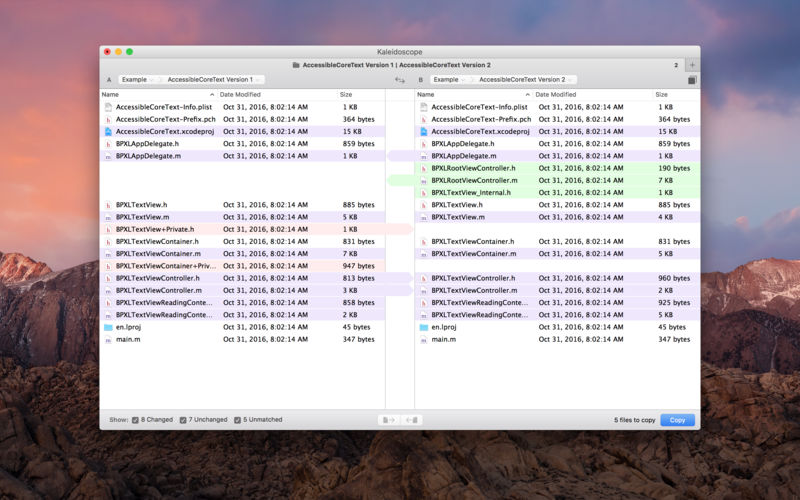
- Compare two+ files: Add any number of files per tab
- Always up to date: Auto-refreshes when files change
- File Shelf: Quickly go from file to file
- Path Bar: See where your files are
- Keyboard shortcuts: Every action has a shortcut
Text Scope
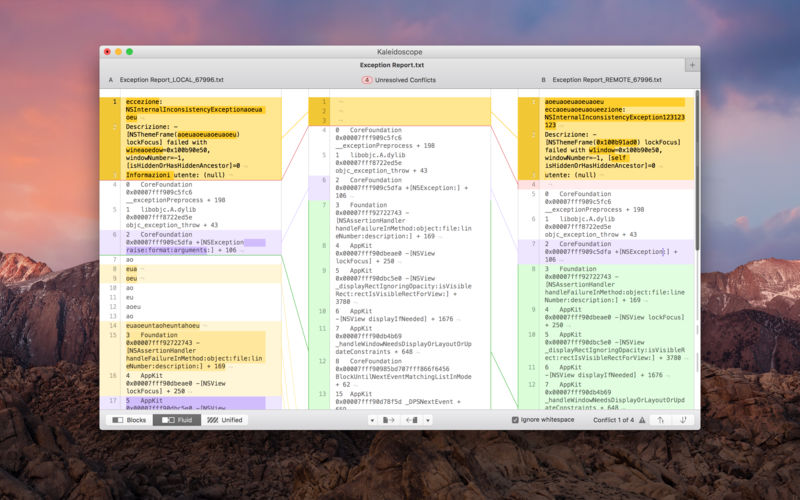
- Supports any text file: Plain text, source code, HTML, etc.
- Clear comparisons
- Three layouts: Blocks, Fluid, and Unified
- Compare documents: Imports text from .doc and .rtf files
- Instant search
- Change Stepper: Quickly jump from change to change
- Highlights: Added, deleted and changed text
Image Scope
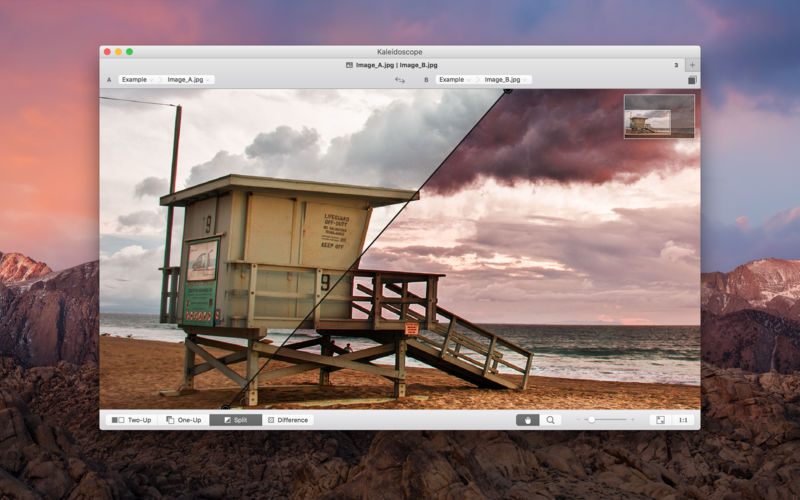
- All popular image file formats: JPEG, TIFF, PNG, PSD and more.
- Four connected layouts: Two-Up, One-Up, Split, and Difference
- Comprehensive image support: RGB/CMYK/LAB, alpha, any size.
- Multi-touch support: Smooth scrolling and pinch to zoom
- Customizable environment: Change background color, difference mask and checkerboard settings
- Two difference mask modes: Spot absolute or relative changes
Integration
- Git, Mercurial, SVN, and Bazaar: Integrate with a couple of clicks
- Versions
- TextMate SVN
- Cornerstone
- ksdiff Command-line tool: Integrate with practically anything
Version 2.4.2:
- Filter settings in the Folder Scope are now persistent
- Choosing "Open in Terminal" would silently fail
- Fix an issue where certain menu items would be disabled
- ksdiff would sporadically not work
- Fix a rare and rather obscure crash
Frequently asked questions
How do I install the app?
Mount the image, drag the app into the "Applications" folder and launch it. If the system blocks the launch, allow it in "System Settings → Privacy & Security".
The app is damaged or won't launch
Reinstalling from a fresh image usually helps. Make sure your macOS version matches the one listed in the compatibility specs.
How do I update?
Download the new version from the site and install it over the current one — your settings will be preserved.
The download link doesn't work
Try a mirror or a download manager. For large files the browser often drops the connection.
How do I completely remove the app?
Use an uninstaller utility — it cleans up the service files that remain after moving the app to the trash.





Choose a download source
Kaleidoscope 2.4.5 · 27.23 MB
Previous versions
Kaleidoscope 2.4.5
Previous versions are available to registered users.