
Autodesk SketchBook Pro 2021 v8.8.0
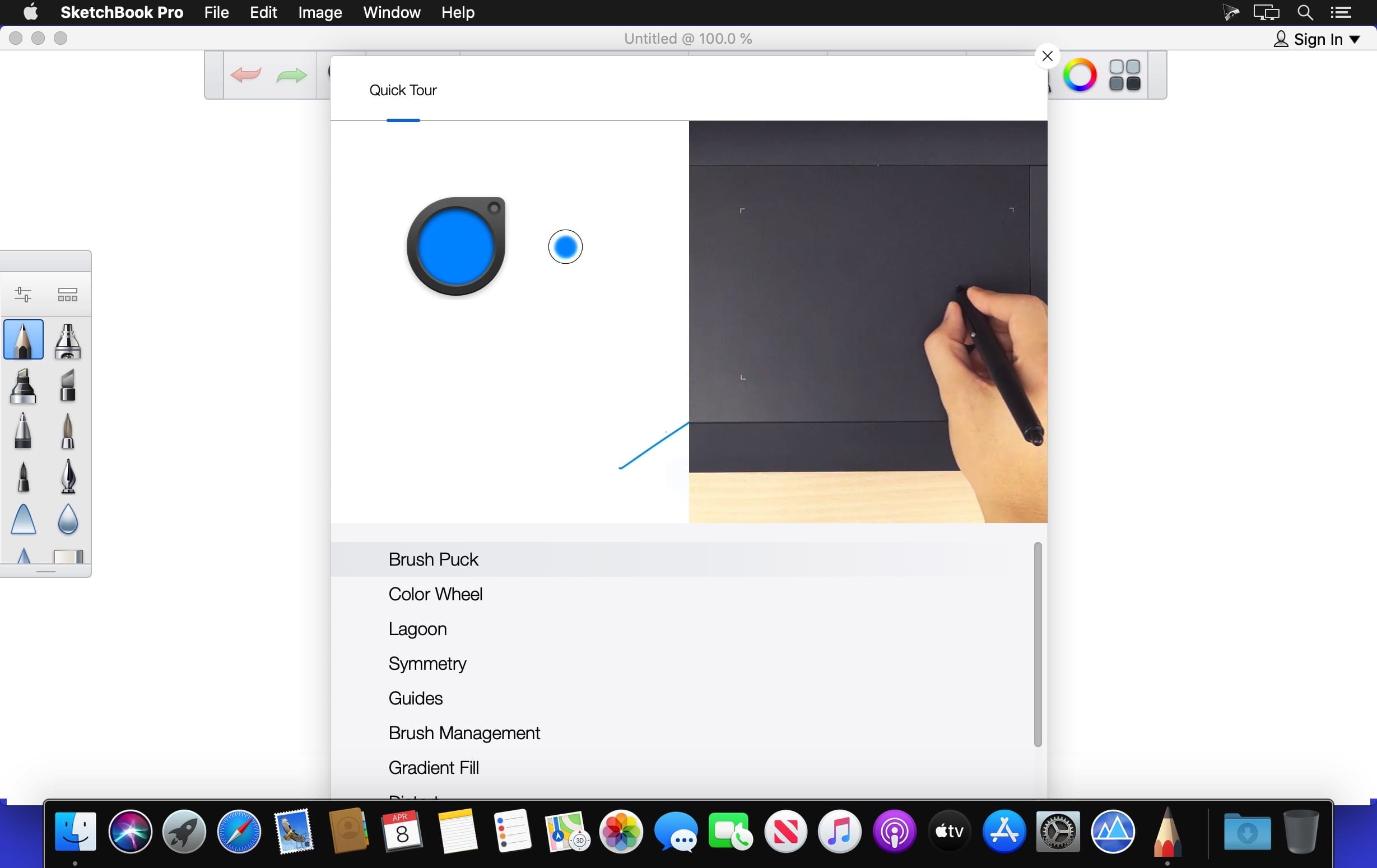
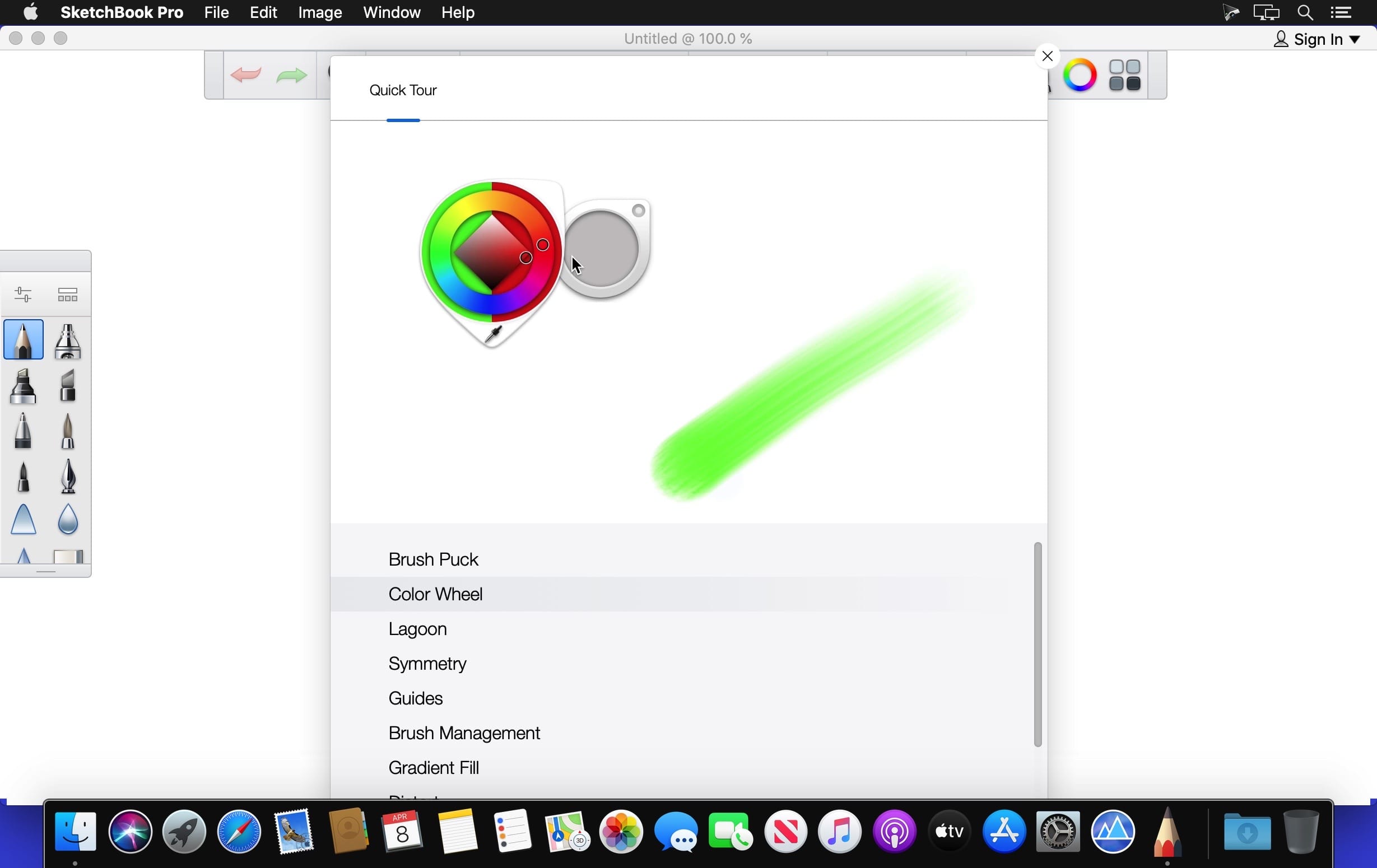
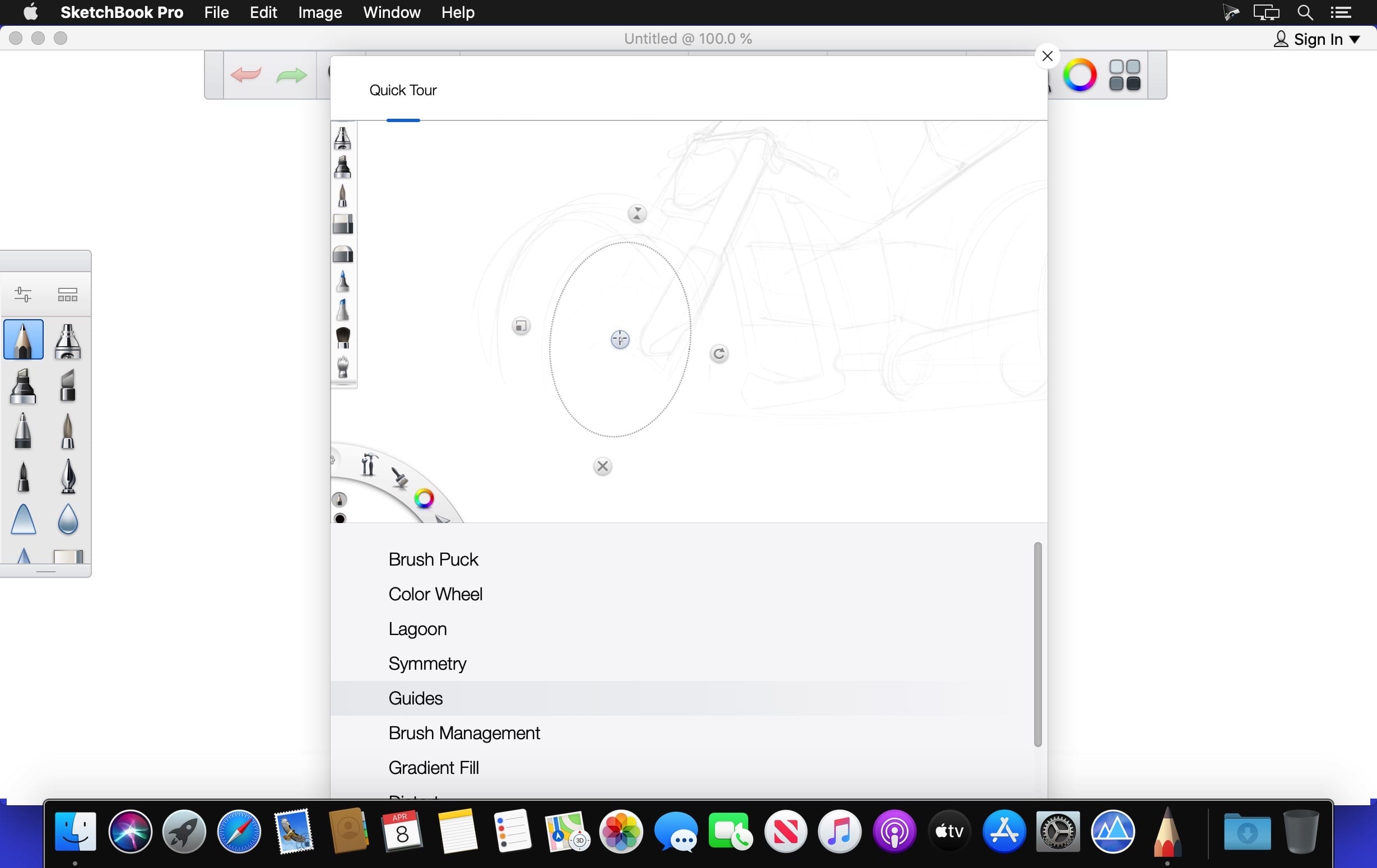
Autodesk SketchBook Pro 8 is a powerful and easy to use drawing, painting, and sketching application for digital artists, illustrators, designers and everyone who loves to draw. Transform your Windows or Mac based computer into a digital sketchbook using powerful illustration tools and an intuitive user interface.
Draw in Autodesk SketchBook Pro and discover an authentic, natural drawing experience that is as close to pencil, pen, marker, or brush on paper as a digital art tool can be.
Steady Stroke brings greater predictability and control to strokes, helping with precision and confidence. Ruler, Ellipse, and French Curve tools for designers who enjoy working with traditional toolsets. Lay down perfect perspective in seconds with 1 point, 2 point, 3 point, and fisheye perspective guides. Freely adjust vanishing points and horizon lines on, or beyond, the canvas.
Features:
- Flipbook animation toolset. Create simple animations with intuitive workflows.
- Perspective tool. Create perfect perspective lines.
- Familiar tools and brush types. Choose from more than 100 illustration tools.
- Pen tablet support. Use a variety of pen tablets and devices.
- Custom brushes. Customize your illustration tools.
- Streamlined and customizable interface. Spend less time hunting for tools and commands.
- Custom colors and more. Create and save your own colors.
- Annotate and iterate with layers. Import images easily with layers.
Version 8.8.0:
- Release notes were unavailable when this listing was updated.
Frequently asked questions
How do I install the app?
Mount the image, drag the app into the "Applications" folder and launch it. If the system blocks the launch, allow it in "System Settings → Privacy & Security".
The app is damaged or won't launch
Reinstalling from a fresh image usually helps. Make sure your macOS version matches the one listed in the compatibility specs.
How do I update?
Download the new version from the site and install it over the current one — your settings will be preserved.
The download link doesn't work
Try a mirror or a download manager. For large files the browser often drops the connection.
How do I completely remove the app?
Use an uninstaller utility — it cleans up the service files that remain after moving the app to the trash.
VersionAutodesk SketchBook Pro 2021 v8.8.0
DeveloperAutodesk Inc.
CompatibilitymacOS 10.12 or later, 64-bit processor
LanguageMultilingual
IncludesK
Related posts
-
 Autodesk SketchBook for Enterprise 8.3.1
Graphic Design232.87 MB
Autodesk SketchBook for Enterprise 8.3.1
Graphic Design232.87 MB
-
 Autodesk SketchBook Pro for Enterprise v2020
Graphic Design279.61 MB
Autodesk SketchBook Pro for Enterprise v2020
Graphic Design279.61 MB
-
 Autodesk Mudbox 2019.1
Graphic Design1.46 GB
Autodesk Mudbox 2019.1
Graphic Design1.46 GB
-
 Corel Painter 2020 (incl. Corel Premium Brush Packs) v20.0.0.256
Graphic Design968.14 MB
Corel Painter 2020 (incl. Corel Premium Brush Packs) v20.0.0.256
Graphic Design968.14 MB
-
 Autodesk Mudbox 2020
Graphic Design1.51 GB
Autodesk Mudbox 2020
Graphic Design1.51 GB
Information
Visitors in the group Guests cannot leave comments on this publication.
Choose a download source
Autodesk SketchBook Pro 2021 v8.8.0 · 351.44 MB