
Autodesk SketchBook for Enterprise 8.3.1

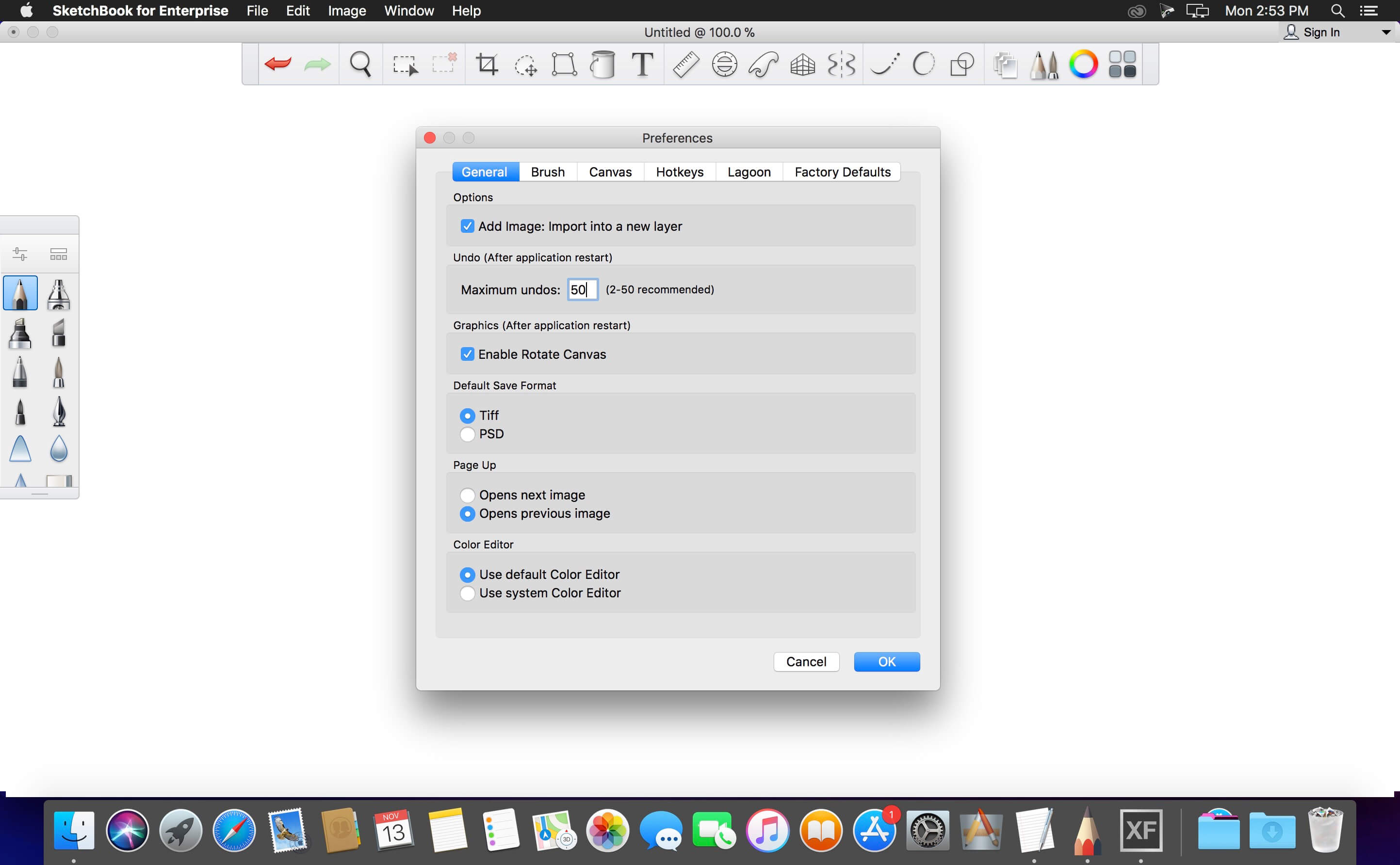
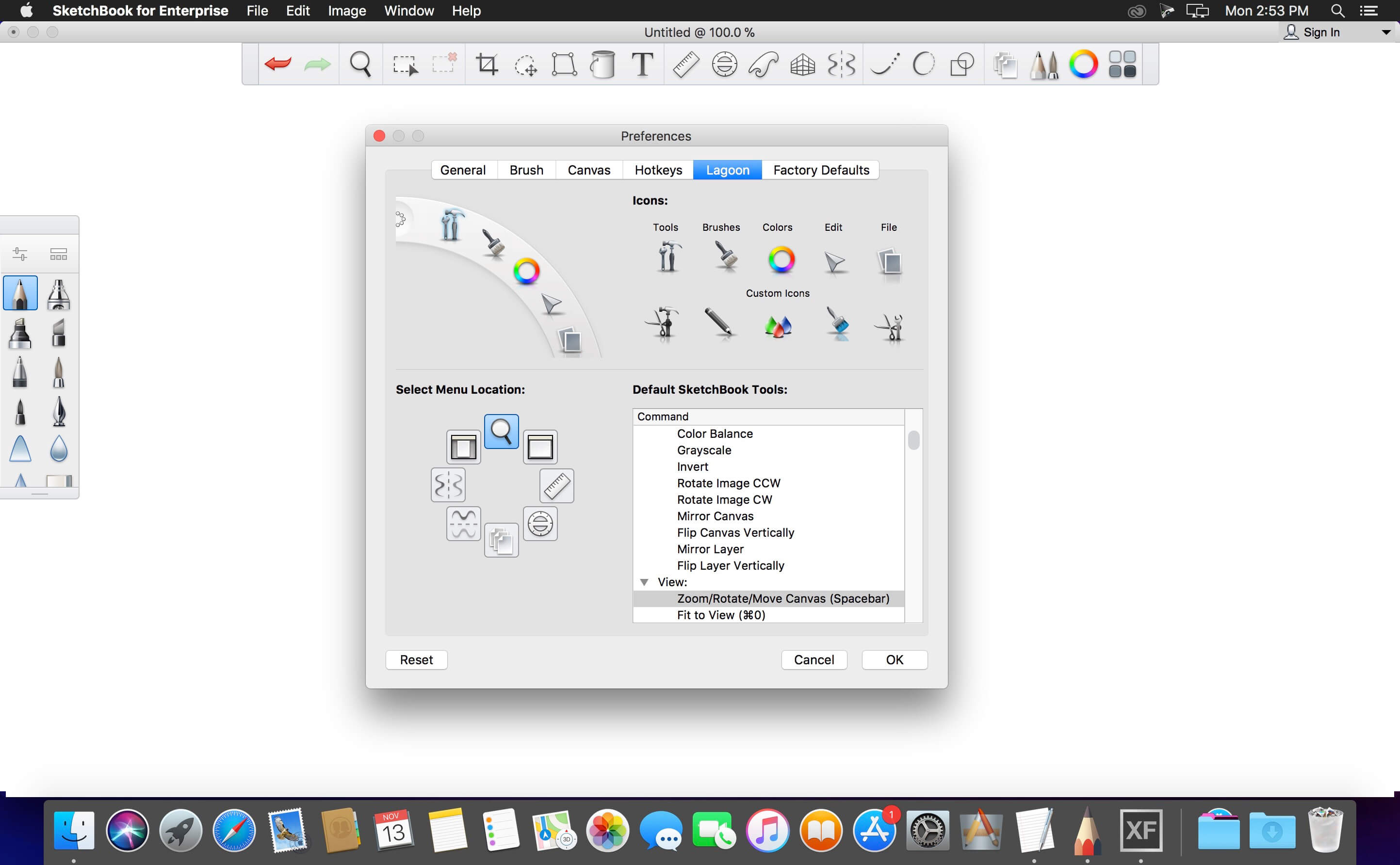
Autodesk SketchBook is made for everyone who loves to draw and is an essential tool for digital artists of all skill levels. An easy-to-use and customizable interface makes tools easily accessible, so artists always have convenient access to the power and flexibility of a digital tool while maintaining a natural drawing experience. SketchBook is now free to download and use. Install the app to discover the power of SketchBook and start unlocking your creativity today.
JUST ADDED:
There has been a complete overhaul of the brushes, starting with a whole new redesign of the Brush Library, which includes:
- New Natural Blend and Colorless brushes
- Newly designed Color Editor
- Support for saving and exporting the SketchBook .skbrushes brush format
- Updated the textures for two of the Pastel brushes
Pro members get exclusive access to all features across desktop and mobile versions of SketchBook, including:
- A comprehensive brush library with over 100 preset pencil, pens, markers, and brushes
- Customizable brushes for complete control over your artistic toolset
- SketchBook Motion - named iPad App of the Year for 2016 - is fully unlocked as a free app for SketchBook subscribers. Available as a separate download from iTunes.
- Full layer controls, including layer grouping, multiple layer transform, and layer blending modes
- Perspective Guides with 1 point, 2 point, 3 point, and fisheye modes
- FlipBook with an animation timeline to bring your creations to life
- Selection and distort transform tools to freely and easily manipulate your image
- Dynamic flood fills with solid, linear, and radial gradients for complete control
- Dynamic X and Y axis symmetry tools with movable symmetry lines
- Steady Stroke for smooth line art
- The exclusive digital edition of the full Copic® Color Library
Frequently asked questions
How do I install the app?
Mount the image, drag the app into the "Applications" folder and launch it. If the system blocks the launch, allow it in "System Settings → Privacy & Security".
The app is damaged or won't launch
Reinstalling from a fresh image usually helps. Make sure your macOS version matches the one listed in the compatibility specs.
How do I update?
Download the new version from the site and install it over the current one — your settings will be preserved.
The download link doesn't work
Try a mirror or a download manager. For large files the browser often drops the connection.
How do I completely remove the app?
Use an uninstaller utility — it cleans up the service files that remain after moving the app to the trash.
VersionAutodesk SketchBook for Enterprise 8.3.1
Developer© Autodesk Inc.
LanguageMultilangual
IncludesK





Information
Visitors in the group Guests cannot leave comments on this publication.
Choose a download source
Autodesk SketchBook for Enterprise 8.3.1 · 232.87 MB