
Corel Painter 2020 (incl. Corel Premium Brush Packs) v20.0.0.256
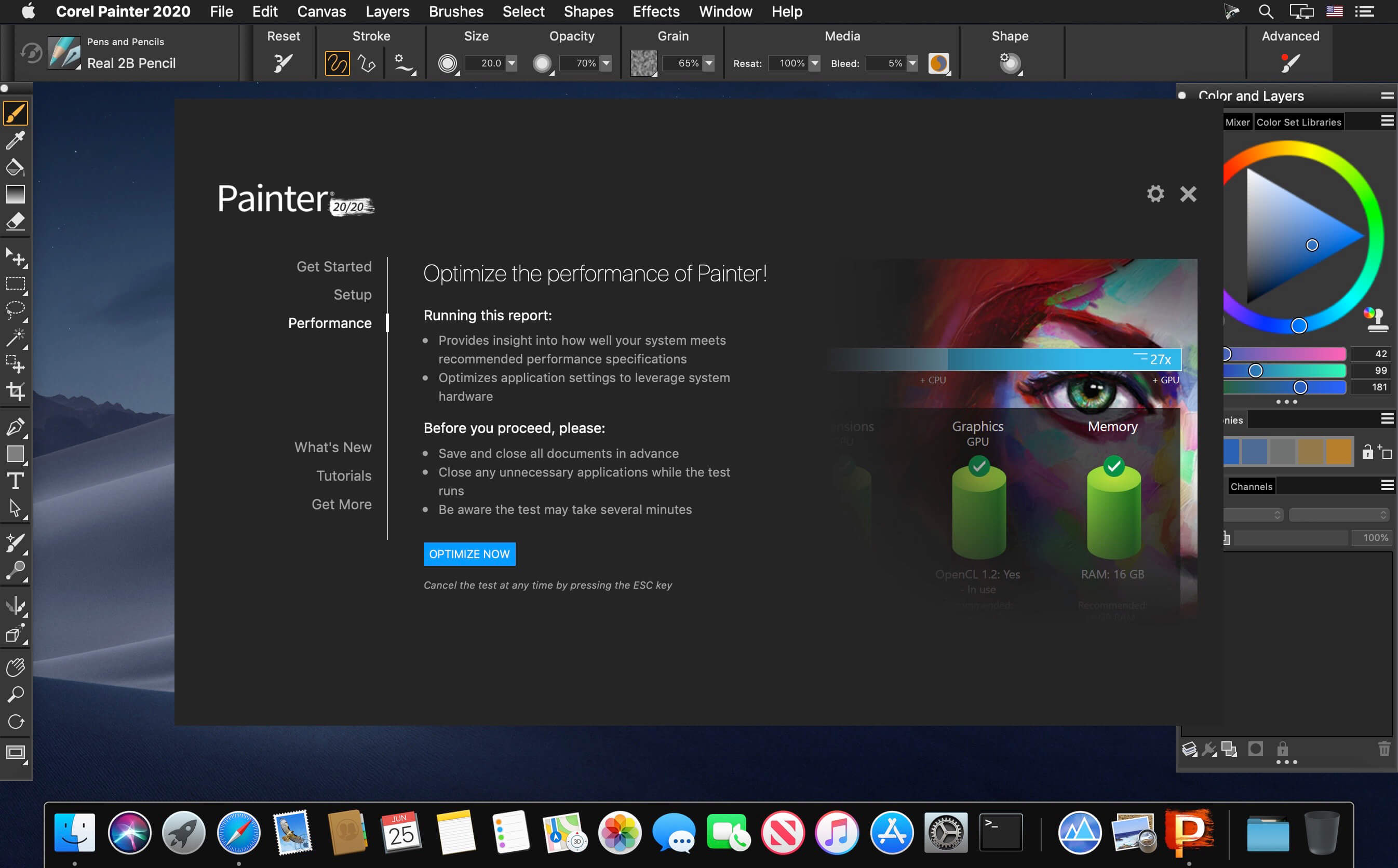
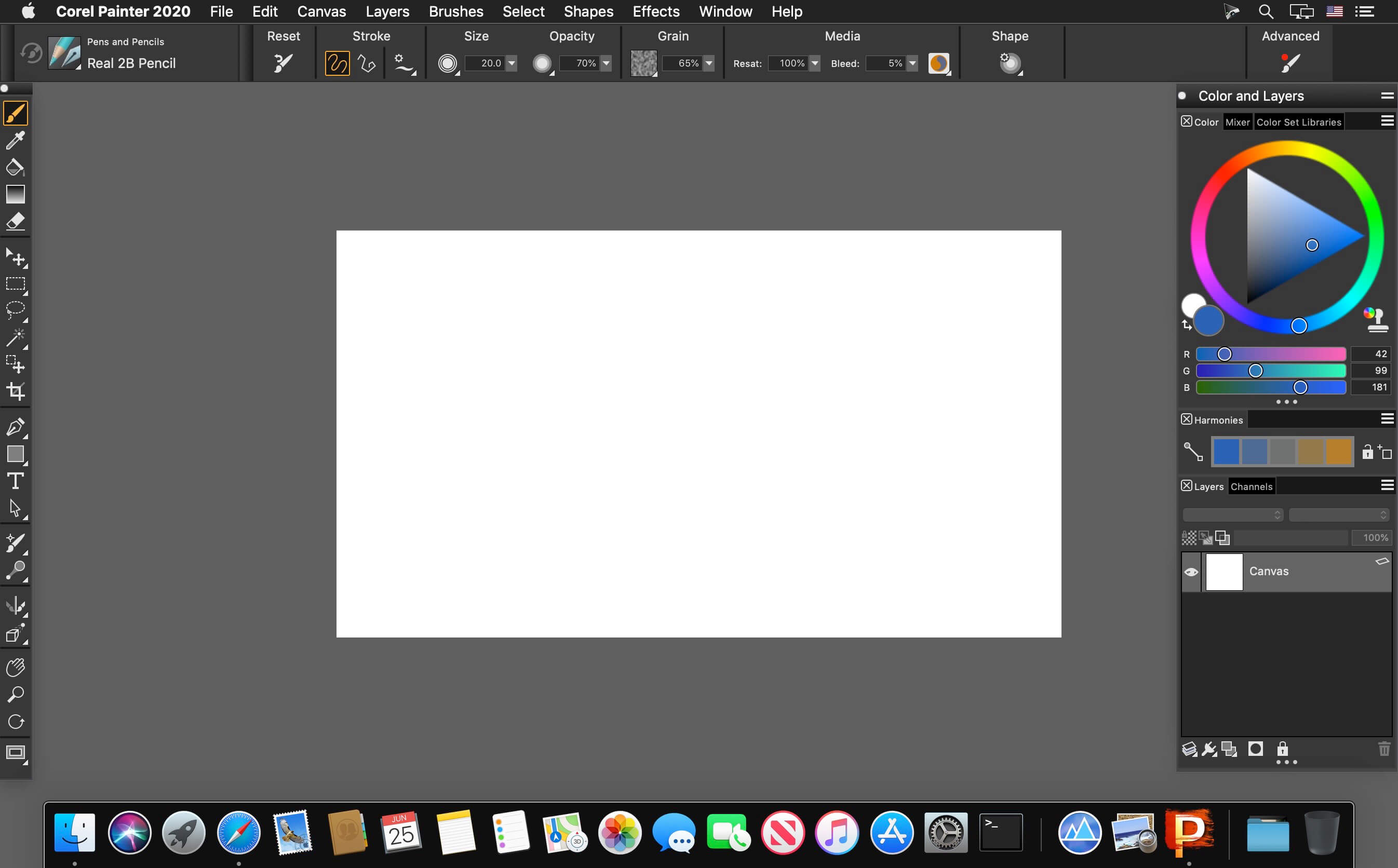
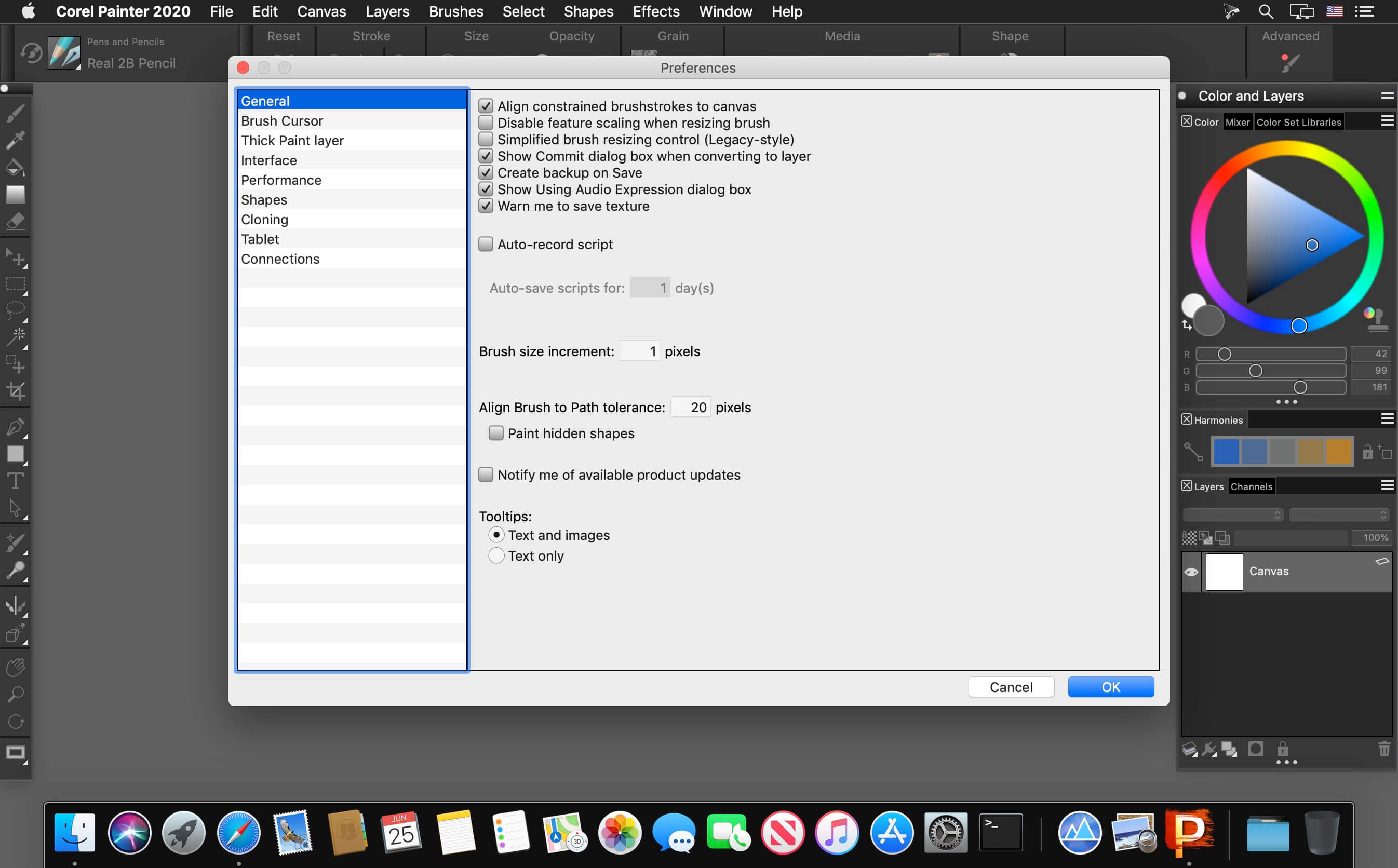
Corel Painter lets you advance your digital art style with painted textures, subtle glazing brushwork, interactive gradients, and realistic Natural-Media. Easily transition from traditional to digital art with thick oils, dripping watercolors and many other texture-filled strokes. Explore workflow layouts like illustration, fine art, concept, manga and photo art with specialized tools for each style.
Features
- The Most Natural Transition From Traditional to Digital Art - Immerse yourself in painting software that offers the largest selection of Natural-Media® brushes and canvas textures on the market. Craft your art with stunning reality using an array of authentic dry and wet media. When combined with a pressure sensitive drawing solution, you will forget you are painting on a computer.
- 21ST Century Media You Won’t Find Anywhere Else - Create out-of-this-world art with Image Hoses that spray the object of your imagination. Liquid Ink that piles up and can be carved into. Particles that spring, flow and glow, and hyper-digital Pattern Pens that defy traditional art boundaries yet were brought to life by real artists.
- Incomparable Composition Tools - Paint in perfect symmetry with Mirror and Kaleidoscope tools. Set a flawless scene with 1, 2 and 3-point Perspective Guides and craft the perfect composition using the Divine Proportion and Layout Grid tools built right into this stunning digital art software.
- Your Workflow, Your Way - From custom brushes to custom palettes, Painter lets you import content from others, create your own, or select from built-in artist layouts to suit your workflow needs. Painter provides a personal experience that plays well with Photoshop and runs on Mac and Windows so that you can perfect your artwork in the way you’re used to working.
Version 20.0.0.256:
New
New
- Brush Accelerator™
- Interface advancements
- Improved Brush Selector
- Color Harmonies
- GPU enhanced brushing
Frequently asked questions
How do I install the app?
Mount the image, drag the app into the "Applications" folder and launch it. If the system blocks the launch, allow it in "System Settings → Privacy & Security".
The app is damaged or won't launch
Reinstalling from a fresh image usually helps. Make sure your macOS version matches the one listed in the compatibility specs.
How do I update?
Download the new version from the site and install it over the current one — your settings will be preserved.
The download link doesn't work
Try a mirror or a download manager. For large files the browser often drops the connection.
How do I completely remove the app?
Use an uninstaller utility — it cleans up the service files that remain after moving the app to the trash.
VersionCorel Painter 2020 (incl. Corel Premium Brush Packs) v20.0.0.256
DeveloperCorel Corporation
CompatibilitymacOS 10.13 or later 64-bit
LanguageEnglish
IncludesK'ed by TNT

Information
Visitors in the group Guests cannot leave comments on this publication.
Choose a download source
Corel Painter 2020 (incl. Corel Premium Brush Packs) v20.0.0.256 · 968.14 MB