
Autodesk SketchBook Pro for Enterprise v2020
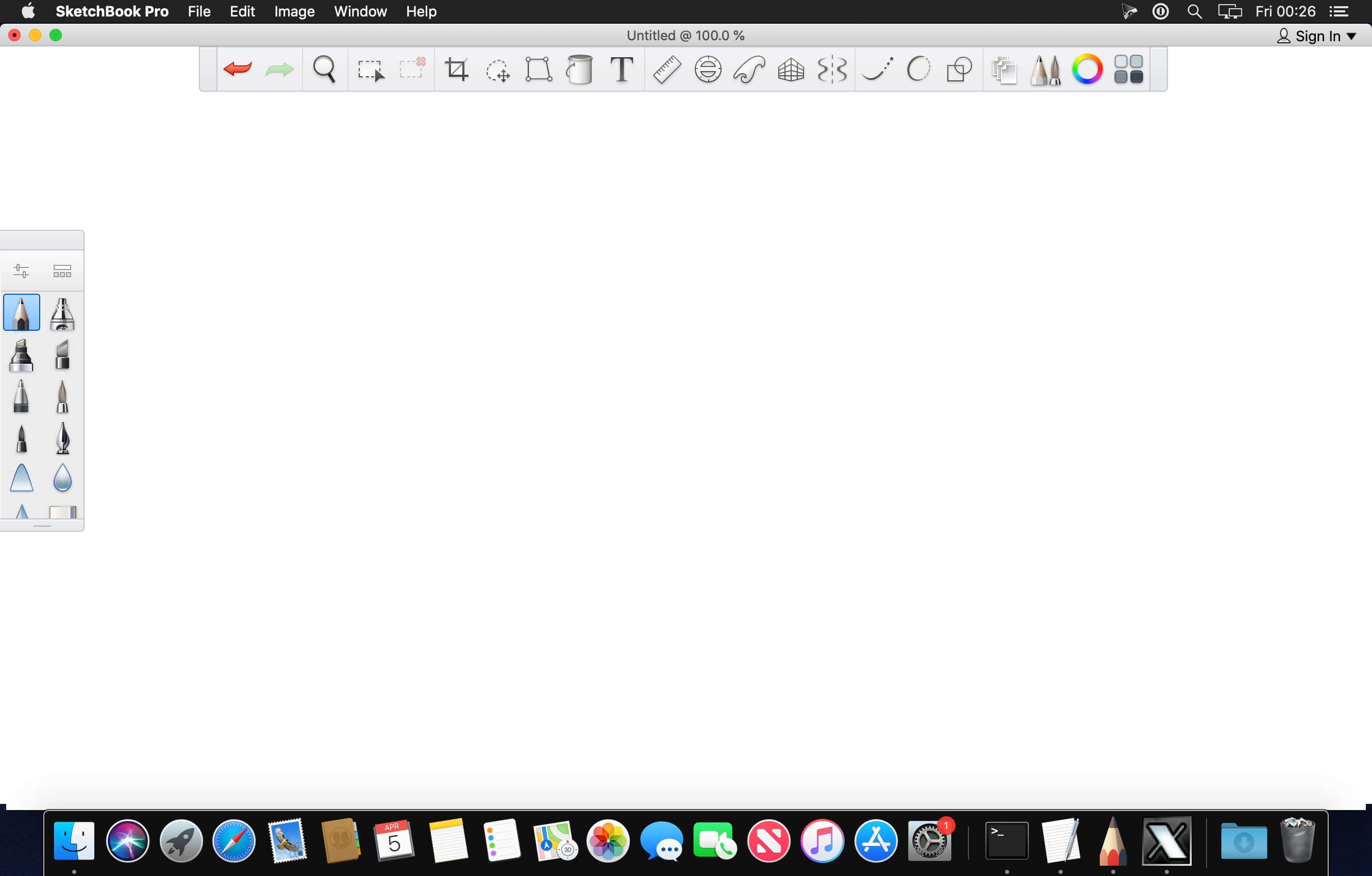
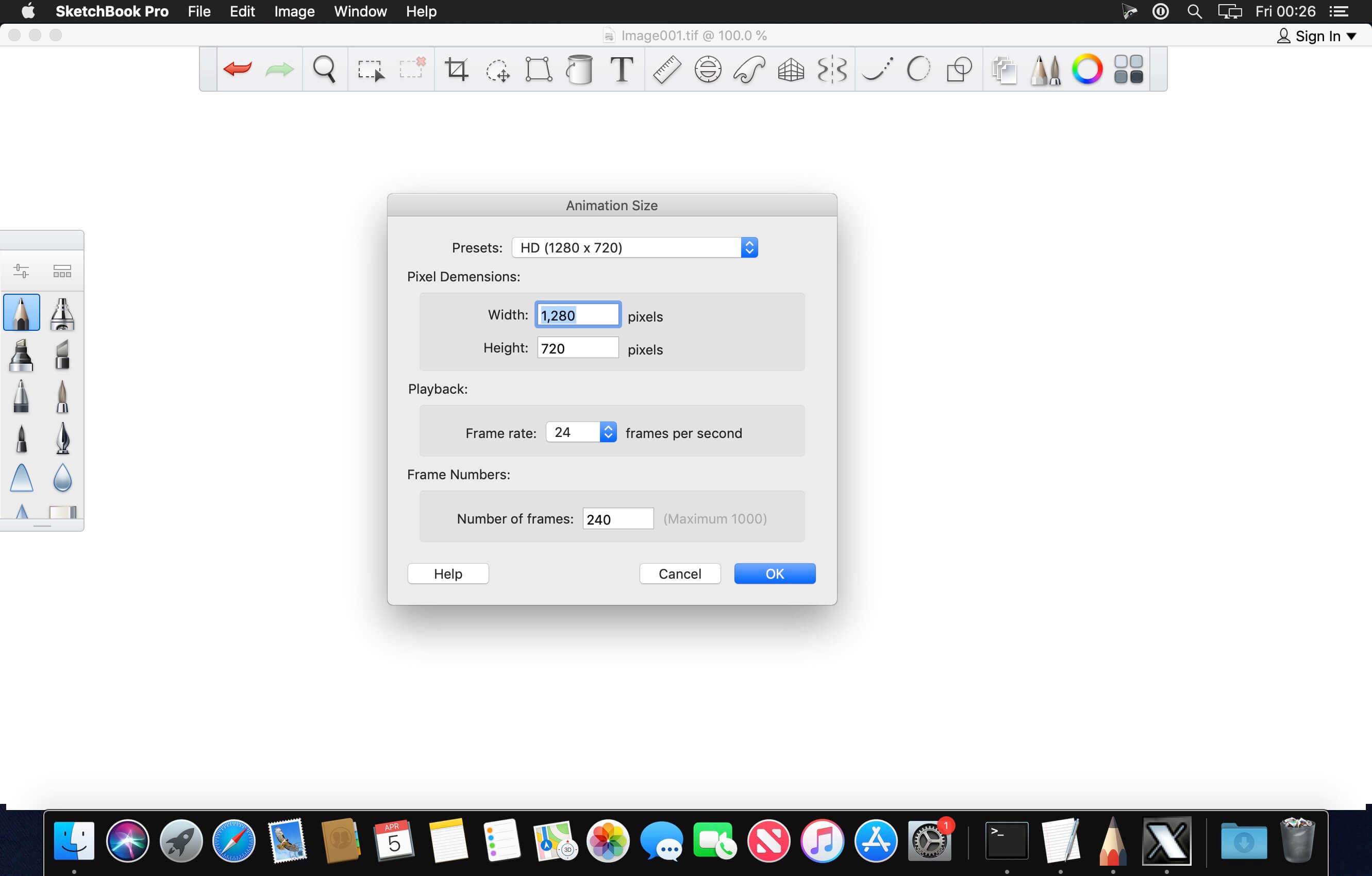
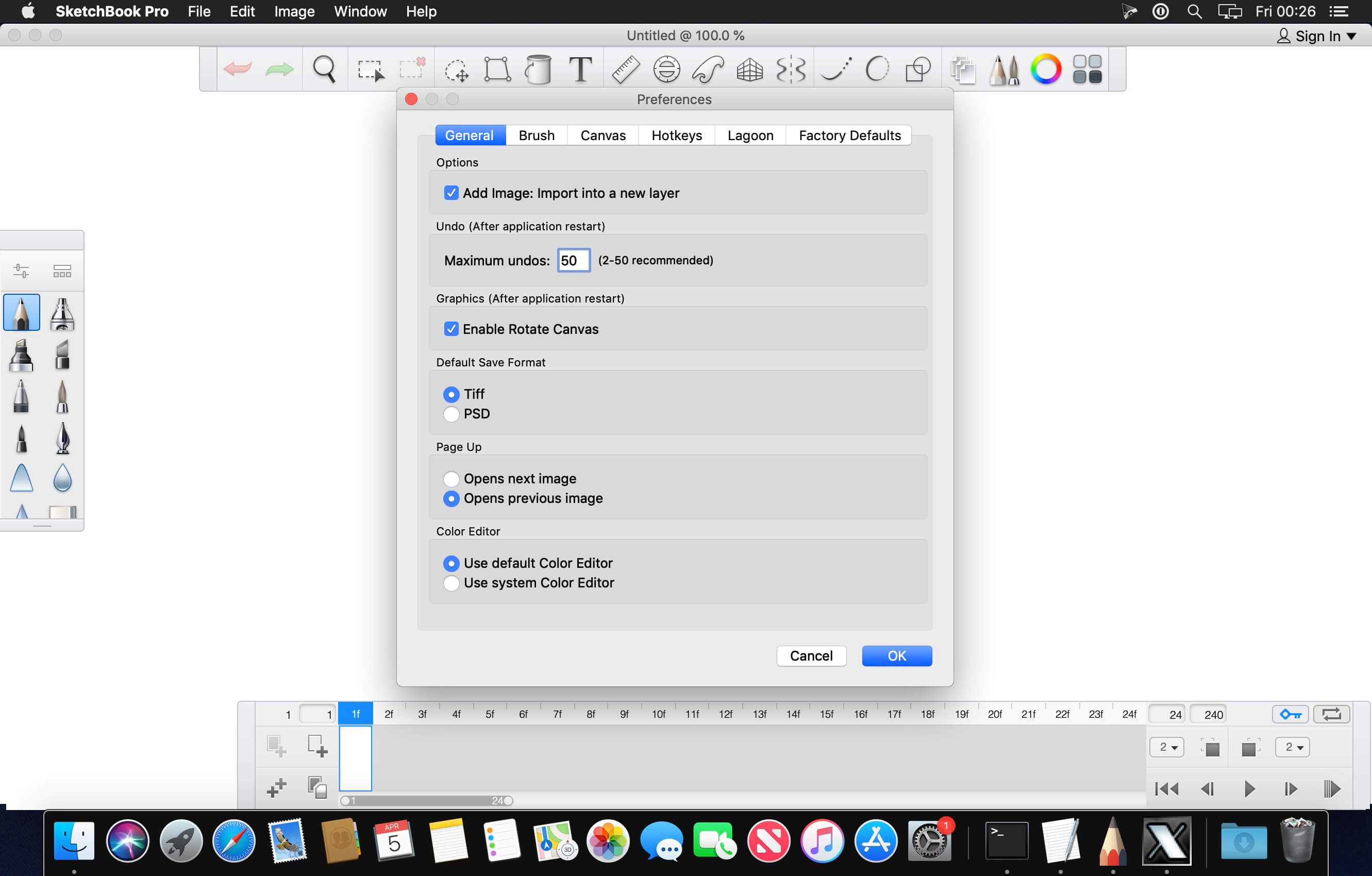
Use the digital drawing and painting app to render ideas and create illustrations.
Maximize the drawing space on any device for greater detail
The SketchBook® drawing engine can handle a 100 mpx canvas while maintaining the zoomed-in feeling of traditional drawing. Enjoy precision, speed, and a comfortable user interface.
Turn simple sketches into rich illustrations
Get familiar tools in a digital space, including pencils, inks, markers, and over 190 customizable brushes that can incorporate textures and shapes. Access the exclusive Copic Color Library beloved by illustrators.
Capture your artistic ideas whenever inspiration strikes
Use the camera on your mobile device to digitize on-paper designs. Scan Sketch imports your line art with a transparent background so that it is ready for inking and coloring.
Version 2020:
- Release notes were unavailable when this listing was updated.
Frequently asked questions
How do I install the app?
Mount the image, drag the app into the "Applications" folder and launch it. If the system blocks the launch, allow it in "System Settings → Privacy & Security".
The app is damaged or won't launch
Reinstalling from a fresh image usually helps. Make sure your macOS version matches the one listed in the compatibility specs.
How do I update?
Download the new version from the site and install it over the current one — your settings will be preserved.
The download link doesn't work
Try a mirror or a download manager. For large files the browser often drops the connection.
How do I completely remove the app?
Use an uninstaller utility — it cleans up the service files that remain after moving the app to the trash.
VersionAutodesk SketchBook Pro for Enterprise v2020
Developer© Autodesk Inc.
CompatibilitymacOS 10.12 or later, 64-bit processor
LanguageEnglish
IncludesK





Information
Visitors in the group Guests cannot leave comments on this publication.
Choose a download source
Autodesk SketchBook Pro for Enterprise v2020 · 279.61 MB