Autodesk Mudbox 2020
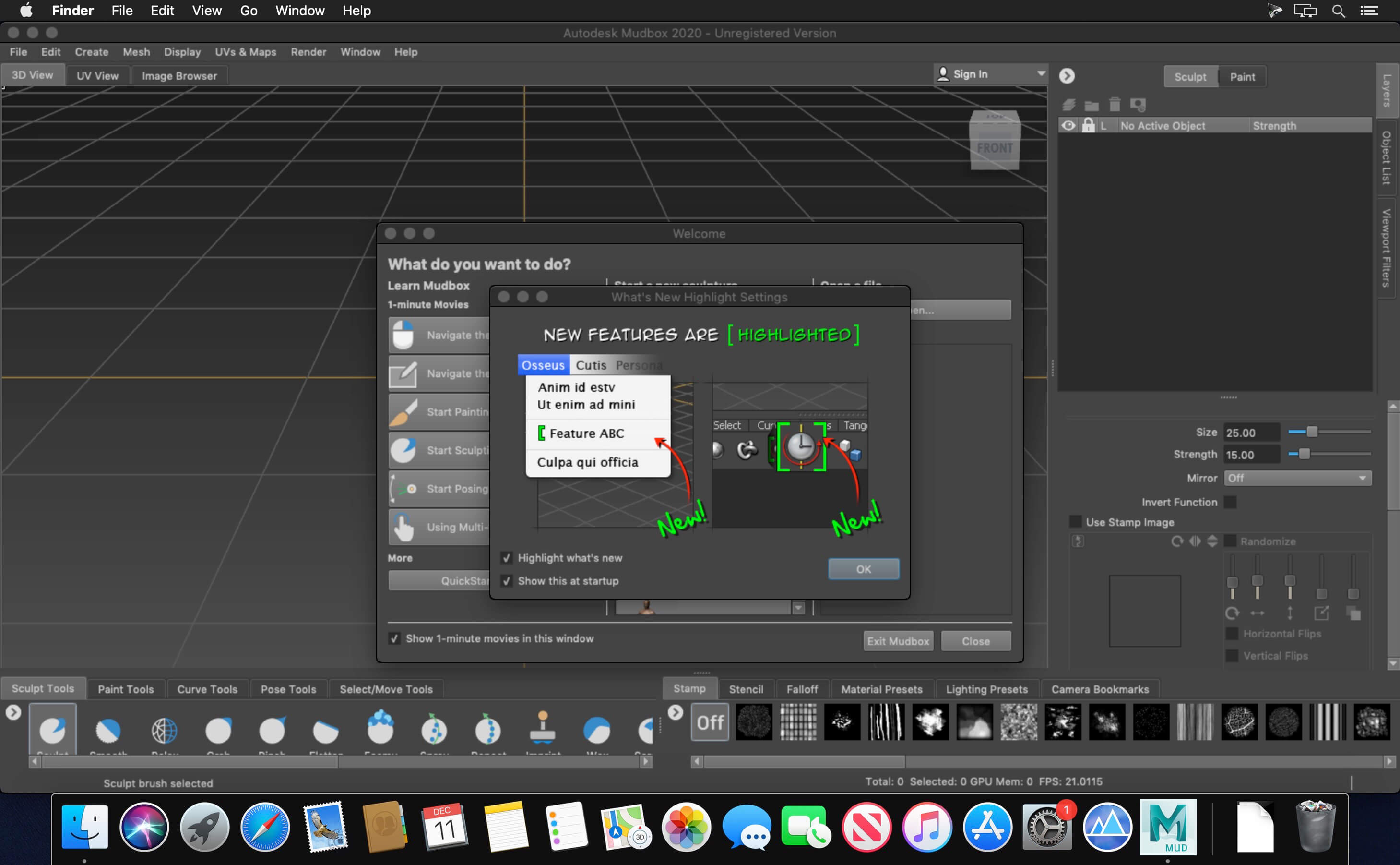
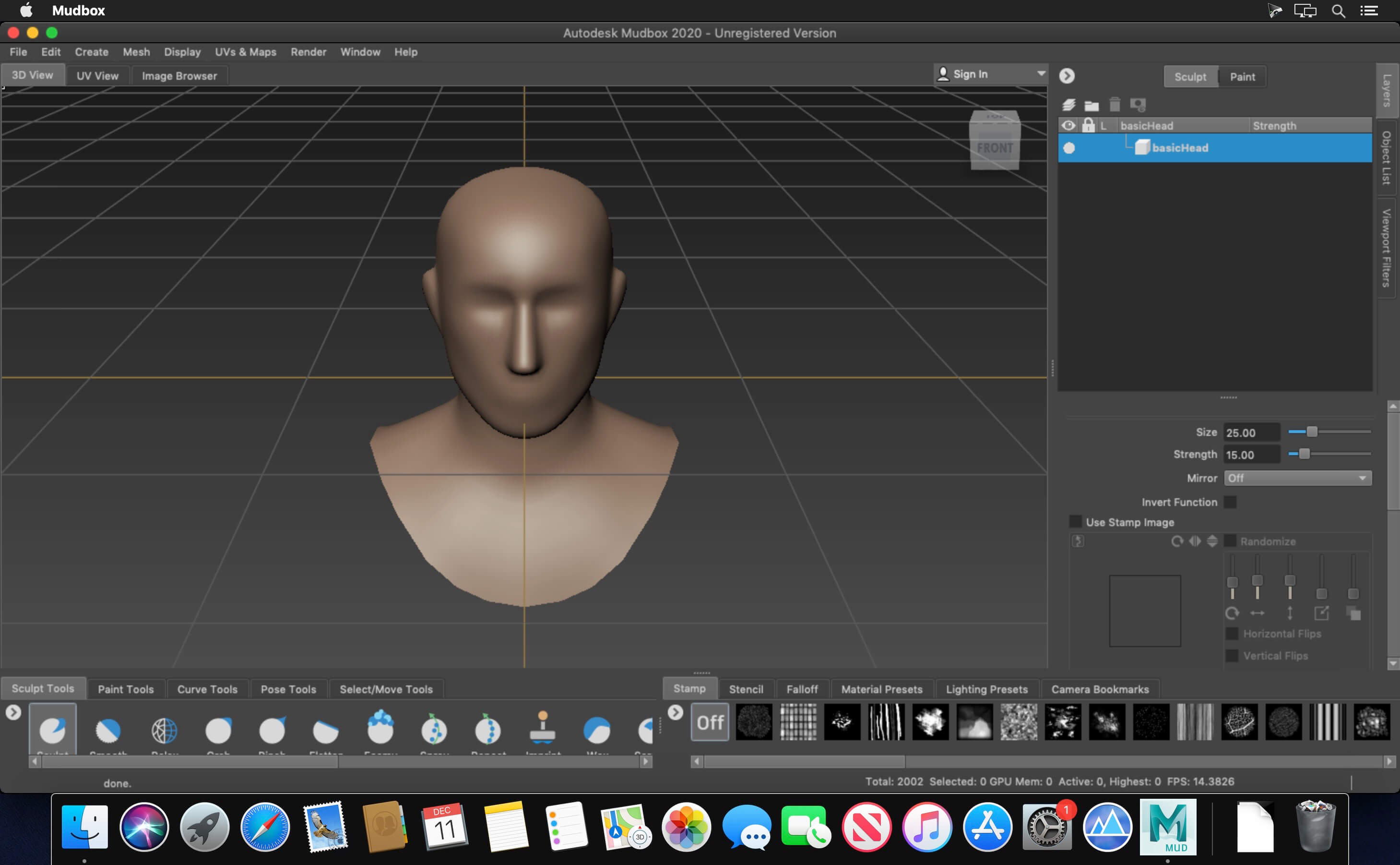
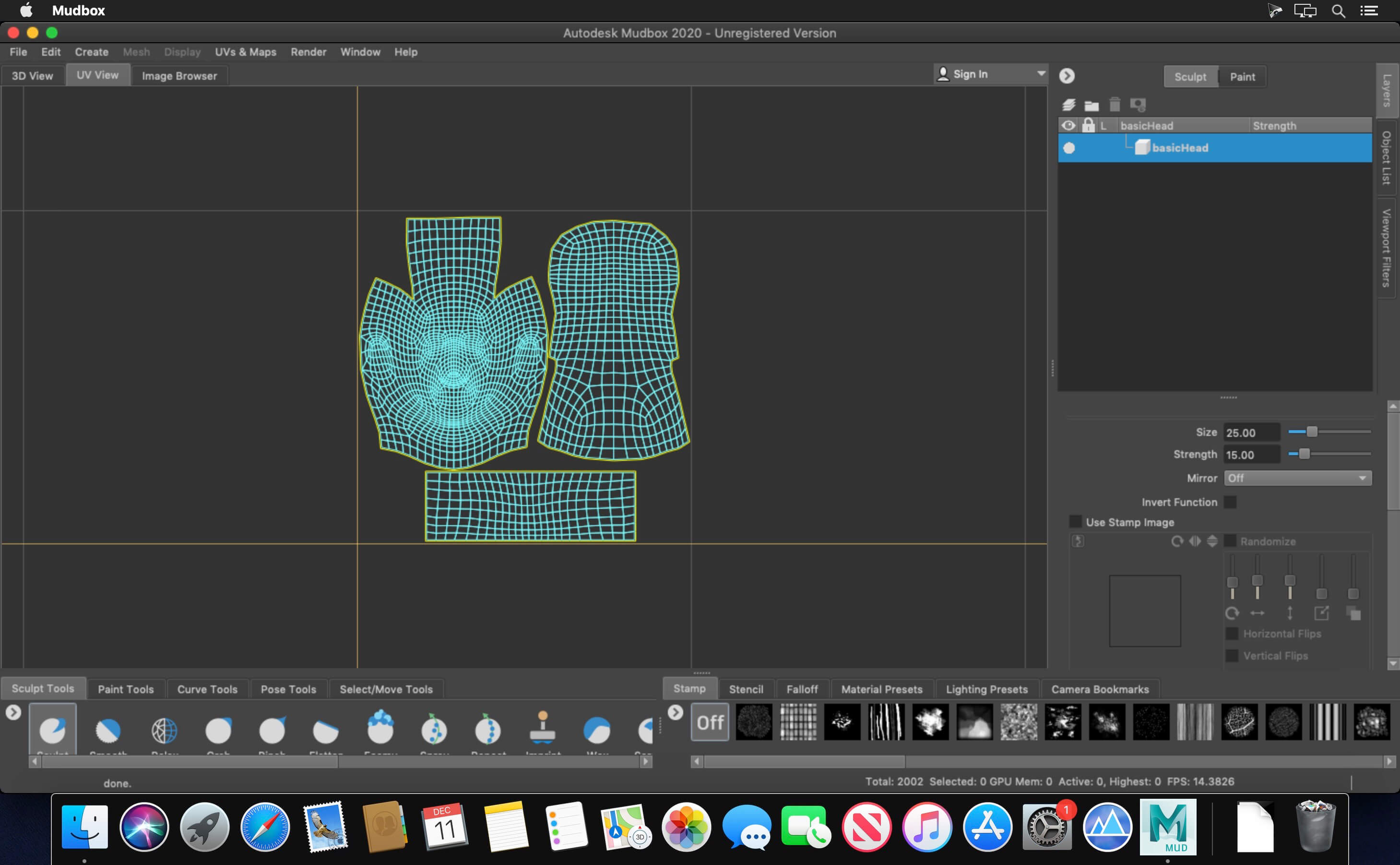
The Autodesk products team is pleased to announce the availability of Mudbox 2020. This release includes new interoperability between Mudbox and Flame.
Autodesk Mudbox digital painting and sculpting software provides 3D artists with an intuitive and tactile toolset for creating and modifying 3D geometry and textures. Use Mudbox software to create high-quality 3D geometry and textures for your next project. Take advantage of an intuitive work environment and professional tools for 3D sculpting and painting.
Better Brush-Based Workflows
Improve brush-based workflows when working with low resolution, low bit-depth polygons and textures.
Sculpting Falloff Options
For brushes, choose Volume or Surface Falloff options, in addition to the default Hybrid mode.
Relax Brush
Use Constrain to Surface in the new Relax Brush to even out spaces between vertices while only making minimal changes to the original shape of a mesh.
Twist for Grab Brush
The Twist feature in the Grab tool helps you twist all vertices within the sculpting brush falloff radius clockwise or counterclockwise. Use it to create swirled objects like soft serve ice cream, rotate ears and eyes on a character’s head, or twist a character’s mouth to create a smile or frown.
Professional Digital Sculpting Toolset
Get fast, smooth, accurate results.
Paint Directly onto 3D Models
True 3D painting across multiple channels, in multiple formats.
Texture Baking
Create accurate normal, displacement, and ambient occlusion maps.
Autodesk Mudbox 2020
Send to Flame
Send to Flame
- Mudbox can now exchange model information directly with Autodesk Flame. Use File > Send to Flame to create a data link between Mudbox and Flame. Once created, this link supports an iterative, round-tripping workflow: start with a scene in Flame, export a geometry to Mudbox for added sculpting detail, and then merge it back to the original scene.
- Edit/Mesh Operations
- Mac: Retopologize will crash Mudbox 2019 MDBX-7599
- Materials/Lights
- Mac: Selecting the preset Porcelain Material can cause Mudbox to crash MDBX-7629
Frequently asked questions
How do I install the app?
Mount the image, drag the app into the "Applications" folder and launch it. If the system blocks the launch, allow it in "System Settings → Privacy & Security".
The app is damaged or won't launch
Reinstalling from a fresh image usually helps. Make sure your macOS version matches the one listed in the compatibility specs.
How do I update?
Download the new version from the site and install it over the current one — your settings will be preserved.
The download link doesn't work
Try a mirror or a download manager. For large files the browser often drops the connection.
How do I completely remove the app?
Use an uninstaller utility — it cleans up the service files that remain after moving the app to the trash.
VersionAutodesk Mudbox 2020
DeveloperAutodesk Inc.
CompatibilitymacOS 10.12 or later, 64-bit processor
LanguageEnglish
IncludesK


Information
Visitors in the group Guests cannot leave comments on this publication.
Choose a download source
Autodesk Mudbox 2020 · 1.51 GB