
MarsEdit 5.4.6
Write your blog outside the browser, even without internet.

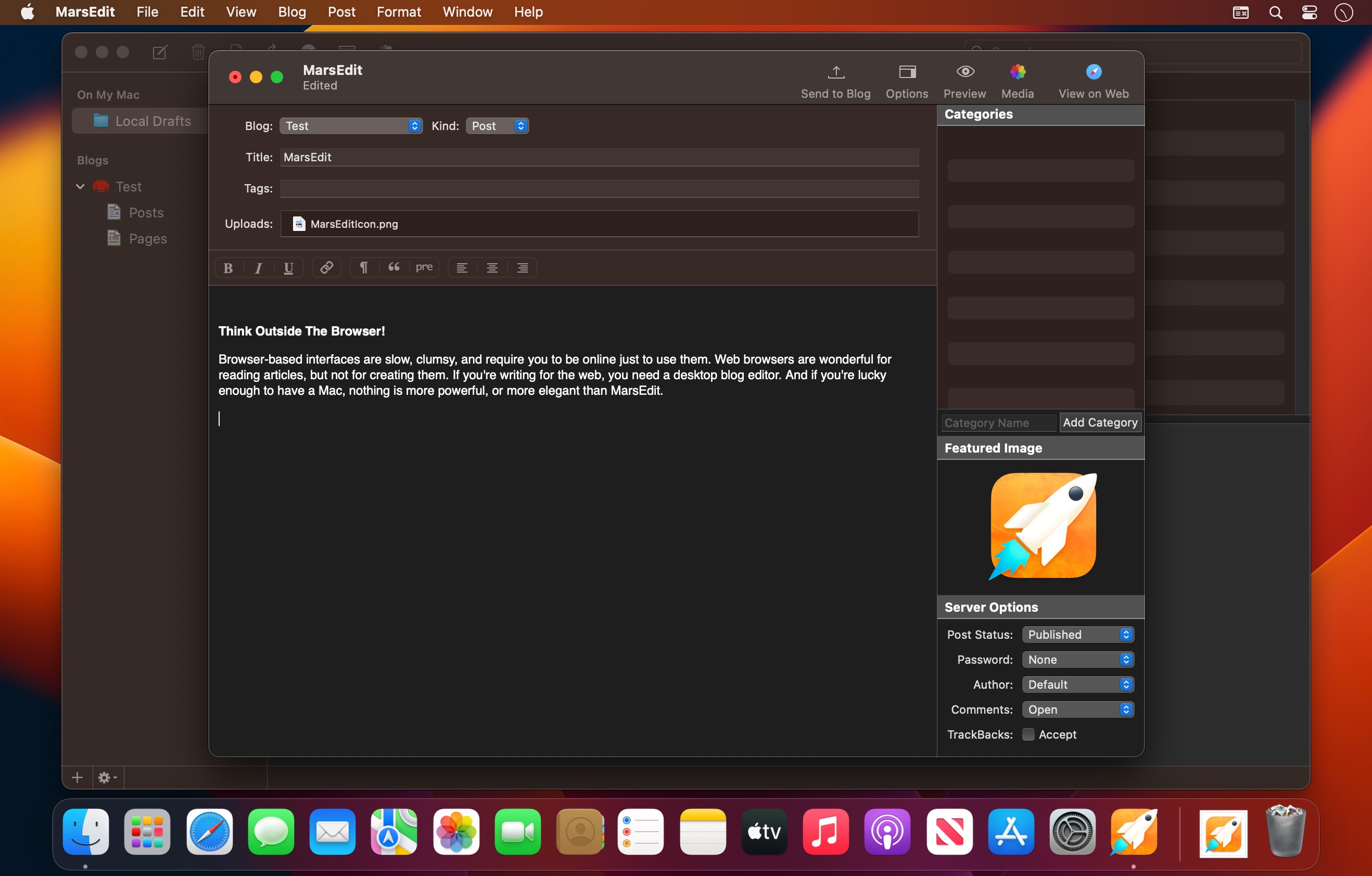
MarsEdit is a powerful, elegant blog editor built for the Mac. Browser-based editors can be slow and clumsy, and they only work when you're online. MarsEdit gives you a fast, focused writing environment that works anywhere, then publishes to your blog when you're ready.
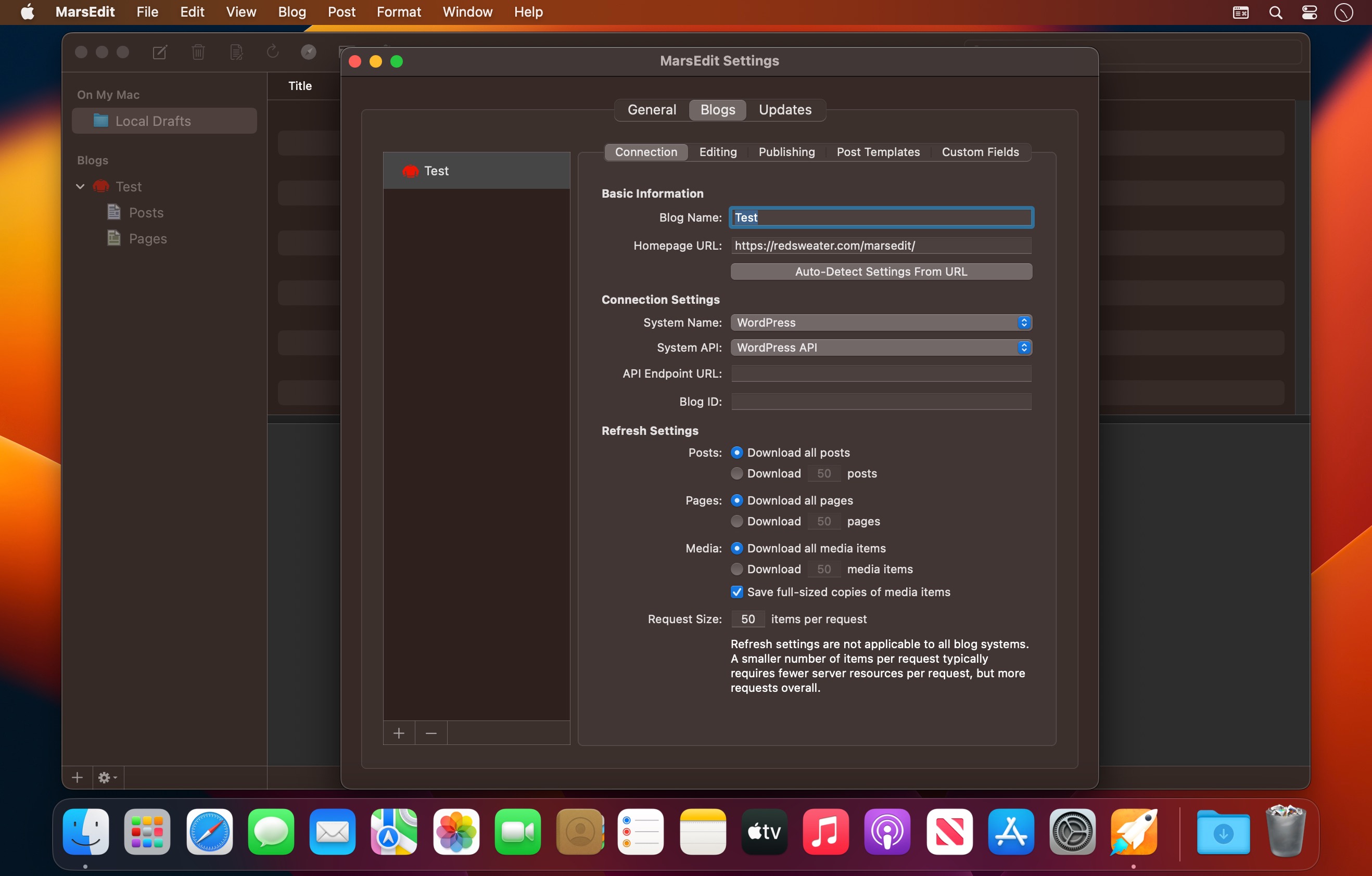
MarsEdit works with WordPress, Micro.blog, Tumblr, TypePad, Movable Type, and any blog that supports the MetaWeblog or AtomPub interface.
New in MarsEdit 5
- Microposting: Press a global keyboard shortcut to open a minimal post editor. Type your thought, press send, and it's live.
- Markdown Syntax Highlighting: Live, inline styling makes Markdown easier to read and write.
- All-New Rich Text Editor: A faster, more reliable WYSIWYG editor built on Apple's latest WebKit technologies.
- Inline Find & Replace: Search and edit without leaving your post.
- Calendar Date Panel: Schedule posts with a new calendar-based picker.
- Insert from iPhone or iPad: Add a sketch or photo to your post straight from your iOS device.
Write your way
- Switch between Rich Text and Plain Text editing at any time.
- Preview Markdown as you write, or convert it to HTML.
- Fast, native filters for Markdown, MultiMarkdown, and Convert Line Breaks.
See it before you publish
- Live previews show each post as it will appear on your blog.
- Download a preview template from your blog and fine-tune it by hand.
Stay focused
- Full-screen mode support.
- Typewriter Mode keeps your current line centered on screen.
Media made simple
- Browse your Photos library, drag in images, or insert them with a click.
- MarsEdit uploads your media automatically when you publish.
Advanced WordPress support
- Featured images, post formats, and multiple authors.
- Custom fields right in the post editor.
Work anywhere
- Write offline on a plane, train, or boat, and publish when you're back online.
- macOS autosave protects your work.
Back up your blog
- For most blog services, MarsEdit can download your complete archive of published posts and pages, so you have a local backup on your Mac.
Seamless Mac integration
- The MarsEdit Safari extension lets you start a new post from anything you're reading on the web.
MarsEdit 5.4.6:
- Further improvements to syntax-coloring performance when editing large posts
- Fixed a bug that caused excessive CPU usage when using the rich text editor
- Fixed a redundant reloading of the main window preview during blog refresh
- Fixed a bug that could cause the app to get stuck in “Publishing” state for a post, preventing further “Send to Blog” actions until closing and reopening the document
- Fixed a crash when attempting to “Refresh All” with no blogs configured
- Fixed a bug that prevented last-ditch backups from being saved for posts with very long titles
- Fixed a bug that could cause the Options panel to not expand on a future macOS release
Frequently asked questions
How do I install the app?
Mount the image, drag the app into the "Applications" folder and launch it. If the system blocks the launch, allow it in "System Settings → Privacy & Security".
The app is damaged or won't launch
Reinstalling from a fresh image usually helps. Make sure your macOS version matches the one listed in the compatibility specs.
How do I update?
Download the new version from the site and install it over the current one — your settings will be preserved.
The download link doesn't work
Try a mirror or a download manager. For large files the browser often drops the connection.
How do I completely remove the app?
Use an uninstaller utility — it cleans up the service files that remain after moving the app to the trash.





Choose a download source
MarsEdit 5.4.6 · 24.49 MB
Previous versions
MarsEdit 5.4.6
Previous versions are available to registered users.