
SimpleEdit 1.6
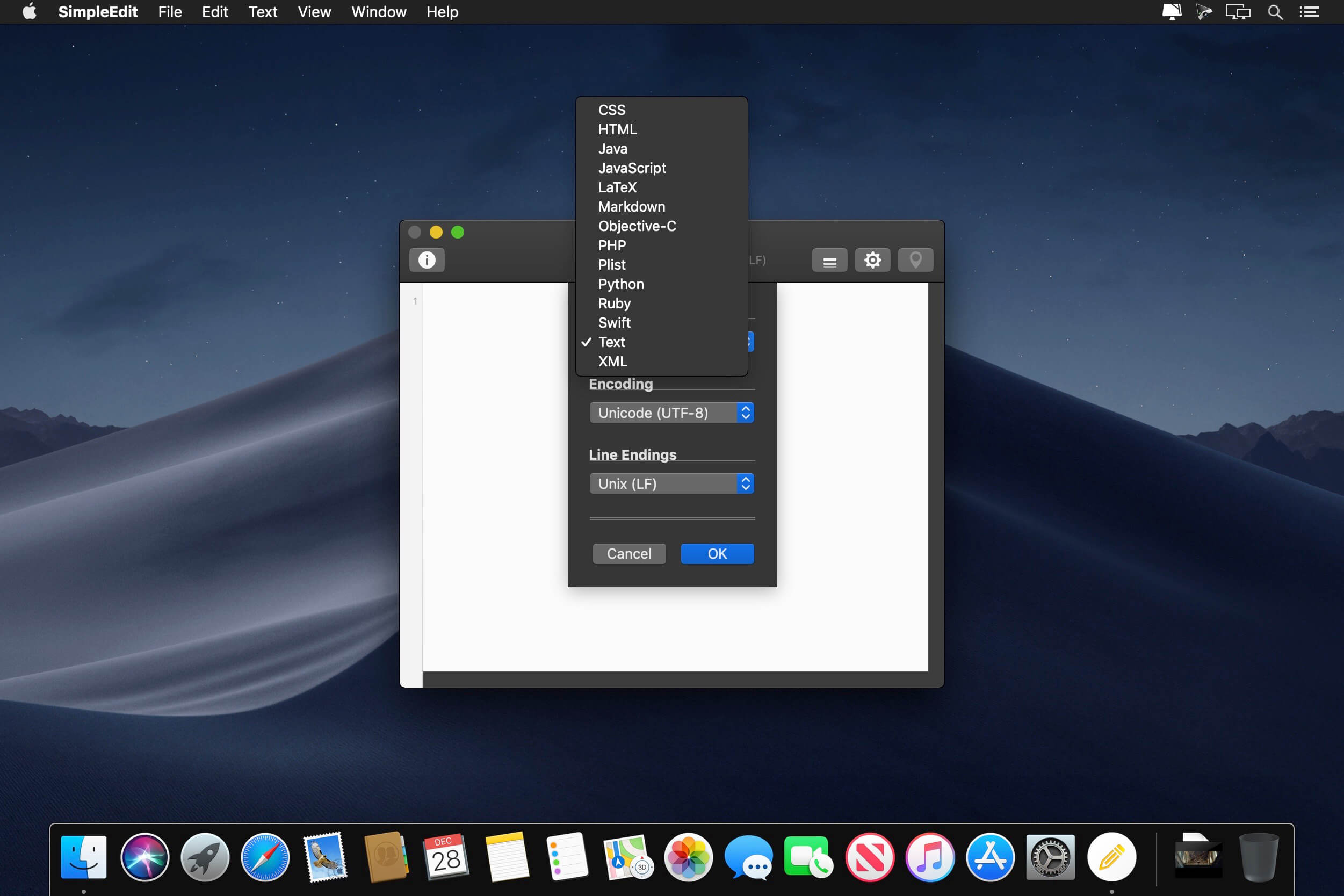


SimpleEdit is powerful, customizable, has iCloud/Dropbox Support, and is Retina-aware. Yes, sometimes a jam-packed editor is necessary. But in most cases we need something simple, fast and uncluttered. SimpleEdit will be your first second editor of choice. It is very fast, iCloud* enabled, powerful and clean.
The best thing about SimpleEdit is its customizability. You can create your own themes and definitions for any language you want and need. Its syntax highlighting knows more than just some keywords and is very fast and robust.
But what you will love most about SimpleEdit is its customizable command menu. A menu with all your own actions, scripts, commands, snippets and templates. You can create your own command-line commands or even your own URL requests. So you could post your code with just a single click to an online snippets repository. Or - with also just one click - you could create a PDF preview from a LaTeX document.
Version 1.6:
- Release notes were unavailable when this listing was updated.
Frequently asked questions
How do I install the app?
Mount the image, drag the app into the "Applications" folder and launch it. If the system blocks the launch, allow it in "System Settings → Privacy & Security".
The app is damaged or won't launch
Reinstalling from a fresh image usually helps. Make sure your macOS version matches the one listed in the compatibility specs.
How do I update?
Download the new version from the site and install it over the current one — your settings will be preserved.
The download link doesn't work
Try a mirror or a download manager. For large files the browser often drops the connection.
How do I completely remove the app?
Use an uninstaller utility — it cleans up the service files that remain after moving the app to the trash.
VersionSimpleEdit 1.6
DeveloperMOApp Software
CompatibilityOS X 10.9 or later, 64-bit processor
LanguageEnglish
IncludesK'ed by TNT




Information
Visitors in the group Guests cannot leave comments on this publication.
Choose a download source
SimpleEdit 1.6 · 6.27 MB