
Textastic 5.0 U2B
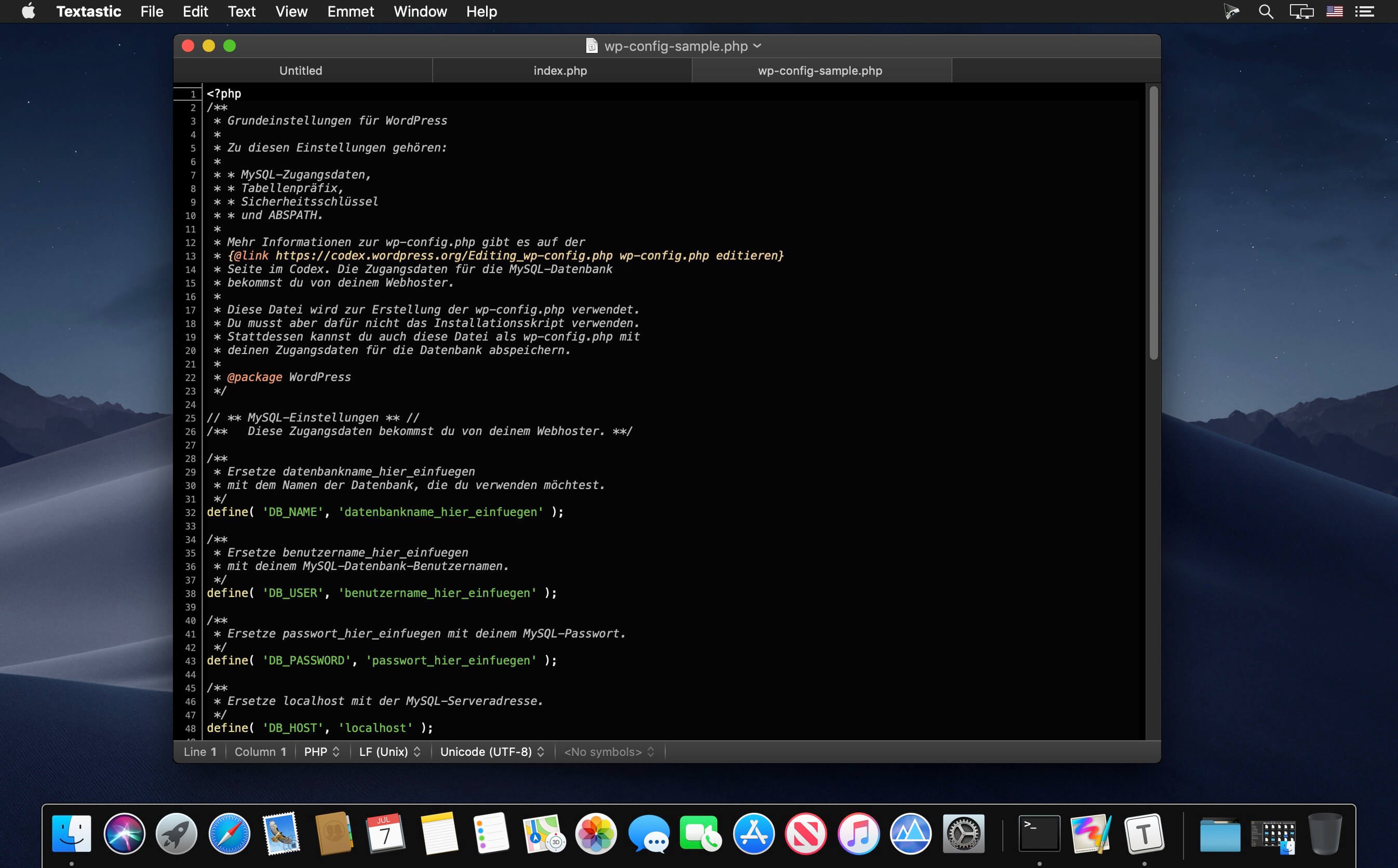
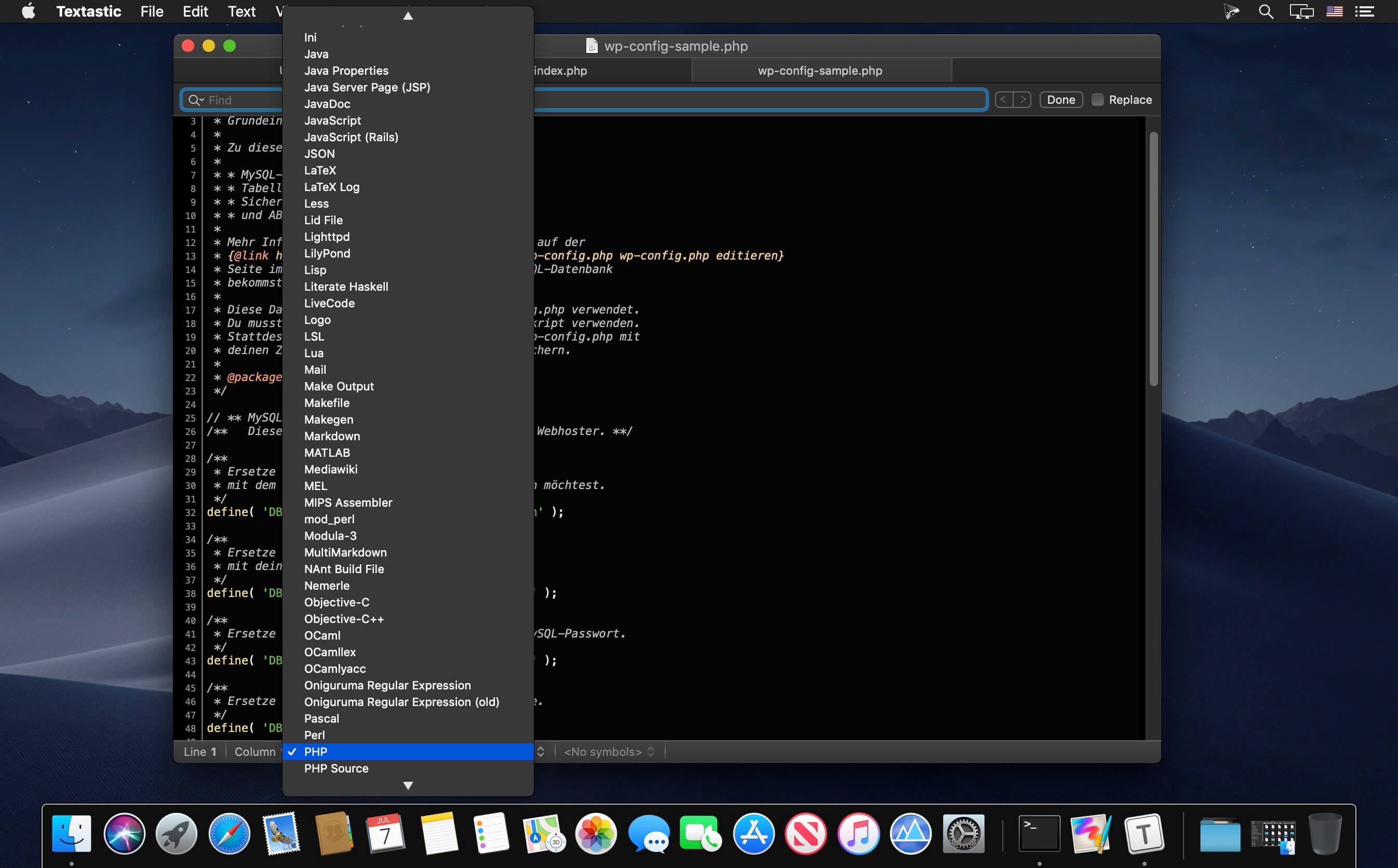
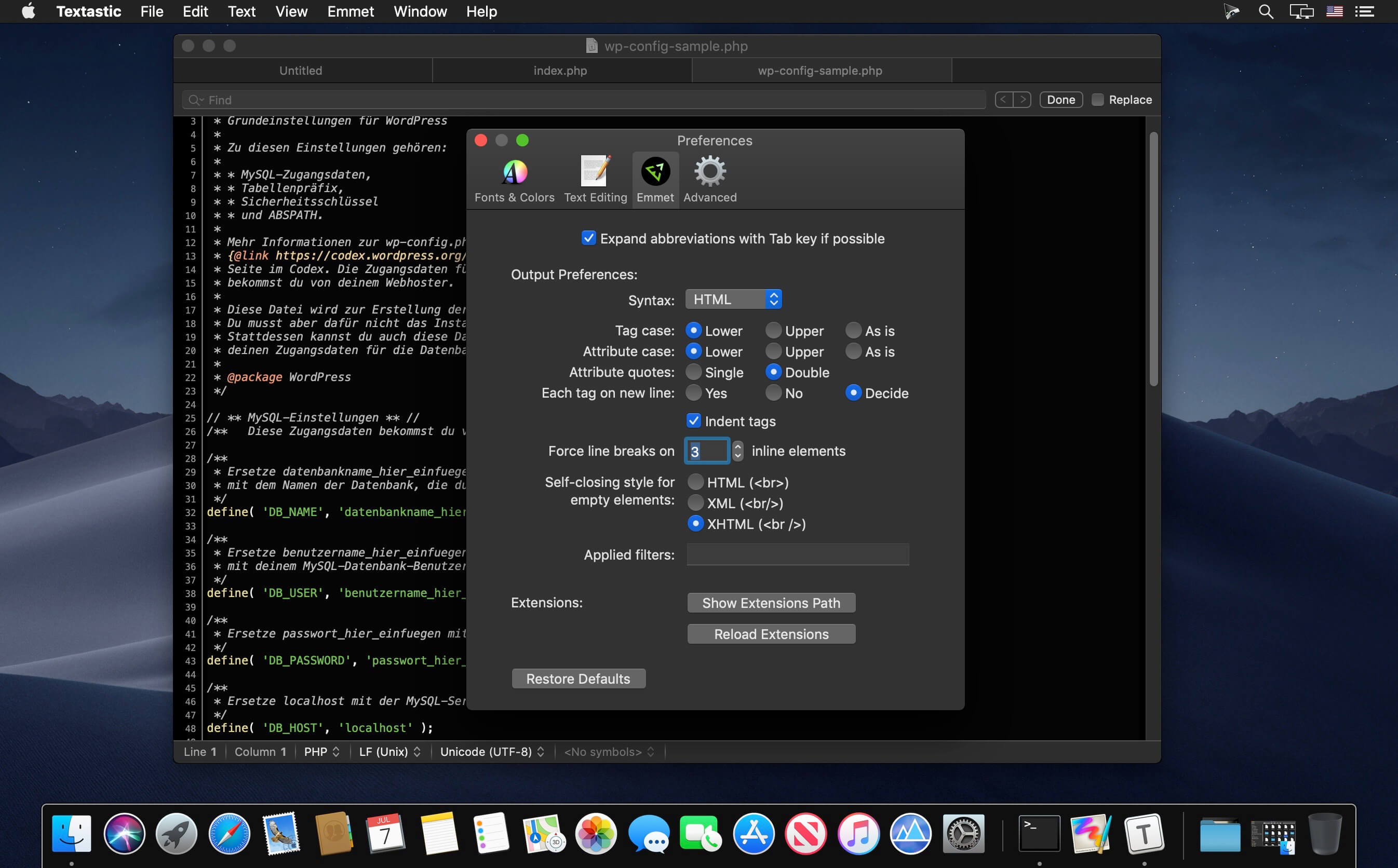
Textastic is a powerful and fast text, code, and markup editor.
- Syntax highlighting of more than 80 programming and markup languages
- Supported file types include HTML, jаvascript, CSS, XML, Markdown, Objective-C, Swift, C++, PHP, Perl, Python, SQL, shell scripts and many more
- Compatible with TextMate and Sublime Text 3 syntax definitions and themes
- Code completion for HTML, CSS, jаvascript, PHP, C, and Objective-C
- Open files in tabs
- Open folders in a sidebar
- Find in files
- Print files
- Symbol list to quickly navigate in a file
- Emmet support built-in
- Auto Save and Versions
- iCloud document sync
- Full support for Dark Mode
Version 5.0
Textastic 5.0 adds full support for macOS Big Sur with a refreshed user interface and an updated app icon. This release is a macOS Universal app, which can run natively on both Apple Silicon Macs and Intel-based Macs.
New:
- macOS Big Sur: fully updated for compatibility with the latest version of macOS.
- Universal app: runs natively on both Apple Silicon Macs and Intel-based Macs.
Fixed:
- Fixed "Open In…" performance problems on Macs with many CPU cores (e.g. Mac Pro).
- Improved declaration of supported file types so that it works better with other installed apps that can open the same kinds of files.
- Other minor fixes.
Frequently asked questions
How do I install the app?
Mount the image, drag the app into the "Applications" folder and launch it. If the system blocks the launch, allow it in "System Settings → Privacy & Security".
The app is damaged or won't launch
Reinstalling from a fresh image usually helps. Make sure your macOS version matches the one listed in the compatibility specs.
How do I update?
Download the new version from the site and install it over the current one — your settings will be preserved.
The download link doesn't work
Try a mirror or a download manager. For large files the browser often drops the connection.
How do I completely remove the app?
Use an uninstaller utility — it cleans up the service files that remain after moving the app to the trash.




Choose a download source
Textastic 5.0 U2B · 4.68 MB
Previous versions
Textastic 5.0 U2B
Previous versions are available to registered users.