
Smultron 14.3
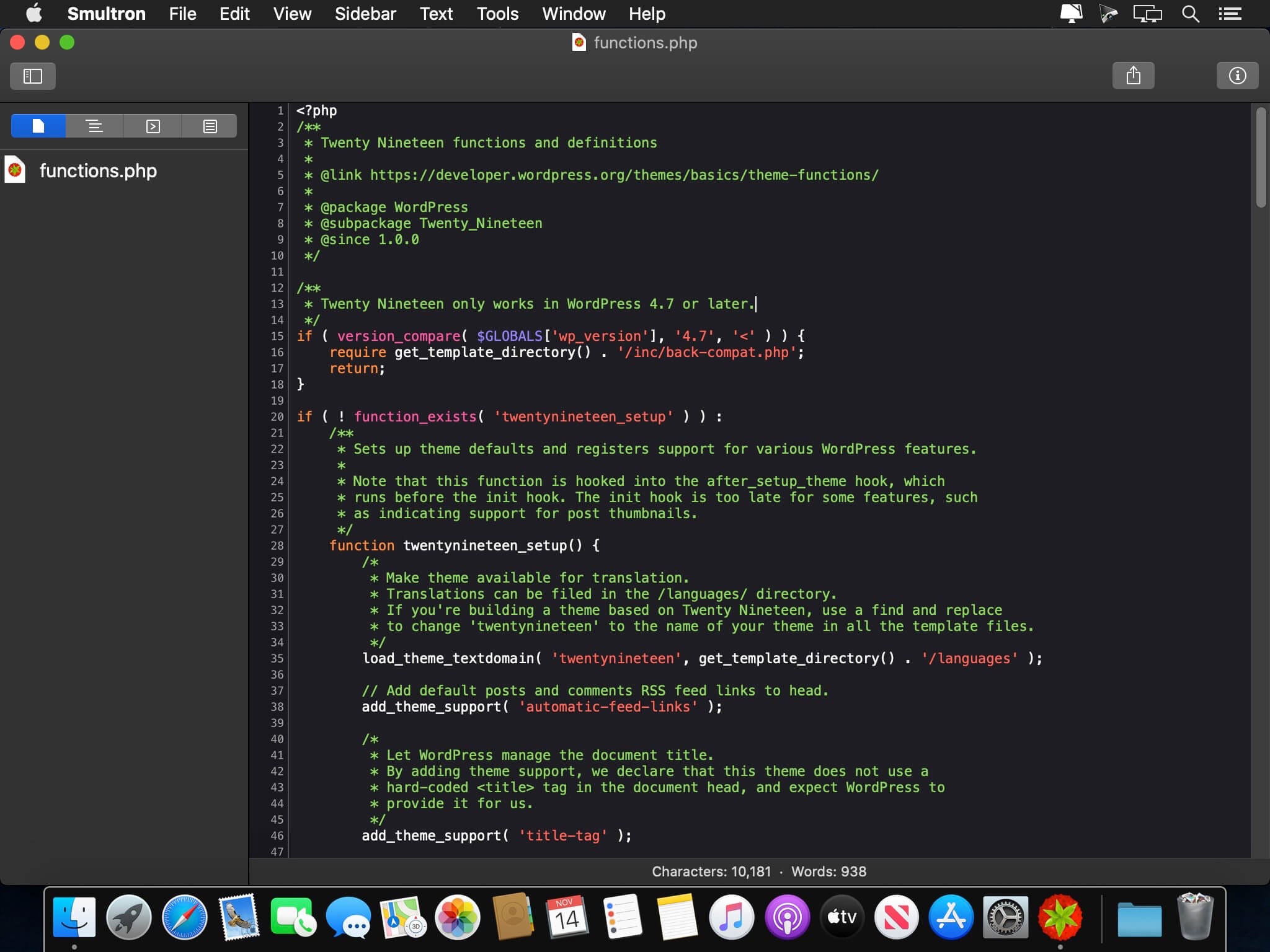
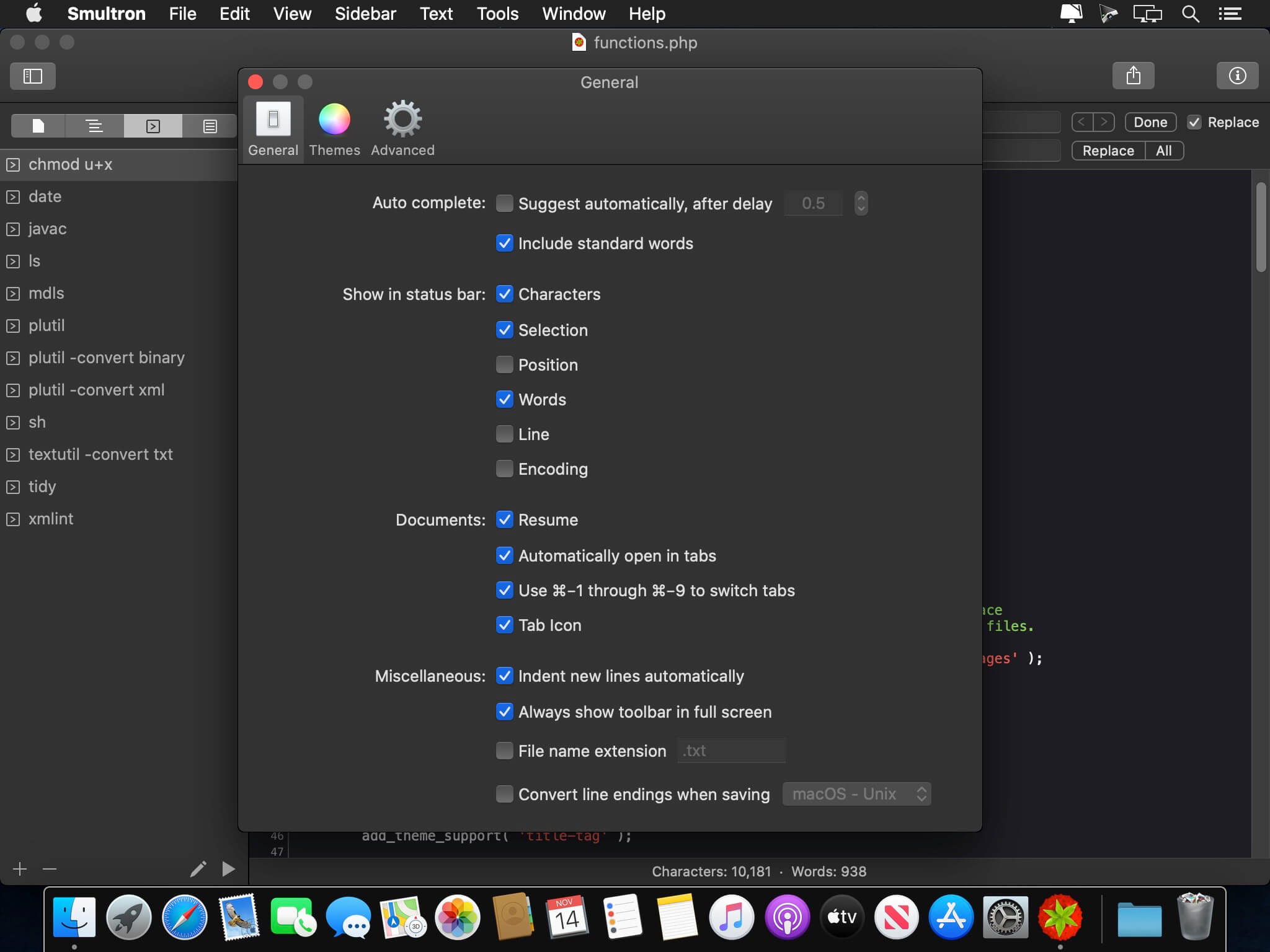
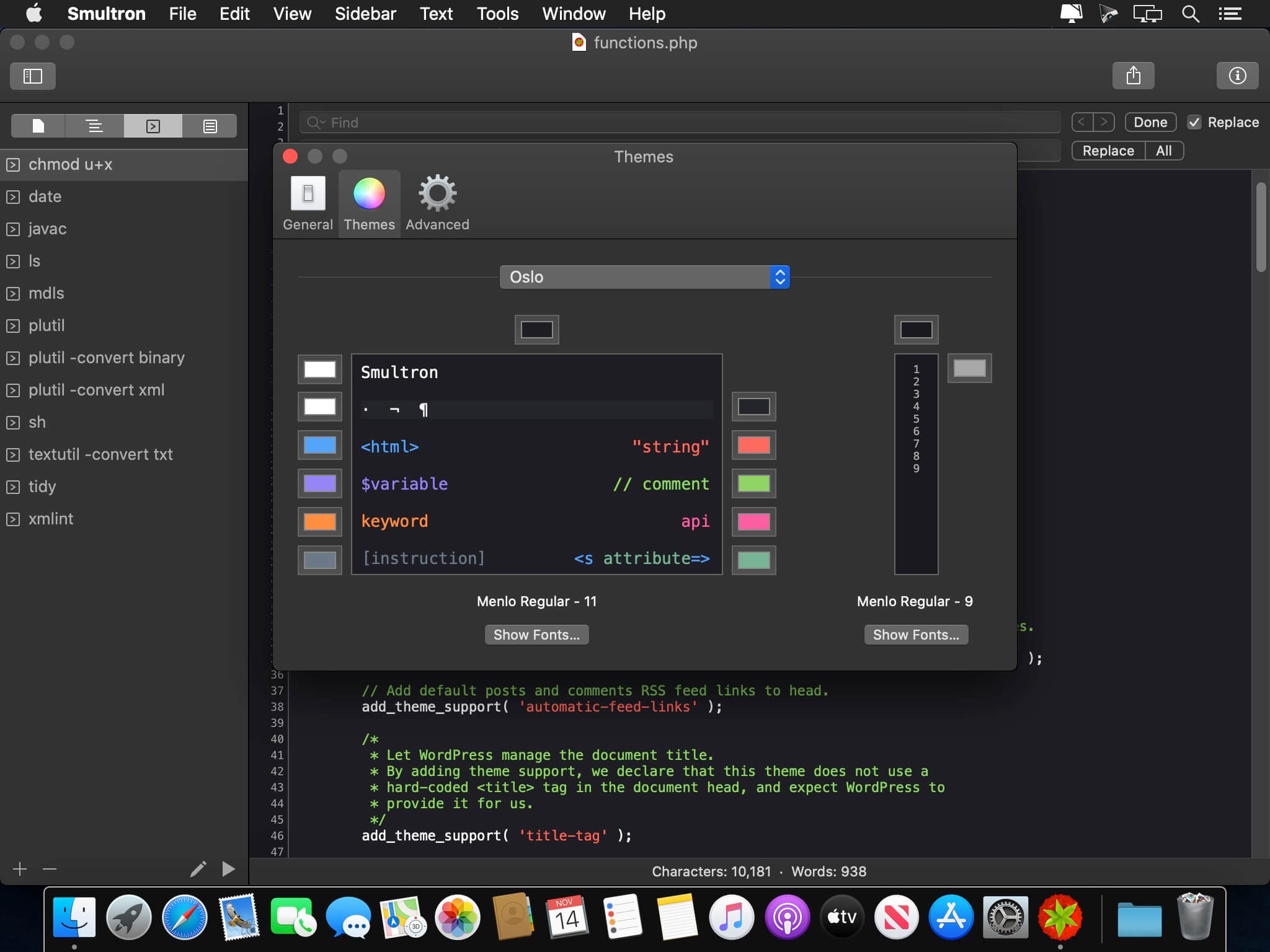
Smultron is an elegant and powerful text editor that is easy to use. You can use Smultron 12 to create or edit any text document. Everything from a web page, a note or a script to any single piece of text or code.
Smultron is very easy to use, it is fast and uses powerful technologies like auto save. It helps you to do what you want to do without getting in your way. So you can save time and get things done. Use Smultron for all your text needs.
- Smultron is designed to be intuitive and easy to use
- Edit your text with many helpful and powerful tools
- All your documents are easily accessible
- Use Smultron in your own language as it is translated into many languages
- Store your documents in iCloud and access them on all your Macs
- It has all the features you want when you need them, such as syntax colors for over 130 code languages, regular expressions, commands, text snippets, text folding, line numbers, document comparison and many, many more
The new Smultron is the best ever Smultron and has the following new features:
- Folders - easy access to all documents within a folder
- Dark mode
- Faster
- New syntax support for Ansible, Gravity, Idris and TypeScript
- Improved accessibility, preview, tabs and syntax coloring
- Many, many other improvements and bug fixes
Version 14.3:
- Added way to change the writing direction (in the Text menu)
- Added syntax coloring for Zig
- Fixed a possible problem with reopening previously opened documents
- Some small bug fixes and improvements
Frequently asked questions
How do I install the app?
Mount the image, drag the app into the "Applications" folder and launch it. If the system blocks the launch, allow it in "System Settings → Privacy & Security".
The app is damaged or won't launch
Reinstalling from a fresh image usually helps. Make sure your macOS version matches the one listed in the compatibility specs.
How do I update?
Download the new version from the site and install it over the current one — your settings will be preserved.
The download link doesn't work
Try a mirror or a download manager. For large files the browser often drops the connection.
How do I completely remove the app?
Use an uninstaller utility — it cleans up the service files that remain after moving the app to the trash.



Choose a download source
Smultron 14.3 · 7.12 MB
Previous versions
Smultron 14.3
Previous versions are available to registered users.