EditRocket 4.5.5
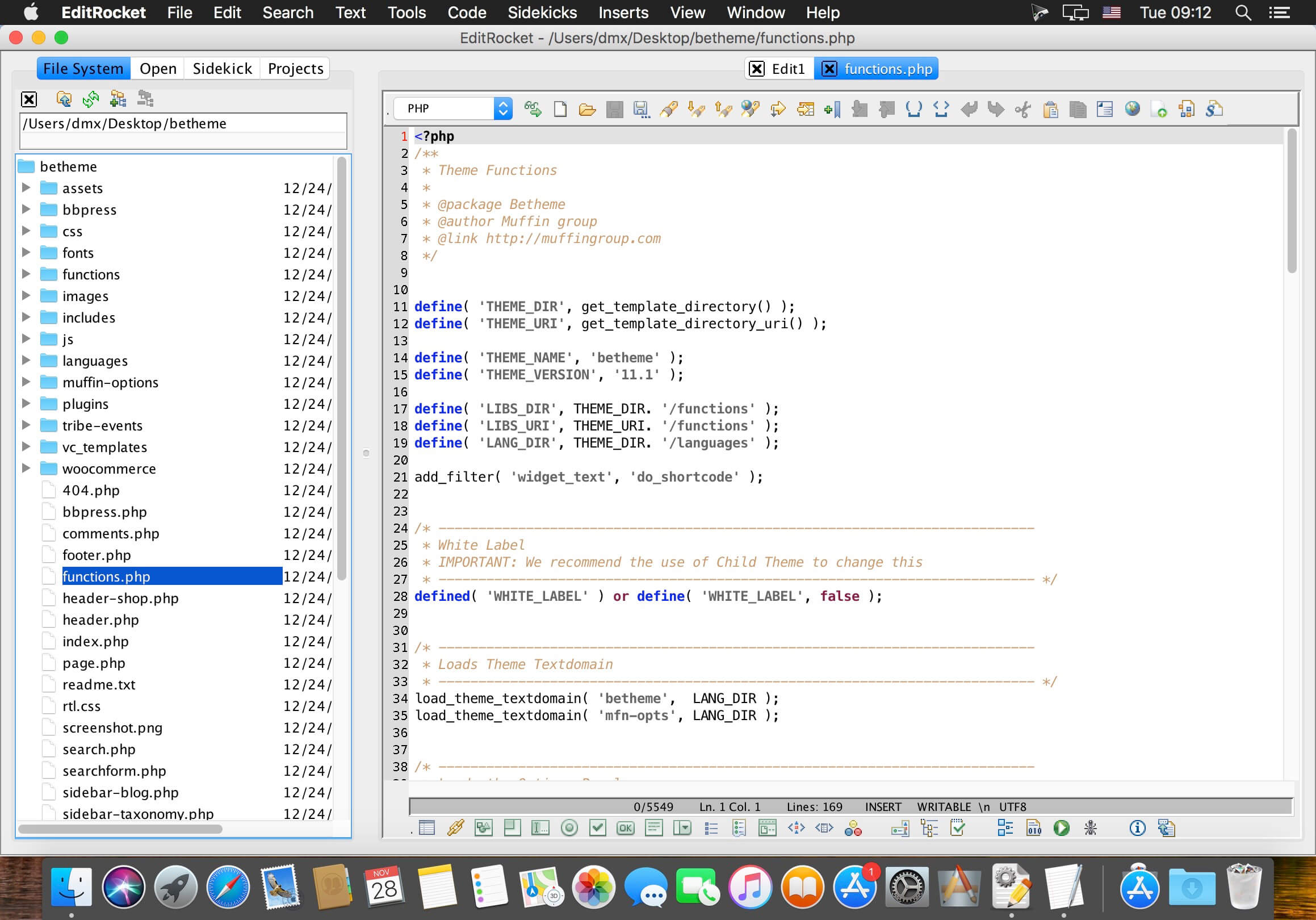
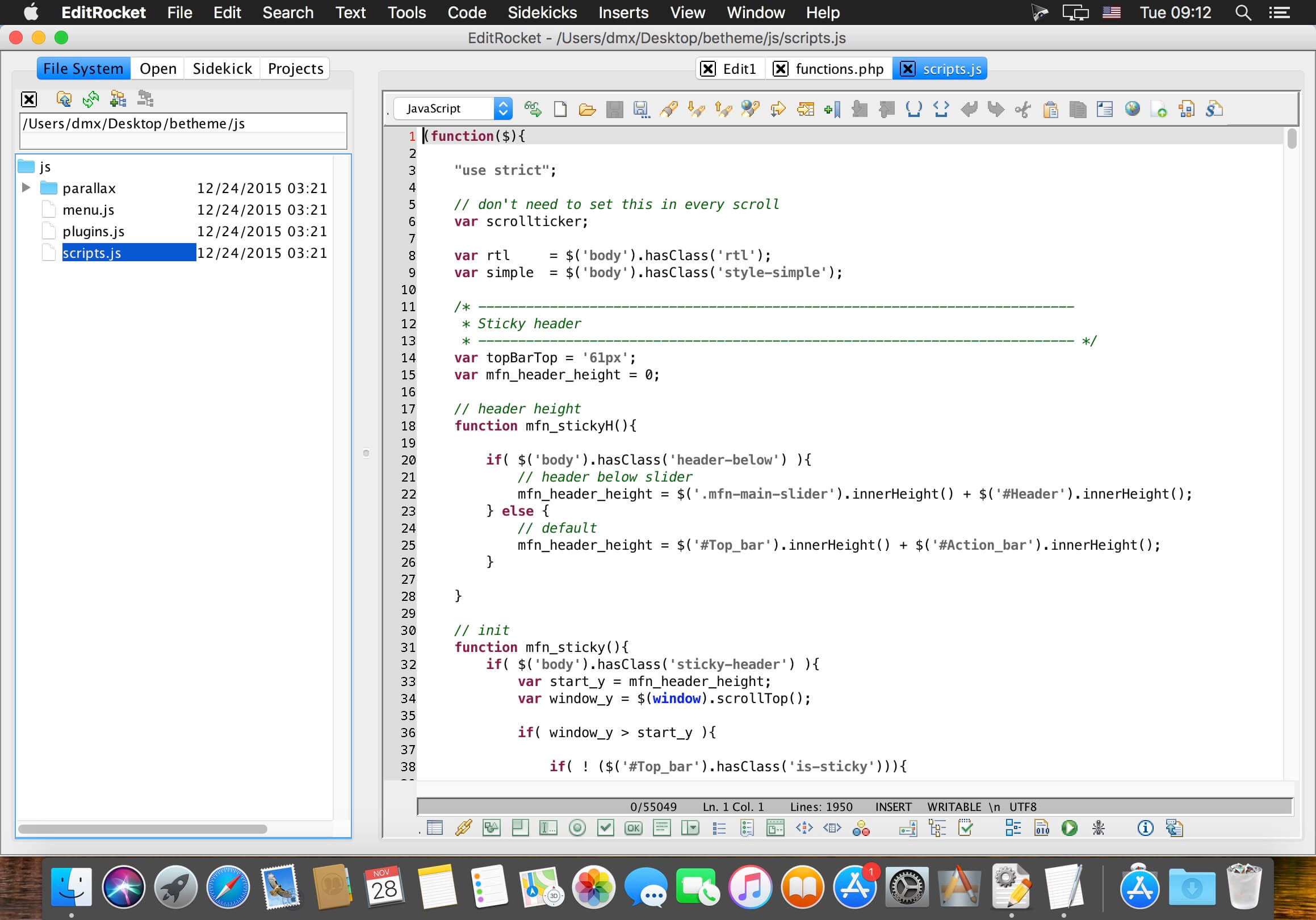
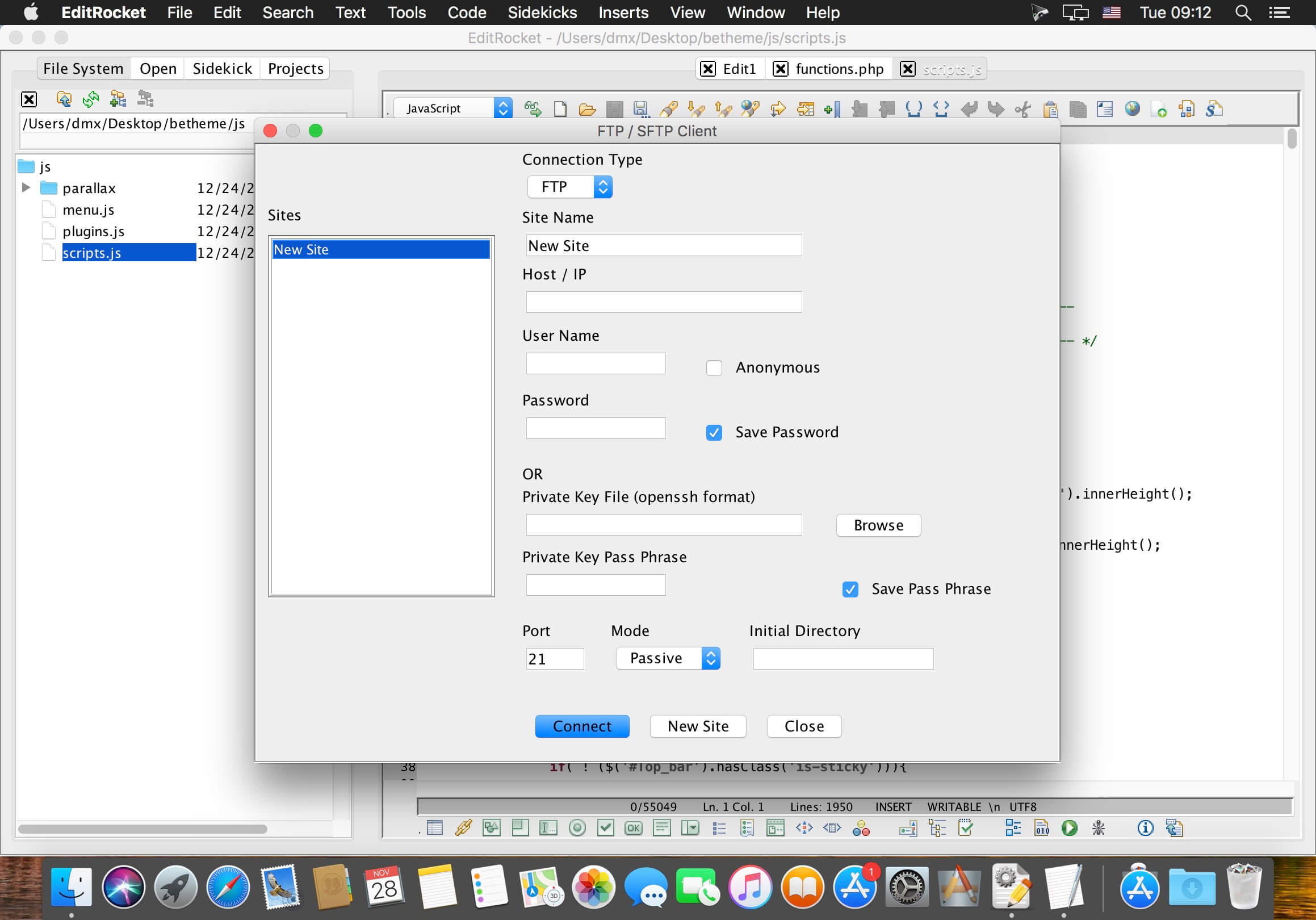
A powerful text editor for programmers with support for over 20 languages EditRocket is a powerful an easy to use programming text editor that supports 20 languages such as: C, Shell Script, Ruby, Batch, C , C#, COBOL, JSP, SQL, PL/SQL, HTML, CSS, PHP, jаvascript, Java, Python, Perl, XML, SQL PL, and Transact-SQL. Includes syntax highlighting, code builders and sidekicks, clickable method and function navigators, code completion, tag completion, function lookup, powerful regular expression enabled search tools, bracket and tag matching, CSS, XML, and HTML validators, a CSS style builder, an HTML tag builder, HTML Tidy, a powerful file system browser, bookmarks, file compare, key ahead, color chooser, and much more.
Key Features:
- Syntax highlighting for over 20 programming languages
- Coding Sidekicks for C, C , C#, CSS, HTML, Java, jаvascript, JSP, Perl, PHP, PL/SQL, Python, Ruby, Shell Script, SQL, SQL PL, Transact-SQL, and XML
- Code Builders for C, jаvascript, Java, Perl, PL/SQL, PHP, Python, Ruby, Shell Script, and Transact-SQL
- A robust CSS Style Builder for creating CSS style sheets and an HTML Tag Builder, HTML Tidy Tool, and HTML Entity Selector
- CSS, HTML, and XML Validators
- The programming editor behind RazorSQL, a popular database query tool, since 2004
- Function / Method Navigators for displaying clickable lists of functions / methods contained in the editor Function / Method Lookup for quickly inserting functions or methods
- A Tag Navigator tool for displaying clickable lists of tags contained in the editor
- Auto Completion for many languages such as auto tag completion for HTML, PHP, and JSP; auto tag closure for XML, HTML, PHP, and JSP; Auto Completion for Java, jаvascript, JSP, PL/SQL, Python, and Ruby; Auto function signature display for C and PHP and auto code block complete for C Style languages
- Key Ahead customizable by language for quickly entering text
- Bookmark functionality for quickly navigating through code.
- Recordable Macros for executing common tasks
- Code Inserts for over 19 languages for quickly inserting code
- A robust File System Browser
- File tools such as head, tail, regular expression search, move, copy, and delete
- Powerful Search Tools such as regular expression Find, Replace, Match Bracket, Match Tag, and Find / Replace in Files tools
- File Compare Tool for comparing files.
- Customizable and pre-defined code templates
- Works with all major operating systems including Windows, Mac OS X, Linux, Solaris.
Version 4.5.5:
Enhancements
Enhancements
- Added the following Preference: Editor: Auto Convert Files to UTF-8 if Unencodable Chars. If the editor contents contain characters that are not encodable by the default encoding, the contents are saved in UTF-8 format if this preference is selected
- Mac: Adjusted font sizes for higher resolution displays
- UI: Better support for displaying unicode data in labels and drop-downs
Frequently asked questions
How do I install the app?
Mount the image, drag the app into the "Applications" folder and launch it. If the system blocks the launch, allow it in "System Settings → Privacy & Security".
The app is damaged or won't launch
Reinstalling from a fresh image usually helps. Make sure your macOS version matches the one listed in the compatibility specs.
How do I update?
Download the new version from the site and install it over the current one — your settings will be preserved.
The download link doesn't work
Try a mirror or a download manager. For large files the browser often drops the connection.
How do I completely remove the app?
Use an uninstaller utility — it cleans up the service files that remain after moving the app to the trash.
VersionEditRocket 4.5.5
DeveloperRichardson Software
CompatibilityOS X 10.7 or later, 64-bit processor
LanguageEnglish
IncludesK


Information
Visitors in the group Guests cannot leave comments on this publication.
Choose a download source
EditRocket 4.5.5 · 38.29 MB
Previous versions
EditRocket 4.5.5
Previous versions are available to registered users.