Deflection Pro 6.5.0
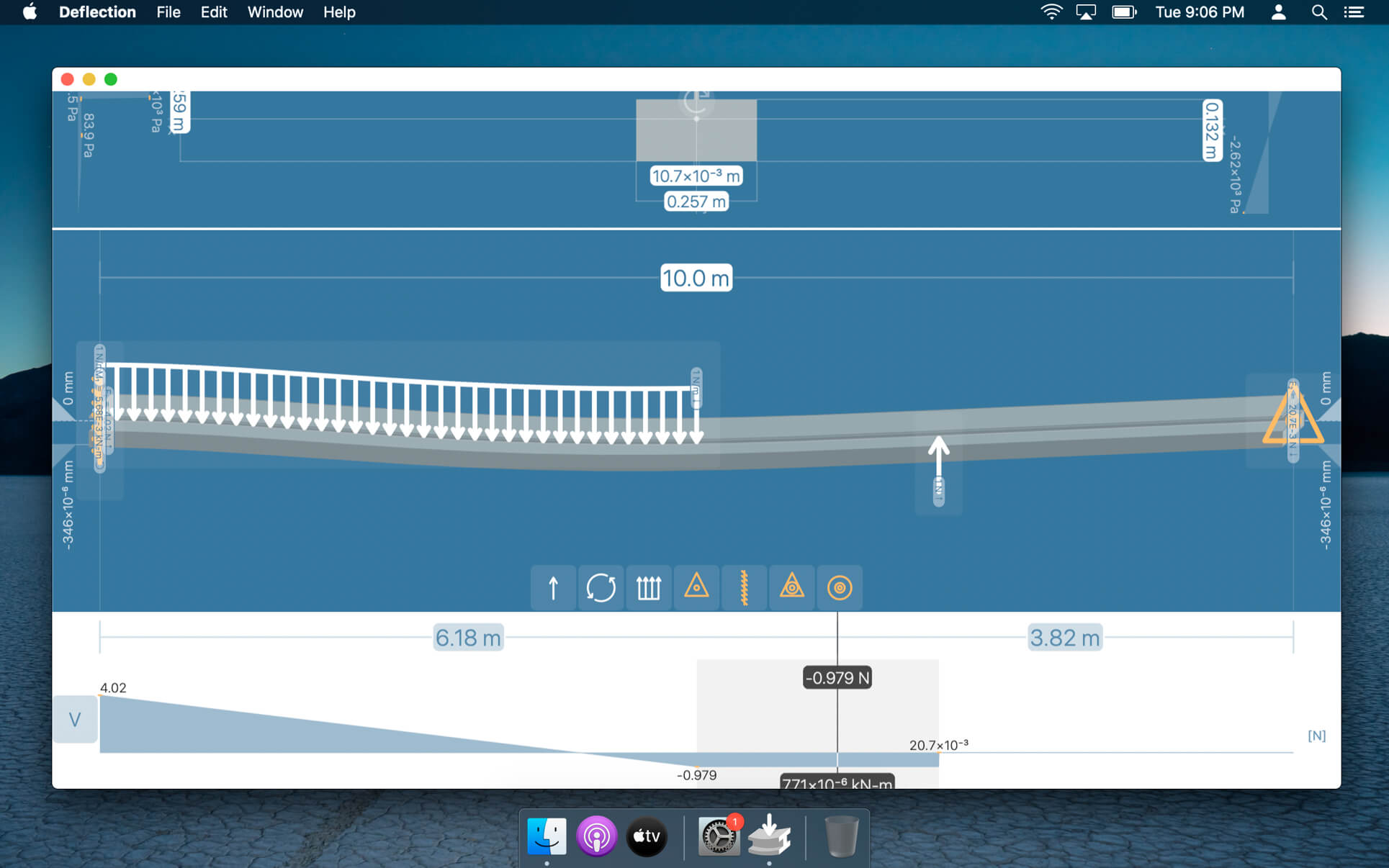
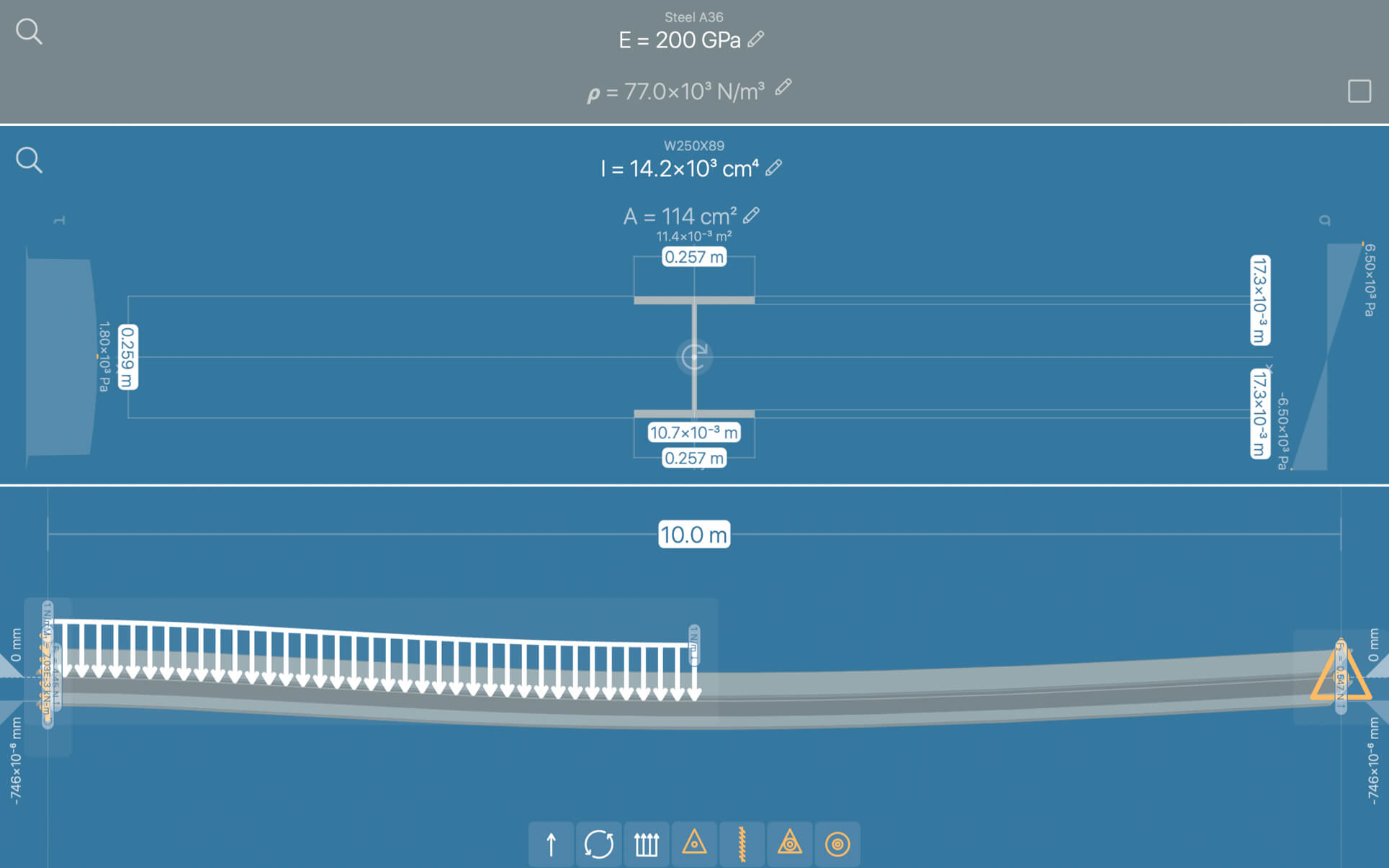
Deflection is the most interactive, fast, and precise app available for structural beam analysis. Design visually and obtain engineering results, graphs, and equations instantaneously!
Simply place loads and supports on the beam, and see how it bends. Find a cross section in the built-in library, or define a custom shape. Deflection, internal stresses, and other useful results are automatically updated.
This software is the result of over six years of continuous development and innovation aimed at mechanical engineering, civil engineering, and structural engineering. This tool will help you apply beam elastic theory from day 1 as you are learning Mechanics of Materials, and it will be your go-to pocket reference any time in the future.
RESULTS
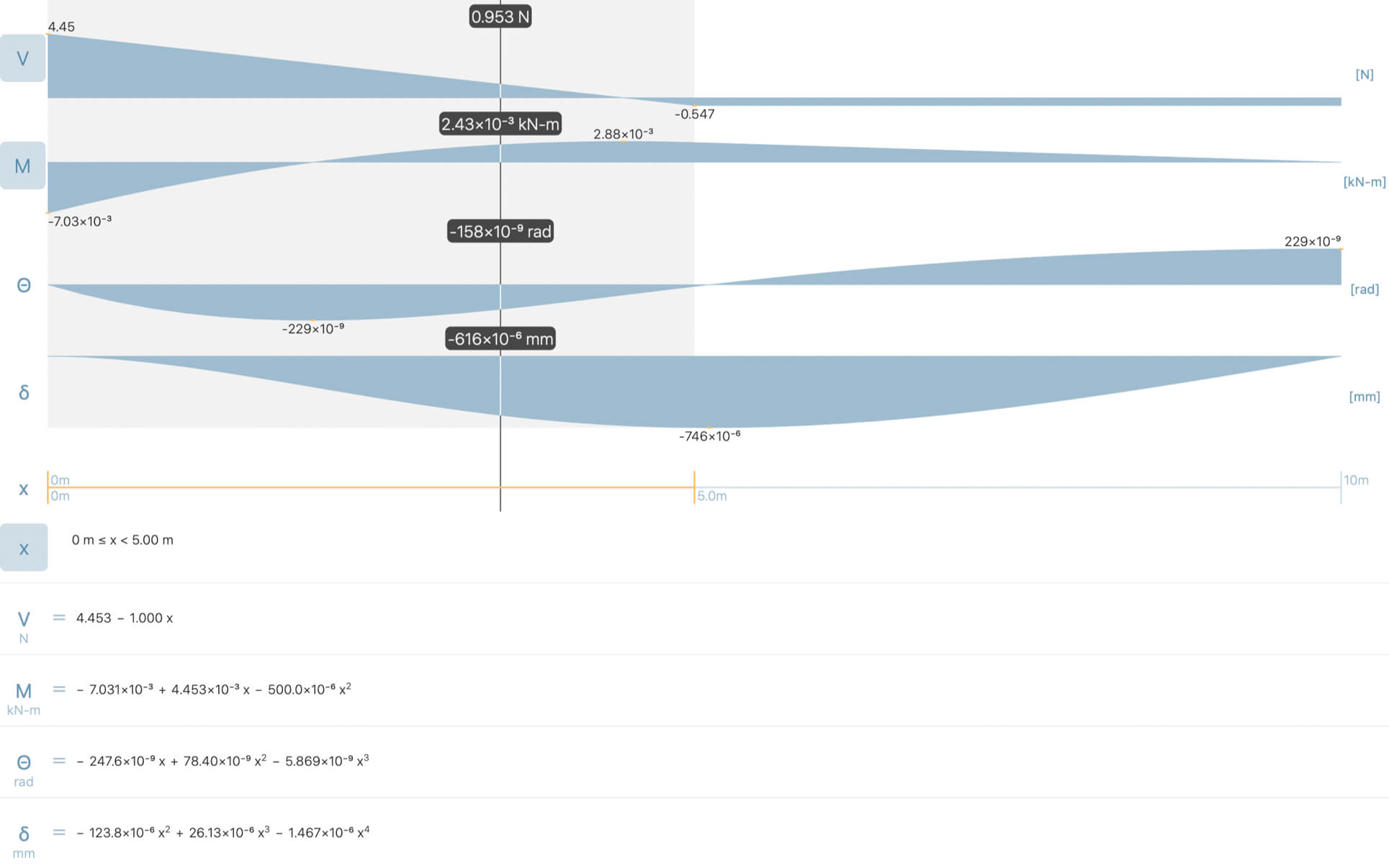
Obtain design results and diagrams in real-time.
- Shear force
- Bending moment
- Deflection distance
- Internal bending stress
- Internal shear stress
CROSS SECTION DATABASES
Specify values directly, or find common shapes and materials using the built-in databases.
- United States
- Europe
- Japan
- India
- Russia
- Great Britain
- Canada
- Australia
CROSS SECTION EDITOR
Edit built-in cross sections. Shape properties are automatically calculated.
- Moment of inertia
- Area
UNLIMITED LOADS AND SUPPORTS
Simply drag any load or support on the beam.
- Concentrated point loads
- Distributed loads
- Moment loads
- Simple supports
- Fixed supports
- Fixed hinges
- Floating Gerber hinges
OTHER FEATURES
- Apply beam self-weight optionally
- Automatic detection of local maxima and minima in diagrams
- Unlimited design files
- Quick-start templates
- Metric and standard measurement units
Version 6.5.0
- IMPROVED: Faster app loading time
Frequently asked questions
How do I install the app?
Mount the image, drag the app into the "Applications" folder and launch it. If the system blocks the launch, allow it in "System Settings → Privacy & Security".
The app is damaged or won't launch
Reinstalling from a fresh image usually helps. Make sure your macOS version matches the one listed in the compatibility specs.
How do I update?
Download the new version from the site and install it over the current one — your settings will be preserved.
The download link doesn't work
Try a mirror or a download manager. For large files the browser often drops the connection.
How do I completely remove the app?
Use an uninstaller utility — it cleans up the service files that remain after moving the app to the trash.



Choose a download source
Deflection Pro 6.5.0 · 28.76 MB
Previous versions
Deflection Pro 6.5.0
Previous versions are available to registered users.