
Notelife Pro 1.0.5
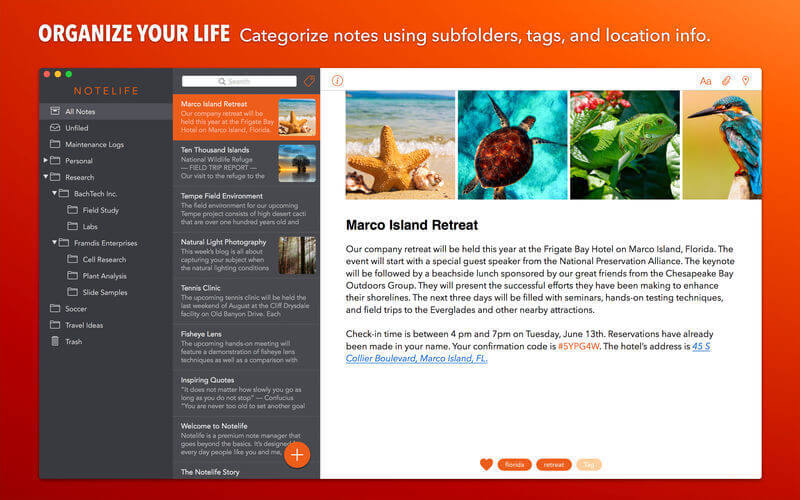
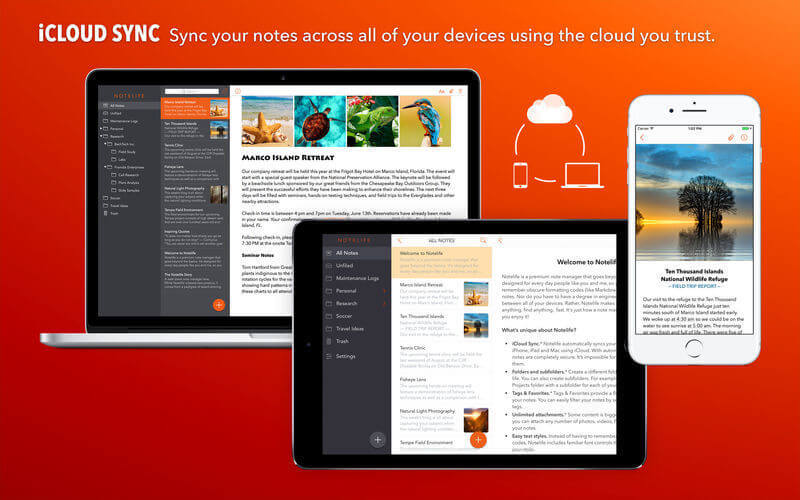
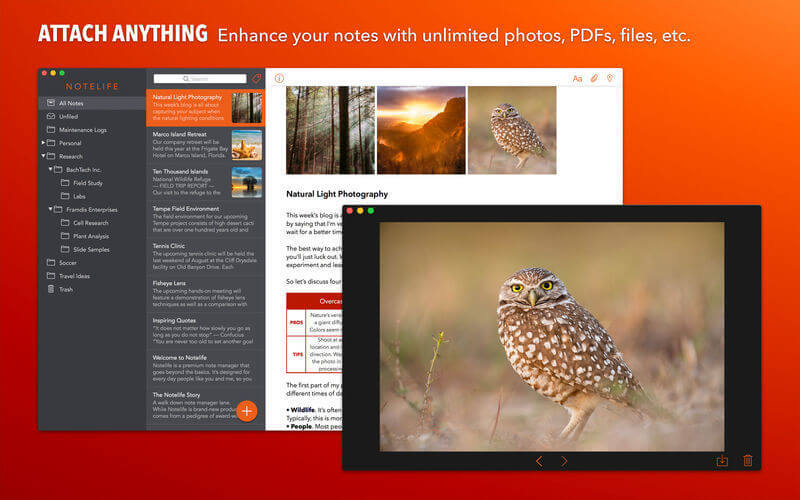
Notelife is a premium note manager designed for the rest of us. While it goes beyond the basics, it isn't hard to use. You don't have to remember any obscure formatting codes (like Markdown syntax) to format your notes. Nor do you have to have a degree in engineering to sync your notes between all of your devices. Rather, Notelife makes it effortless to store anything and find anything, fast!
NOTELIFE PRO - The ultimate note manager.
- iCloud syncing
- Unlimited folders
- Unlimited attachments
- Tags & favorites
- Password lock
- Keep the Notelife updates coming
Version 1.0.5:
- Automatic detection of links and other types of data in entries
- Searches within an entry now use the integrated Find Bar instead of a separate Find window
- Fixed problem dragging audio files to an entry
- Fixed problem clicking buttons in standalone entry window which caused gray background to be shown
Frequently asked questions
How do I install the app?
Mount the image, drag the app into the "Applications" folder and launch it. If the system blocks the launch, allow it in "System Settings → Privacy & Security".
The app is damaged or won't launch
Reinstalling from a fresh image usually helps. Make sure your macOS version matches the one listed in the compatibility specs.
How do I update?
Download the new version from the site and install it over the current one — your settings will be preserved.
The download link doesn't work
Try a mirror or a download manager. For large files the browser often drops the connection.
How do I completely remove the app?
Use an uninstaller utility — it cleans up the service files that remain after moving the app to the trash.
VersionNotelife Pro 1.0.5
DeveloperChronos
CompatibilitymacOS 10.12 or later, 64-bit processor
LanguageEnglish
IncludesK'ed by TNT


Information
Visitors in the group Guests cannot leave comments on this publication.
Choose a download source
Notelife Pro 1.0.5 · 14.71 MB