
Edraw Max 8.4
Edraw Max allows students, teachers, and business professionals to reliably create and publish all kinds of diagrams to represent any sort of idea. It provides you a versatile, easy, quick, yet professional solution to let you enjoy your work.
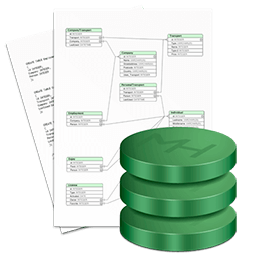
In a corporate environment, the folks over in human resources need to be able to create organizational charts, some business presentations, and maybe some directional maps and building floorplans to guide visitors through the facility. But, in the same company, the programmers and engineers also need software that lets them build UML diagrams, workflows, program structures, web design diagrams, electrical engineering diagrams, and database diagrams.
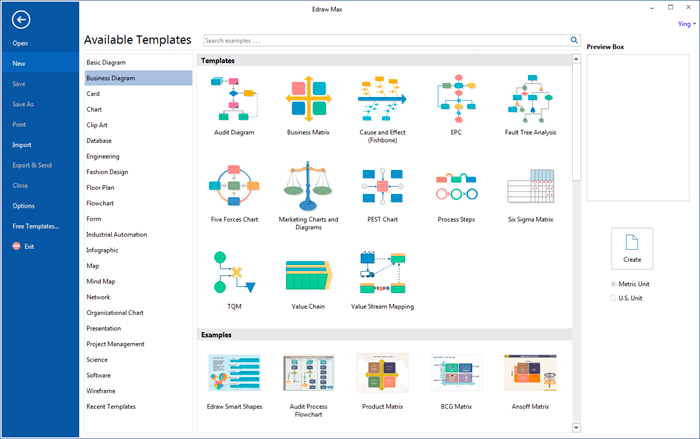
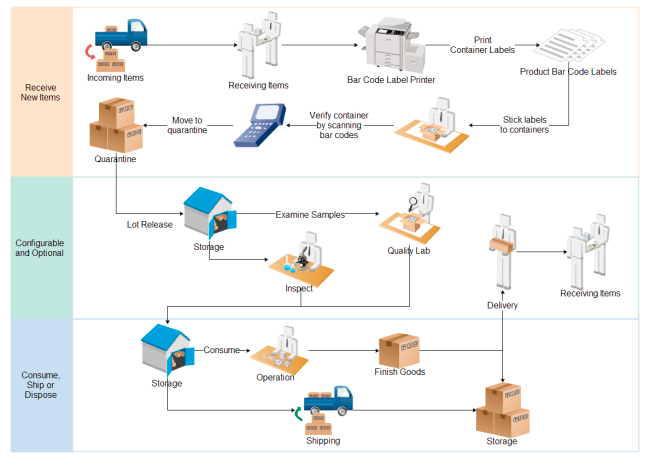
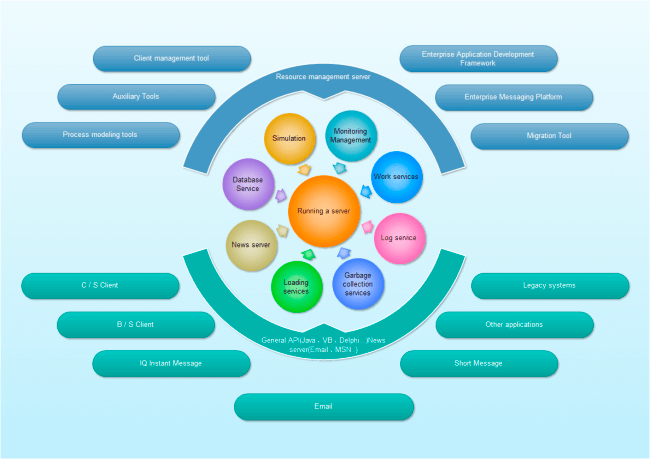
Edraw Max is an all-in-one diagram software that makes it simple to create: flowchart, process, list, circular diagram, marketing chart, cause-and-effect diagram, engineering diagram, circuit diagram, BPMN diagram, SDL diagram, network diagram, Cisco network design, organizational chart, family tree, block diagram, pie diagram, target diagram, SWOT diagram, pear diagram, building plan diagram, business chart, fashion design, swimlane diagram, workflow, value steam mapping, audit diagram, TQM diagram, directional map, geo map, scientific illustration, Gantt chart, timeline, matrix scheme, relationship matrix, calendar mark, PERT chart, Web diagram, UML diagram, ERD diagram, data flow diagram, mind map, home floor, business form, column chart, bar chart, pie chart, doun chart, scatter plot, line chart, area chart, bubble chart, gauges, radar chart, spider diagram, comparsion chart, status table, HOQ, QFD, flyer design, business card, Windows UI design, and IDEF diagram.
SCREENSHOTS
Frequently asked questions
How do I install the app?
Mount the image, drag the app into the "Applications" folder and launch it. If the system blocks the launch, allow it in "System Settings → Privacy & Security".
The app is damaged or won't launch
Reinstalling from a fresh image usually helps. Make sure your macOS version matches the one listed in the compatibility specs.
How do I update?
Download the new version from the site and install it over the current one — your settings will be preserved.
The download link doesn't work
Try a mirror or a download manager. For large files the browser often drops the connection.
How do I completely remove the app?
Use an uninstaller utility — it cleans up the service files that remain after moving the app to the trash.
VersionEdraw Max 8.4
DeveloperEdrawSoft
CompatibilityOS X 10.4 or later
LanguageEnglish
IncludesPre-K'ed


Information
Visitors in the group Guests cannot leave comments on this publication.
Choose a download source
Edraw Max 8.4 · 183.12 MB