
Chief Architect Premier X10 20.3.0.54
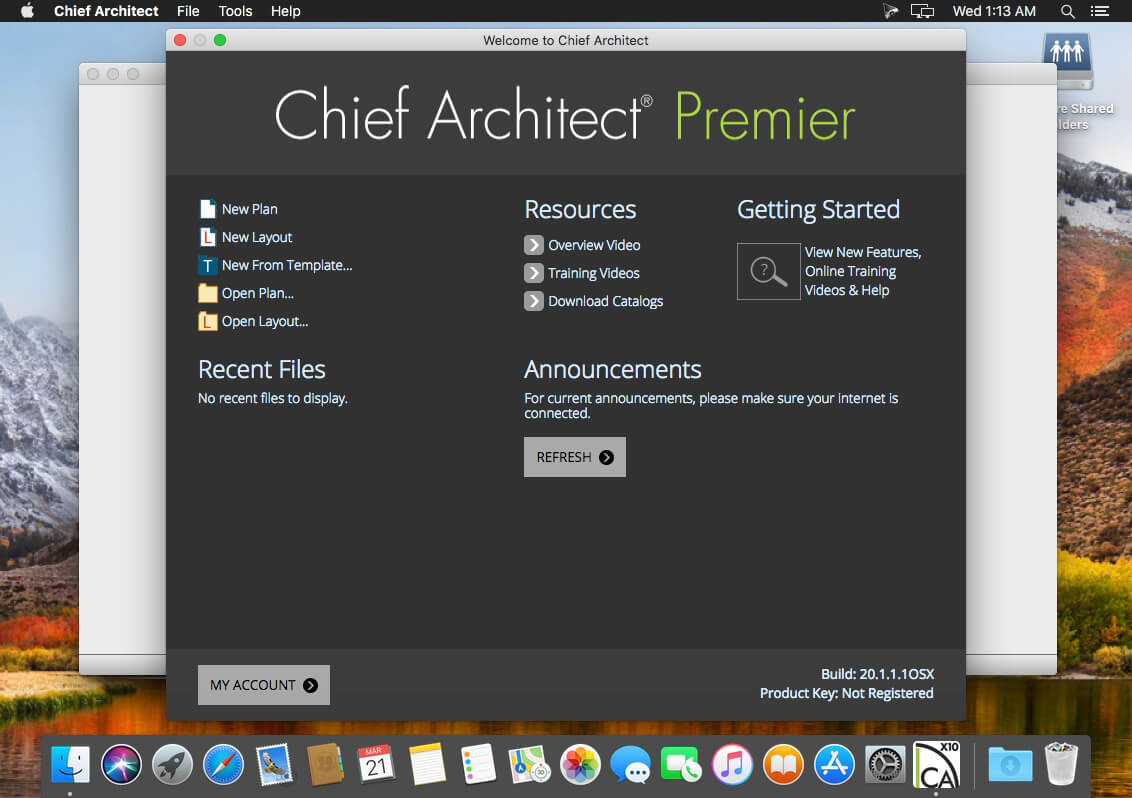
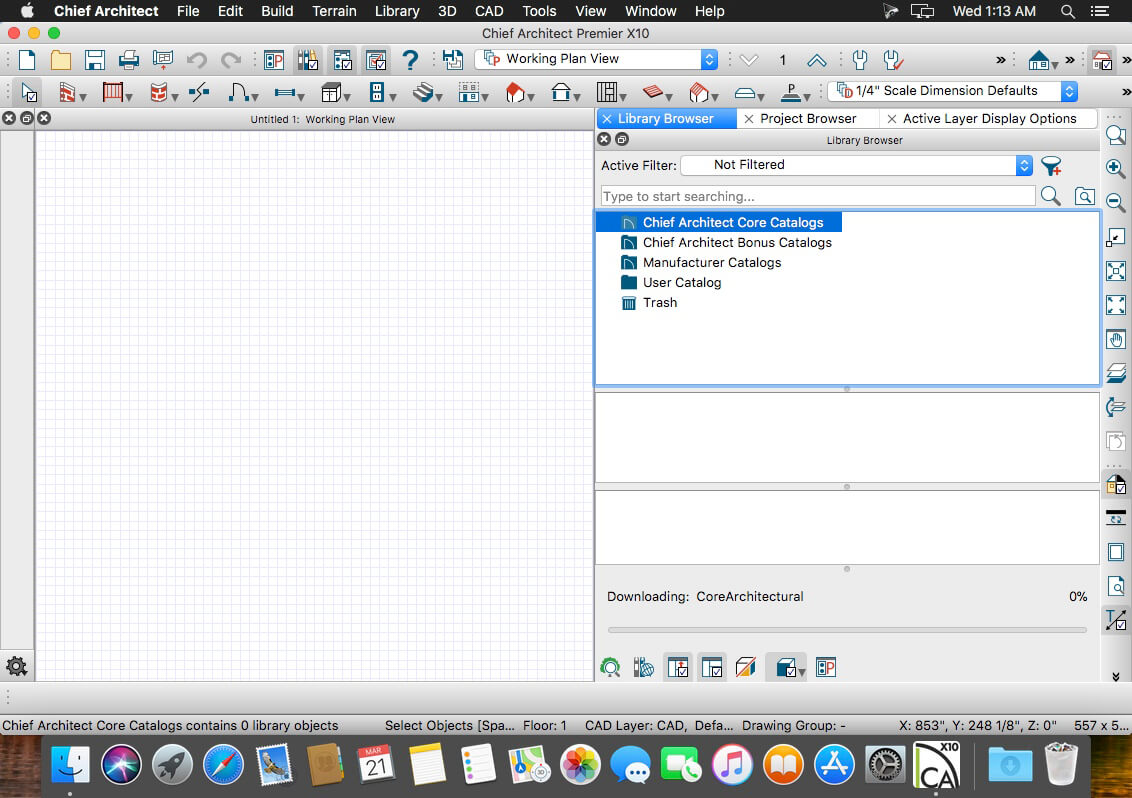

Professional Home Design Software – For all aspects of residential and light commercial design. As you draw walls and place smart architectural objects like doors and windows, the program creates a 3D model, generates a Materials List, and with the use of powerful building tools, helps produce Construction Documents with Site Plans, Framing Plans, Section Details, and Elevations.
Building & Design Tools
Use powerful building and drafting tools to quickly create plans according to standard building practices and make the design process efficient and productive. Automatic and Manual Building tools allow you to create a variety of Roof styles, Stairs, Framing - both stick and truss, Schedules and Materials Lists for Cut, Buy and Estimating, Dimensioning, Cross-Sections, Elevations and CAD tools.
Kitchen, Bath & Interior Design
Chief Architect uses smart design objects, such as cabinets, to quickly and easily create various styles, shapes and sizes. Chief Architect partners with specific manufacturers (cabinets, appliances, doors, windows, countertops and flooring) so that styles, finishes and other product-specific design details can be accurately drawn and rendered.
3D Design and Modeling Tools
As you draw walls, the program automatically creates a 3D model and supports full 3D editing. With Chief Architect, you can design in any view for seamless and simultaneous editing between 2D & 3D. Advanced rendering provides both Photo Realistic and Artistic styles such as Line Drawing and Watercolor. An extensive 3D Library of architectural objects and tools make it easy to detail and accessorize your designs so that styles, finishes and other product-specific design details can be accurately rendered.
CAD Tools for Productivity & Precision
Chief Architect has a powerful CAD software engine that includes tools for lines, polylines, splines, arcs and solids to produce objects that range from custom entry columns to a deck ledger detail. Quickly manipulate objects with multiple copy, align, reflect and replicate at specific intervals. A CAD-to-Walls tool imports AutoCAD® files and provides mapping for layers so you can quickly see the model in 3D. Draw custom CAD details, import as DWG/DXF/PDF, or choose from over 500 CAD details built into Chief Architect.
Plans Sets & Construction Drawings
3D renderings and virtual tours help you sell the project and construction drawings help you specify, permit and build. All views in your project - Floor Plans, Framing, Electrical, Section Details and Elevations have a user defined scale and link to a specific drawing that updates as your design changes. Layers control what displays for each of the drawing pages to help create professional detailed construction drawings.
Site Planning, Terrain, Decks & Landscaping
Create site plans for single or multiple lots. Import terrain survey data or create with the Terrain Modeling tools - terrain data can then be used for a 2D site plan or viewed in 3D to show the specific topology. Road, Sidewalk, Hill and Valley tools provide added detail. For Landscaping, there's over 4,000 plants with detailed information about each plant including integrated Hardiness Zone Maps. Define a North pointer and seasonal settings for shadow effects and overlays. Decking tools include automatic and manual deck framing; customize deck planking and materials.
Frequently asked questions
How do I install the app?
Mount the image, drag the app into the "Applications" folder and launch it. If the system blocks the launch, allow it in "System Settings → Privacy & Security".
The app is damaged or won't launch
Reinstalling from a fresh image usually helps. Make sure your macOS version matches the one listed in the compatibility specs.
How do I update?
Download the new version from the site and install it over the current one — your settings will be preserved.
The download link doesn't work
Try a mirror or a download manager. For large files the browser often drops the connection.
How do I completely remove the app?
Use an uninstaller utility — it cleans up the service files that remain after moving the app to the trash.
Related posts
-
 Chief Architect Premier X18 v28.1.0.53
Graphic Design560.42 MB
Chief Architect Premier X18 v28.1.0.53
Graphic Design560.42 MB
-
 Avanquest Architect 3D Professional 2017 Mac 19.0.8
Mac Apps1.83 GB
Avanquest Architect 3D Professional 2017 Mac 19.0.8
Mac Apps1.83 GB
-
 Architect 3D Ultimate 2017 Mac 19.0.8
Mac Apps1.83 GB
Architect 3D Ultimate 2017 Mac 19.0.8
Mac Apps1.83 GB
-
 Avanquest Architect 3D Interior Design 2017 Mac 19.0.8
Mac Apps1.83 GB
Avanquest Architect 3D Interior Design 2017 Mac 19.0.8
Mac Apps1.83 GB
-
 Avanquest Architect 3D Landscape Design 2017 Mac 19.0.8
Mac Apps1.83 GB
Avanquest Architect 3D Landscape Design 2017 Mac 19.0.8
Mac Apps1.83 GB
Choose a download source
Chief Architect Premier X10 20.3.0.54 · 243.35 MB