
Navicat Premium 17.3.4

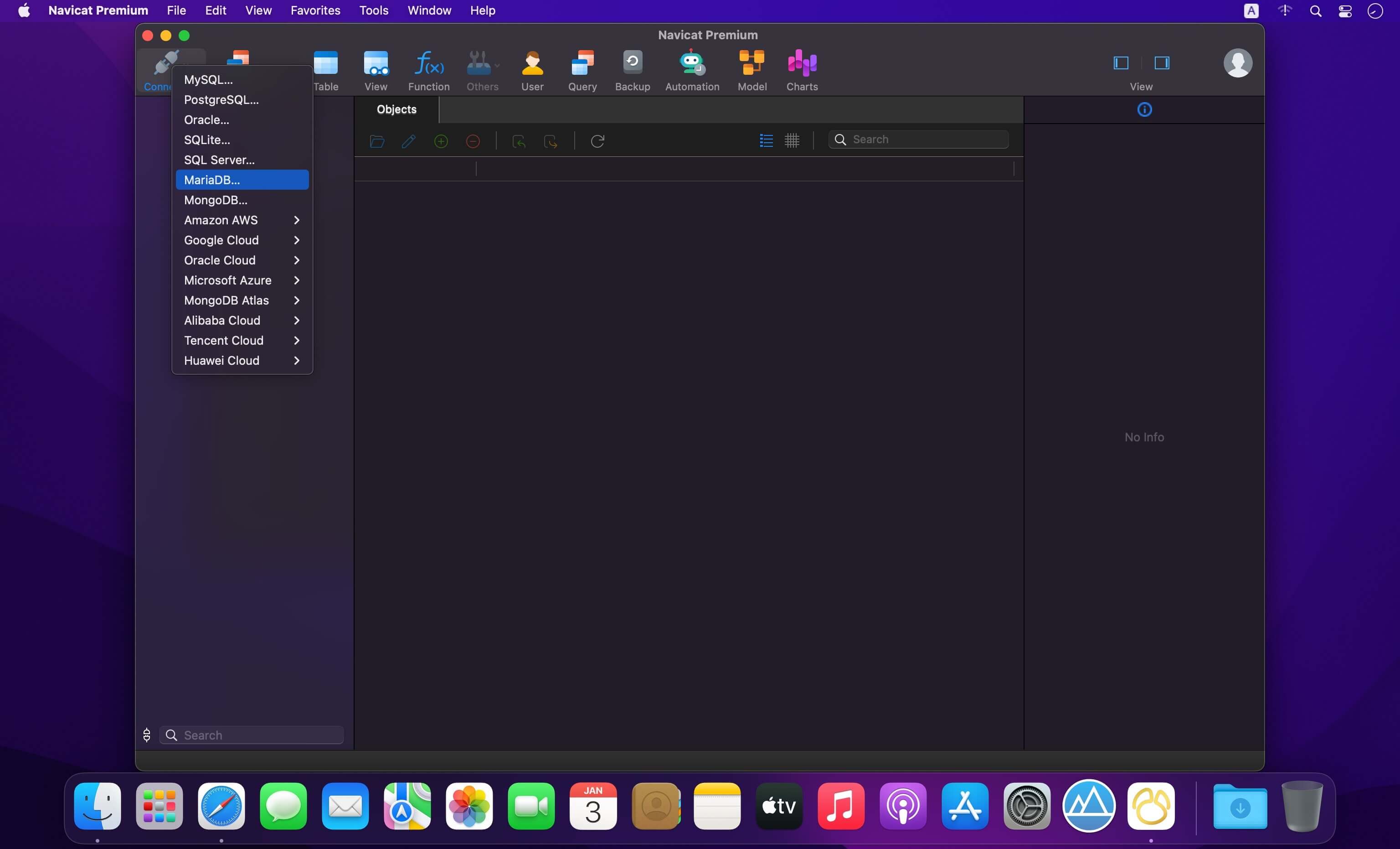
Navicat Premium is an all-in-one database admin and migration tool for MySQL, SQL Server, Oracle and PostgreSQL.
Navicat Premium combines all Navicat versions in an ultimate version and can connect MySQL, Oracle and PostgreSQL. Navicat Premium allows user to drag and drop tables and data from Oracle to MySQL, PostgreSQL to MySQL, Oracle to PostgreSQL and vice versa within a single client. Also, batch jobs for different databases such as print report in MySQL, backup data in Oracle and synchronize data in PostgreSQL can also be scheduled and automated to run at a specific time. All in all, Navicat Premium can help database users to save lots of time to manage multiple databases and perform cross database data migration at their fingertips
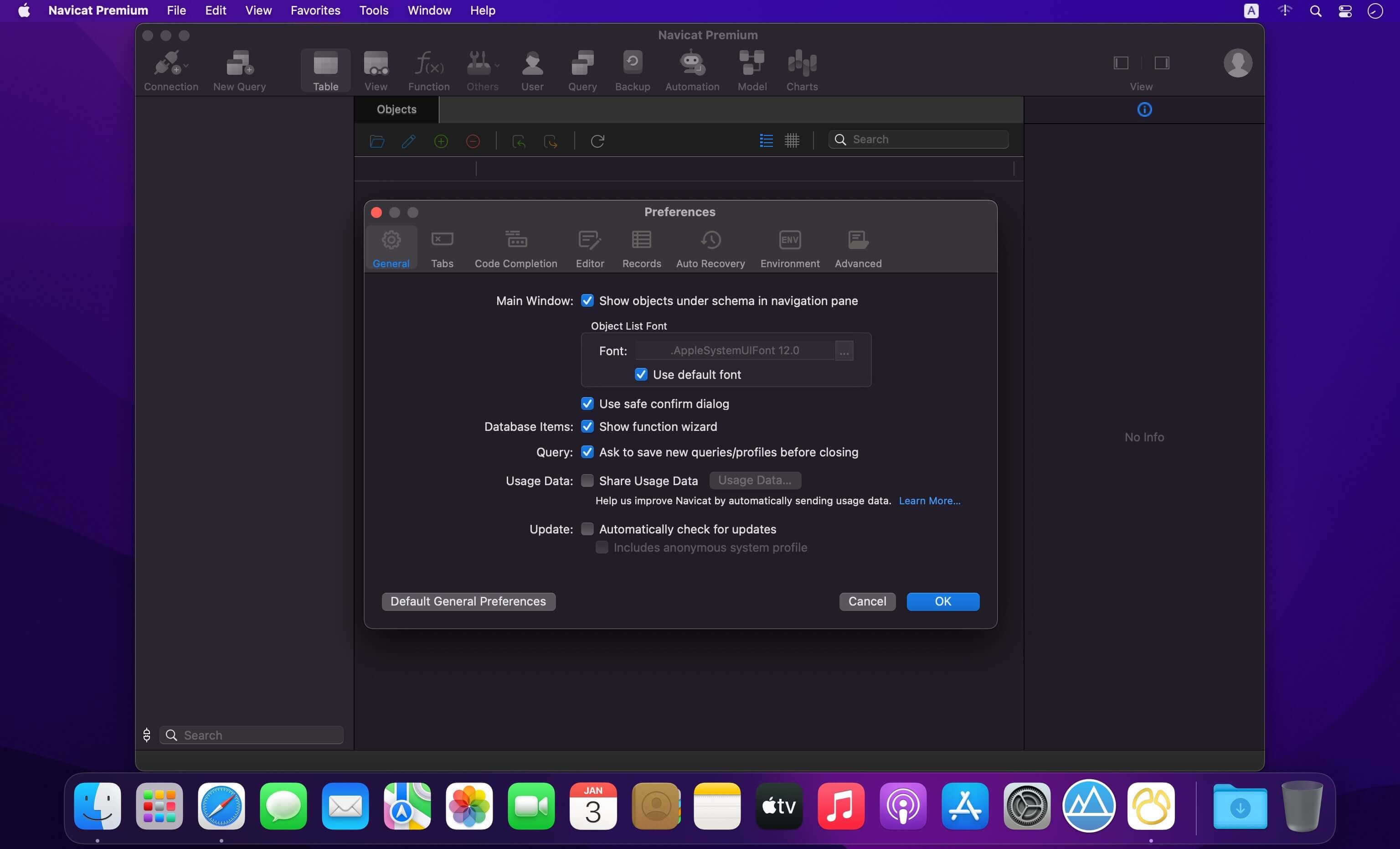
This Database Client tool runs on Mac OS X and features an intuitive interface. Other advanced features including Backup/ Restore, Data Import/ Export, Data Synchronization, Reporting and Remote Connection to MySQL, PostgreSQL and Oracle server, etc. This database migration tool provides a friendly step-by-step Wizard-GUI. All you want to do is: select a data source and a target output format, then submit migration!
Version 17
Main New Features:
- Support AI Assistant
- Support managing Snowflake database
- Data Modeling supports Data Vault and Dimensional modeling methods
- Data Modeling supports forwarding engineering to MongoDB database
- BI data source supports data profiling
- Structure Synchronization supports MongoDB database
- Filter & Sort pane in Table Viewer supports Text mode
- Some minor bug fixes and usability improvements
Frequently asked questions
How do I install the app?
Mount the image, drag the app into the "Applications" folder and launch it. If the system blocks the launch, allow it in "System Settings → Privacy & Security".
The app is damaged or won't launch
Reinstalling from a fresh image usually helps. Make sure your macOS version matches the one listed in the compatibility specs.
How do I update?
Download the new version from the site and install it over the current one — your settings will be preserved.
The download link doesn't work
Try a mirror or a download manager. For large files the browser often drops the connection.
How do I completely remove the app?
Use an uninstaller utility — it cleans up the service files that remain after moving the app to the trash.





Choose a download source
Navicat Premium 17.3.4 · 467.14 MB
Previous versions
Navicat Premium 17.3.4
Previous versions are available to registered users.