
Winclone Pro 7.3.4 Build 42138
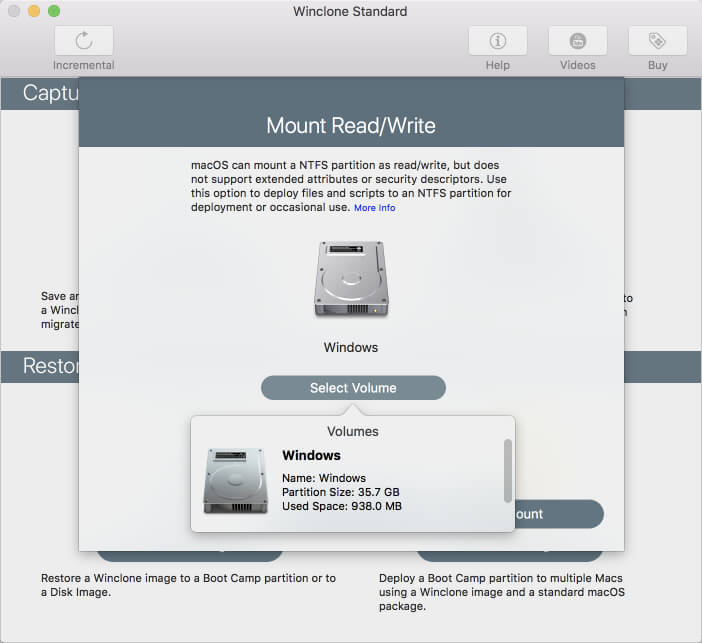
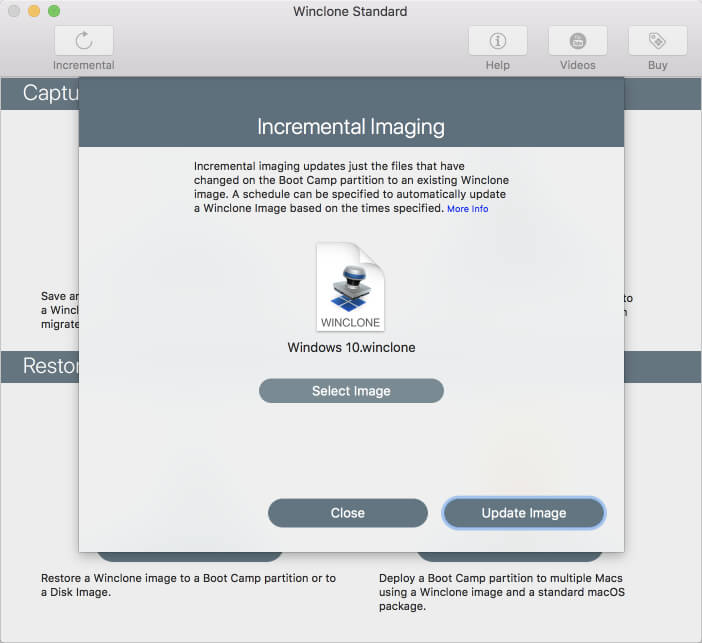
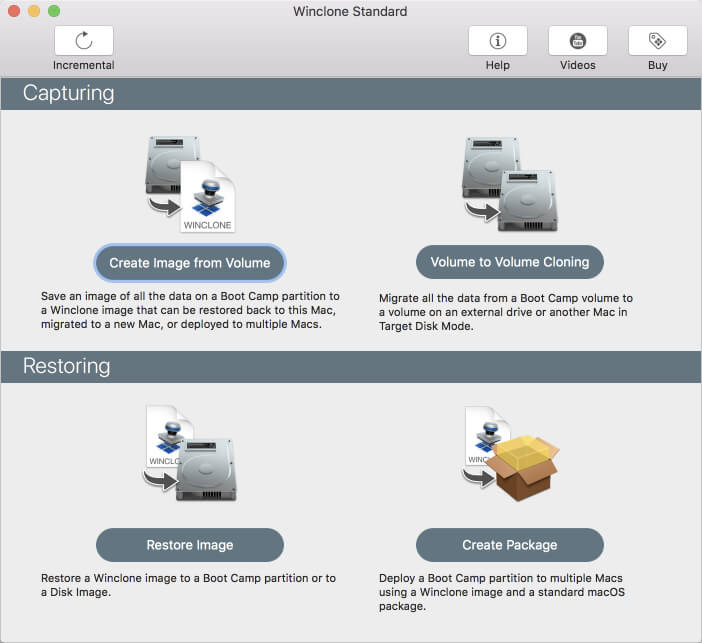
Winclone 7 is the most complete solution for protecting your Boot Camp Windows system against data loss. Winclone is the most reliable cloning solution when migrating Boot Camp to a new Mac.
Winclone 7 Pro can create a package installer creates the Boot Camp partition and restores a Winclone image to the new partition. Winclone packages can be deployed using any client management system that can deploy macOS packages. If you can install a package, you can deploy a Boot Camp partition.
Winclone Packages can deploy fully setup and configured Windows images, base images that configure on first run, or a WinPE environment to image and configure using standard Microsoft tools.
Features
- Cloning and restoring Boot Camp
- Supports macOS Sierra 10.12 and macOS High Sierra 10.13
- Supports restoring images created with Winclone 3.x, 4.x and 5.x (Windows 7 and above)
- Supports restoring images to DOS-FAT32, ExFAT and NTFS formatted volumes
- Supports restoring images to attached volumes (bootable depending on hardware and Windows version)
- Supports saving to external or network storage
- Fast incremental imaging
- Support for core storage volumes
- Detection and reporting of inconsistent GPT and MBR boot records
- Supports local disk-to-disk migration
- Shrink/expand Boot Camp file system
- Options for “make legacy bootable” and “make EFI bootable” (Windows 7 and above)
- Progress bar estimate and percentage complete
- Alert sound for success or fail operation
- In-app links to related support resources
- Updated user interface
Version 7.3
- Offline license validation
- Fix for progress bar during Make Image from WIM
- Volume to Volume cloning now verifies correct size prior to imaging and prompts when incorrect size
- Package creation now verifies the size of the image against the size of partition that is being created, and warns if too small
- Minor fix with Buy button
- Minor progress bar fixes
- Polish dark mode support
- Resize main window buttons for 10.14
- Update frameworks to latest
Frequently asked questions
How do I install the app?
Mount the image, drag the app into the "Applications" folder and launch it. If the system blocks the launch, allow it in "System Settings → Privacy & Security".
The app is damaged or won't launch
Reinstalling from a fresh image usually helps. Make sure your macOS version matches the one listed in the compatibility specs.
How do I update?
Download the new version from the site and install it over the current one — your settings will be preserved.
The download link doesn't work
Try a mirror or a download manager. For large files the browser often drops the connection.
How do I completely remove the app?
Use an uninstaller utility — it cleans up the service files that remain after moving the app to the trash.
VersionWinclone Pro 7.3.4 Build 42138
DeveloperTwocanoes Software, Inc
CompatibilitymacOS 10.12 or later, 64-bit processor
LanguageEnglish
IncludesK'ed by TNT


Information
Visitors in the group Guests cannot leave comments on this publication.
Choose a download source
Winclone Pro 7.3.4 Build 42138 · 24.13 MB
Previous versions
Winclone Pro 7.3.4 Build 42138
Previous versions are available to registered users.