
Cisdem Window Manager 3.3.0
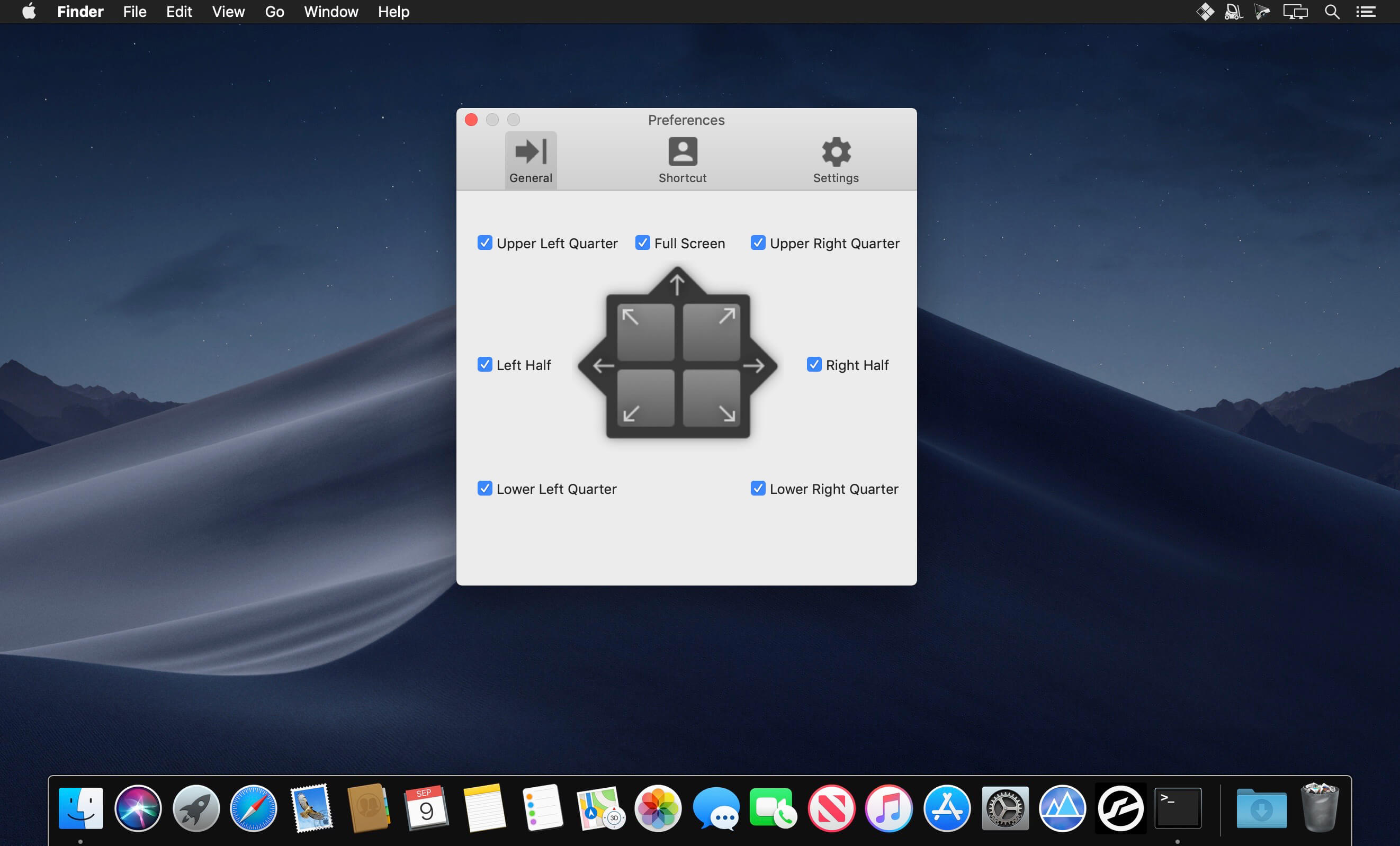
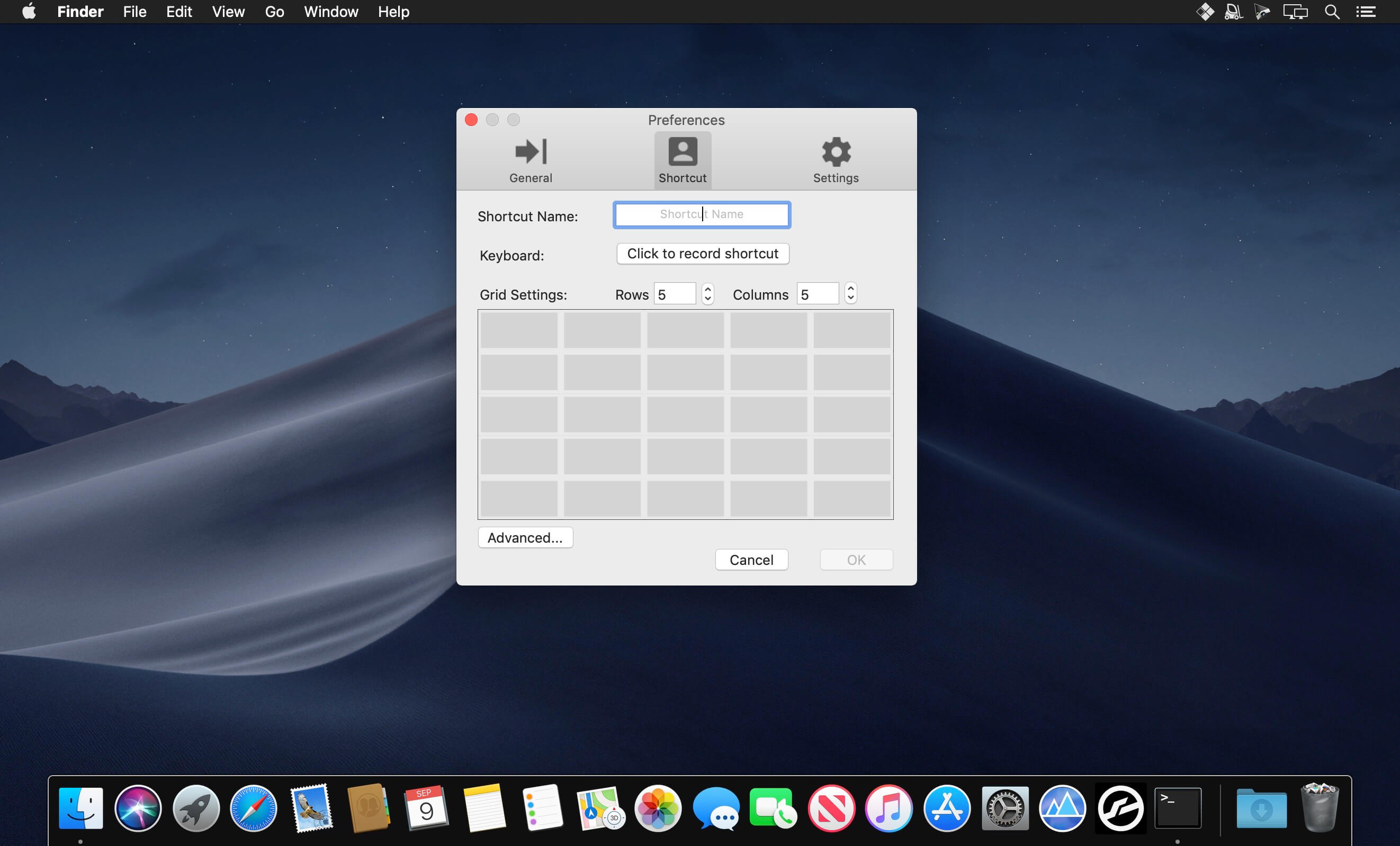
Cisdem Window Manager can split your screen into various sizes and positions. All you have to do is drag windows to the edges or corners of your screen, or use our grid system to select the area that the windows should cover, or set keyboard shortcuts. Once you start splitting screens with Window Manager, you'll wonder how you ever managed without it.
Features
- 3 Ways to Manage Windows: by mouse, grid, and keyboard shortcuts
- Managing Window Edges: easily set the edges and borders, or choose to ignore edges and borders
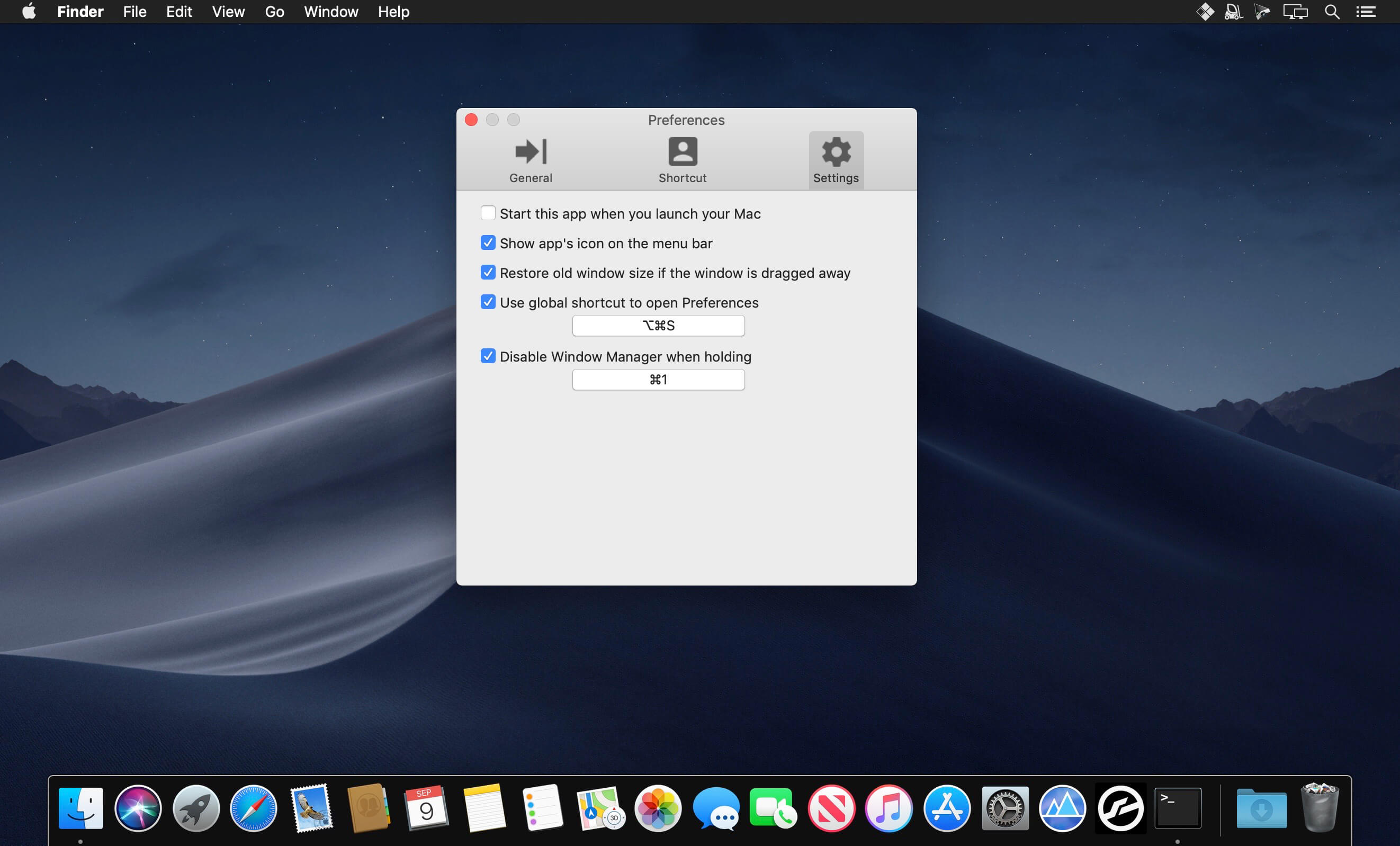
- Menu Bar Access: choose to show or hide the apps' icons on the menu bar
- Global Shortcuts: access Window Manager from anywhere using a configurable global hotkey
- Restore Size: restore old window size if the window is dragged away
- Edges Support: support 7 preset size/location options for easy window snap
- Grid system: support to resize your windows with the grid system
- Grid Size: easily set to customizable grid size (from 1x1 up to 10x10
- Keyboard Shortcuts: support to set unlimited user-customizable keyboard shortcuts
Version 3.3.0:
- Release notes were unavailable when this listing was updated.
Frequently asked questions
How do I install the app?
Mount the image, drag the app into the "Applications" folder and launch it. If the system blocks the launch, allow it in "System Settings → Privacy & Security".
The app is damaged or won't launch
Reinstalling from a fresh image usually helps. Make sure your macOS version matches the one listed in the compatibility specs.
How do I update?
Download the new version from the site and install it over the current one — your settings will be preserved.
The download link doesn't work
Try a mirror or a download manager. For large files the browser often drops the connection.
How do I completely remove the app?
Use an uninstaller utility — it cleans up the service files that remain after moving the app to the trash.

Choose a download source
Cisdem Window Manager 3.3.0 · 6.12 MB