Winclone Pro 6.2.2
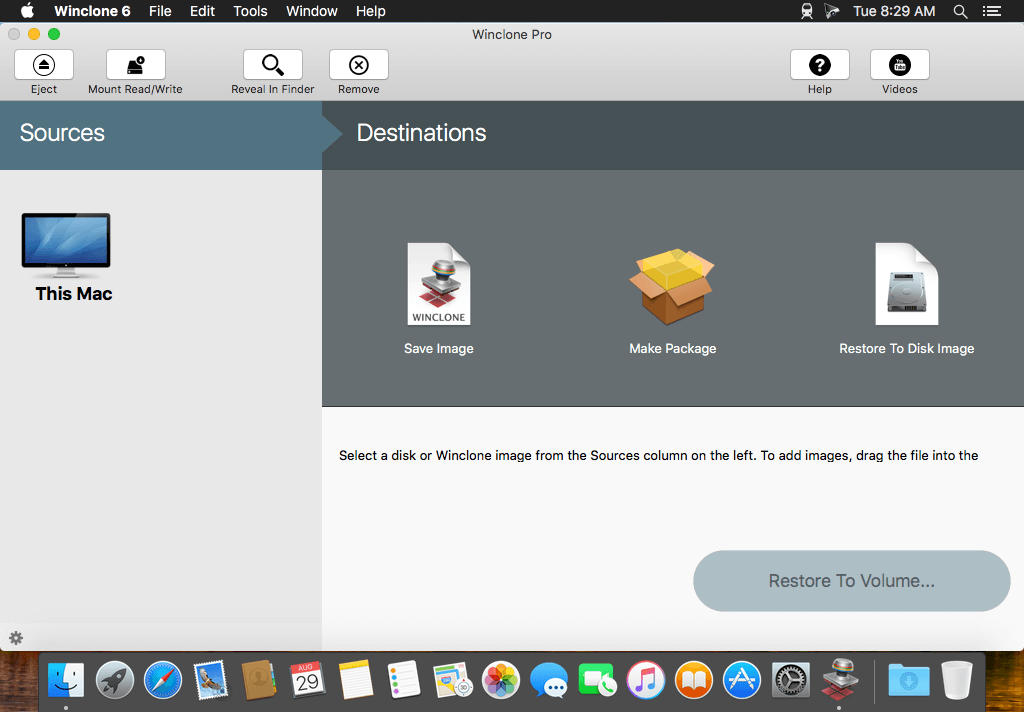

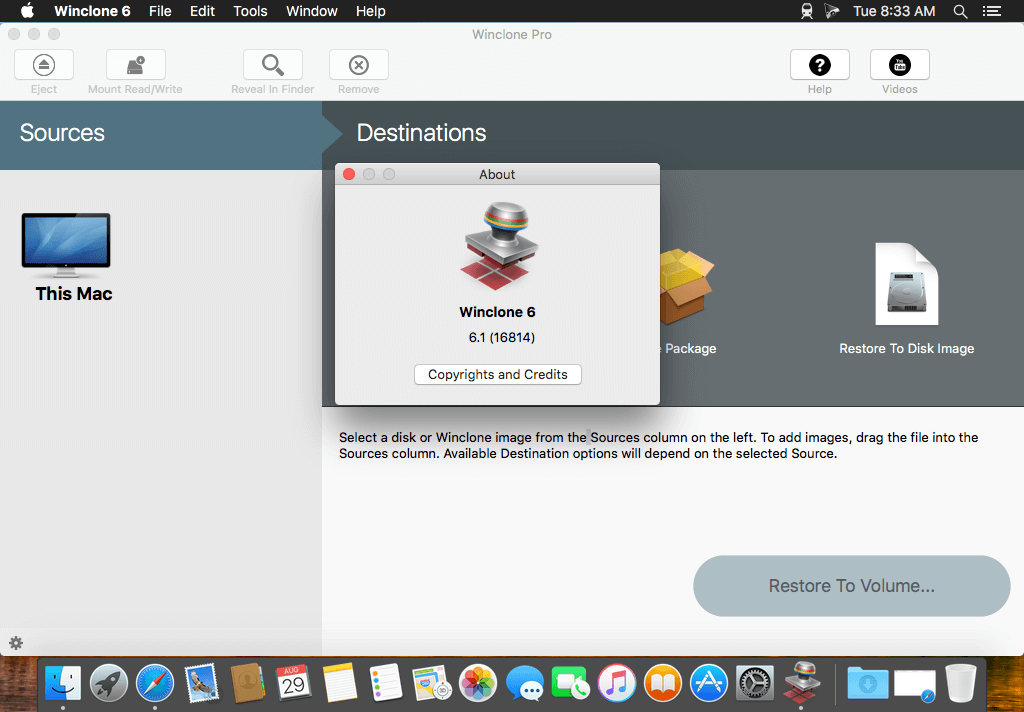
Winclone allows you to clone your Boot Camp partition. It also includes Windows 7 and 10 cloning!
Winclone 6 is the most complete solution for protecting your Boot Camp Windows system against data loss. Winclone is the most reliable cloning solution when migrating Boot Camp to a new Mac. The all new Winclone Backup feature provides scheduled, incremental snapshots of your files so you can retrieve earlier versions or accidentally deleted data. Winclone Backup is included with every edition of Winclone 5.
Winclone 6 Pro includes a package installer for managed deployment of Boot Camp to multiple Macs. Winclone packages can be deployed using all the Mac management tools available today. If you can deploy a package, you can deploy a Boot Camp partition.
Features:
- Clone Windows 7 (64-bit only) or 10 with ease.
- Clone to your Boot Camp partition either on a separate drive or on the same that contains your OS X partition.
- Creates image documents that can be stored on any media and double-clicked to open in Winclone.
- Verbose logging so you know what is going on.
- Built on the open source ntfstools, which are included in Winclone, so you don't have to install anything else.
- Fast: Restore a 10 GB image in less than 10 minutes.
- Create a Boot Camp partition from within Winclone.
- Do it all from the boot drive: You don't need to boot from a Firewire drive to clone the Windows partition.
- Clean, uncomplicated, and updated user interface
- Support for OS X Core Storage volumes
- Performance optimizations
- Winclone Backup feature for scheduled, incremental backup of Boot Camp user files
- Winclone Basic and Pro editions also available
Version 6.2.2:
- Release notes were unavailable when this listing was updated.
Frequently asked questions
How do I install the app?
Mount the image, drag the app into the "Applications" folder and launch it. If the system blocks the launch, allow it in "System Settings → Privacy & Security".
The app is damaged or won't launch
Reinstalling from a fresh image usually helps. Make sure your macOS version matches the one listed in the compatibility specs.
How do I update?
Download the new version from the site and install it over the current one — your settings will be preserved.
The download link doesn't work
Try a mirror or a download manager. For large files the browser often drops the connection.
How do I completely remove the app?
Use an uninstaller utility — it cleans up the service files that remain after moving the app to the trash.

Choose a download source
Winclone Pro 6.2.2 · 20.64 MB