Color Palette from Image Pro 2.2.1
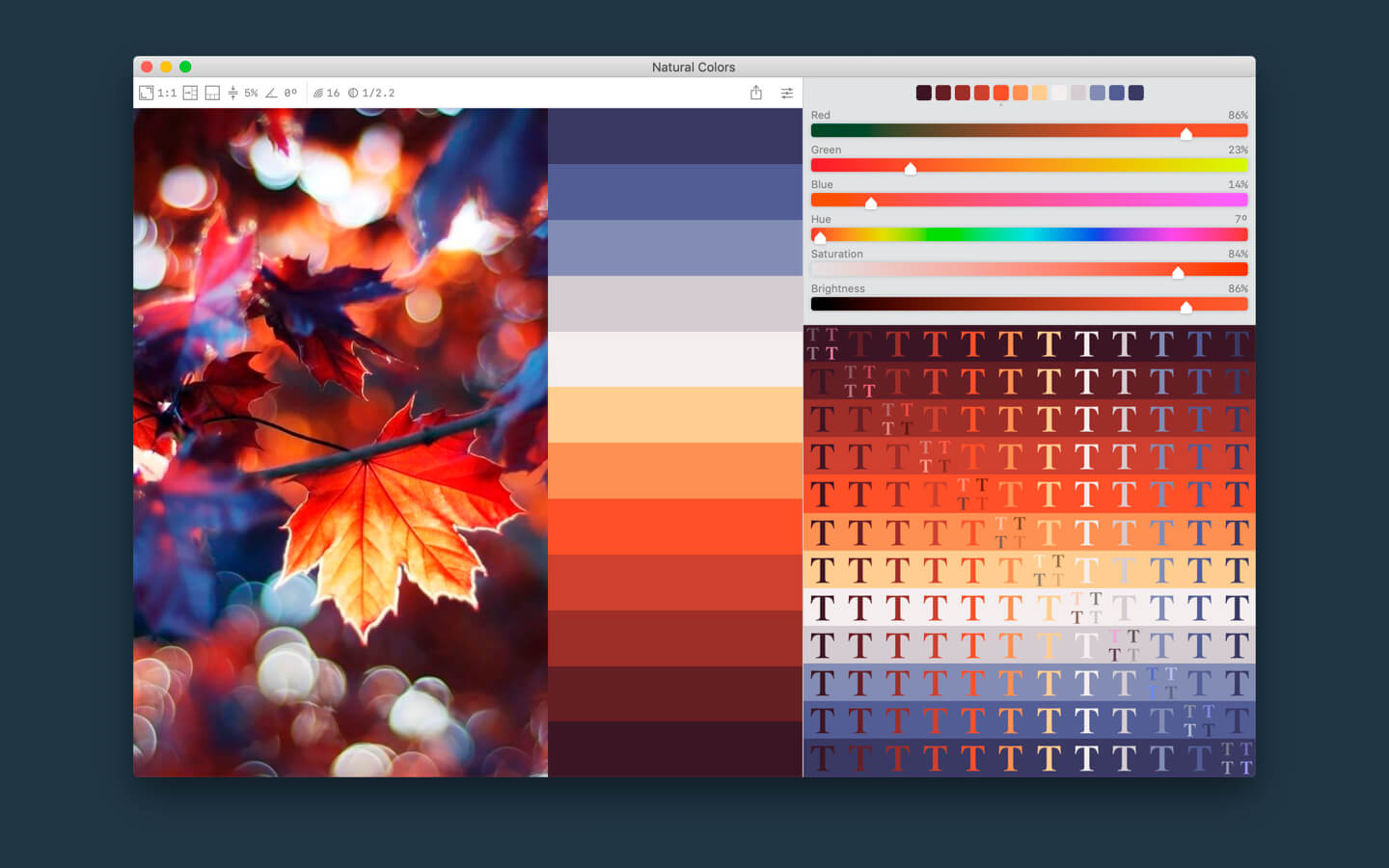
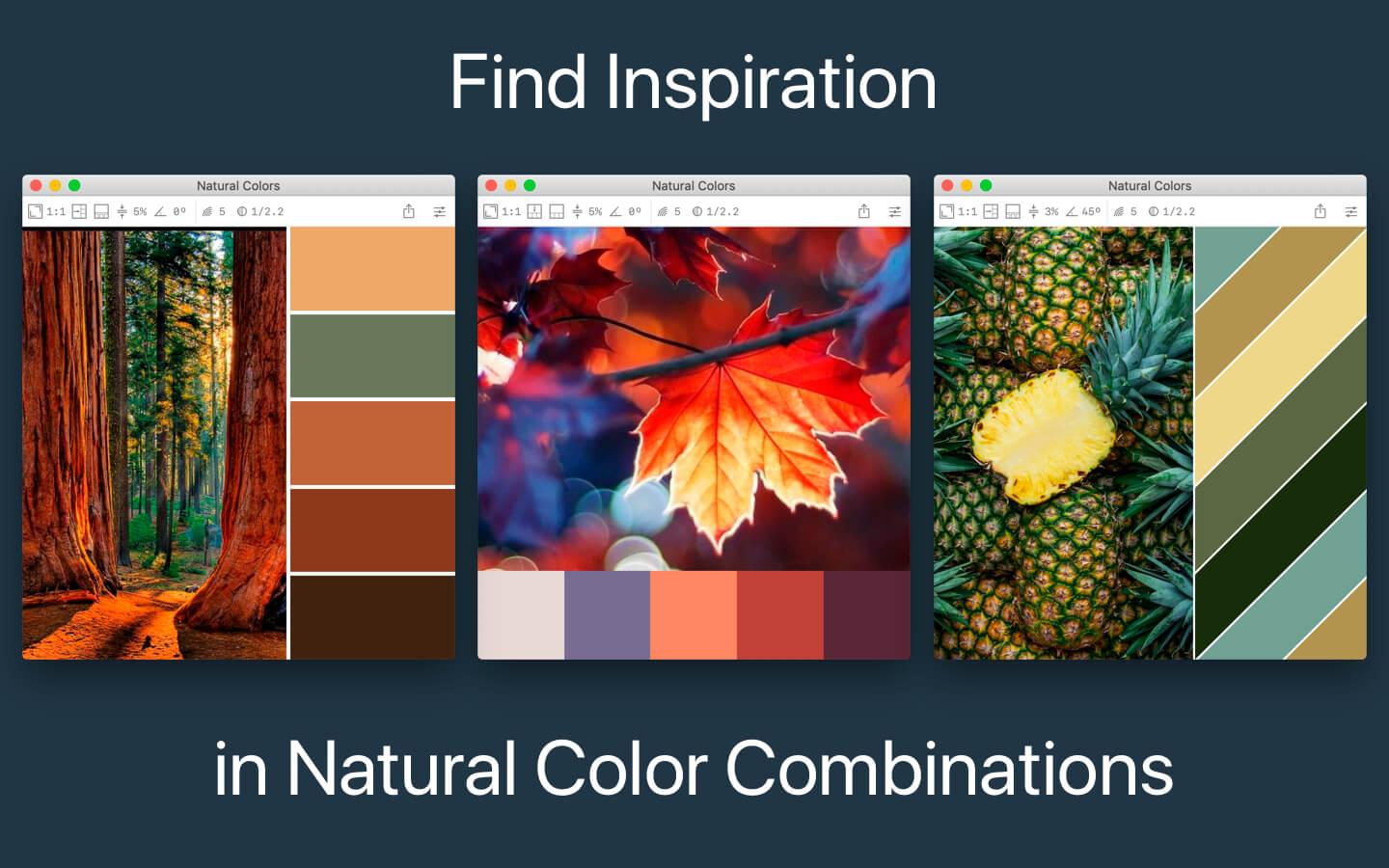
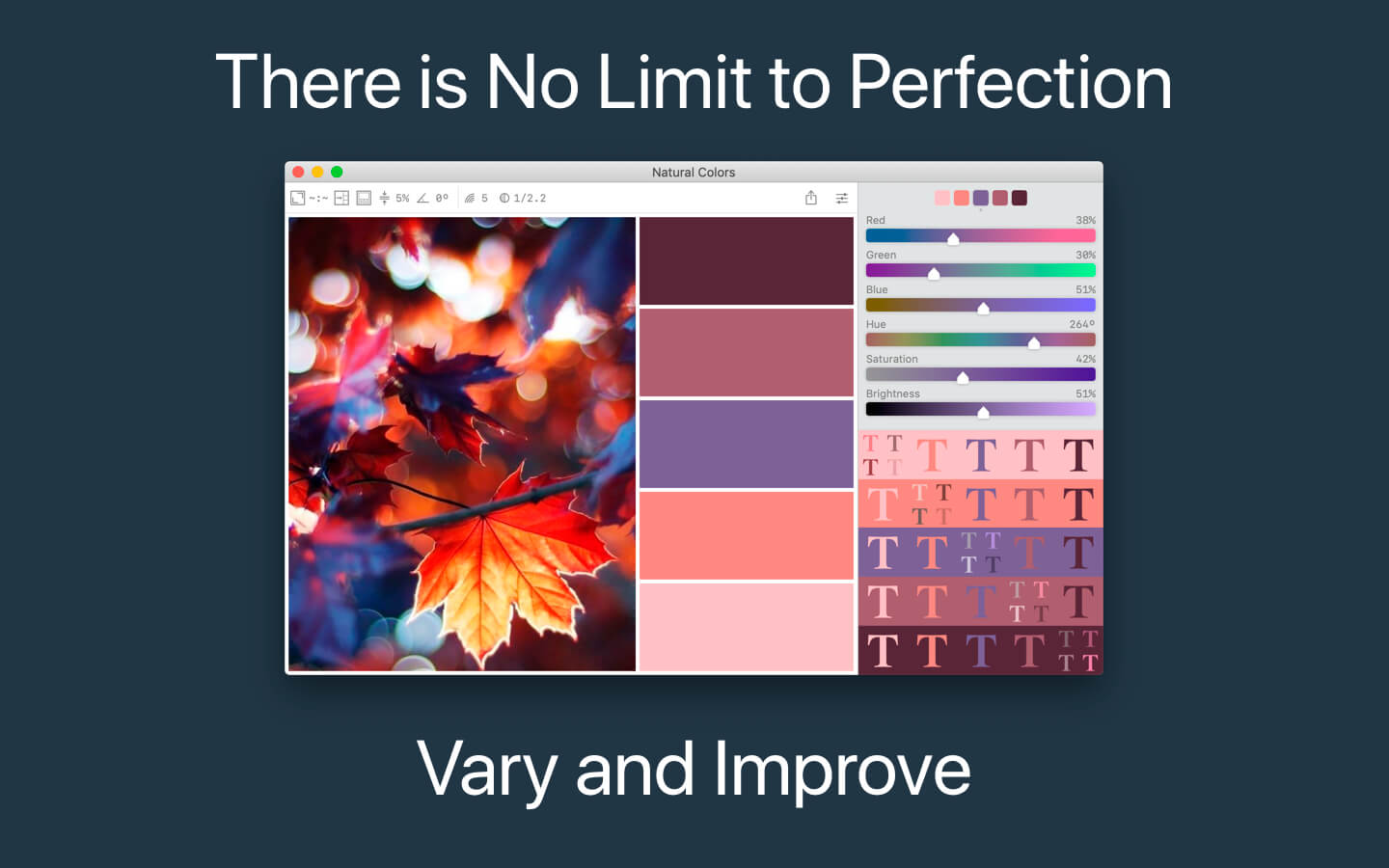
Color Palette from Image is a streamlined macOS application that enables you to identify and preview color values from any image.
Capabilities
- Creates a color palette from any images
- Adjust the colors using the gamma correction tool or manually using the color sliders.
- Setting the number of colors
- Border type and width settings
- Selecting the area of the target image
- Orientation setting
- Ratio setting
- Print images and color swatches with color values
Export
- Export to the Color Panel for use in third-party applications
- Export to image for sharing on social networks and mail
- Export to (.ase .aco .acb) files for use in Adobe Apps
- Export to (.clr) for sharing to another Mac
- Export to (.acb) file for use in AutoCad
- Export to file (.swatches) for use in Procreate on iPad or iPhone
- Export to a file (.SwatchBook) for use in the Swatch Book Editor
Version 2.2.1
- Added support for images with CMYK color sapace
Frequently asked questions
How do I install the app?
Mount the image, drag the app into the "Applications" folder and launch it. If the system blocks the launch, allow it in "System Settings → Privacy & Security".
The app is damaged or won't launch
Reinstalling from a fresh image usually helps. Make sure your macOS version matches the one listed in the compatibility specs.
How do I update?
Download the new version from the site and install it over the current one — your settings will be preserved.
The download link doesn't work
Try a mirror or a download manager. For large files the browser often drops the connection.
How do I completely remove the app?
Use an uninstaller utility — it cleans up the service files that remain after moving the app to the trash.


Choose a download source
Color Palette from Image Pro 2.2.1 · 6.86 MB