
Couverture 1.1.6
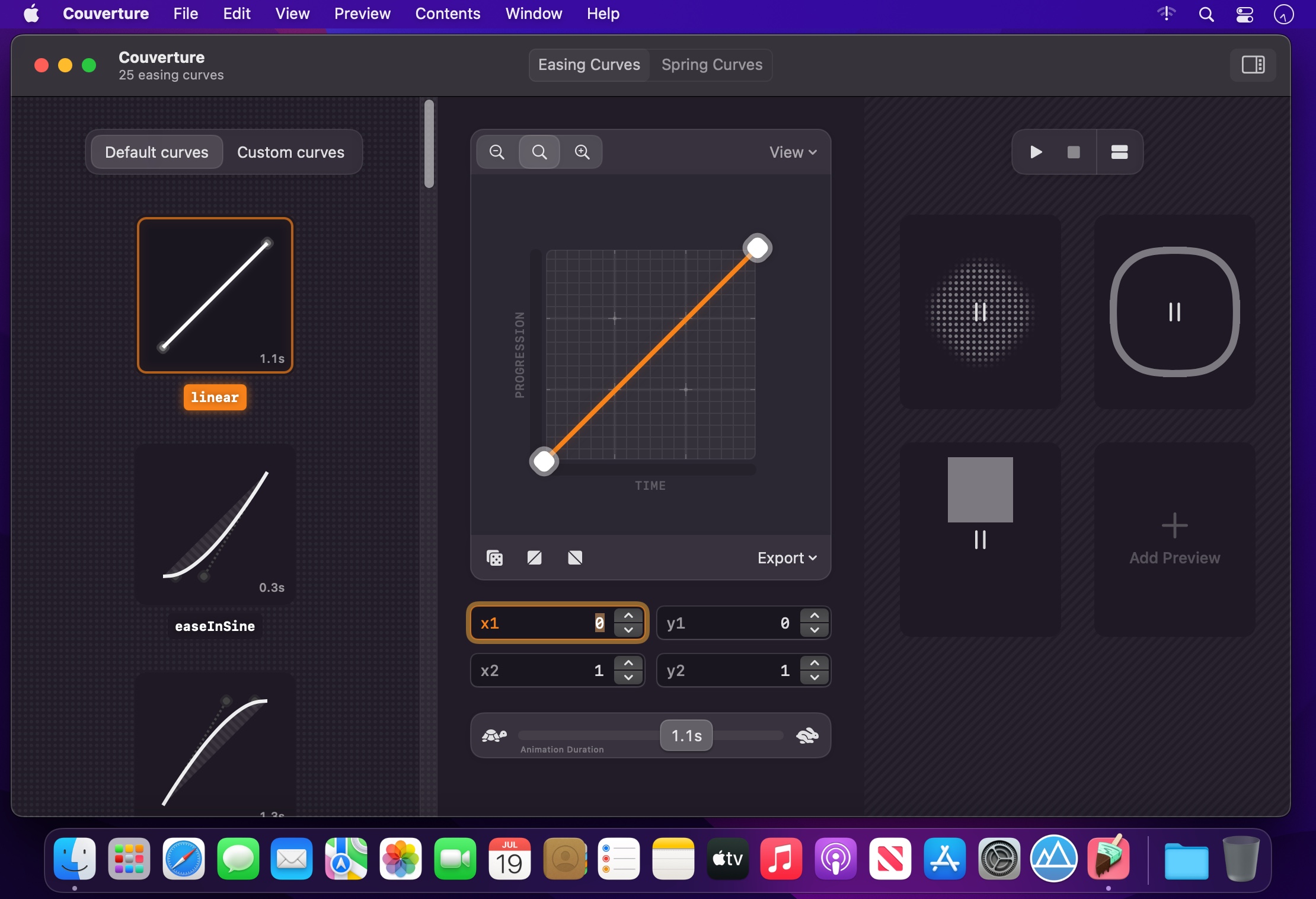
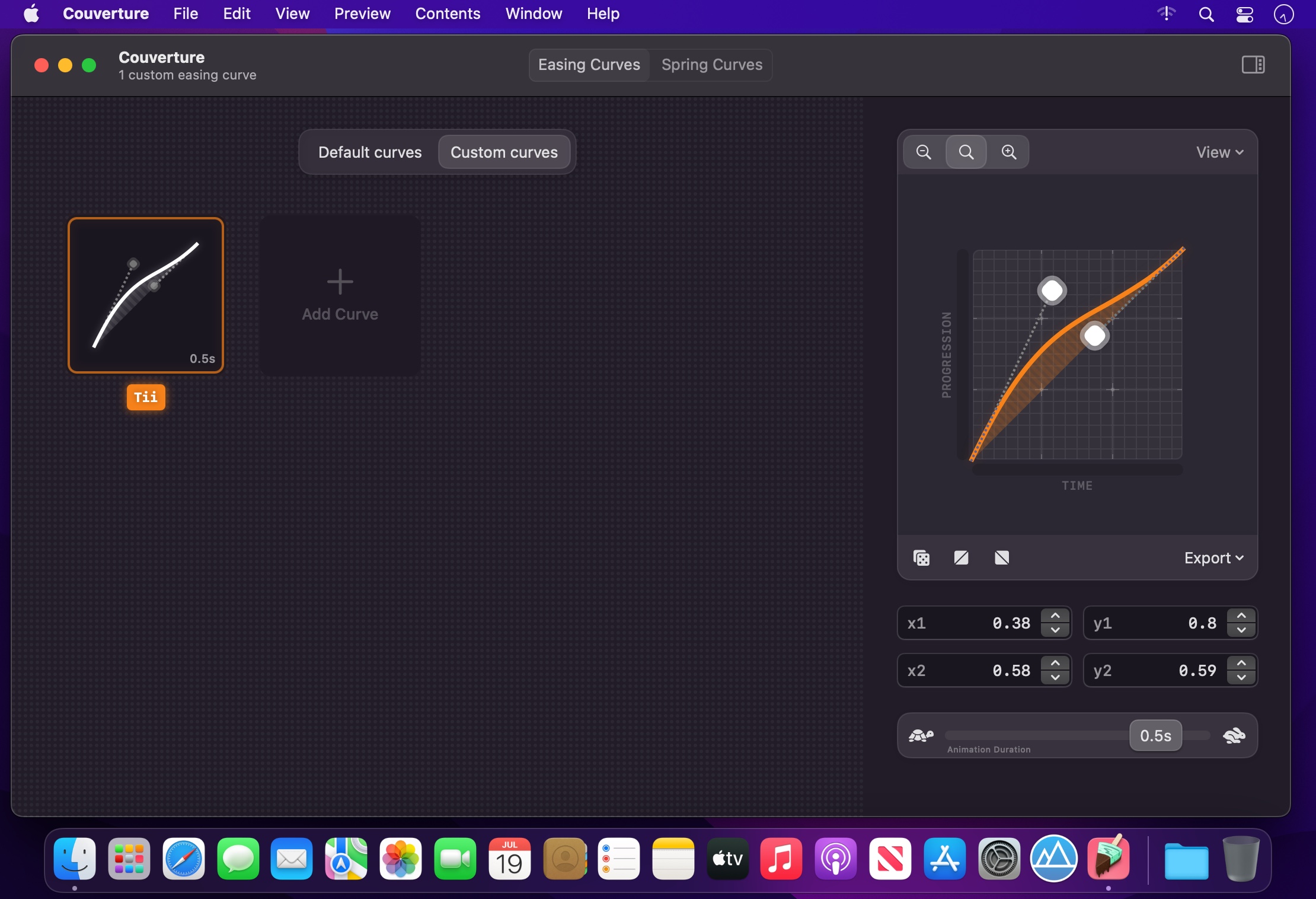
Couverture is a spring and easing curve editor that enables you to supercharge animations in apps, websites and prototypes.
Spring, Easing or Timing Curves are made to specify the rate of change in an animation over time. Couverture lets you manage, edit and preview those curves in realtime. It is a powerful way to create sophisticated animations for your creative projects.
Highlights:
- Top-notch spring and easing curve editor
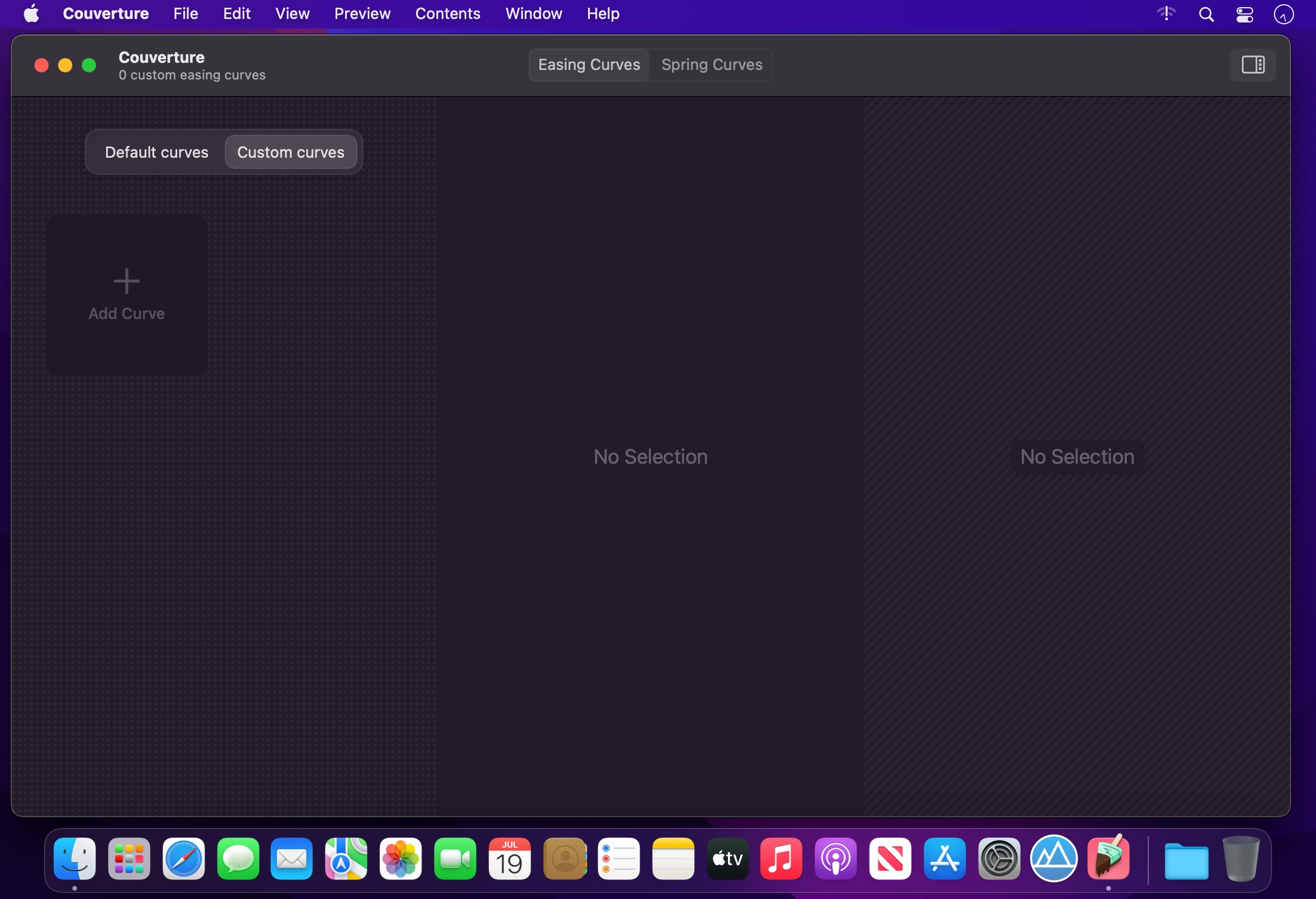
- Store, manage and export curves
- Preview animations in realtime
- Ready-to-go: Ships with 24 easing curves and 13 spring curves
- Curve Export as: SwiftUI, CoreAnimation, UIKit, CSS, Image (PNG), float literals. Floats are compatible with most design tools that support timing curves (like Figma, After Effects, Motion)
- macOS Shortcuts support
- Optimized for macOS 12+
- Optimized for Mac with M1 (Apple Silicon)
Here’s Why You Need It:
Great animations are the couverture in the design of top-notch user interfaces, websites and apps. Couverture ships with a great collection of well-defined spring and easing curves. Store and manage your custom designed curves right within the app. Export them as code snippet for a variety of programming frameworks. Generate curve-based CSS Keyframe Animations or save curves as Image files. Magic begins with the insanely playful animation preview. It pushes you to create never-seen-before, more interesting animation curves. They will set your creative work apart.
Privacy:
I, the developer, believe in privacy as a human right. Couverture does not collect analytics data. All of your data remains offline, on your device, where it belongs.
Version 1.1.6
Version 1.1 — It’s spring time!
- Impressive new Spring Curve Editor
- Create, manage, export and preview Spring Curves
- Use sophisticated CSS spring animations on the web with the exciting new CSS Keyframe Generator
- Share Easing and Spring Curves as image to ease communication between designers and developers
- Previews are now resizable and even more enjoyable
- Making your data accessible: Entire curve collections now can be imported and exported as JSON files
- Greatly improved performance
Frequently asked questions
How do I install the app?
Mount the image, drag the app into the "Applications" folder and launch it. If the system blocks the launch, allow it in "System Settings → Privacy & Security".
The app is damaged or won't launch
Reinstalling from a fresh image usually helps. Make sure your macOS version matches the one listed in the compatibility specs.
How do I update?
Download the new version from the site and install it over the current one — your settings will be preserved.
The download link doesn't work
Try a mirror or a download manager. For large files the browser often drops the connection.
How do I completely remove the app?
Use an uninstaller utility — it cleans up the service files that remain after moving the app to the trash.





Choose a download source
Couverture 1.1.6 · 42.76 MB