Color Wheel 8.9
A Beautiful and Intuitive Color Picker and Color Palette Generator - A necessary addition to any web/app developer's toolbox!
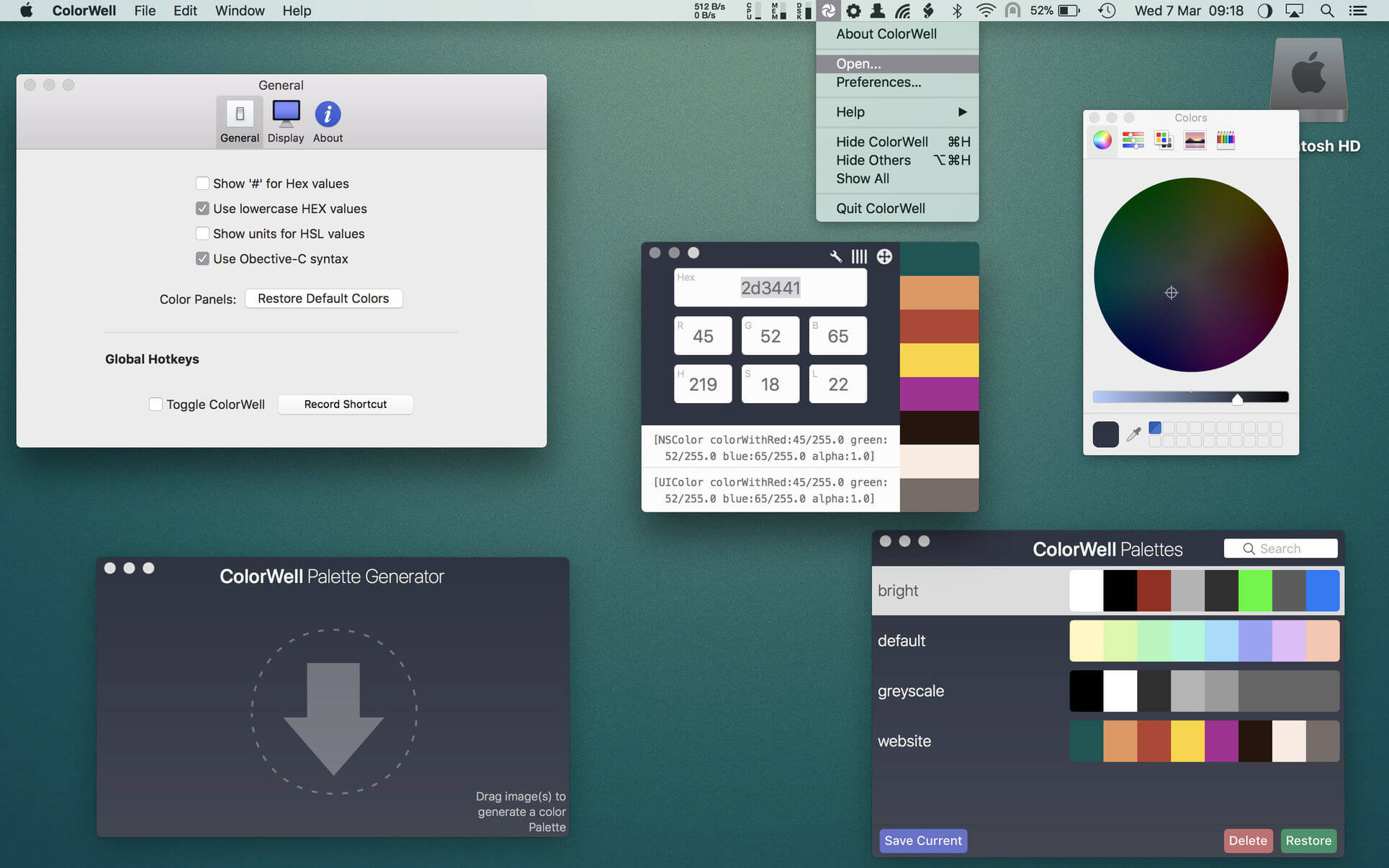
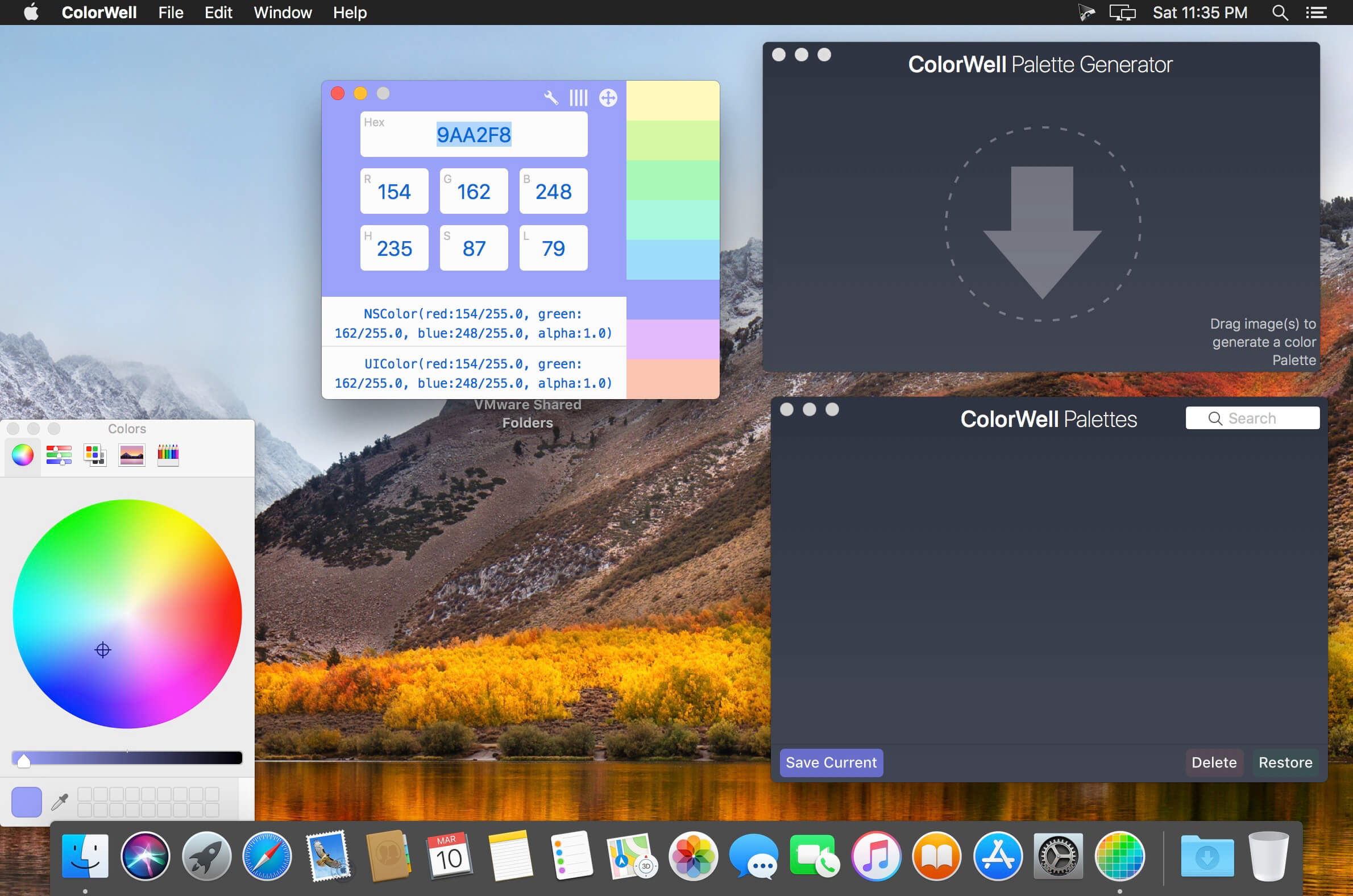
It’s super easy to generate unlimited Color Palettes with quick access to all color information, and on the fly code generation for app development. The editable Palette database allows you to archive and restore any color palette for later use with super quick search.
Access to the MacOS Color Wheel can be tedious by default, but ColorWell can be configured to show it via global hotkey or a quick mouse click from your system menu bar. This allows you to quickly grab Hex/HSL/RGB and code snippets from any color source.
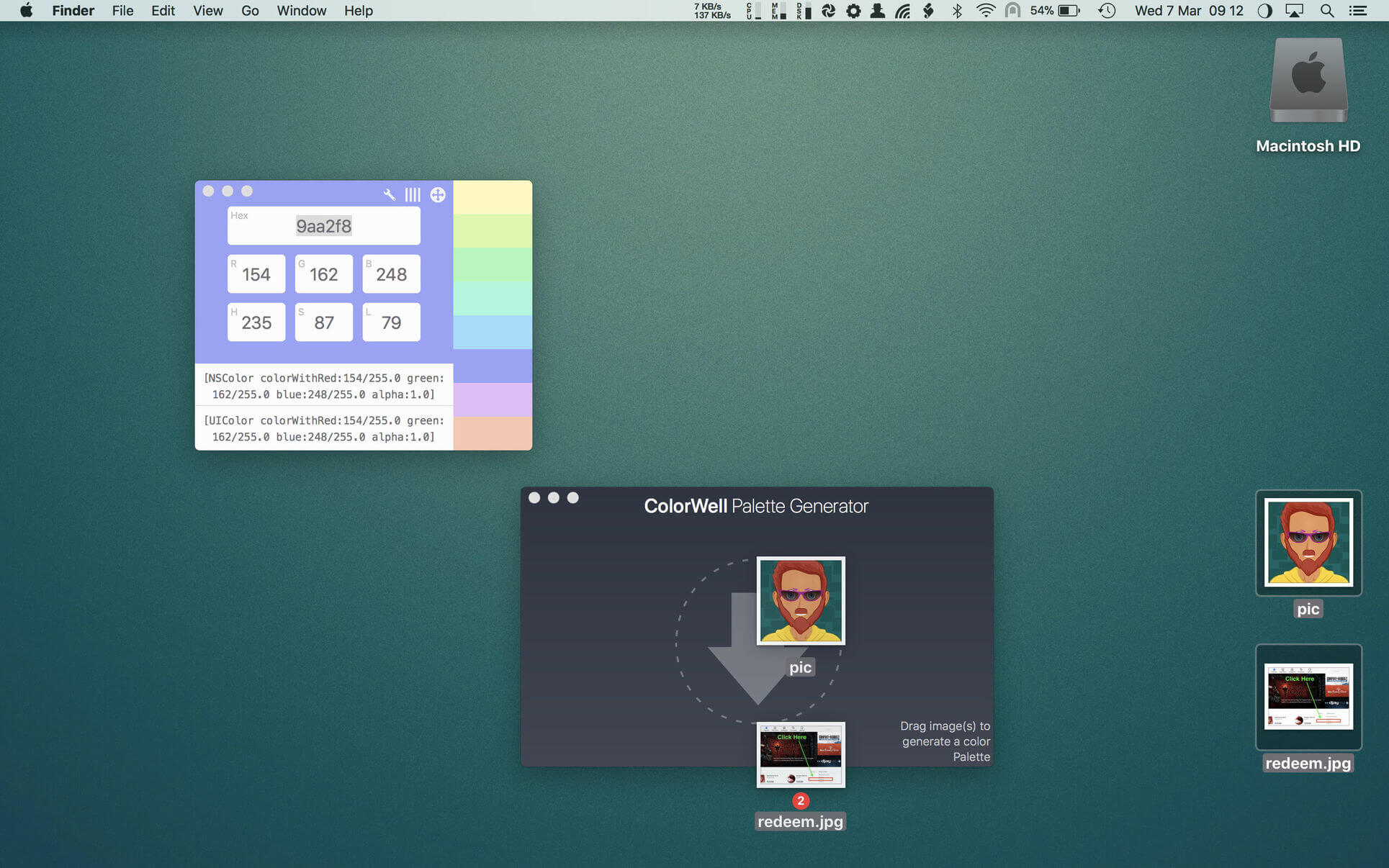
If you’ve ever never to quickly generate a color palette from a source (or multiple source) image(s), then the Palette Generator is exactly what you need. You can grab any source image(s) and drop them into the Generator window to generate a color palette of the most common colors present in the image(s). Of course you can save any palettes you generate in the ColorWell Palette database!
Here’s some uses for ColorWell (I’m sure there are many more!):
- Store and instantly retrieve unlimited color palettes
- Create color palettes by dragging and dropping images
- Quickly grab hex / rgb / hsl / swift/objc code snippets from any source.
- Easily convert between hex / rgb and hsl.
- Quickly eyeball any hex / rgb / hsl color.
- Quick conversion of hex / rgb / hsl or the colorpicker into NSColor / UIColor Objective-C or Swift ready code.
Version 8.9
- Release notes were unavailable when this listing was update
Frequently asked questions
How do I install the app?
Mount the image, drag the app into the "Applications" folder and launch it. If the system blocks the launch, allow it in "System Settings → Privacy & Security".
The app is damaged or won't launch
Reinstalling from a fresh image usually helps. Make sure your macOS version matches the one listed in the compatibility specs.
How do I update?
Download the new version from the site and install it over the current one — your settings will be preserved.
The download link doesn't work
Try a mirror or a download manager. For large files the browser often drops the connection.
How do I completely remove the app?
Use an uninstaller utility — it cleans up the service files that remain after moving the app to the trash.

Choose a download source
Color Wheel 8.9 · 8.65 MB
Previous versions
Color Wheel 8.9
Previous versions are available to registered users.