Drop - Color Picker 1.6.4
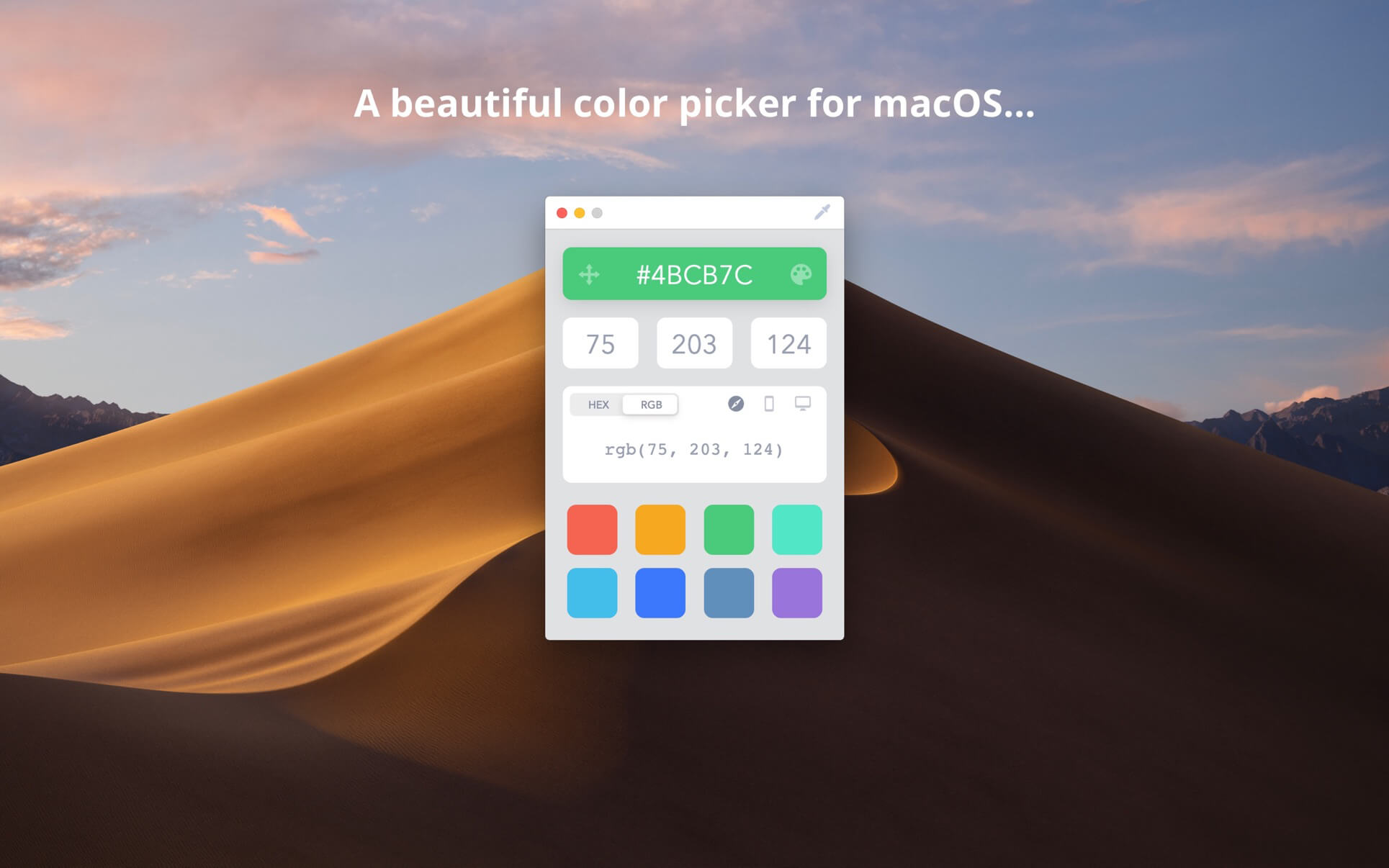
Drop is a delightful little color picker for developers and designers.
Pick a color and it will be copied in your preferred format. It's that easy.
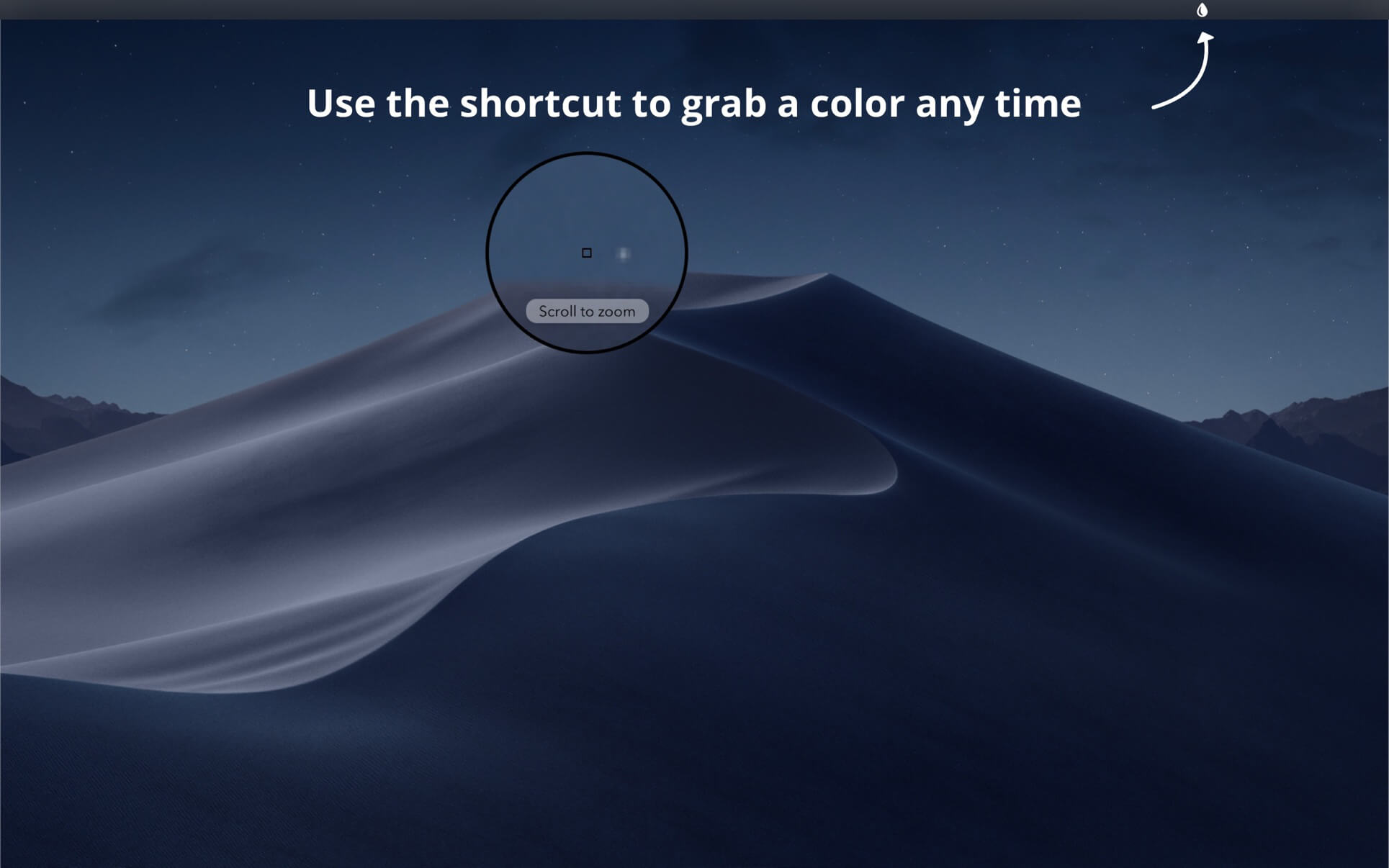
Zooming Picker
Picking a one pixel border? No worries! You can freely zoom the picker in and out with your scroll wheel or trackpad.
Accurate
Most color pickers (including Apple's) don't pick the exact color value because of reasons that we have to understand but you don't. Drop lets you pick the exact color by switching the color profile associated with the app you are picking from.
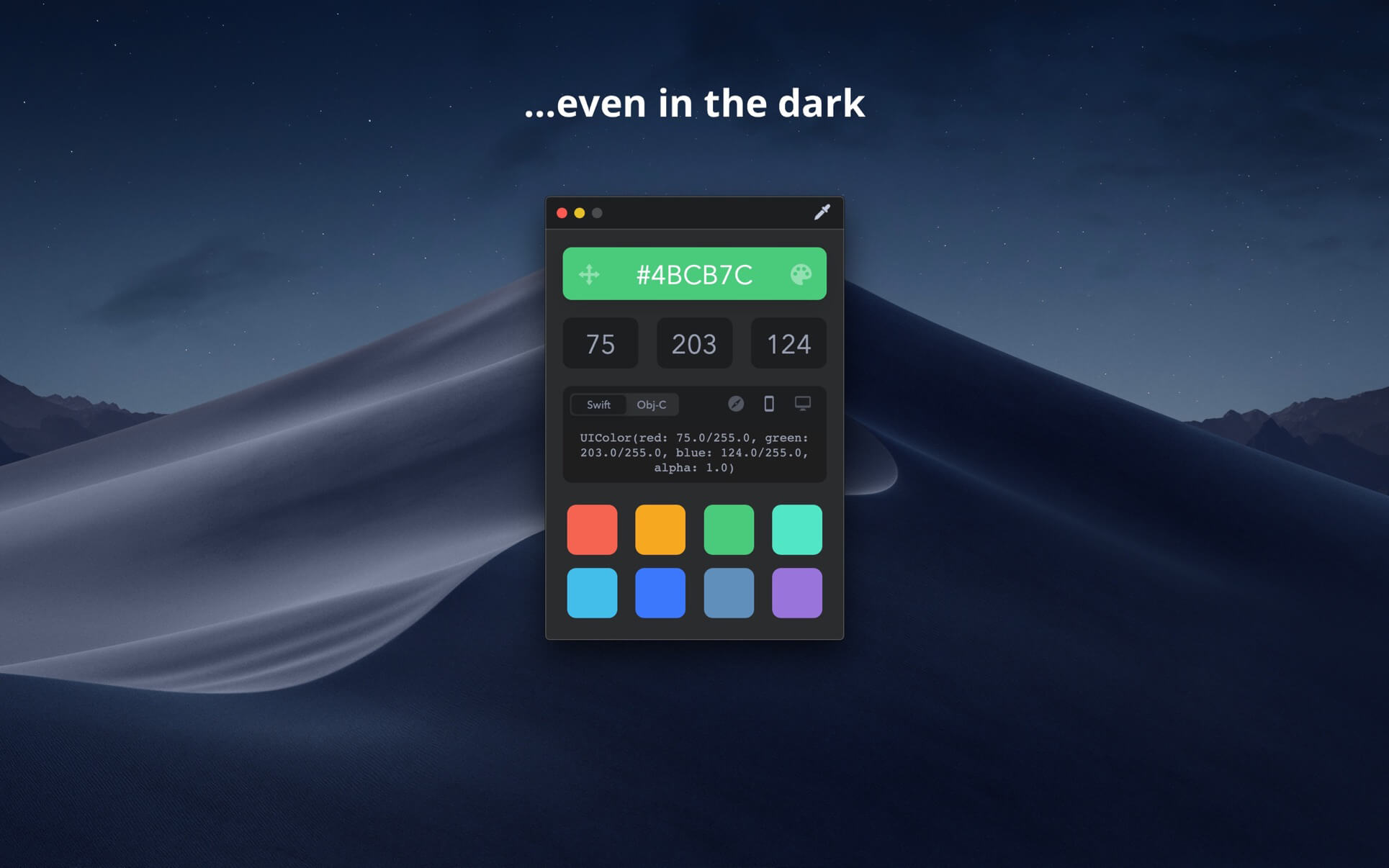
Dark Mode
For all those fans of the dark side, we got you covered.
Touch Bar
That's right, get quick access to all your colors right from your fancy new Touch Bar. It's the most convenient way to have quick access to your colors. Ever.
Just the formats you use
Quickly switch between the common formats you are actually going to need your colors copied into: HEX, RGB, Swift UIColor, Swift NSColor, Objective-C UIColor, and Objective-C NSColor.
Palette
Save colors for later in your color palette.
Delight
This app was built with more TLC than you can even imagine. It's those little details that make all the difference.
Version 1.6.4
- Fixed a bug that caused the color fields to not update simultaneously.
- Fixed a bug that caused tabbing issues.
- Fixed a few bugs that allowed unwanted characters to be entered into fields.
Version 1.6.3
- Support for macOS Big Sur
- Support for M1 Macs
- Updated dock icon
- Updated menu bar icon
- Fixed tabbing within RGB fields
Frequently asked questions
How do I install the app?
Mount the image, drag the app into the "Applications" folder and launch it. If the system blocks the launch, allow it in "System Settings → Privacy & Security".
The app is damaged or won't launch
Reinstalling from a fresh image usually helps. Make sure your macOS version matches the one listed in the compatibility specs.
How do I update?
Download the new version from the site and install it over the current one — your settings will be preserved.
The download link doesn't work
Try a mirror or a download manager. For large files the browser often drops the connection.
How do I completely remove the app?
Use an uninstaller utility — it cleans up the service files that remain after moving the app to the trash.
Choose a download source
Drop - Color Picker 1.6.4 · 9.49 MB