Chopping Block 1.3

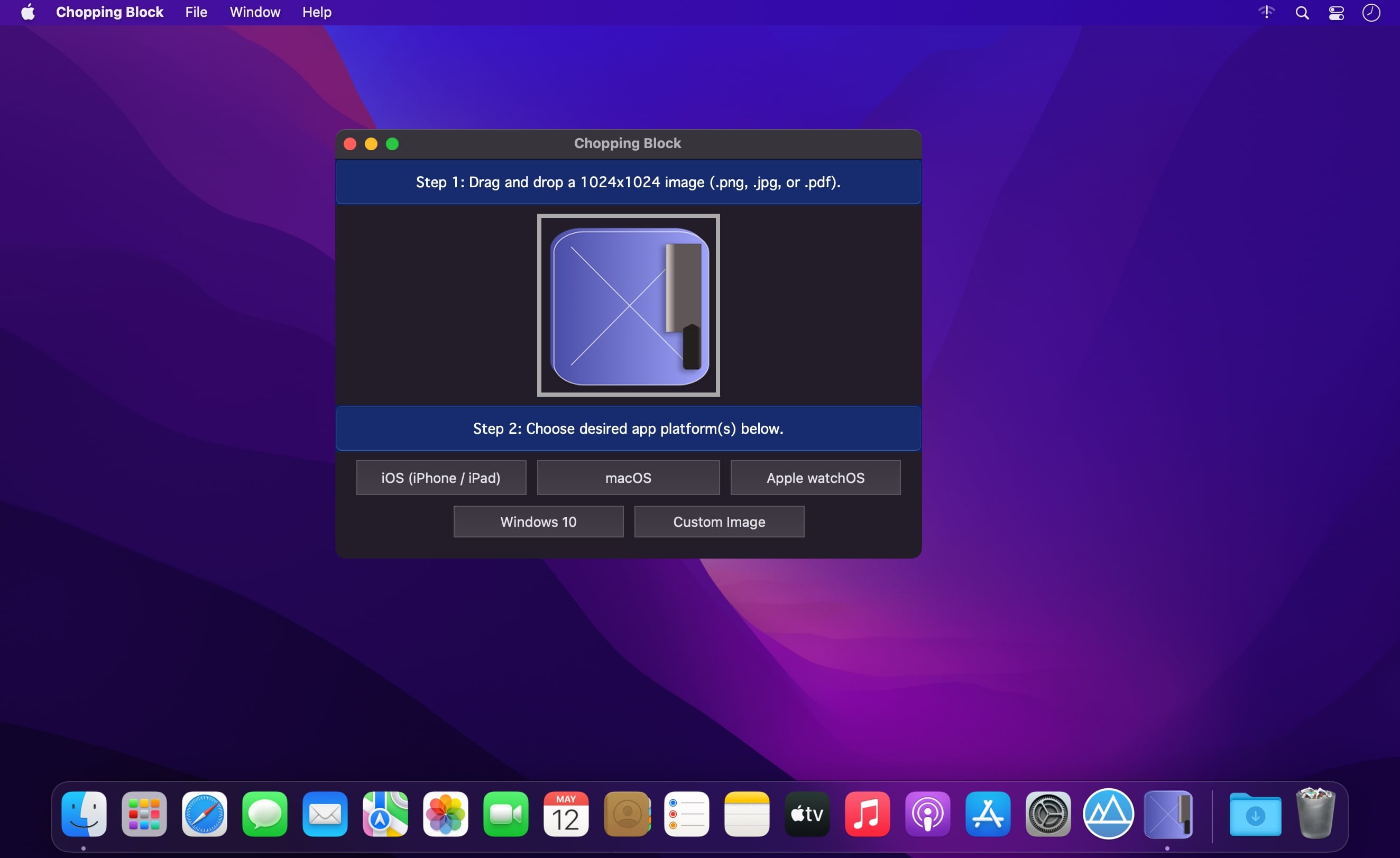
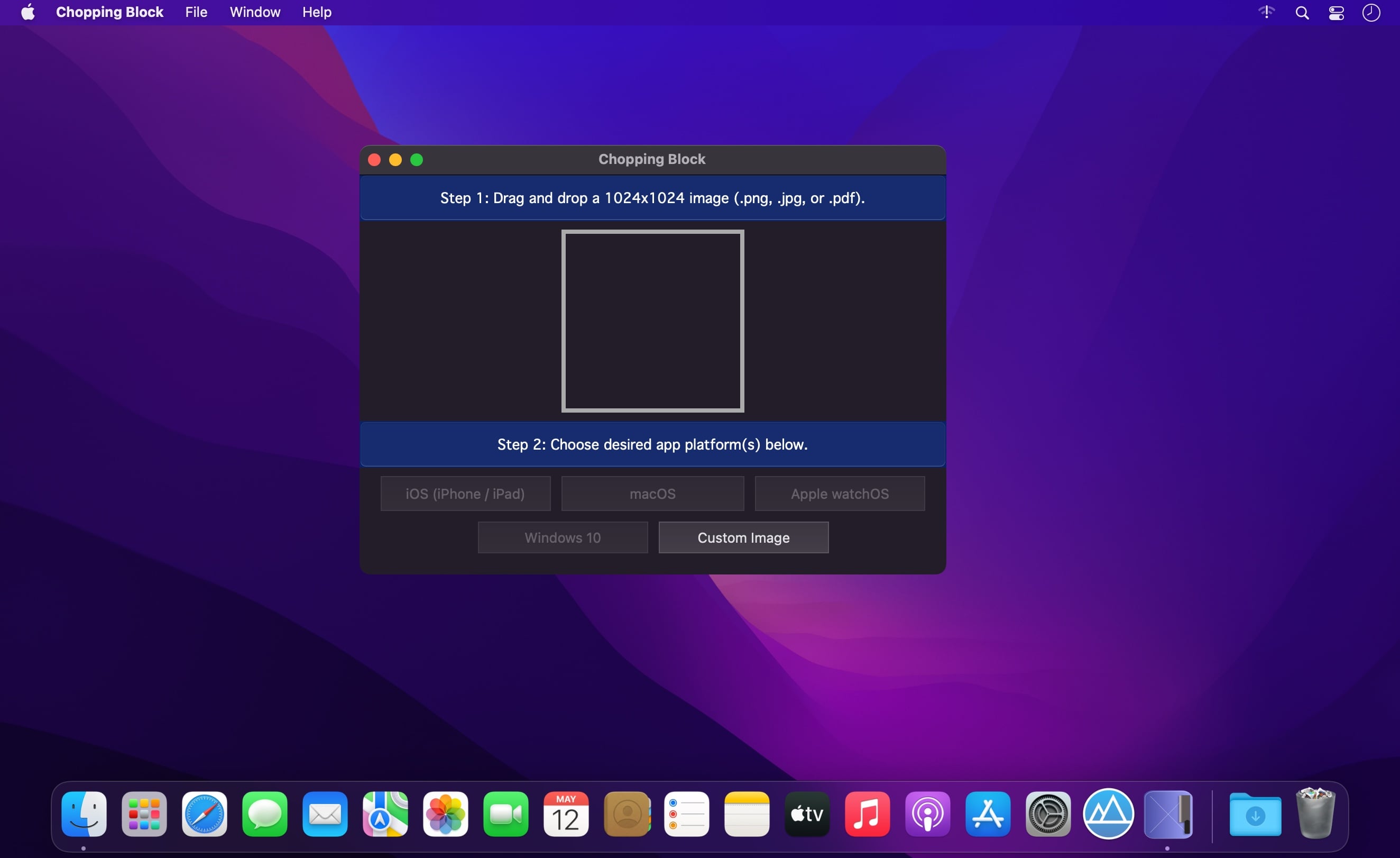
Speed up your app development process with our Chopping Block application.
Send your app icon through our Chopping Block to resize your artwork to its required image dimensions. Chopping Block resizes all your app icon images instantly. Just drag and drop your artwork and move the icon files to your project's directory.
What usually takes 30 minutes or more can be done in seconds with the help of Chopping Block.
Platforms supported:
- iOS / iPad / Car Play (23 icons, 1 Contents.json file).
- macOS (10 icons, 1 Contents.json file).
- Apple Watch (11 icons, 1 Contents.json file).
- Windows 10 (56 icons).
- Custom image sizes (up to 8 icons at a time).
How-To Use:
- Drag and drop your 1024x1024 app icon artwork (png, jpg, or pdf image file).
- Click on the desired platform.
- For
iOS/macOS/watchOS:
- Drag the resized icons and Contents.json files to your project's Assets.xassts/AppIcon.appiconset/ directory.
Windows 10/11:
- Right-click on your project's name inside Visual Studio IDE, —> Click on Package Manifest, —> "Visual Assets."
- Assign icons.
4. Share your experience by writing us an app review. :)
Frequently asked questions
How do I install the app?
Mount the image, drag the app into the "Applications" folder and launch it. If the system blocks the launch, allow it in "System Settings → Privacy & Security".
The app is damaged or won't launch
Reinstalling from a fresh image usually helps. Make sure your macOS version matches the one listed in the compatibility specs.
How do I update?
Download the new version from the site and install it over the current one — your settings will be preserved.
The download link doesn't work
Try a mirror or a download manager. For large files the browser often drops the connection.
How do I completely remove the app?
Use an uninstaller utility — it cleans up the service files that remain after moving the app to the trash.
Choose a download source
Chopping Block 1.3 · 2.31 MB