
iSwift 4.2
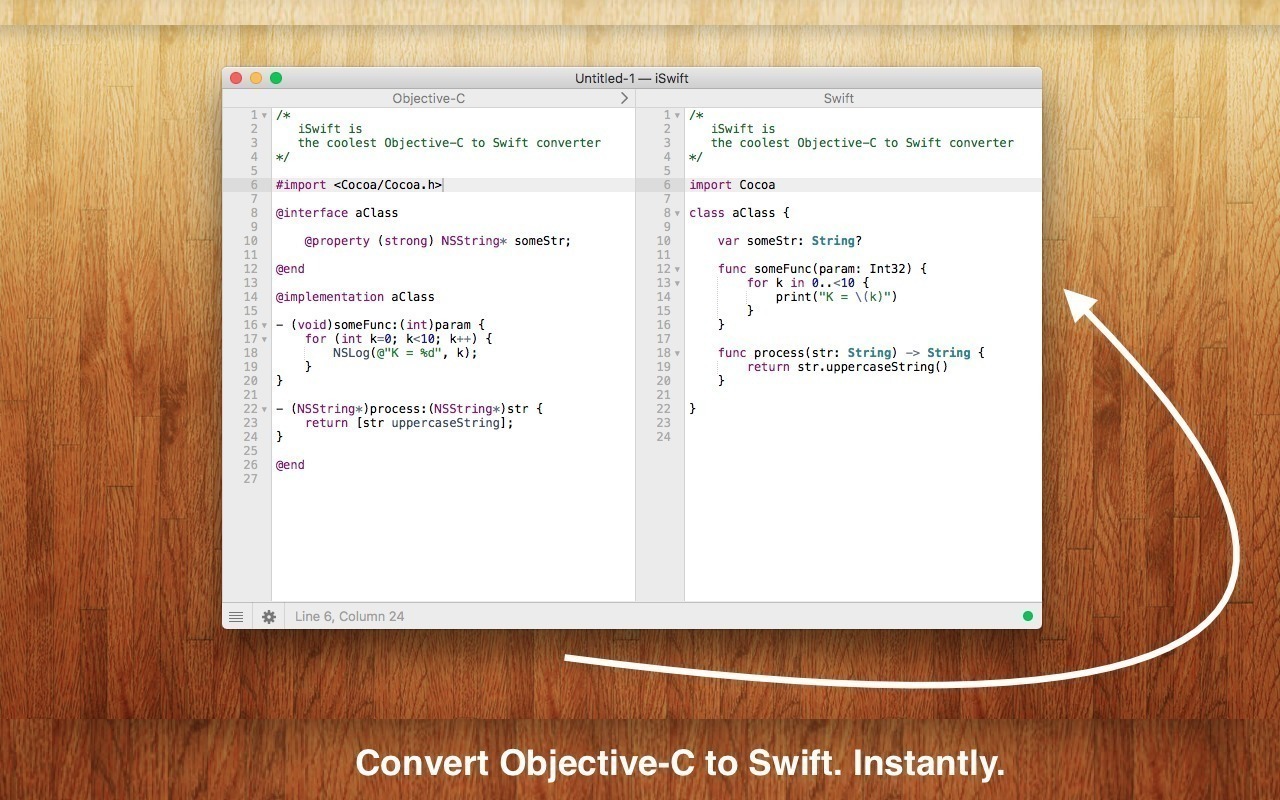
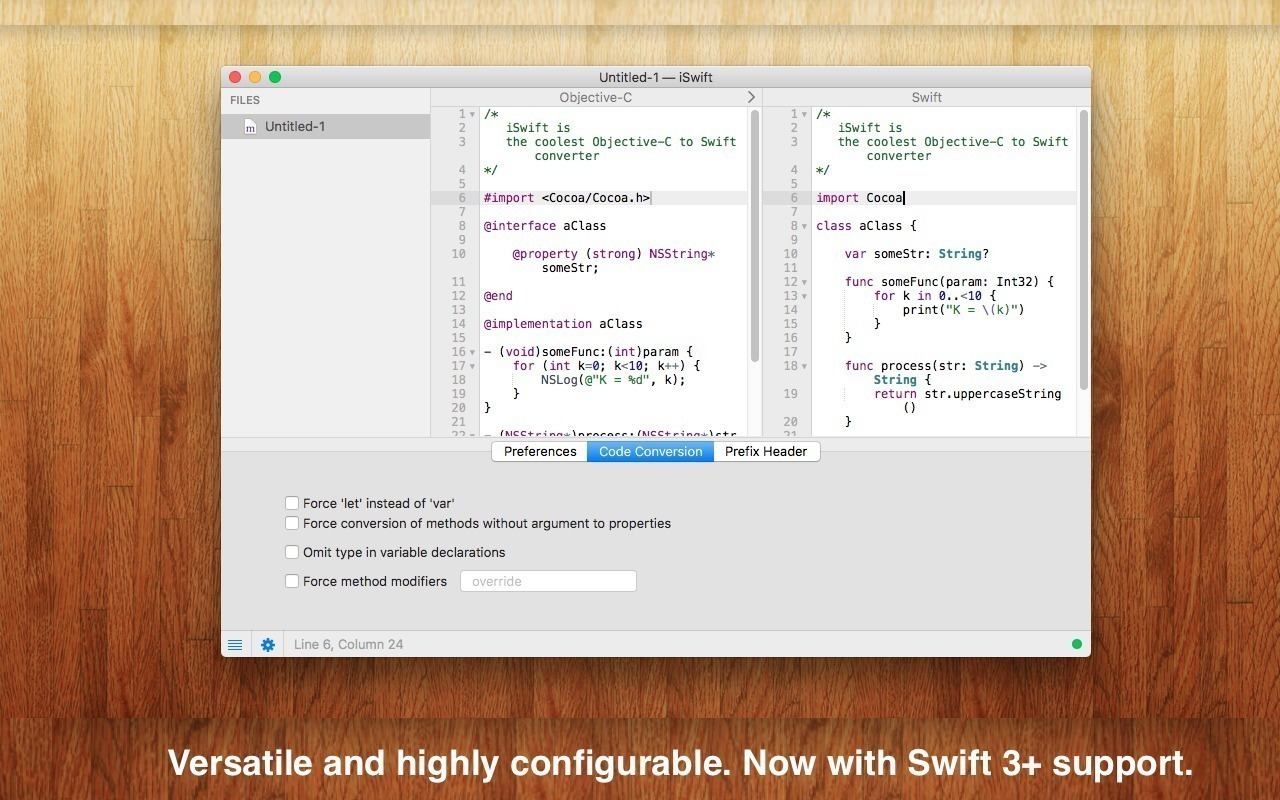
iSwift is the easiest way to convert your Objective-C code to Swift.
Features
- Ultra fast: Automatic as-you-type conversion, so that you don't lose even a single second. Yep, instantly.
- Drag-and-drop: Drop your Objective-C source onto the app icon, import the file and have it instantly converted. Yep, just like that.
- Smart: Syntax highlighting, autocompletion, live syntax checking and error reporting, and lots of advanced editing options. (Powered by Peppermint)
- Friendly UI: A neat editor, your sources side-by-side and all that packed in a beautiful easy-to-use User interface. What more can you need?
- Sophisticated: iSwift tries to recognize, parse and convert all Objective-C code (2.0 too!) to valid Swift code.
- Includes Objective-C to Swift plugin for Xcode
Version 4.0 (2848):
- Added support for Swift 4
- Minor bug fixes and enhancements
Frequently asked questions
How do I install the app?
Mount the image, drag the app into the "Applications" folder and launch it. If the system blocks the launch, allow it in "System Settings → Privacy & Security".
The app is damaged or won't launch
Reinstalling from a fresh image usually helps. Make sure your macOS version matches the one listed in the compatibility specs.
How do I update?
Download the new version from the site and install it over the current one — your settings will be preserved.
The download link doesn't work
Try a mirror or a download manager. For large files the browser often drops the connection.
How do I completely remove the app?
Use an uninstaller utility — it cleans up the service files that remain after moving the app to the trash.
VersioniSwift 4.2
DeveloperInSili.co
CompatibilityOS X 10.7 or later
LanguageEnglish
IncludesK'ed by TNT
Choose a download source
iSwift 4.2 · 8.88 MB
Comments 1