
Mia for Gmail 2.8.2
Mia for Gmail: Gmail desktop client for Mac
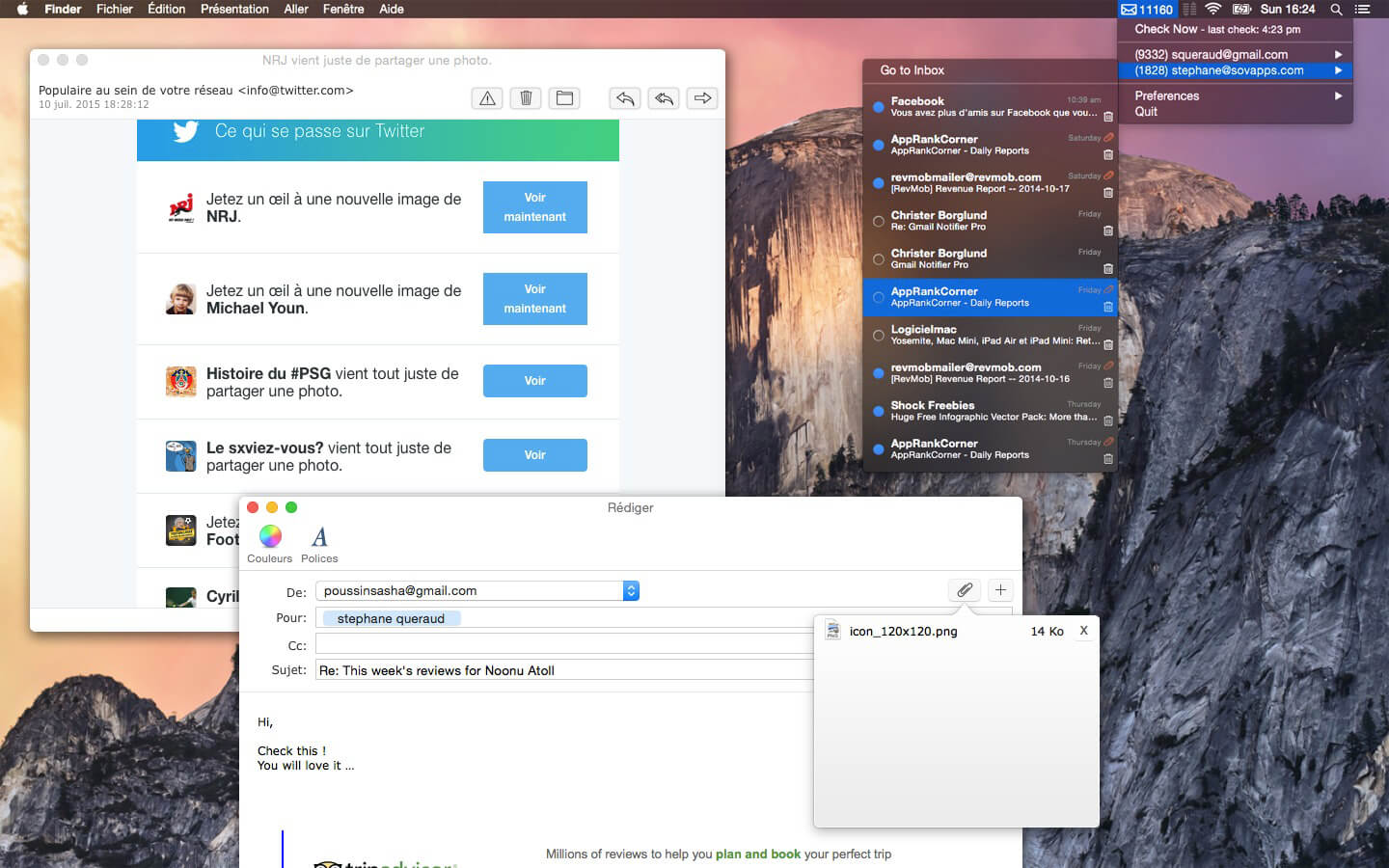
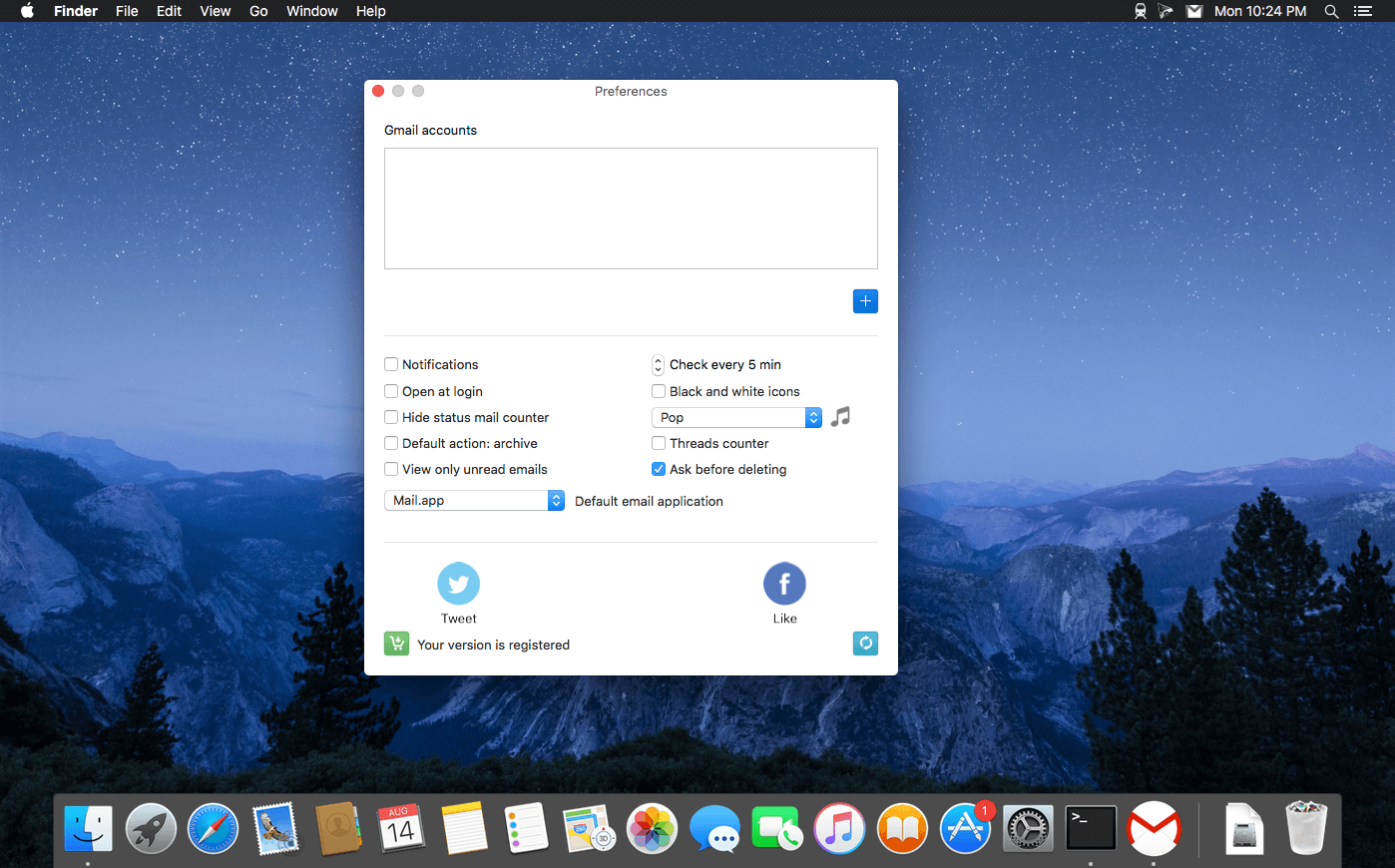
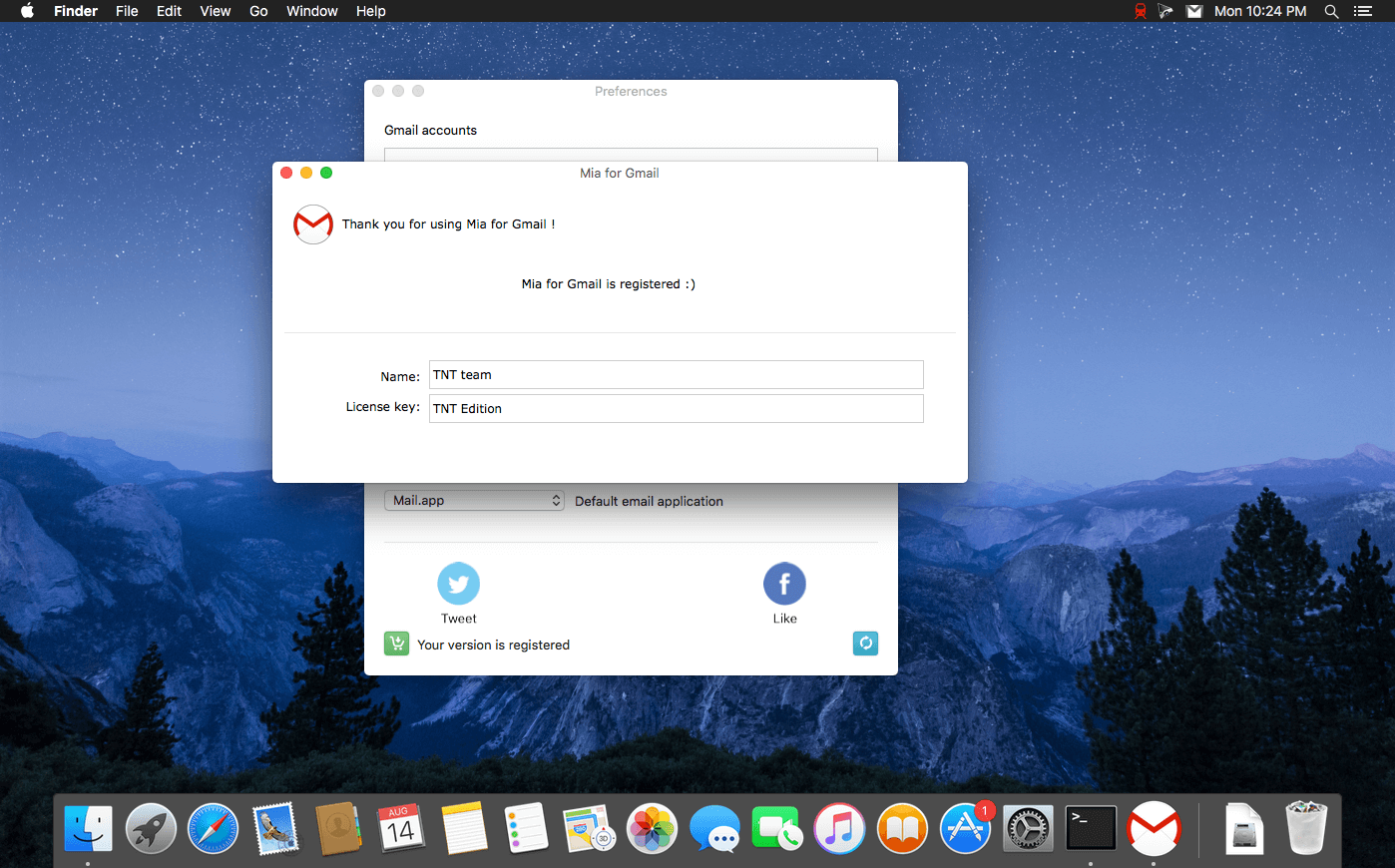
A desktop Gmail email client for your Mac, without a browser !
- Read and compose your emails without a browser (attachment files supported).
- Labels selection.
- Quick email overview (hold your mouse over an email)
- Desktop notifications for incoming emails (10.8+)
- Fast and lightweight
- Secured: Mia for Gmail is using the oauth 2.0 protocol.
- Mark as read, delete, archive or spam directly from the application.
- Dark mode support.
- Choose the notification sound (among the system sound list)
- Choose your default browser for each account (if ever you prefer to read/compose your emails from your browser).
Premium version features:
- Search in your emails.
- Multiple accounts support.
Version 2.8.1
- Fixed a bug on Tahoe where the app could freeze and the menu was unresponsive.
- Updated the app icon to match Tahoe.
Frequently asked questions
How do I install the app?
Mount the image, drag the app into the "Applications" folder and launch it. If the system blocks the launch, allow it in "System Settings → Privacy & Security".
The app is damaged or won't launch
Reinstalling from a fresh image usually helps. Make sure your macOS version matches the one listed in the compatibility specs.
How do I update?
Download the new version from the site and install it over the current one — your settings will be preserved.
The download link doesn't work
Try a mirror or a download manager. For large files the browser often drops the connection.
How do I completely remove the app?
Use an uninstaller utility — it cleans up the service files that remain after moving the app to the trash.




Choose a download source
Mia for Gmail 2.8.2 · 6.89 MB