Beamer 4.3.7
Stream video from Mac to TV, no manual converting
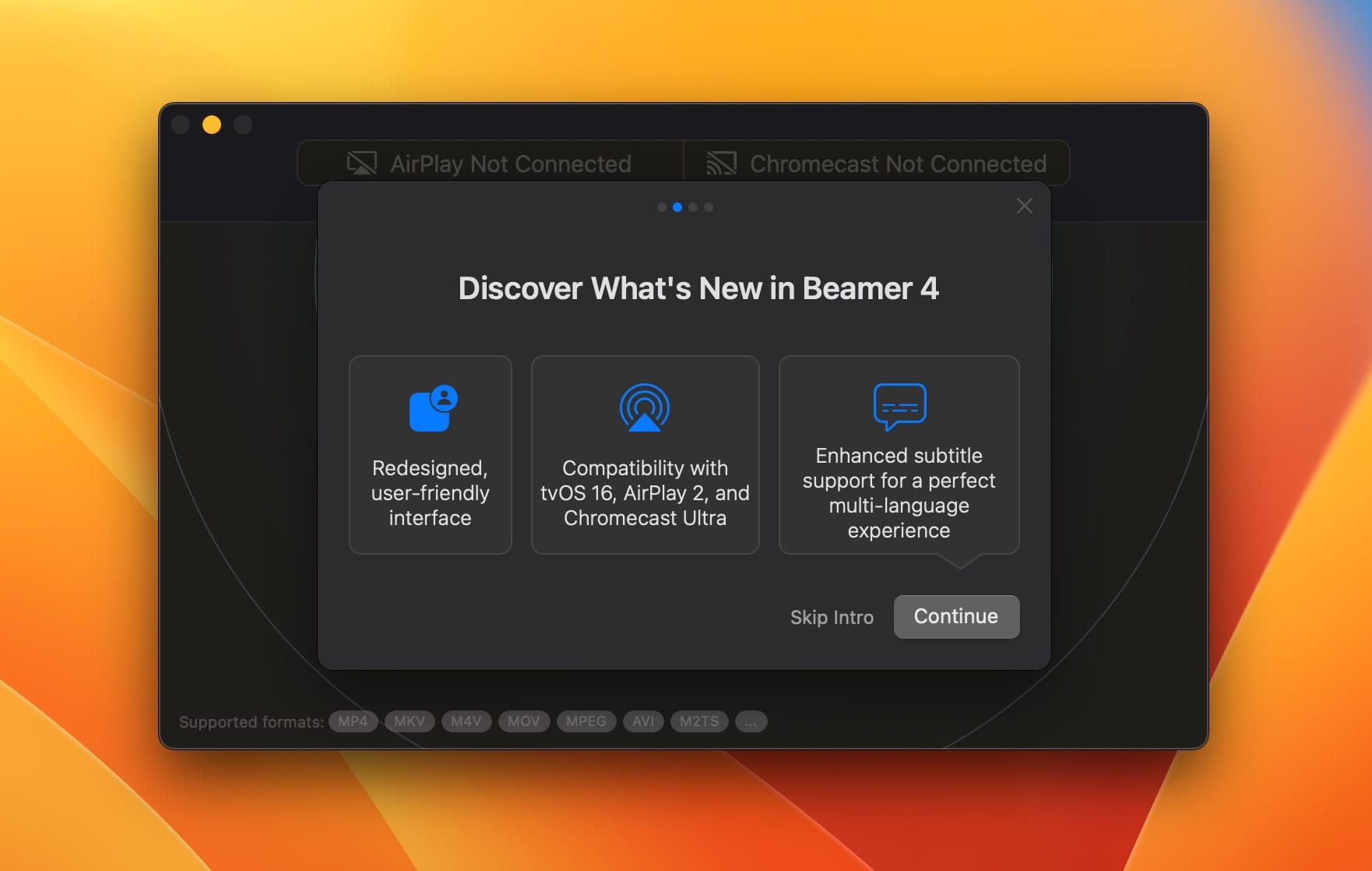
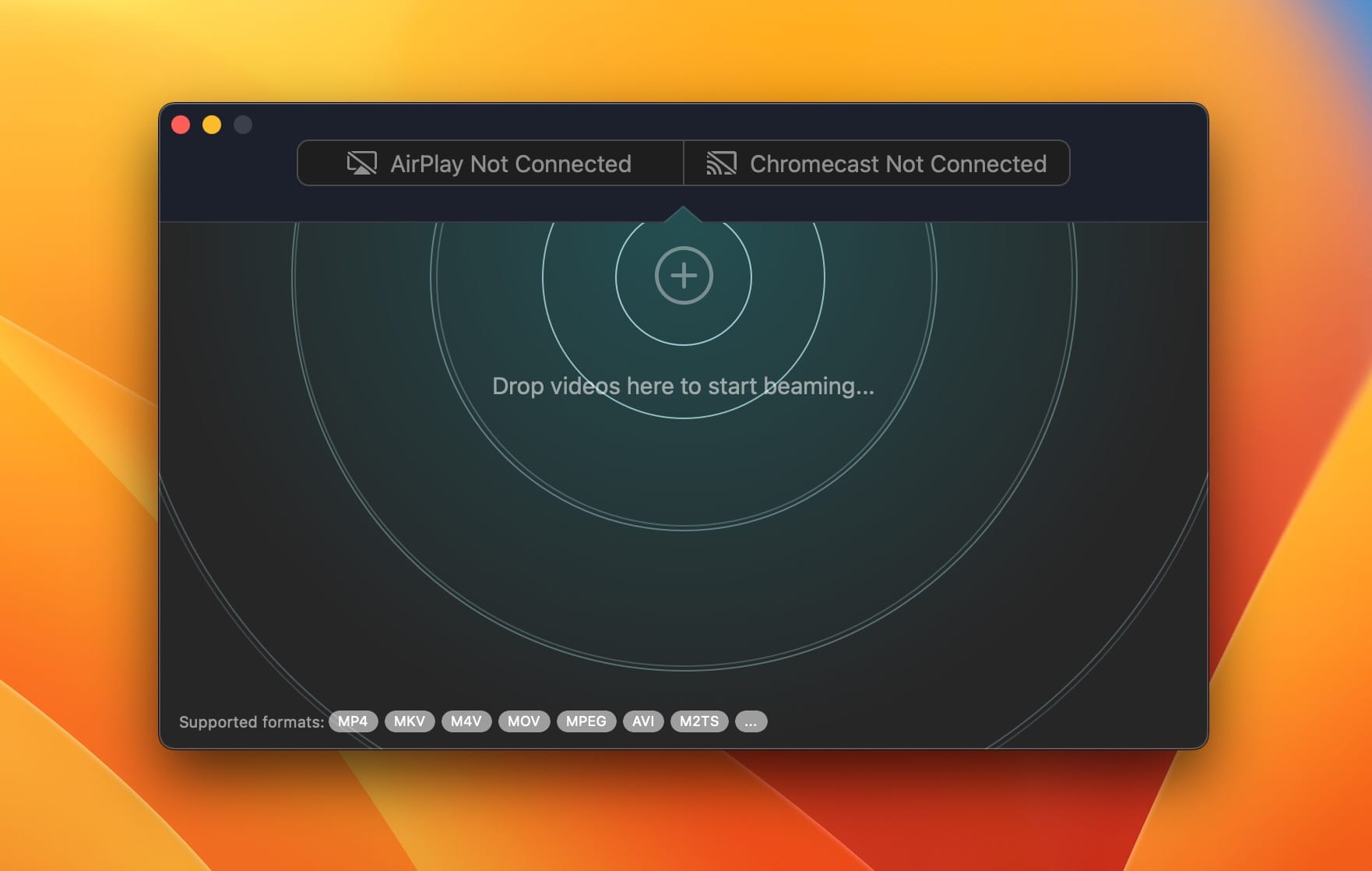
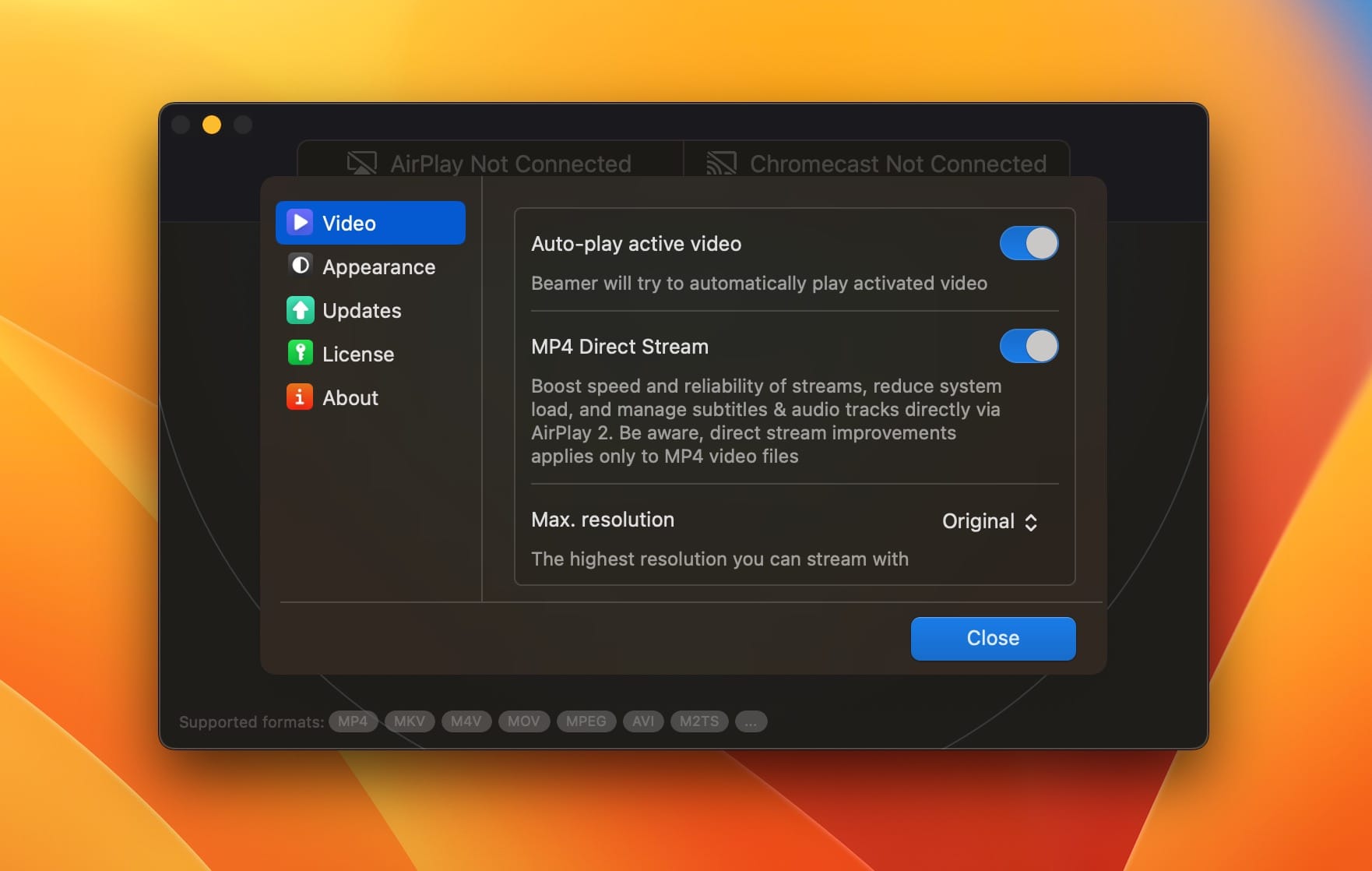
Beamer 4 streams videos from your Mac straight to Apple TV, Chromecast and other devices. Drag a video file onto Beamer and it starts playing on your TV right away. Beamer handles all the converting and streaming, so you can just sit back and watch.
Redesigned interface
A clean, modern design that makes streaming your favorite videos easier than ever.
Chromecast Ultra support
Watch in 4K Ultra HD and HDR with sharp detail and vivid color.
Better performance
Faster loading, smoother playback and more reliable streaming overall.
Playlists and queue
Build your own playlists and queues, or let Beamer 4 suggest a lineup based on your preferences.
Improved subtitles
More accurate subtitle detection and syncing for comfortable viewing in any language.
Apple TV and AirPlay 2
Fully compatible with the latest Apple TV models and AirPlay 2 for stable, high-quality streaming.
Version 4.3.7:
- Release notes were unavailable when this listing was updated.
Frequently asked questions
How do I install the app?
Mount the image, drag the app into the "Applications" folder and launch it. If the system blocks the launch, allow it in "System Settings → Privacy & Security".
The app is damaged or won't launch
Reinstalling from a fresh image usually helps. Make sure your macOS version matches the one listed in the compatibility specs.
How do I update?
Download the new version from the site and install it over the current one — your settings will be preserved.
The download link doesn't work
Try a mirror or a download manager. For large files the browser often drops the connection.
How do I completely remove the app?
Use an uninstaller utility — it cleans up the service files that remain after moving the app to the trash.


Choose a download source
Beamer 4.3.7 · 29.56 MB
Previous versions
Beamer 4.3.7
Previous versions are available to registered users.