
Elmedia Video Player Pro 8.23 (MAS)
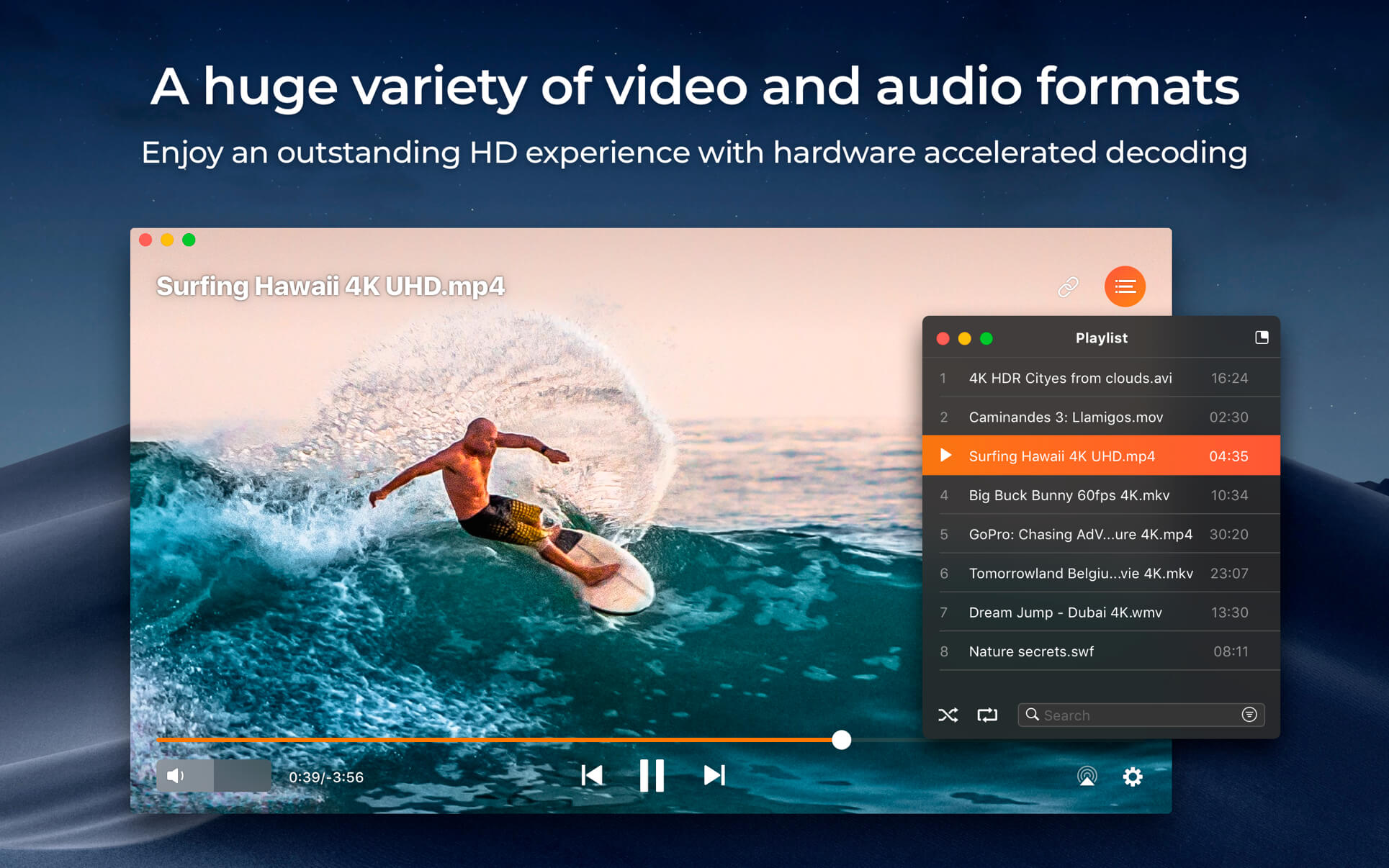
Elmedia Video Player is a free media player for macOS. It can play pretty much any file type, be it AVI, MP4, FLV, WMV, MKV, MP3, M4V etc. Elmedia Video Player is an all-in-one solution, that doesn't call for any additional plugins or codecs.
Elmedia Player is available for Apple TV now!
This player has a wonderful HD experience to offer to its users thanks to a native hardware accelerated decoding that unloads the processor and brings the smooth and clean video onto the screen.
Highlights:
Video and audio playback
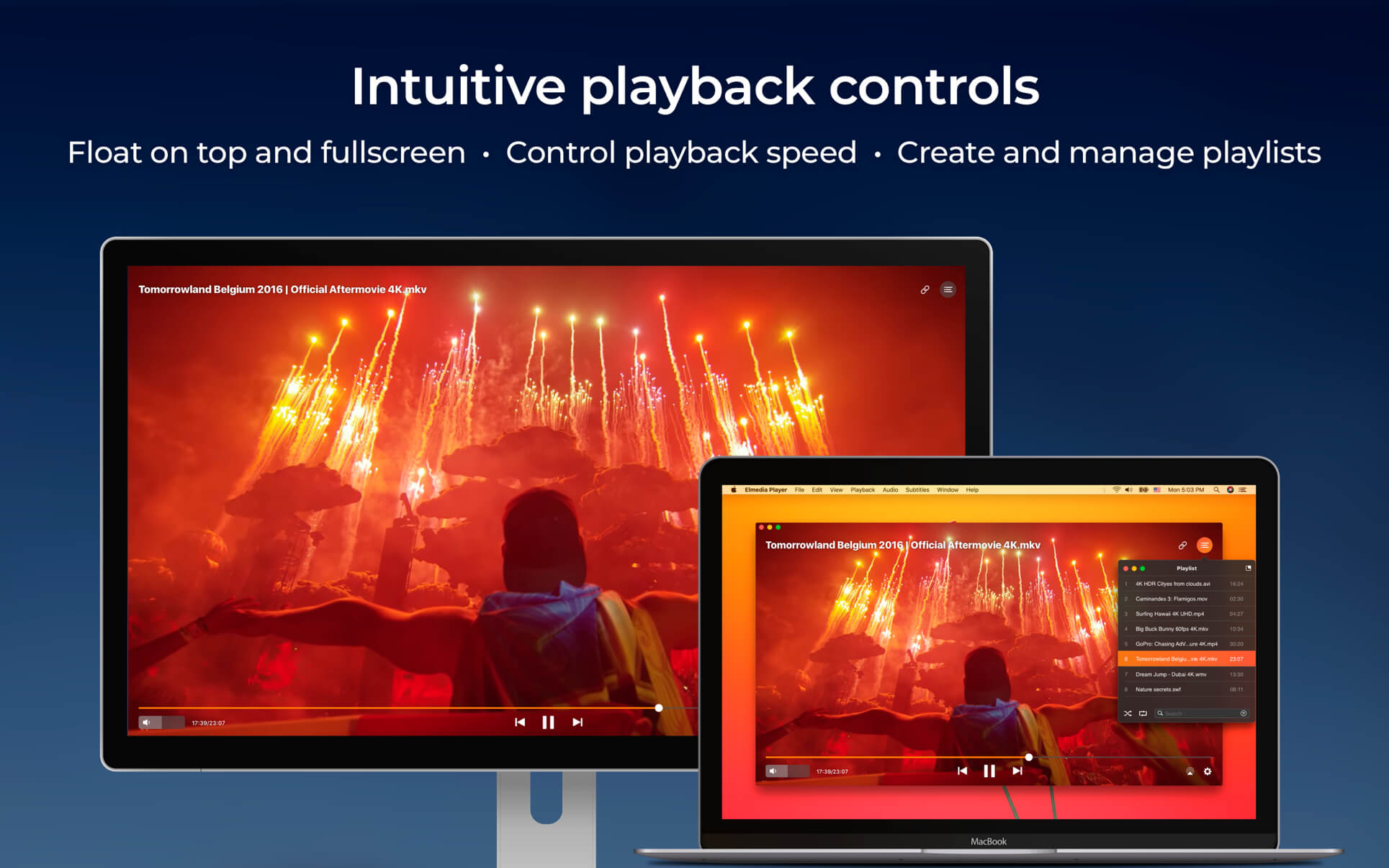
- Keep the player on top of all apps to never miss a moment of the movie.
- Will play any audio track including external.
- Offers its own volume control.
- Works great with various subtitles files. Supports Eastern Asian languages, Arabic, Hebrew, etc.
- Lets you create & manage playlists.
- Fit the image to your screen.
- Adjust the playback speed.
Supported formats
- Audio: mp3, m4a, wma, aac, ac3, aiff, ape, flac, mka, ogg, pcm, ra, vaw, waw, wav, aif, oga, caf, midi, mid, acm, dts, mpa, webm
- Video: 3gp, avi, mp4, mpeg, vob, flv, mov, mkv, 3iv, asf, fli, m1v, m2t, m2ts, m2v, m4v, mp2, mpg, mpg2, mpg4, mpv, mqv, nut, nuv, nsv, qt, ram, rec, rm, rmvb, ts, vcd, vfw, wmv, webm, rv, f4v, ogv, ogm, divx, asx, dat, tp, mjp, yuv, xvid, vc1, mtv, mxf, qtz, dv, hdv, 3g2, mts
- Subtitles: utf, srt, ass, smi, txt, ssa, smil, jss, rt, idx, sub, xml
Flexible settings
- When watching a movie with subtitles Elmedia Video Player can put them in perfect sync with the video in case there is some mismatch.
- No conversion needed to play a DVD or a video that was copied from DVD.
Extra useful features of Elmedia Video Player PRO!
- Adjust brightness, contrast, saturation, and more even during playback.
- Make the sound perfect for your ears with a 10-band equalizer. Choose one of existing presets (Large Hall, Party, etc.) or create your own unique sound.
- Make a screenshot of any moment in the movie or make the entire video a series of pictures with adjustable interval.
- Take the most out of virtual surround and speakers emulation.
- Select the output device for audio.
- Transmit AC-3/DTS through S/PDIF.
A couple of other convenient playback possibilities:
- Select the language for the sound and subtitles;
- Set up which monitor will show fullscreen;
- Flip, rotate and mirror the video;
- Loop any part of movie or music video continuously;
- Deinterlace and image enhancement.
AirPlay!
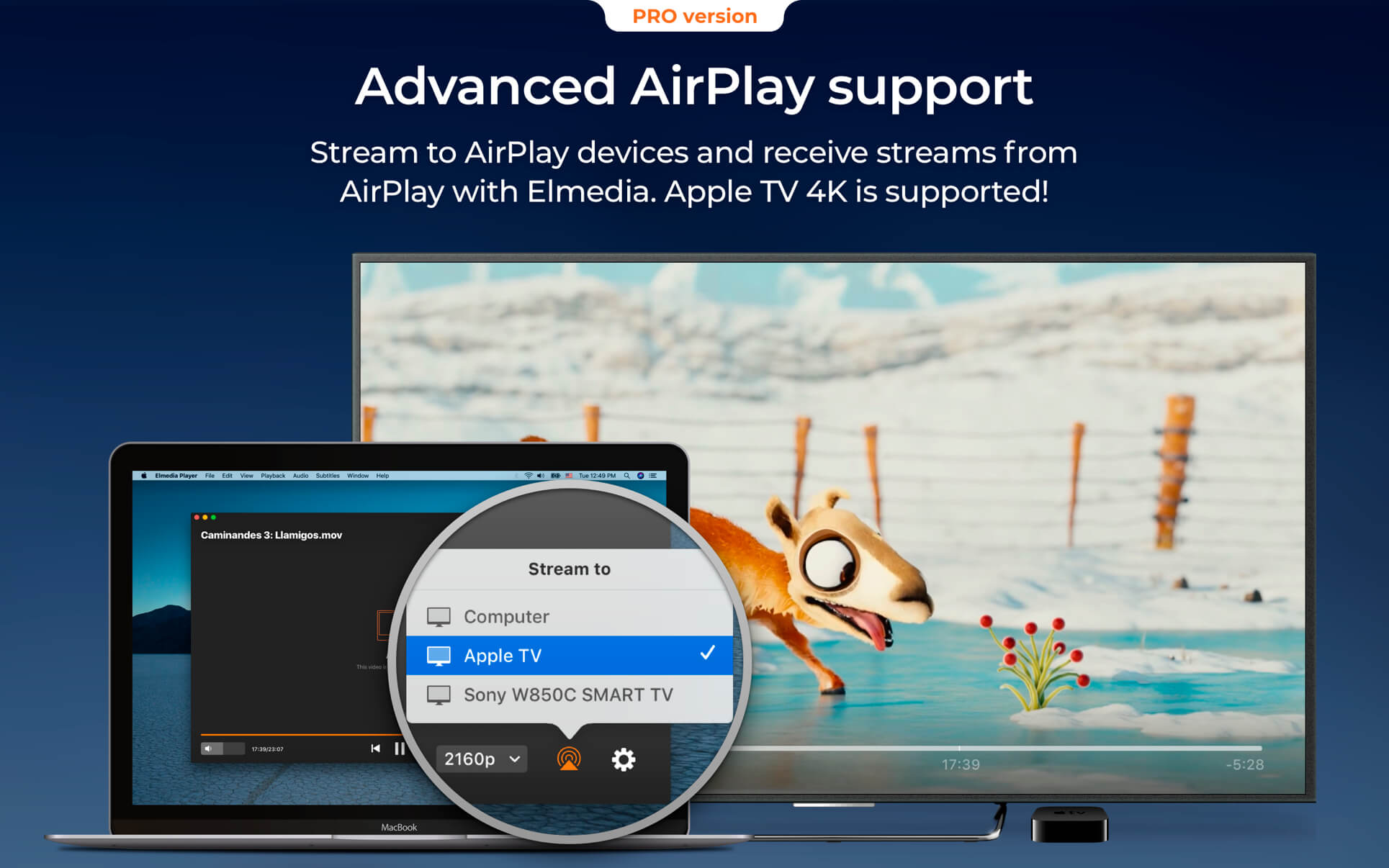
Elmedia can stream to different AirPlay devices and other Mac computers with Elmedia installed. Things to note:
- No need to convert any files like AVI, FLV, MKV, 3GP videos to watch them on Apple TV.
- Note: Elmedia Player does not stream VIDEO_TS, .swf, and .exe files.
- Embedded and external subtitle files are supported by the player.
- With Elmedia you can stream YouTube videos to Apple TV. YouTube videos in FLV, MKV, 3GP formats are not supported by AirPlay.
Version 8.20
- Fixed: displaying of some subtitles on macOS Sequoia.
Frequently asked questions
How do I install the app?
Mount the image, drag the app into the "Applications" folder and launch it. If the system blocks the launch, allow it in "System Settings → Privacy & Security".
The app is damaged or won't launch
Reinstalling from a fresh image usually helps. Make sure your macOS version matches the one listed in the compatibility specs.
How do I update?
Download the new version from the site and install it over the current one — your settings will be preserved.
The download link doesn't work
Try a mirror or a download manager. For large files the browser often drops the connection.
How do I completely remove the app?
Use an uninstaller utility — it cleans up the service files that remain after moving the app to the trash.





Choose a download source
Elmedia Video Player Pro 8.23 (MAS) · 157.44 MB
Previous versions
Elmedia Video Player Pro 8.23 (MAS)
Previous versions are available to registered users.