
Total Video Player Pro 3.1.4
Total Video Player Pro — 4K Media Player with Blu-ray Support
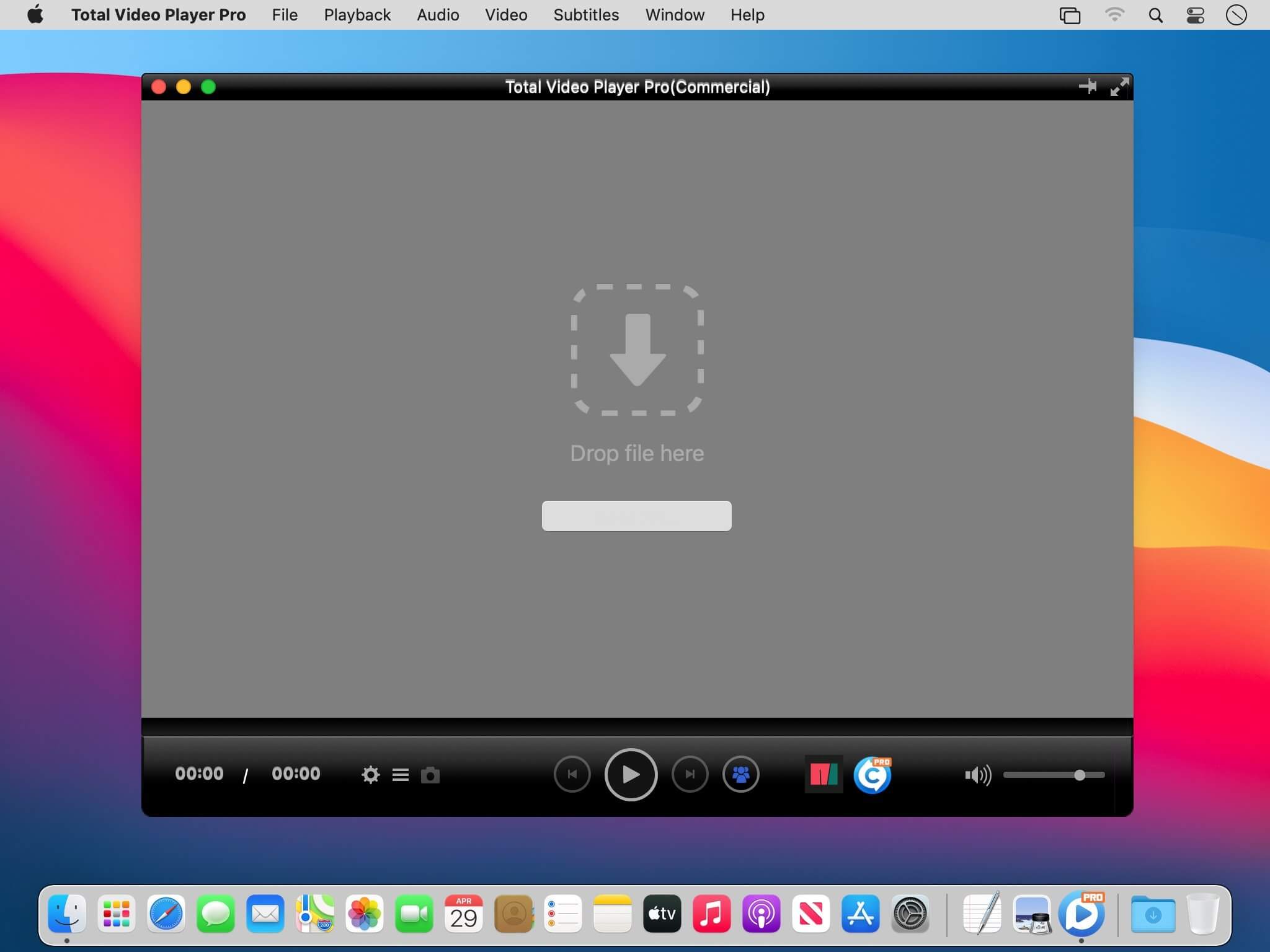
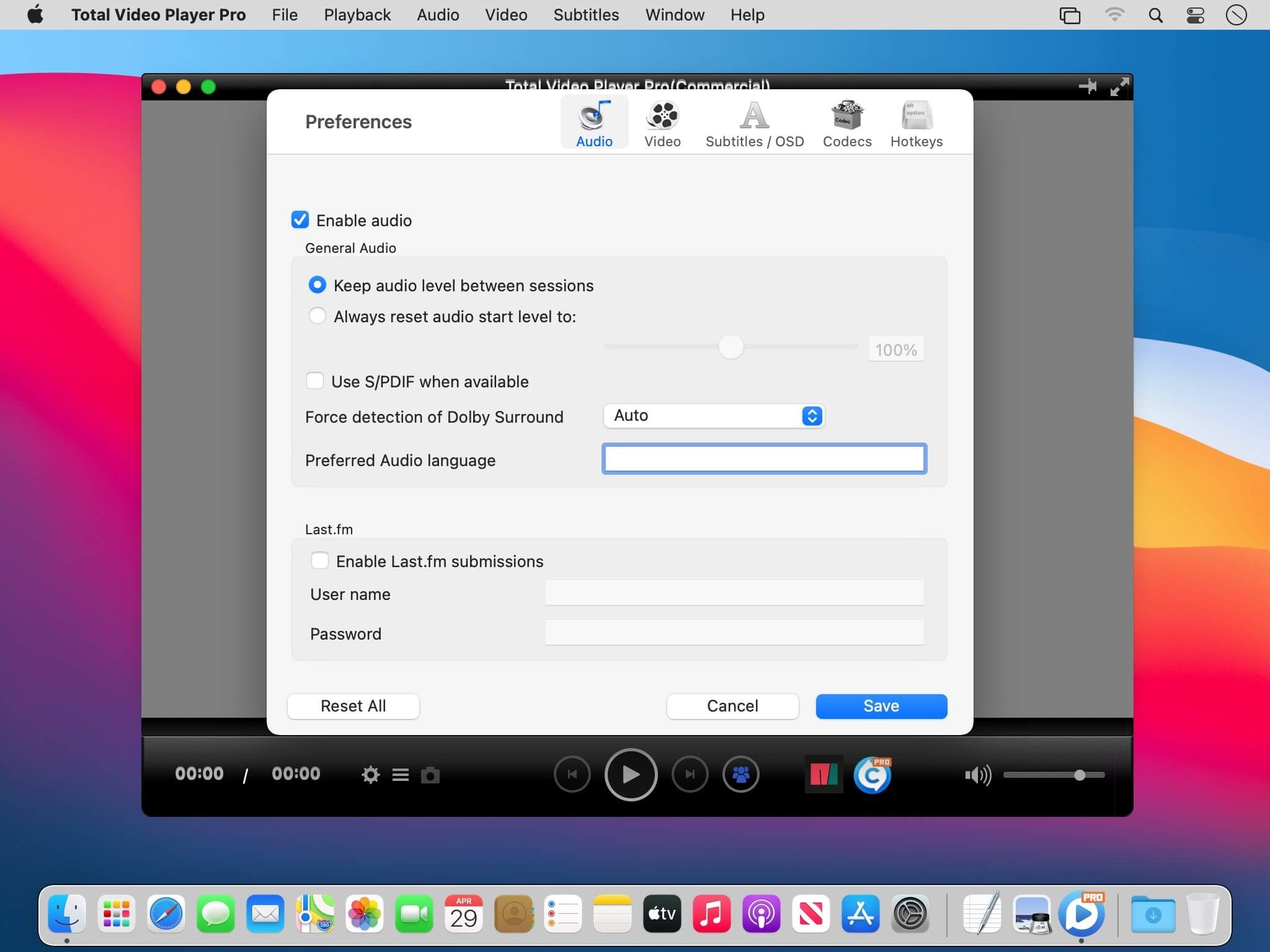
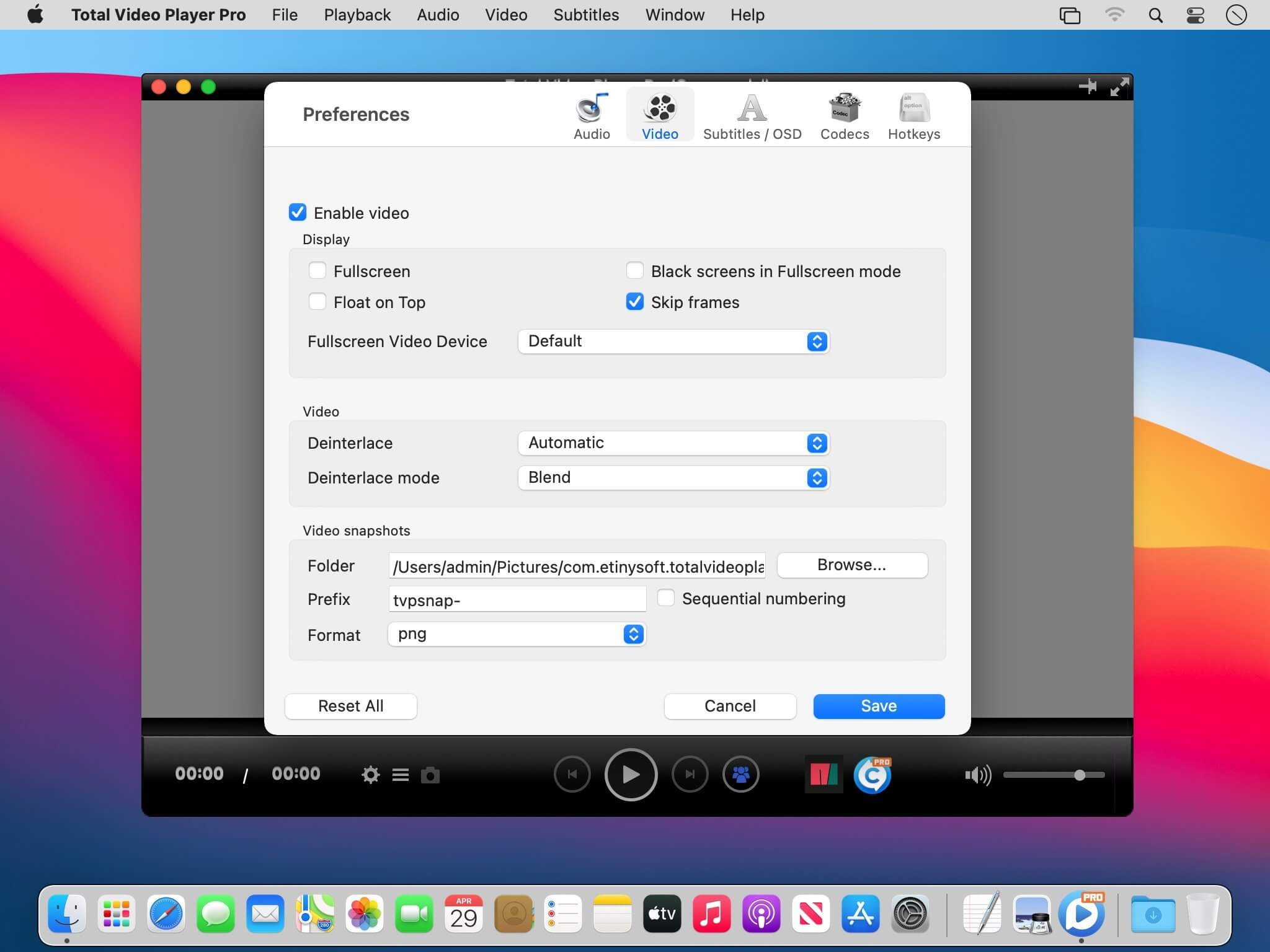
Total Video Player Pro is an excellent Blu-ray video player with support for subtitles. It supports AVI and MKV playback, and can play 4K ultra HD AVI and MKV movies without lagging.
Key Features
- Smoothly play all media discs including Blu-ray, DVD, VCD/SVCD, CD, DVB, as well as Blu-ray Menu, ISO files, and BDMV folder
- Play almost all video and audio formats such as MP4, AVI, MKV, TS, MTS, M2TS, FLV, MOD, RMVB, WMV, FLAC, WAV, WMA, MP3, AAC, AIFF, and many more
- Amazing 4K ultra HD media player, which uses advanced decoding technology to avoid any video lagging, letting you smoothly play any vivid 1080p HD and 4K ultra HD media files
- Supports embedded subtitles in MKV and MP4 files, and adding external subtitle files; automatically loads subtitles which have the same name as the video, with support for many subtitle formats and for editing subtitles font, text color and text size
- Provides you with professional playlist to easily manage media files
Frequently asked questions
How do I install the app?
Mount the image, drag the app into the "Applications" folder and launch it. If the system blocks the launch, allow it in "System Settings → Privacy & Security".
The app is damaged or won't launch
Reinstalling from a fresh image usually helps. Make sure your macOS version matches the one listed in the compatibility specs.
How do I update?
Download the new version from the site and install it over the current one — your settings will be preserved.
The download link doesn't work
Try a mirror or a download manager. For large files the browser often drops the connection.
How do I completely remove the app?
Use an uninstaller utility — it cleans up the service files that remain after moving the app to the trash.





Choose a download source
Total Video Player Pro 3.1.4 · 27.29 MB