
iVI Video Converter 4.754

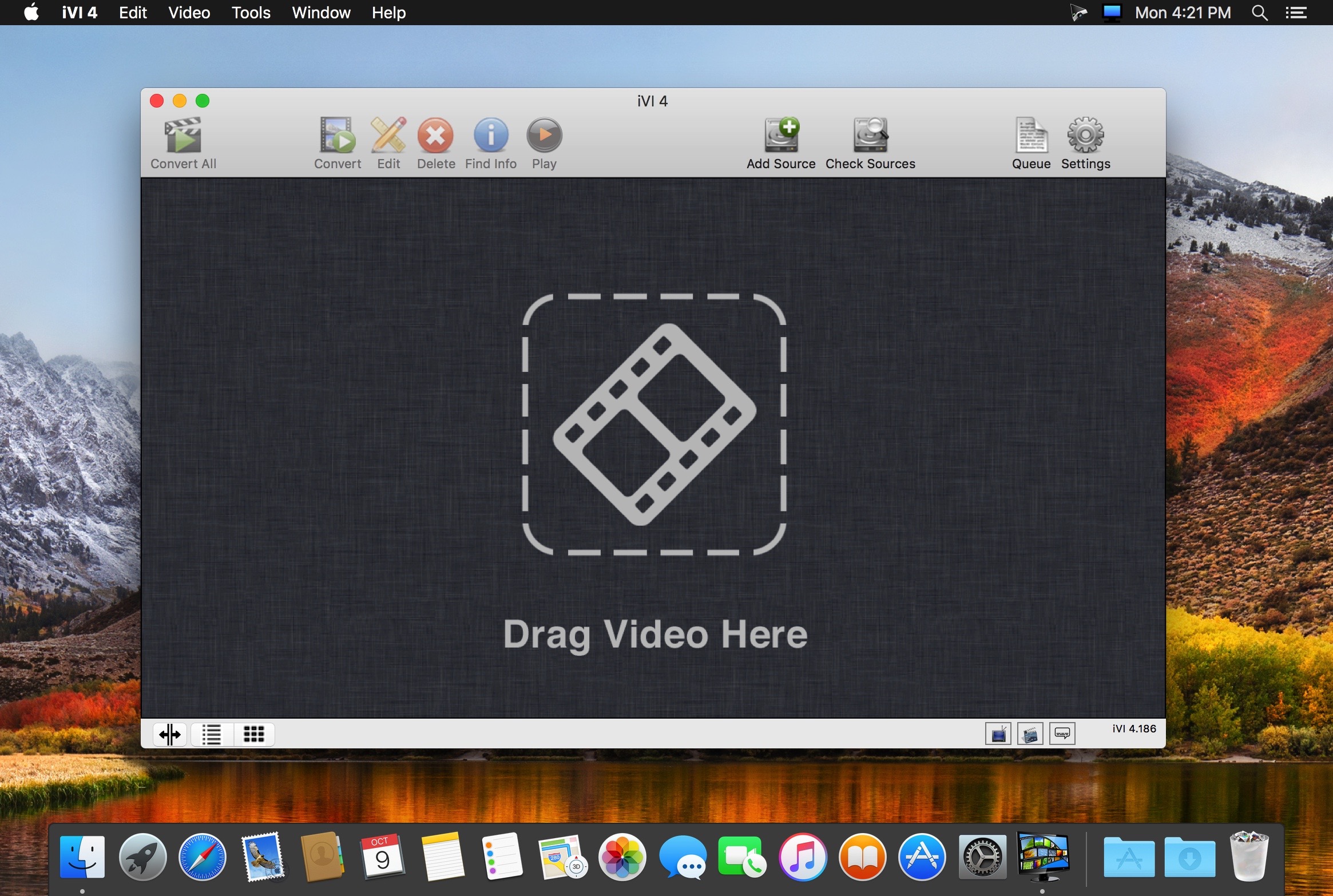
iVI is the best way to get your video into iTunes or iMovie and is the highest rated video converter in the App Store with 1700 five star ratings (US) since its introduction.
iVI will automatically identify TV Shows and Movies and add poster artwork, film plot or episode details, cast lists and more. iVI will format the video for all Apple platforms automatically including Mac, AppleTV, iPad, iPhone and iPod. iVI supports HD video (including 1080p and 720p), surround sound, multiple audio tracks (for various languages) and subtitles too.
Supported video formats include h.265, AVI, MKV, MTS, M2TS, FLV, AVCHD, MOD, TOD, MTS, M2TS, 3GP, MP4, MPG and most other popular formats.
Features include
- Converts all video to play on all Apple devices including iTunes, Apple TV and iPhone
- Convert to h265/HEVC for iOS 11 and High Sierra
- Movie and TV Show information is automatically and added to your shows before they are placed in iTunes
- iVI will convert multiple audio channels from the file including various languages and surround sound and these are accessible from iTunes, Quicktime, Apple TV, iPhone etc.
- Hardware accelerated super fast video conversion
- iVI supports SRT, VobSub, PGS, SSA/ASS subtitles from the source file or external files and these are accessible from iTunes, Quicktime, Apple TV, iPhone etc.
- Subtitles can be downloaded and added automatically from Internet sources like OpenSubtitles and SubDB
- iVI can scan your folders at regular intervals and automatically convert files it finds and insert the video into iTunes
- iVI allows you to update your existing video files with information (meta-data) such as show descriptions, cast lists, poster art all for display in iTunes or from the desktop without the need to reconvert
- iVI provides a selection of poster art to choose
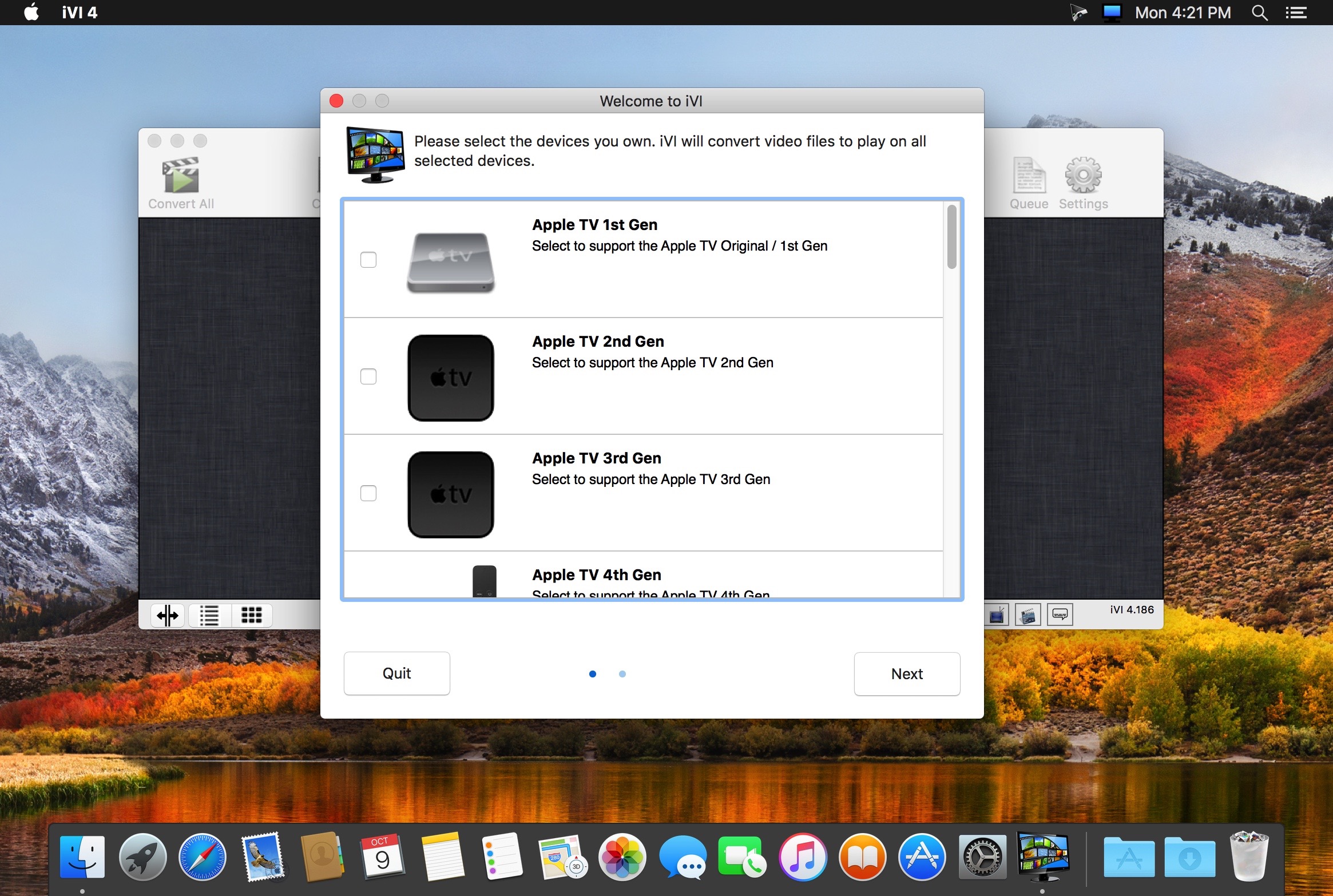
- Add you own devices as you purchase them
Version 4.754
- Fixes for users on macOS 10.14
Frequently asked questions
How do I install the app?
Mount the image, drag the app into the "Applications" folder and launch it. If the system blocks the launch, allow it in "System Settings → Privacy & Security".
The app is damaged or won't launch
Reinstalling from a fresh image usually helps. Make sure your macOS version matches the one listed in the compatibility specs.
How do I update?
Download the new version from the site and install it over the current one — your settings will be preserved.
The download link doesn't work
Try a mirror or a download manager. For large files the browser often drops the connection.
How do I completely remove the app?
Use an uninstaller utility — it cleans up the service files that remain after moving the app to the trash.




Choose a download source
iVI Video Converter 4.754 · 92.87 MB
Previous versions
iVI Video Converter 4.754
Previous versions are available to registered users.