One Switch 1.35.4

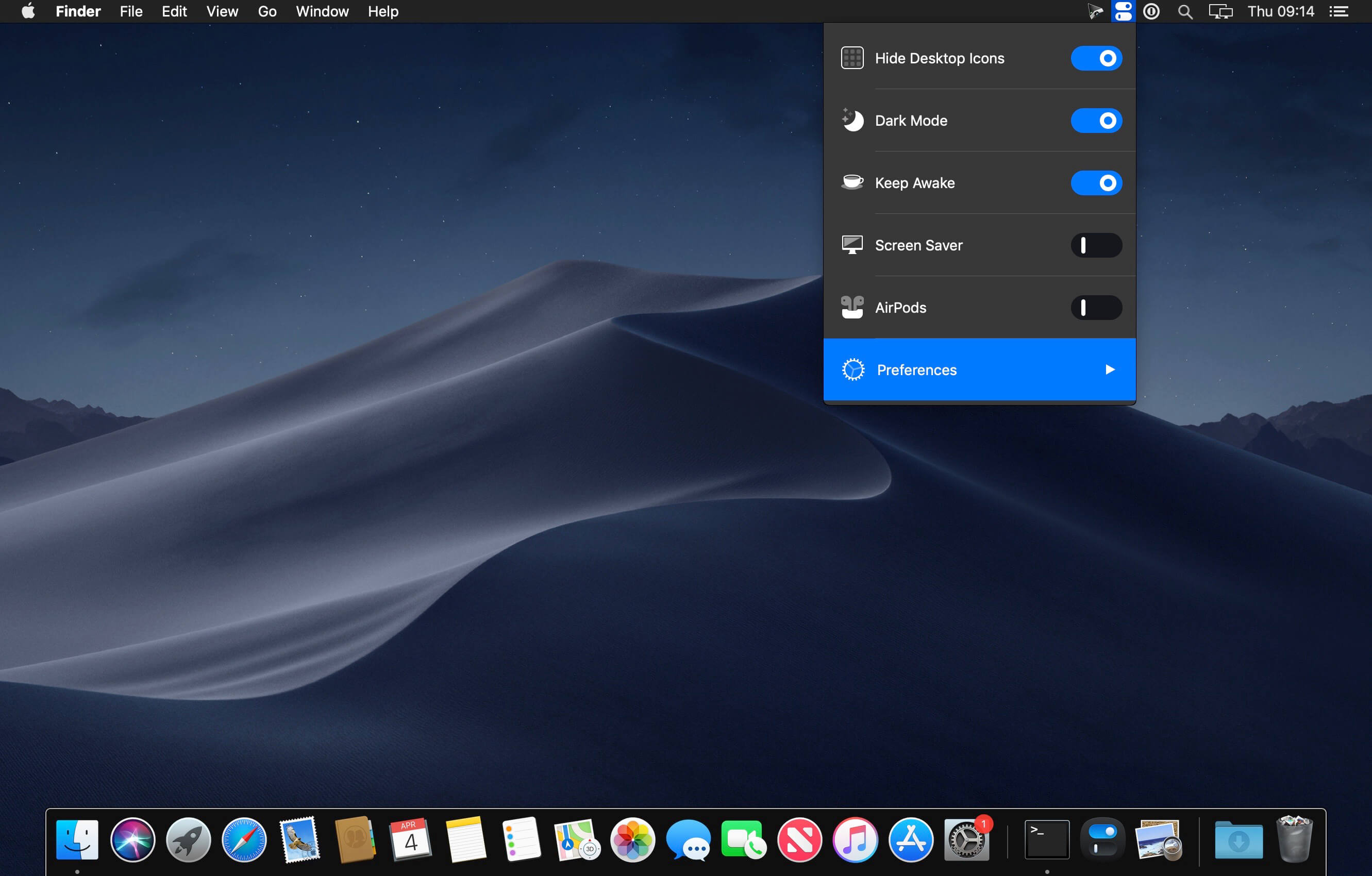
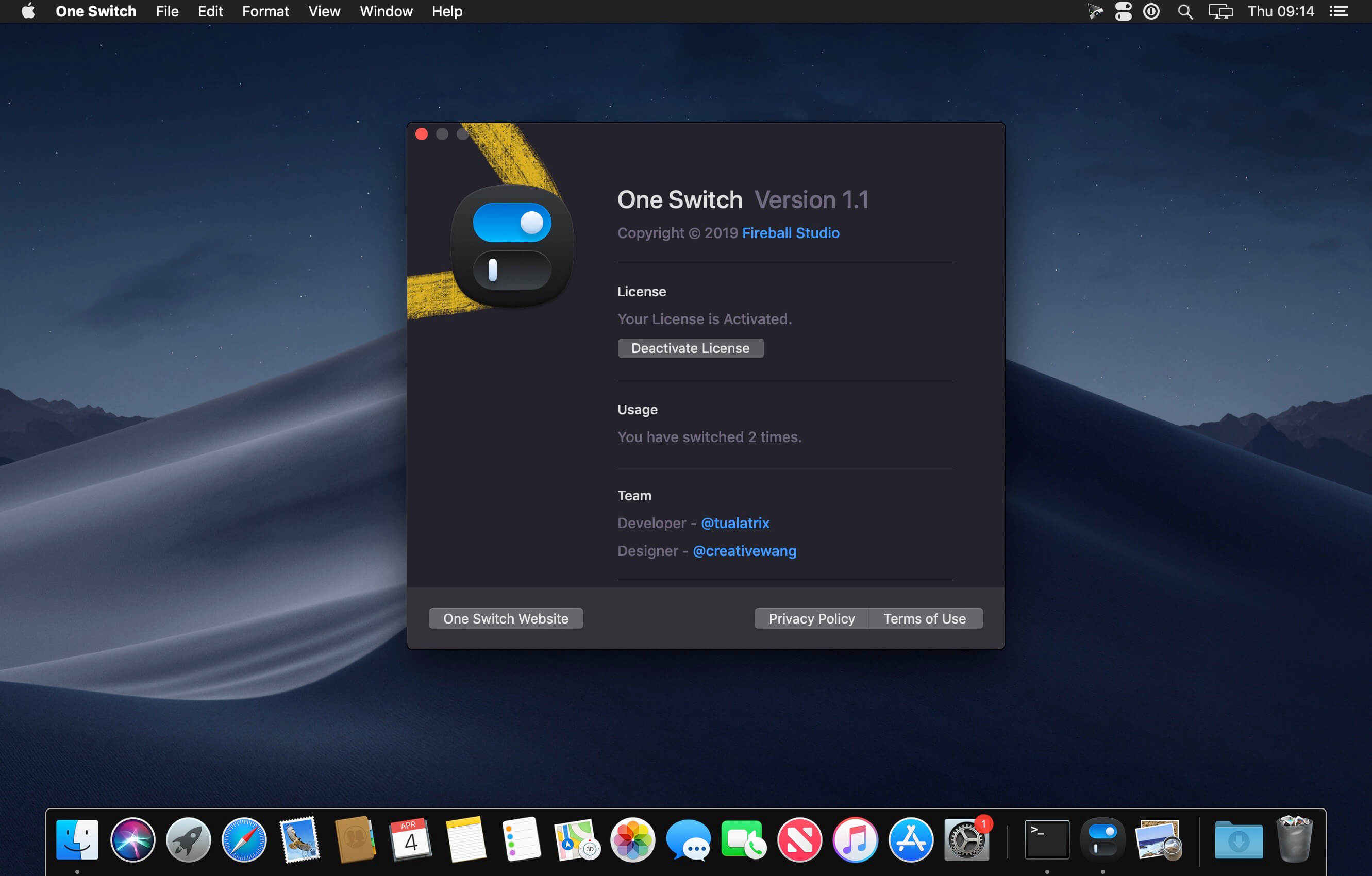
One Switch is a tiny app designed to improve your efficiency by providing quick access to a few important switches. It can be opened from your menu bar, and it allows you to toggle certain system features with just a couple of clicks.
Hide Desktop Icons
Hide your messy desktop with one click.
Dark Mode
Toggle Dark Mode at any time.
Keep Awake
Prevent your Mac from sleeping or displaying the screen saver.
Screen Saver
Sometimes you will like to turn it on manually.
AirPods
Connect AirPods with your Mac in just a second.
Version 1.35.4:
- Updates: official site does not provide any info about changes in this version
Frequently asked questions
How do I install the app?
Mount the image, drag the app into the "Applications" folder and launch it. If the system blocks the launch, allow it in "System Settings → Privacy & Security".
The app is damaged or won't launch
Reinstalling from a fresh image usually helps. Make sure your macOS version matches the one listed in the compatibility specs.
How do I update?
Download the new version from the site and install it over the current one — your settings will be preserved.
The download link doesn't work
Try a mirror or a download manager. For large files the browser often drops the connection.
How do I completely remove the app?
Use an uninstaller utility — it cleans up the service files that remain after moving the app to the trash.



Choose a download source
One Switch 1.35.4 · 9.01 MB
Previous versions
One Switch 1.35.4
Previous versions are available to registered users.