
Chameleon 0.9
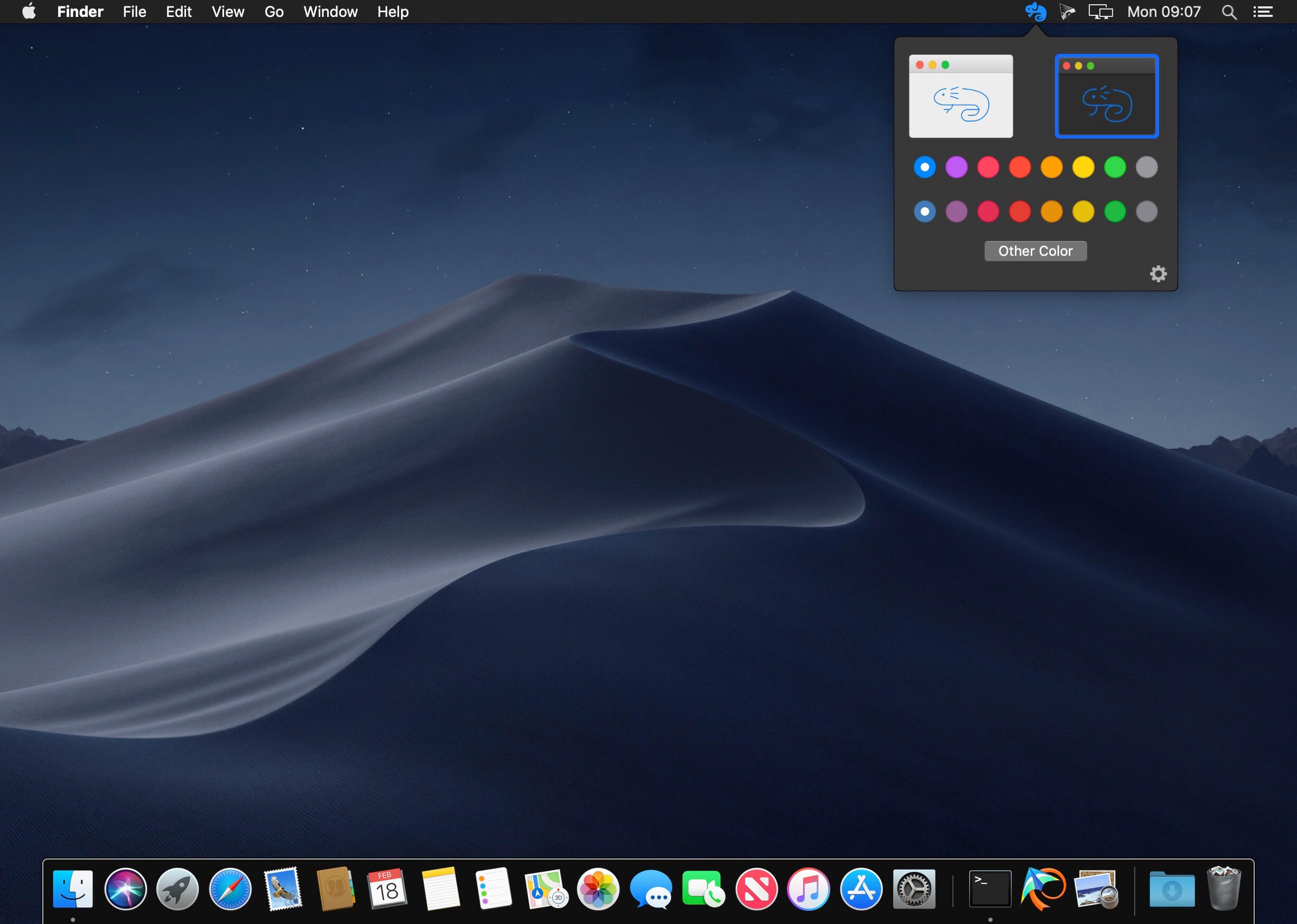
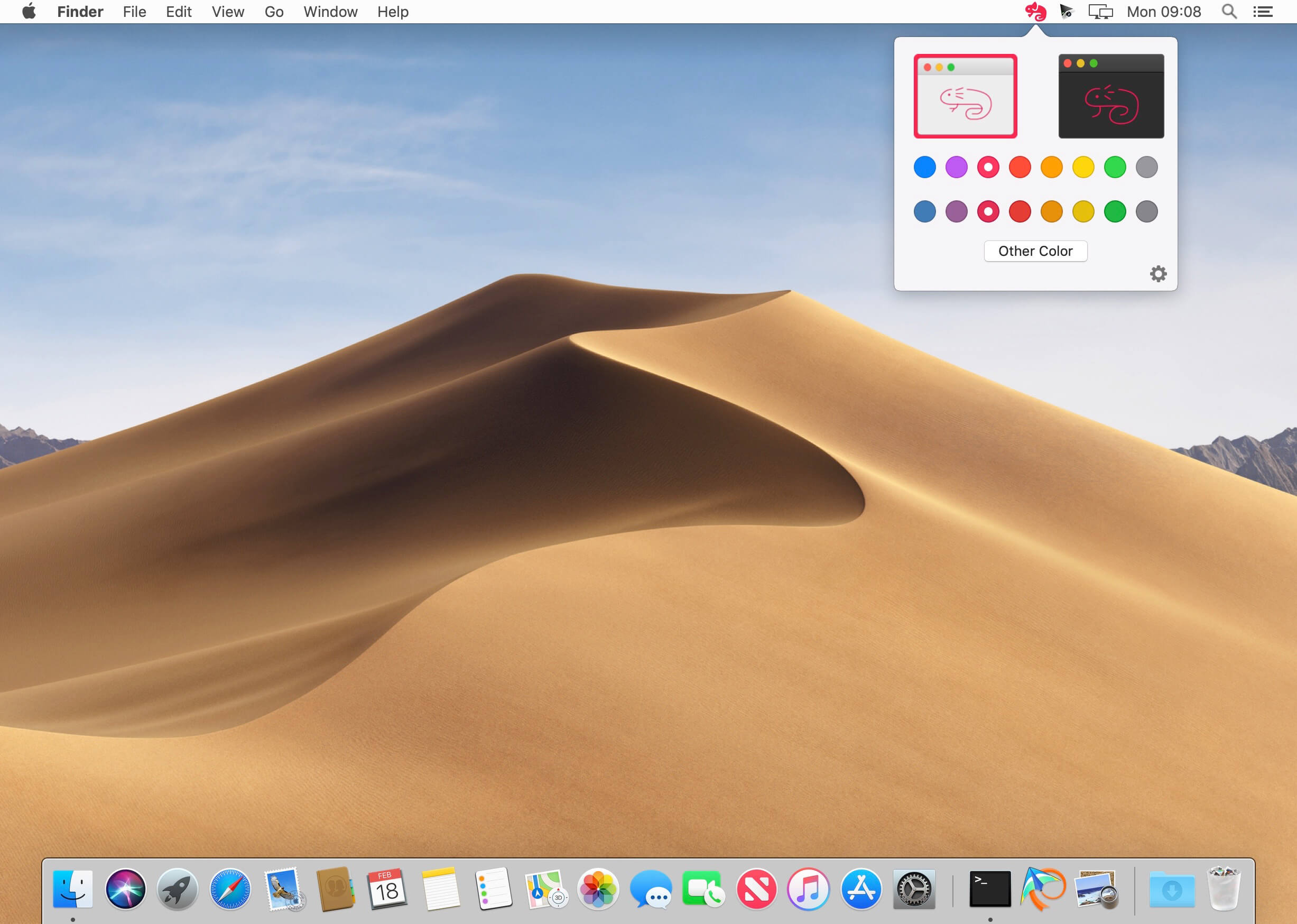

Chameleon is a small app that brings these settings to your menu bar, making it much easier to customize your UI at any time. With this app, you can change the interface highlight and accent colors and switch between the Dark and Light UI modes with just one or two clicks.
Menu bar app that lets you to change your Mac's interface accent and highlight colors, as well as switch between Dark and Light mode, with just a couple of clicks
FEATURES
Easy to Use:
Right click to toggle between Light & Dark modes. The radio buttons make changing colors quick and fun
Simple Interface:
The minimal UI makes it easy to change the interface, accent and highlight colors right from the menu bar
Small Size:
Chameleon doesn't take much space or power to run yet provides a ton of fun to use
Version 0.9:
- Release notes were unavailable when this listing was updated.
Frequently asked questions
How do I install the app?
Mount the image, drag the app into the "Applications" folder and launch it. If the system blocks the launch, allow it in "System Settings → Privacy & Security".
The app is damaged or won't launch
Reinstalling from a fresh image usually helps. Make sure your macOS version matches the one listed in the compatibility specs.
How do I update?
Download the new version from the site and install it over the current one — your settings will be preserved.
The download link doesn't work
Try a mirror or a download manager. For large files the browser often drops the connection.
How do I completely remove the app?
Use an uninstaller utility — it cleans up the service files that remain after moving the app to the trash.
VersionChameleon 0.9
DeveloperLevel 3 Studios, LLC
CompatibilitymacOS 10.14 or later 64-bit
LanguageEnglish
IncludesK'ed by TNT




Information
Visitors in the group Guests cannot leave comments on this publication.
Choose a download source
Chameleon 0.9 · 11.74 MB