
Cover Desk 1.9
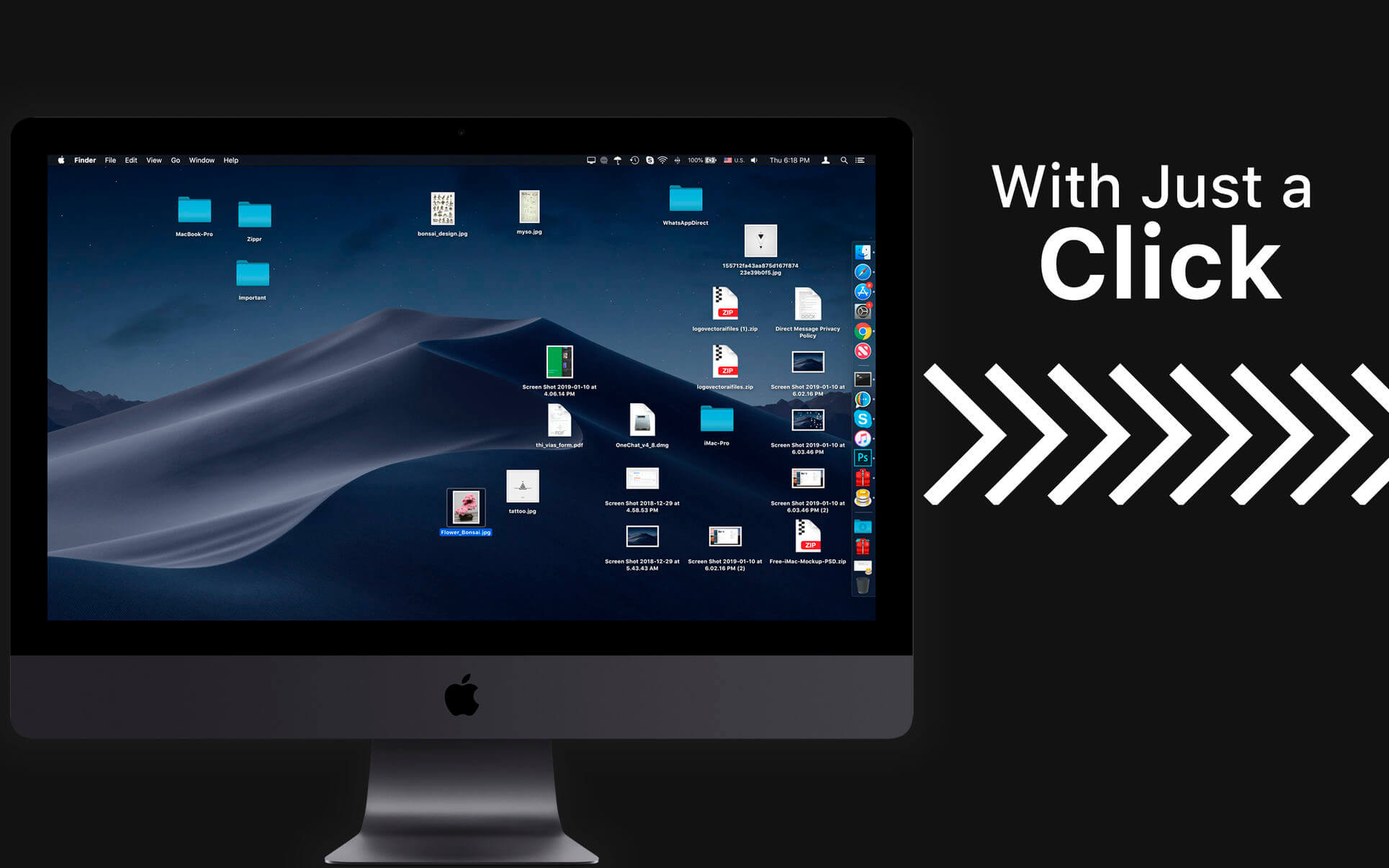

Hide Desktop: Hide/Unhide all the desktop icons with just a click. Window Focus: Just display the window that is focused rest will be undertint. Window Tint: Healthy display colour temperature of the display based on day/Nigh lite. Display Mode: Set resolution for connected monitors or displays.
Hide Desktop:
- Multiple Screen mode
- Hide multiple displays individually.
- Apply custom solid colour or choose wallpaper to hide icons
Window Hue Tin:
- Choose Hue colour temperature.
- Custom time to apply a tint as per the night and day.
- Can apply to multiple screens individually.
Window Focus:
- Just a click to display focused window.
- Choose a percentage of hue to apply
- Enable for multiple displays connected.
Display Mode:
- Quickly check for available monitor resolutions.
- Retina capability on any of your internal or externally connected monitors (displays) & projectors.
- Shows refresh rate and switch between aspect ratio
- Turn on display mirroring with just a click, its that easy.
Version 1.9
- We fixed bugs and made some improvements to enhance your experience with the application.
Frequently asked questions
How do I install the app?
Mount the image, drag the app into the "Applications" folder and launch it. If the system blocks the launch, allow it in "System Settings → Privacy & Security".
The app is damaged or won't launch
Reinstalling from a fresh image usually helps. Make sure your macOS version matches the one listed in the compatibility specs.
How do I update?
Download the new version from the site and install it over the current one — your settings will be preserved.
The download link doesn't work
Try a mirror or a download manager. For large files the browser often drops the connection.
How do I completely remove the app?
Use an uninstaller utility — it cleans up the service files that remain after moving the app to the trash.


Choose a download source
Cover Desk 1.9 · 8.94 MB