
UnDistracted 1.78
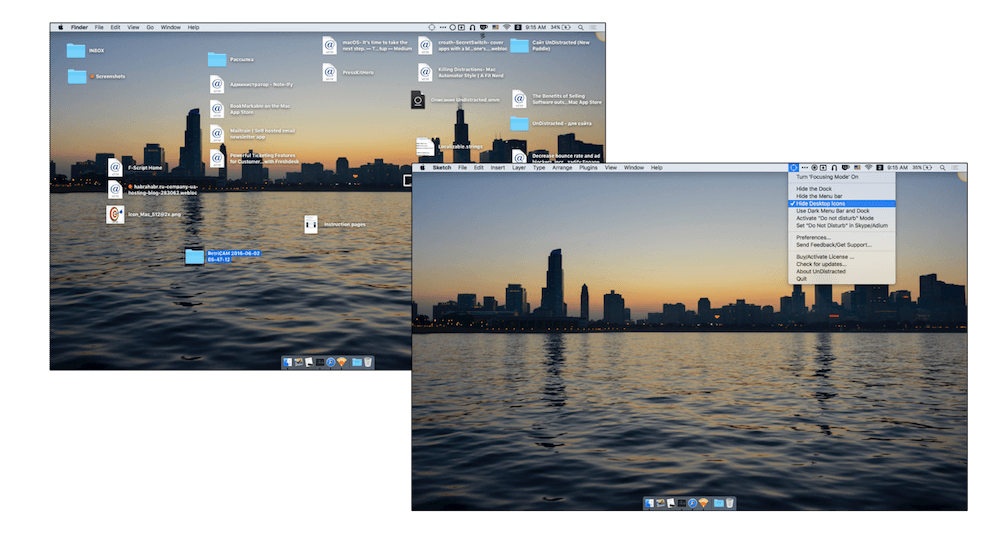
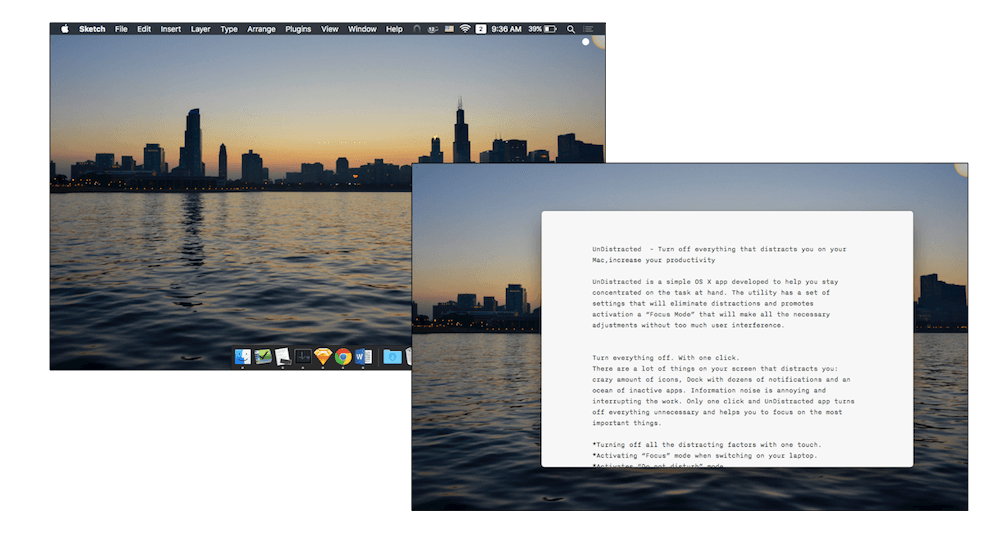
UnDistracted is a simple app developed to help you stay concentrated on the task at hand. The utility has settings that will eliminate distractions and promotes activation of a "Focus Mode" that will make all the necessary adjustments without too much user interference.
- Turn everything off--with one click - There are a lot of things on your screen that distracts you: crazy amount of icons, Dock with dozens of notifications and an ocean of inactive apps. Information noise is annoying and interrupting the work. Only one click and UnDistracted app turns off everything unnecessary and helps you to focus on the most important things.
- Personal approach - Some people get distracted with the Dock menu. Others with push notifications. UnDistracted allows setting it up based on your personal needs. Every time you switch on your computer, it will be activated automatically.
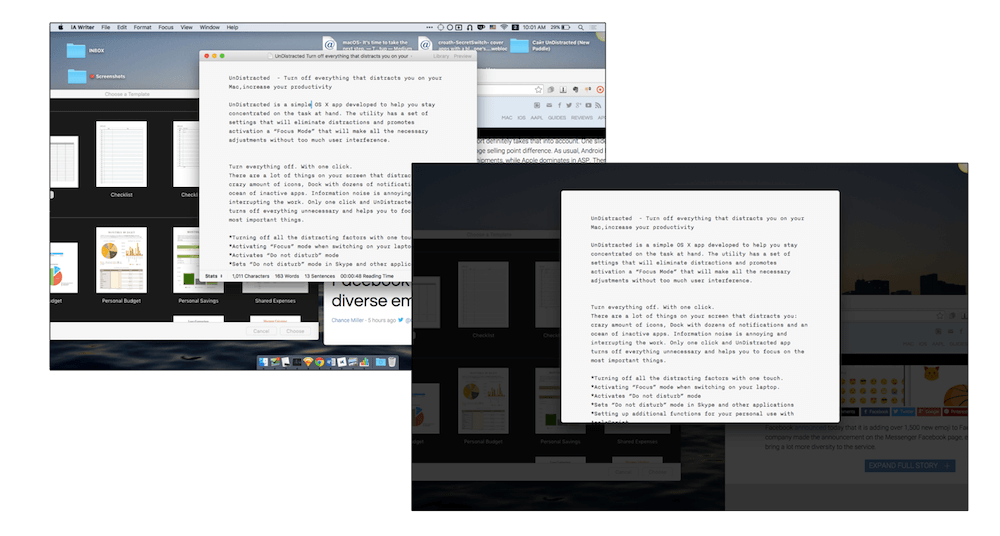
- Focus on the most important - Do you work with dozens of tabs opened? Are there too many of them to get concentrated? UnDistracted can shadow all windows except the active one. Fine tuning allows you to choose the shadow level. Now, only the essential things stay right in front of your eyes. Nothing interferes with you anymore.
Version 1.78:
- Bug fixes and other improvements
Frequently asked questions
How do I install the app?
Mount the image, drag the app into the "Applications" folder and launch it. If the system blocks the launch, allow it in "System Settings → Privacy & Security".
The app is damaged or won't launch
Reinstalling from a fresh image usually helps. Make sure your macOS version matches the one listed in the compatibility specs.
How do I update?
Download the new version from the site and install it over the current one — your settings will be preserved.
The download link doesn't work
Try a mirror or a download manager. For large files the browser often drops the connection.
How do I completely remove the app?
Use an uninstaller utility — it cleans up the service files that remain after moving the app to the trash.
VersionUnDistracted 1.78
DeveloperNoteifyApp
CompatibilityOS X 10.9 or later, 64-bit processor
LanguageEnglish
IncludesK'ed by TNT

Information
Visitors in the group Guests cannot leave comments on this publication.
Choose a download source
UnDistracted 1.78 · 5.68 MB