
UltraCompare 24.0.0.19
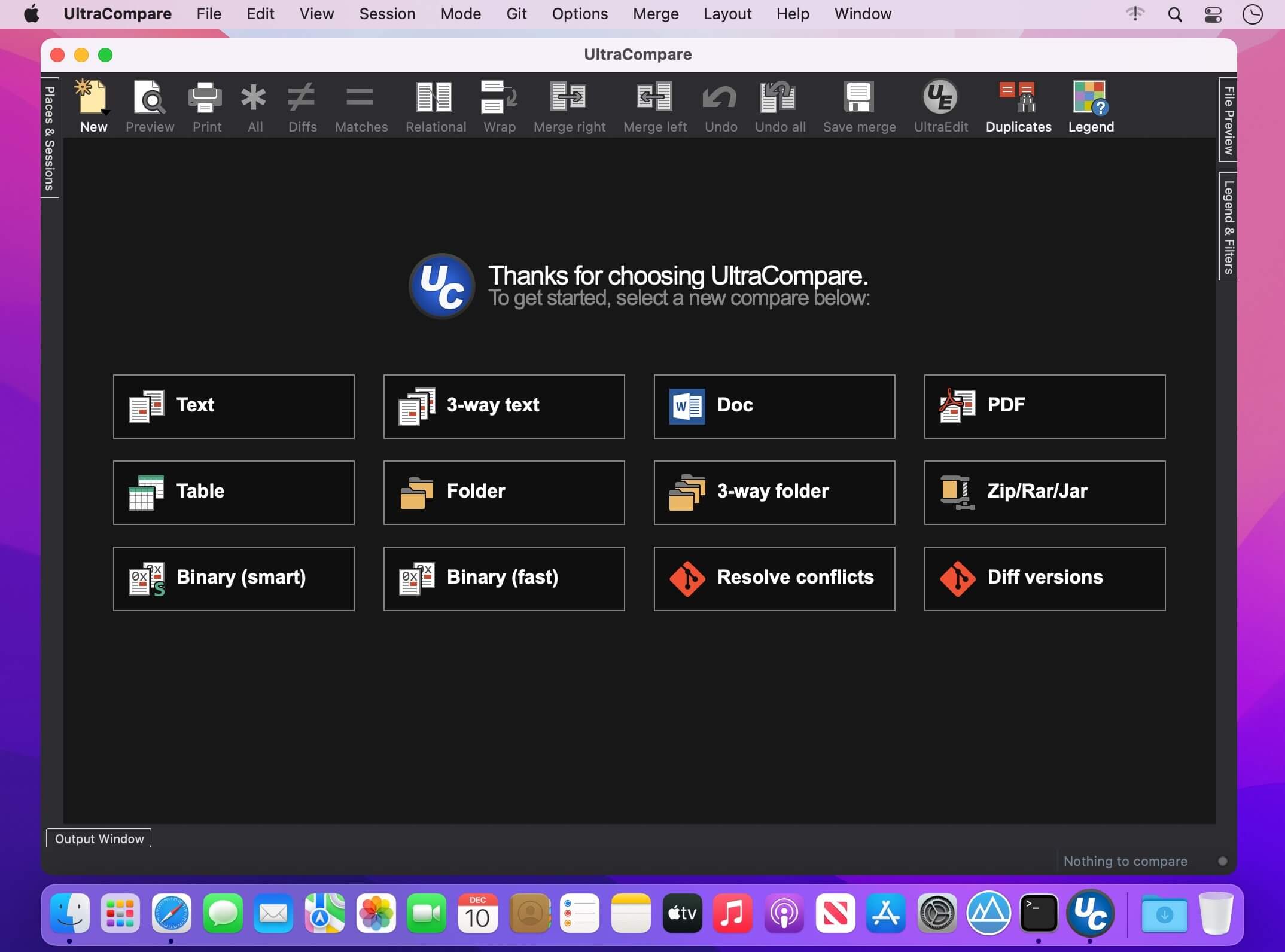
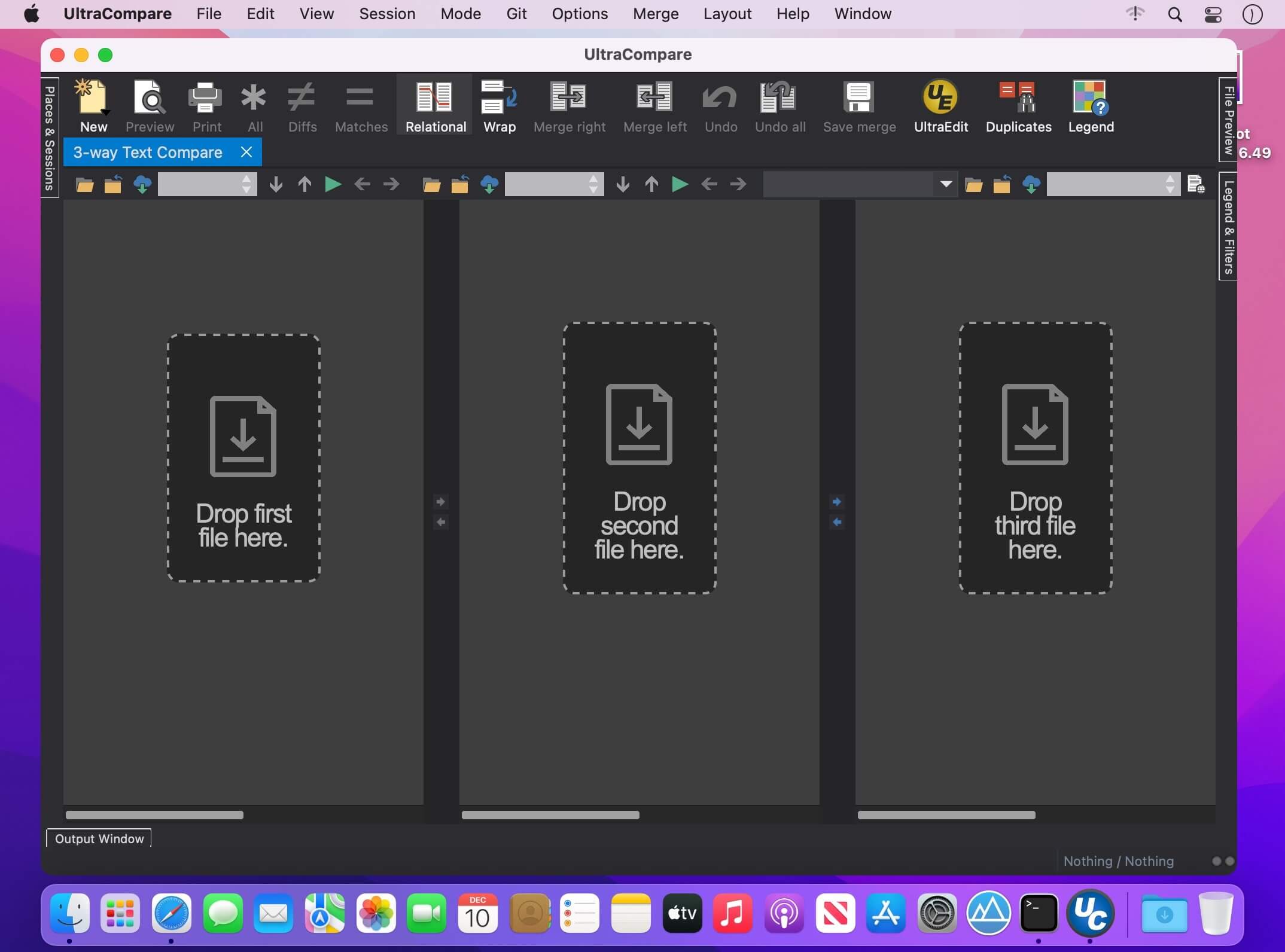

A complement to your file management suite, UltraCompare is loaded with features to enable you to compare text files and folders, as well as zip files and jar archives. Text file compare features include binary and text compare of two or three text files at a time, with the ability to merge text differences between compared files. Folder compare supports comparison of local/network directories (and subdirectories with recursive folder compare) and zip file compare as well, and like text/binary compare, you can merge differences between compared directories.
Sessions
With UltraCompare's session functionality, you can have multiple comparison and merge sessions open in multiple tabs, each only a click away. Each session is like a new instance of IDM UltraCompare For Mac, letting your run multiple types of operations, each with the appropriate configuration.
Ignore Options
UltraCompare for Mac's Ignore Options options let you fine tune your comparision to ignore line terminators, white space, entire blank lines and more.
Find Duplicates
UltraCompare for Mac's powerful Find Duplicates functionality makes it easy to simply comb through your file system for pesky repeats. Let us do the heavy lifting for you.
Ignore/Compare Columns
Sometimes you only want to compare or exclude a known number of columns. This feature lets you specify which span or spans of columns you'd like to compare or exclude from comparison.
UltraEdit Integration
UltraEdit for Mac makes it easy to load a file straight from the editor and right into UltraCompare for Mac.
Edit large files
UltraCompare is built to edit the large files that cause other comparison tools to crash. People who deal with databases and large log files absolutely love our products for this very reason.
4k UHD support
UltraCompare looks great on Retina and other ultra high-definition displays. If you haven't upgraded yet, no need to worry. We'll be ready for you when you do.
Key features
- Compare 2 or 3 files at a time
- Merge differences
- Filter compare view to show just matches or differences
- Ignore whitespace, line endings, specific lines, and more
- Manually set text compare starting point
- Edit text files as you compare them
- Paste and compare text snippets
- Preview HTML files in browser
- Compare files from the Internet via URL
- Compare files and folders from FTP/SFTP
- Scan and navigate differences with mini-map
- Compare Word Docs (.doc/.docx), PDFs, and RTFs
- Sync folders quickly and easily
- Find and resolve duplicate files
- Save and reuse your most used comparisons with sessions
- Drag-and-drop folders and files to compare them
- Integrate with Windows explorer
- Integrate with Subversion, CVS, Visual SourceSafe, Perforce, and more
- Change application and compare colors with themes
- Show compare vertically or horizontally
- Save difference and result reports
Version 24.0.0.19:
Frequently asked questions
How do I install the app?
Mount the image, drag the app into the "Applications" folder and launch it. If the system blocks the launch, allow it in "System Settings → Privacy & Security".
The app is damaged or won't launch
Reinstalling from a fresh image usually helps. Make sure your macOS version matches the one listed in the compatibility specs.
How do I update?
Download the new version from the site and install it over the current one — your settings will be preserved.
The download link doesn't work
Try a mirror or a download manager. For large files the browser often drops the connection.
How do I completely remove the app?
Use an uninstaller utility — it cleans up the service files that remain after moving the app to the trash.


Choose a download source
UltraCompare 24.0.0.19 · 35.53 MB
Previous versions
UltraCompare 24.0.0.19
Previous versions are available to registered users.