Beyond Compare 4 v.4.4.3
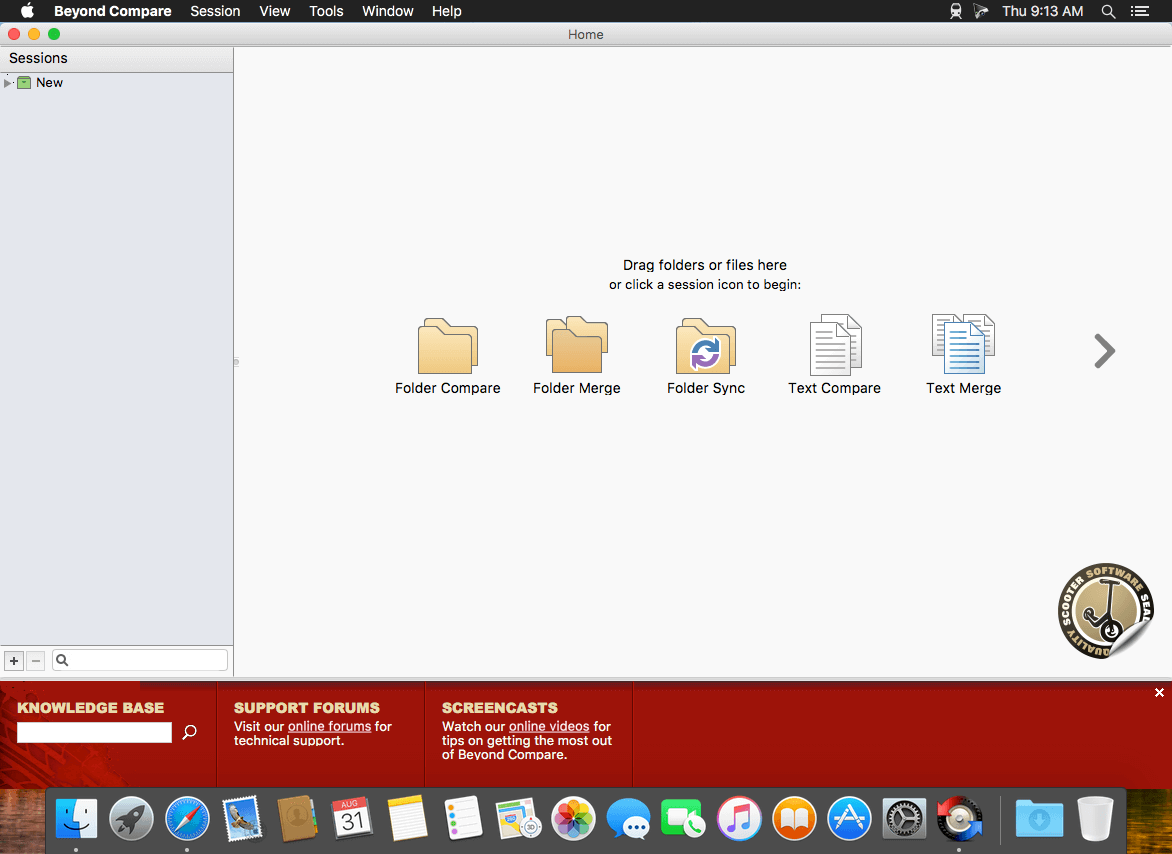
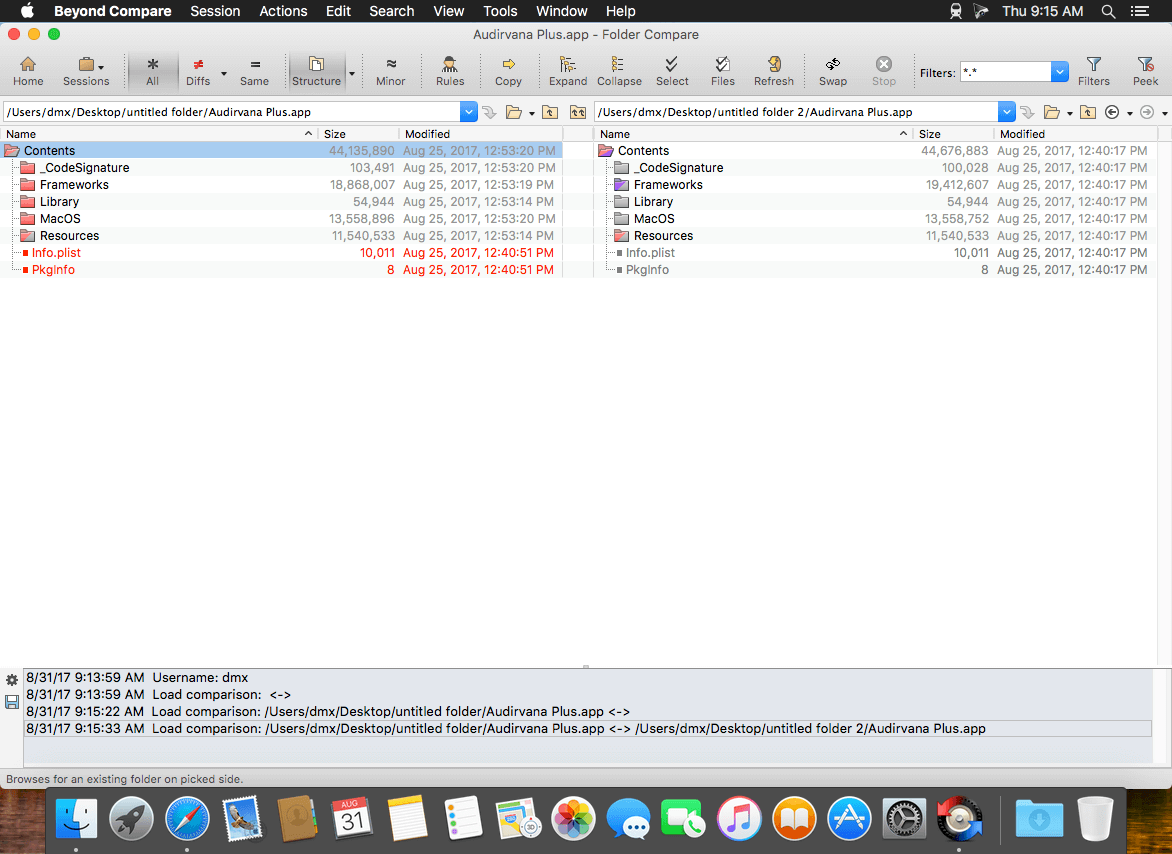
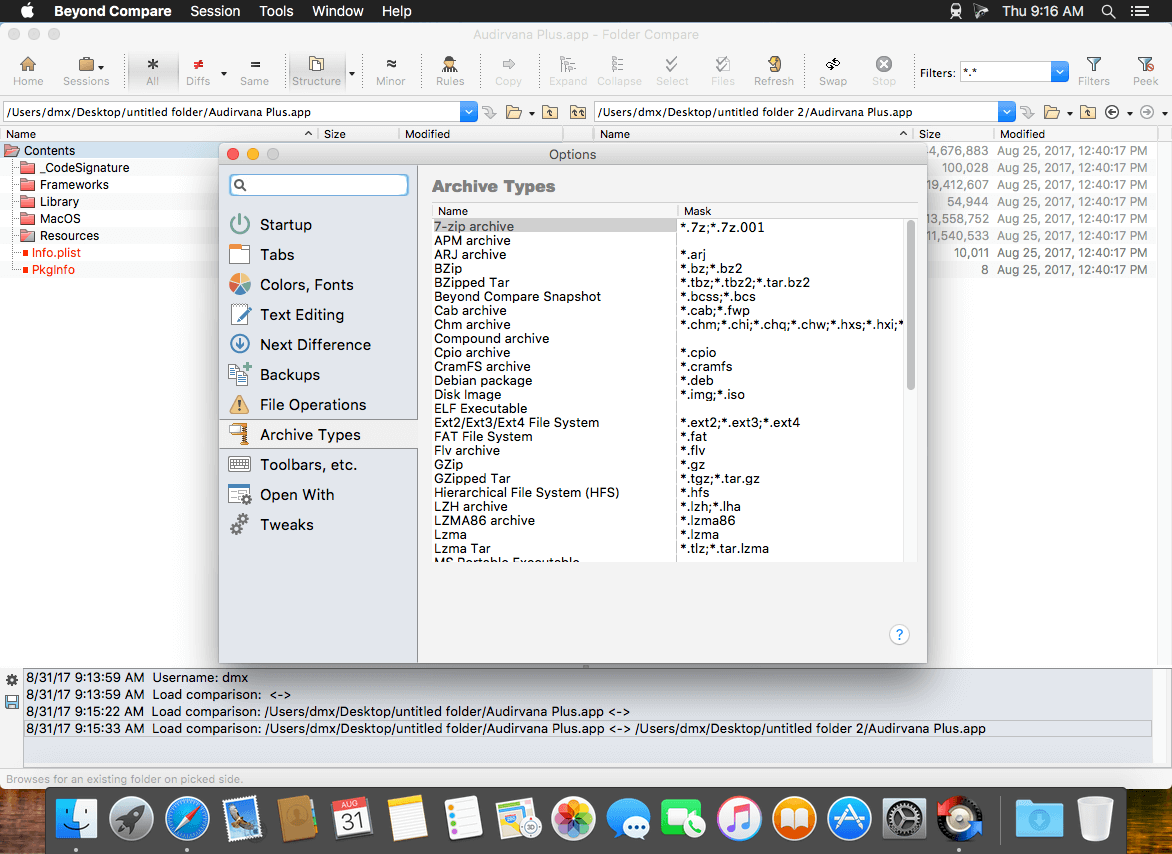
Beyond Compare allows you to quickly and easily compare your files and folders. By using simple, powerful commands you can focus on the differences you're interested in and ignore the rest. You can then merge the changes, synchronize your files, and generate reports for your records. You can compare entire drives and folders at high speed, checking just sizes and modified times, or thoroughly verify every file with byte-by-byte comparisons. Once you've found specific files you're interested in, Beyond Compare can intelligently pick the best way to compare and display them. Text files can be viewed and edited with syntax highlighting and comparison rules tweaked specifically for documents, source code, and HTML. The text contents of Microsoft Word .doc and Adobe .pdf files can also be compared but not edited. Data files, executables, binary data, and images all have dedicated viewers as well, so you always have a clear view of the changes.
The Standard version of Beyond Compare is a full-featured comparison tool, and is free to use. The Pro version of Beyond Compare adds the following features: 3-way text merge, 3-way folder merge, built-in SFTP support, text replacement, Folder-Compare alignment overrides, and support for WebDAV, Dropbox, and subversion.
Version 4.4.3:
Notable Changes:
- Windows: Fixed two security vulnerabilities in the .exe installer.
- Various stability fixes.
Cloud Services:
- Dropbox connections now only try to use TLS 1.2 & 1.3.
File Formats:
- Updated URL for "PDF documents" file format converter.
Installer:
- Windows: Fixed DLL preloading vulnerability in uninstaller. Installer will no longer run on Windows XP or Windows Vista.
- Windows: BCClipboard.exe is no longer run automatically during silent installs unless launched from Beyond Compare as part of an auto-update.
- Windows: Fixed crash when removing the shell extension in an "Install for current user" install.
- Windows: Fixed "Internal error: Failed to expand shell folder constant 'userdesktop'" error when run from a restricted user account.
Misc:
- macOS: Fixed moving a tab to a new window and then dragging in the toolbar area moving the original parent window instead.
- Updated supported OS versions in Windows and Linux README files and updated URLs to use https://.
Picture Compare:
- macOS: Fixed loading some 64bpp PNGs and improved error handling when an image fails to load.
Table Compare:
- Windows: Updated Excel .xls/xlsx reading library.
Crashes:
- macOS: Fixed crash in the crash reporting dialog.
Frequently asked questions
How do I install the app?
Mount the image, drag the app into the "Applications" folder and launch it. If the system blocks the launch, allow it in "System Settings → Privacy & Security".
The app is damaged or won't launch
Reinstalling from a fresh image usually helps. Make sure your macOS version matches the one listed in the compatibility specs.
How do I update?
Download the new version from the site and install it over the current one — your settings will be preserved.
The download link doesn't work
Try a mirror or a download manager. For large files the browser often drops the connection.
How do I completely remove the app?
Use an uninstaller utility — it cleans up the service files that remain after moving the app to the trash.


Choose a download source
Beyond Compare 4 v.4.4.3 · 27.36 MB
Previous versions
Beyond Compare 4 v.4.4.3
Previous versions are available to registered users.
Comments 3