
Pasta PRO 1.3.9
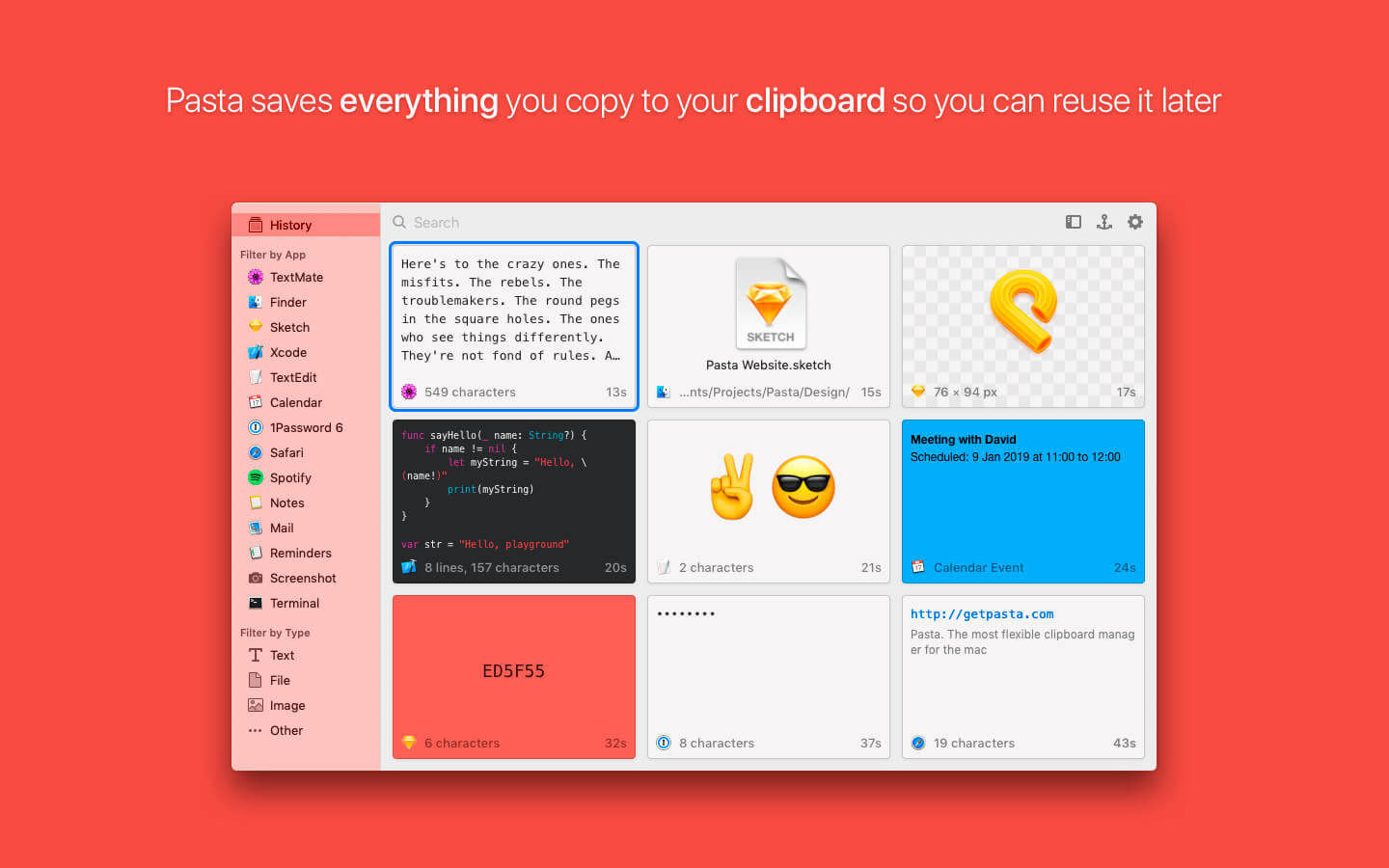
Pasta is a beautiful and flexible clipboard manager for the mac. It saves everything you copy to your clipboard so you can reuse it later.
Features:
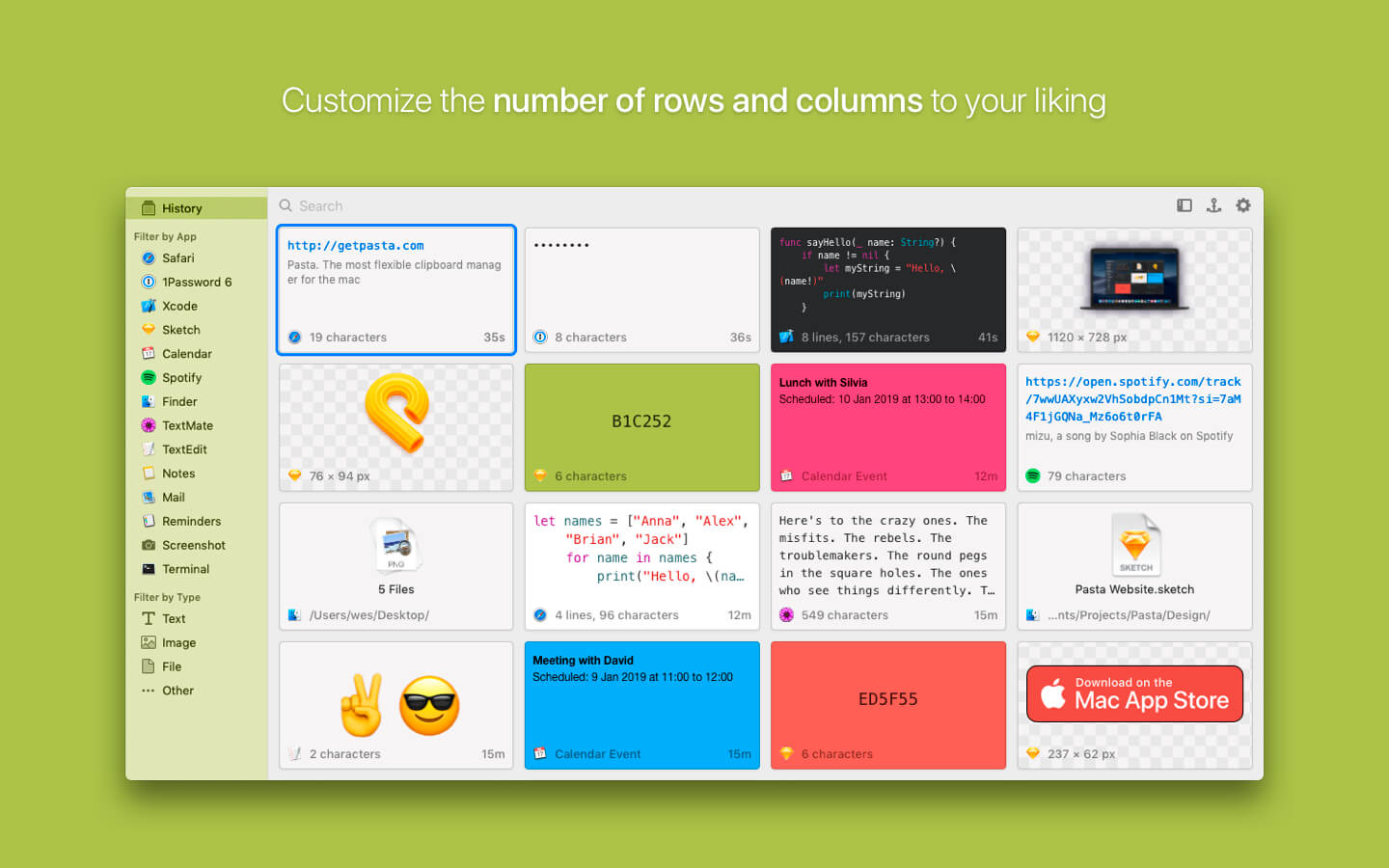
- Pasta's flexible grid interface helps you to better see your clipboard history so you can quickly find what you're looking for.
- Bring up Pasta with a keyboard shortcut or using the menubar, double-click the clipping you want to restore, Pasta then gets out of your way.
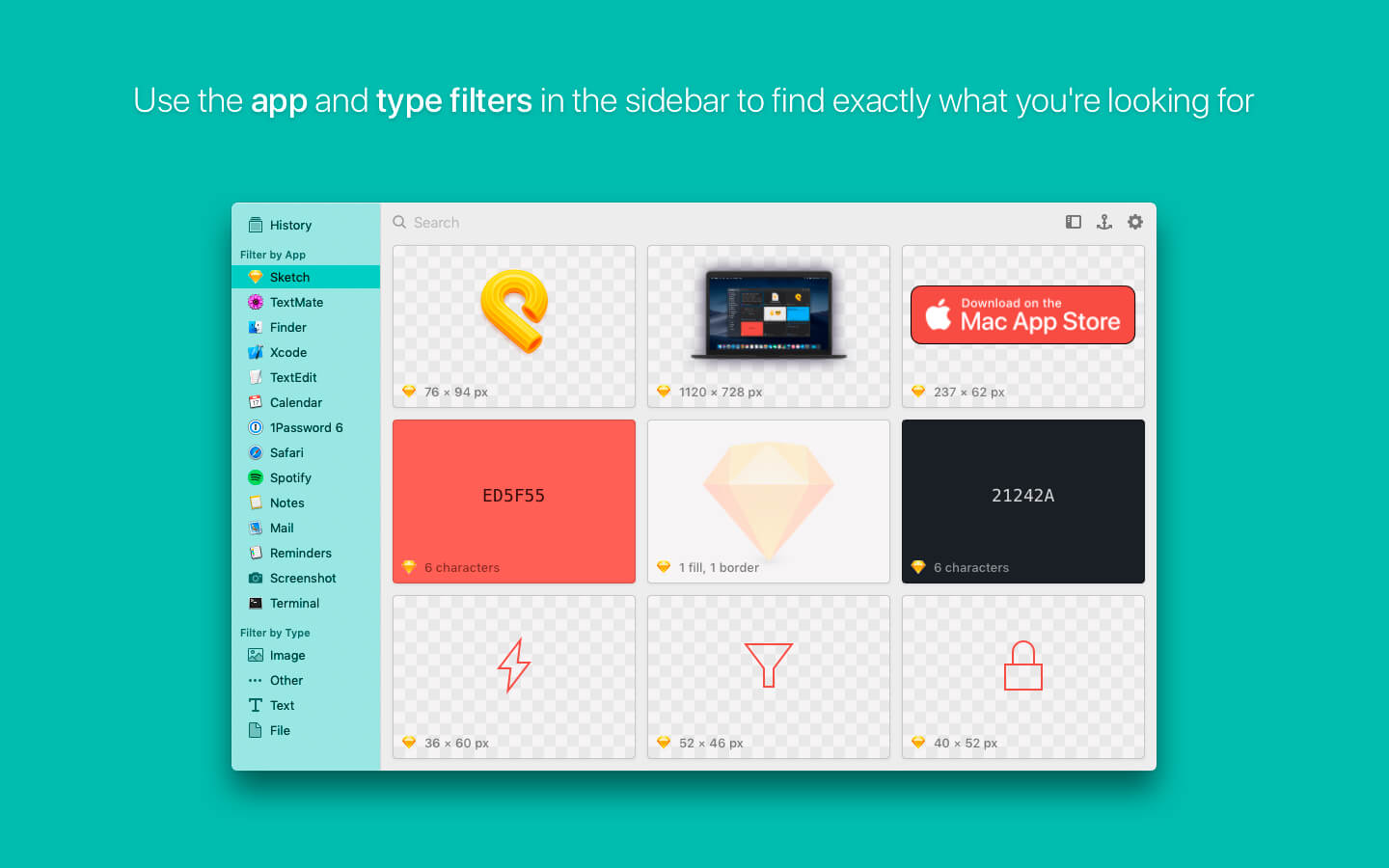
- Filter your clippings by the app where they were copied or by what they contain. Finding a clipping has never been so easy.
- Pasta's powerful search can find clippings by content, application, type or even the window's name.
- When copying sensitive information from apps like 1Password, Pasta will obfuscate it on screen and will encrypt it when saved to disk.
- Pasta supports macOS Mojave's Light and Dark modes.
Version 1.3.9
- Compatibility with Apple Silicon
Frequently asked questions
How do I install the app?
Mount the image, drag the app into the "Applications" folder and launch it. If the system blocks the launch, allow it in "System Settings → Privacy & Security".
The app is damaged or won't launch
Reinstalling from a fresh image usually helps. Make sure your macOS version matches the one listed in the compatibility specs.
How do I update?
Download the new version from the site and install it over the current one — your settings will be preserved.
The download link doesn't work
Try a mirror or a download manager. For large files the browser often drops the connection.
How do I completely remove the app?
Use an uninstaller utility — it cleans up the service files that remain after moving the app to the trash.




Choose a download source
Pasta PRO 1.3.9 · 14.01 MB