
Copied 4.0.1
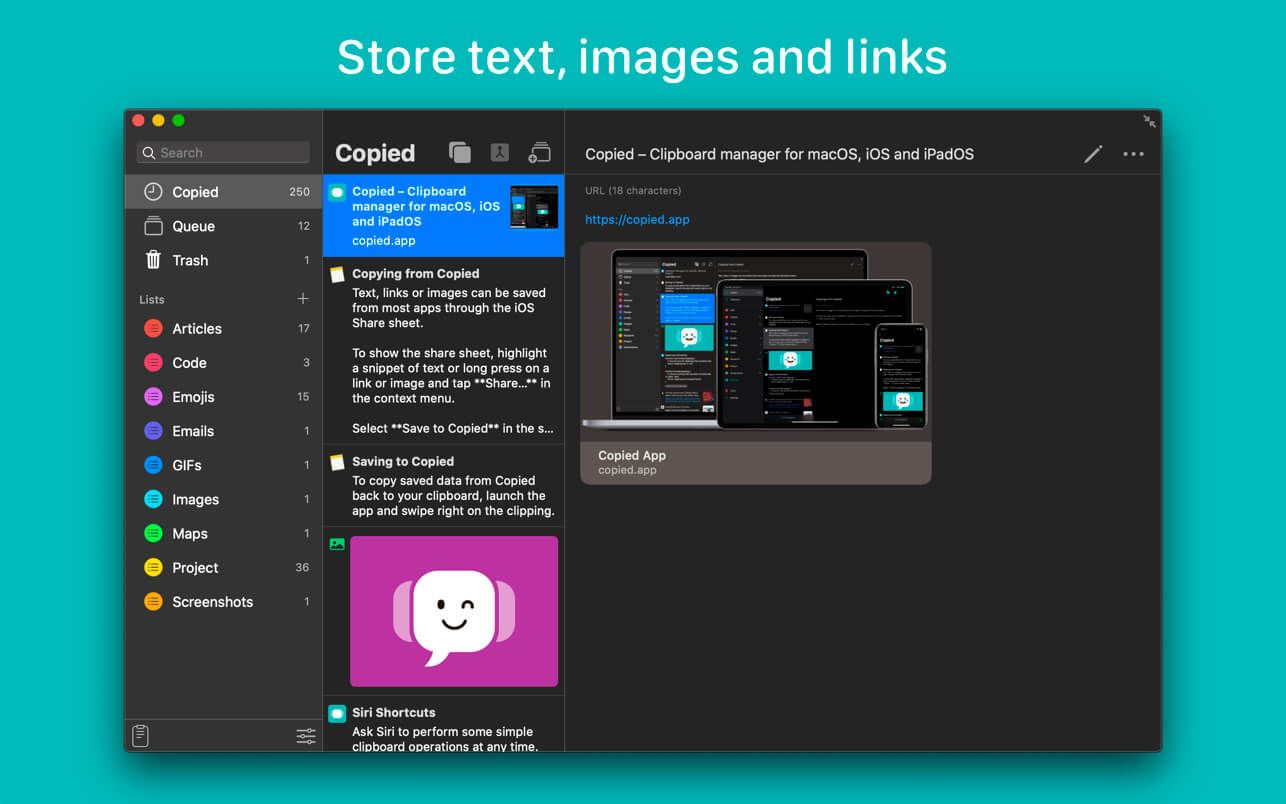
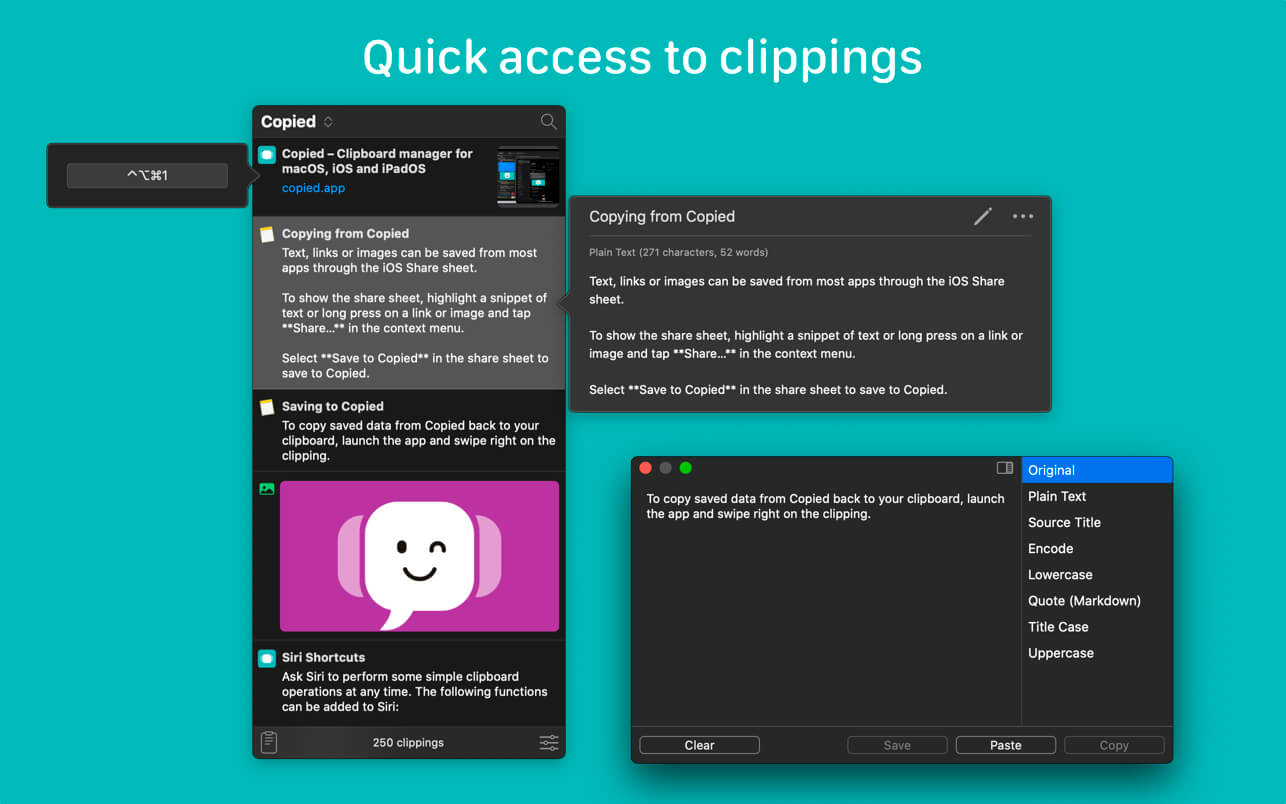
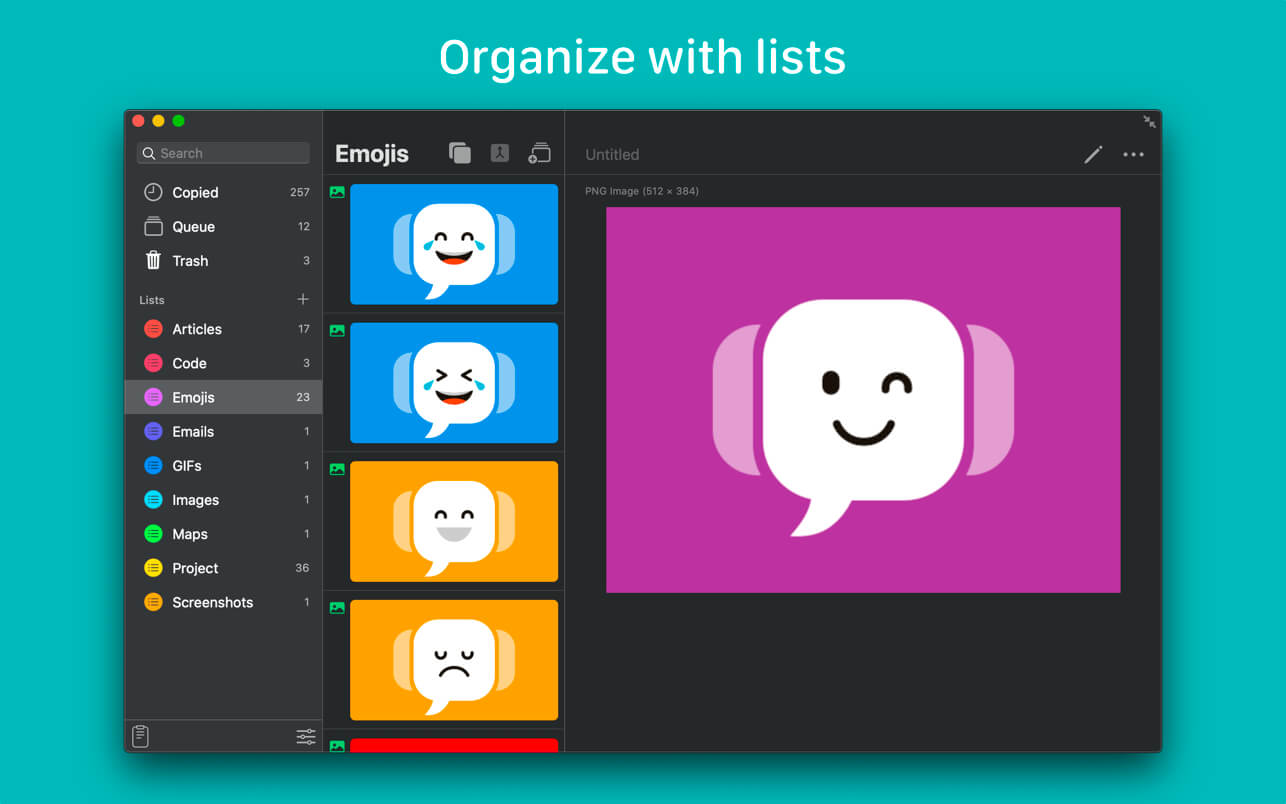
Copied is a full-featured clipboard manager. Save text, links, and images that you’ve copied to your clipboard from any app. Quickly access your saved clippings from the menubar and copy them back to your clipboard in their original format or in a variety of different formats, using templates. Create lists and organize your clippings. Use hotkeys to select a list and copy clippings from the list without switching away from your active window.
Copied also provides continuity between your devices. With iCloud Sync and Clipboard Sync, you can pick up right where you left off on any device. Copied uses iCloud Sync to sync your saved clippings and lists so that you can access them from any device. Clipboard Sync works in the background to automatically update your clipboard whenever you copy or save clippings from another device.
Features
- Copy - Save a copy of your clipboard. Copied supports text, links and images (JPEG, PNG, BMP, GIF, TIFF).
- Drag-and-Drop - Drag-and-drop one or multiple clippings into any app.
- Edit - Make changes or merge multiple clippings together.
- Lists - Store and organize your clippings.
- Search - Simply start typing to find a clipping.
- Template - Copy clippings formatted with our built-in templates or create your own.
- iCloud Sync - Access clippings and lists on all your OS X and iOS* devices.
- Clipboard Sync - Seamlessly copy on one device and paste in another.
- Per-Application Rules - Whitelist or blacklist clipboard content copied from specific apps.
- Hotkeys - User-configurable shortcuts allow you to quickly activate the app or perform actions without activating the app.
- Scriptable - Control Copied from another app using scripts.
Link Previews. Dark mode. Fix compatibility issues with macOS Catalina.
Copied for iOS and iPadOS is now included at no additional cost.
Frequently asked questions
How do I install the app?
Mount the image, drag the app into the "Applications" folder and launch it. If the system blocks the launch, allow it in "System Settings → Privacy & Security".
The app is damaged or won't launch
Reinstalling from a fresh image usually helps. Make sure your macOS version matches the one listed in the compatibility specs.
How do I update?
Download the new version from the site and install it over the current one — your settings will be preserved.
The download link doesn't work
Try a mirror or a download manager. For large files the browser often drops the connection.
How do I completely remove the app?
Use an uninstaller utility — it cleans up the service files that remain after moving the app to the trash.




Choose a download source
Copied 4.0.1 · 11.43 MB
Previous versions
Copied 4.0.1
Previous versions are available to registered users.
Comments 1