
Wipr 2.38
Wipr: Safari ad blocker and tracker blocker for clean browsing.
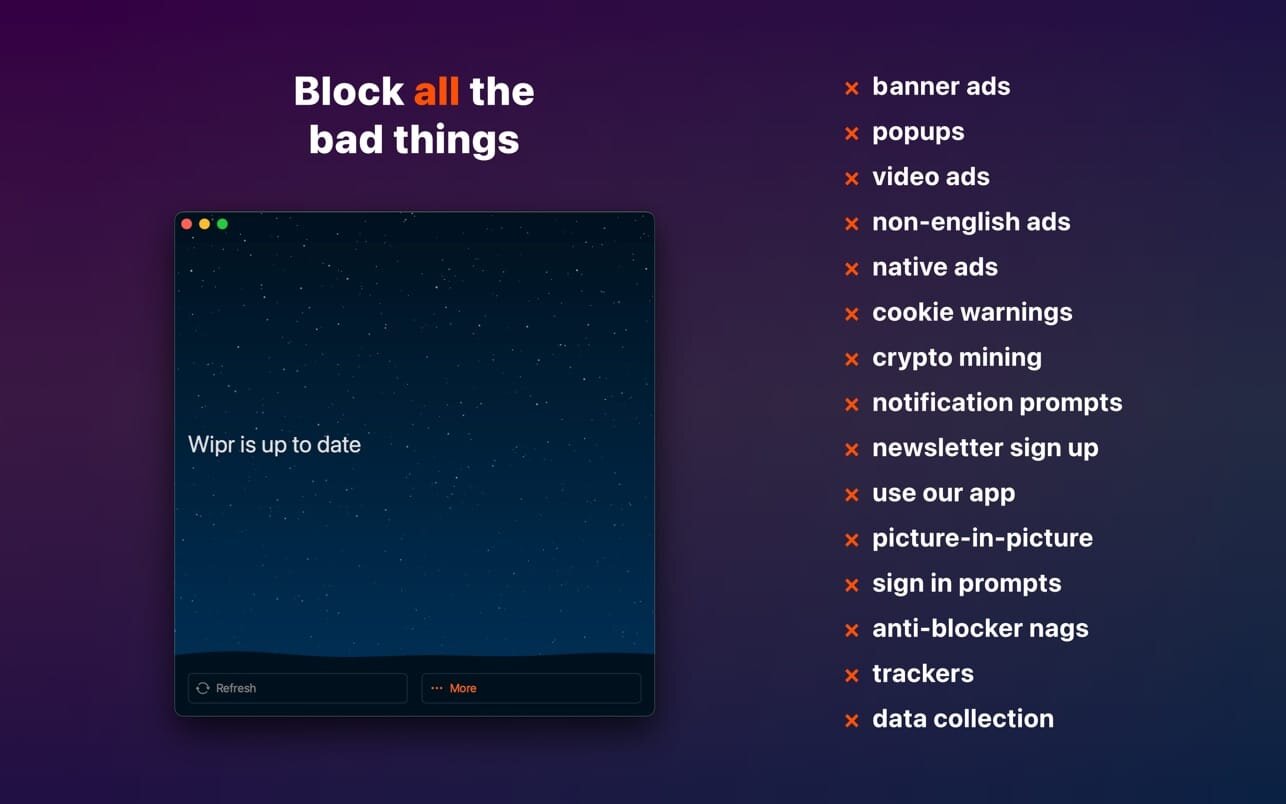
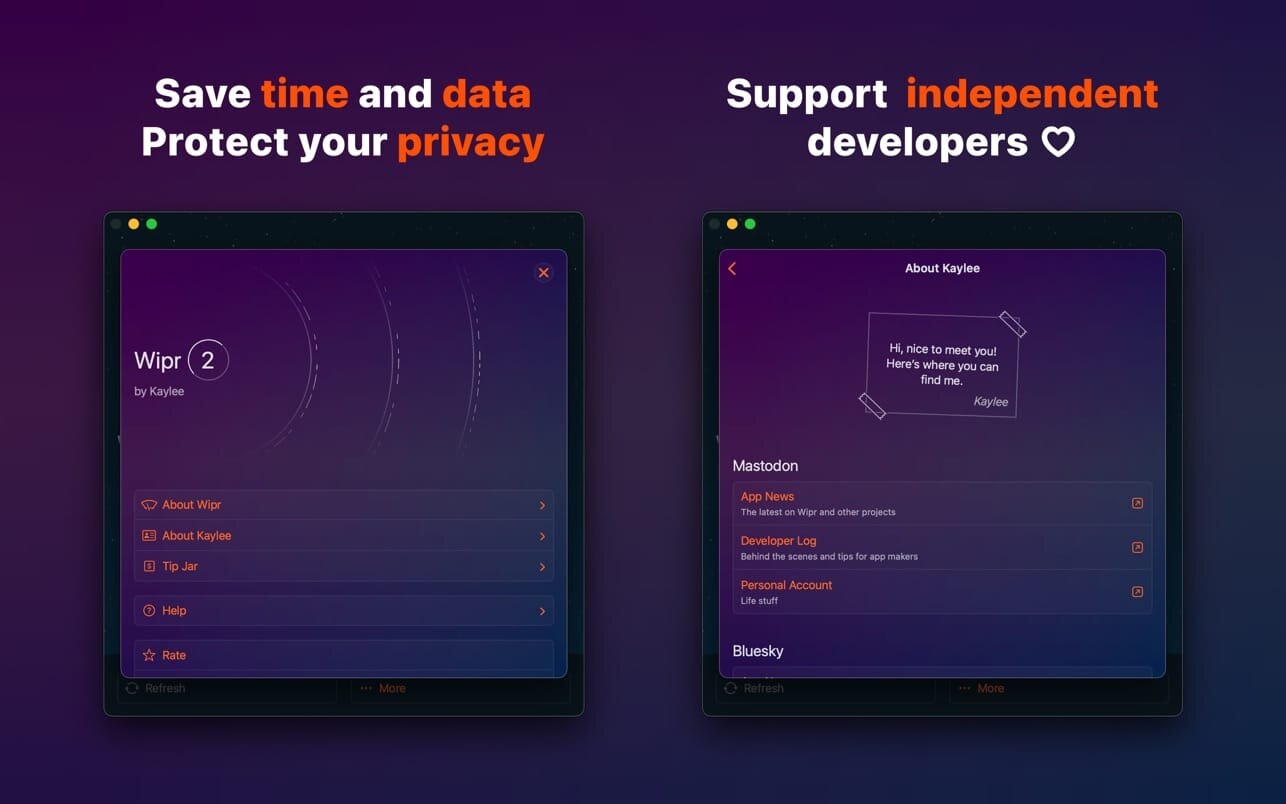
Wipr transforms your browsing experience by blocking ads, popups, trackers, and intrusive cookie warnings that clutter the web. By removing these distractions, Safari becomes faster and cleaner, allowing you to browse without the frustration of invisible tracking. This streamlined experience doesn't just save time—it also provides a noticeable boost to your battery life and reduces your data usage.
Staying protected is effortless because the blocklist updates automatically twice a week. To ensure a high-quality experience globally, Wipr includes enhanced filtering for a wide array of languages, including Chinese, Czech, Danish, Dutch, Estonian, Finnish, French, German, Greek, Hebrew, Hindi, Hungarian, Icelandic, Italian, Japanese, Korean, Norwegian, Polish, Romanian, Russian, Slovak, Spanish, Thai, and Vietnamese.
Wipr 2 is designed as a universal app, giving you full access across your iPhone, iPad, Mac, and Vision Pro with a single purchase. It is built for everyone, featuring full support for VoiceOver and Voice Control to ensure complete accessibility. Additionally, the app supports Family Sharing and offers Dark and Tinted icon variants to match your home screen aesthetic.
Version 2.38:
- Compatibility with iOS 27 and iPadOS 27
- Improvements to issue reporting
- Wipr Extra improvements on many websites
Frequently asked questions
How do I install the app?
Mount the image, drag the app into the "Applications" folder and launch it. If the system blocks the launch, allow it in "System Settings → Privacy & Security".
The app is damaged or won't launch
Reinstalling from a fresh image usually helps. Make sure your macOS version matches the one listed in the compatibility specs.
How do I update?
Download the new version from the site and install it over the current one — your settings will be preserved.
The download link doesn't work
Try a mirror or a download manager. For large files the browser often drops the connection.
How do I completely remove the app?
Use an uninstaller utility — it cleans up the service files that remain after moving the app to the trash.





Choose a download source
Wipr 2.38 · 6.77 MB