Privatus 7.3.3
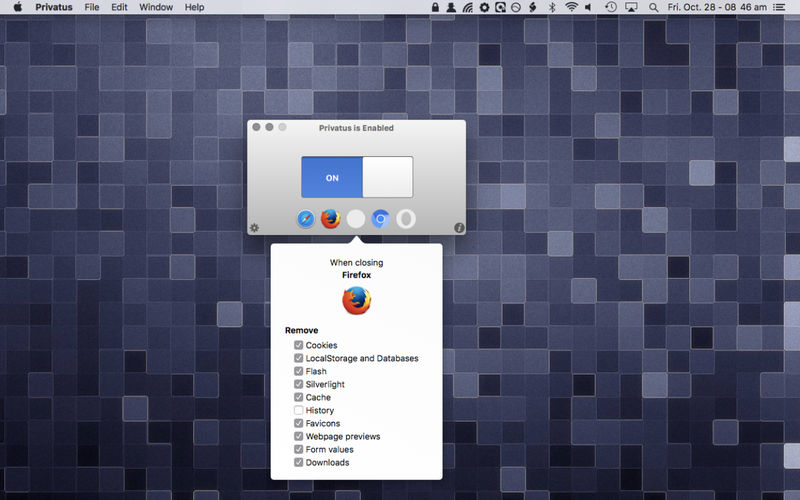
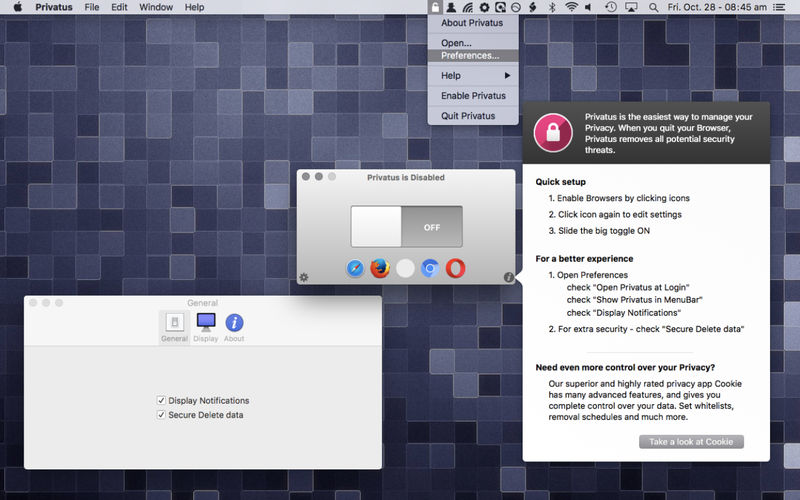
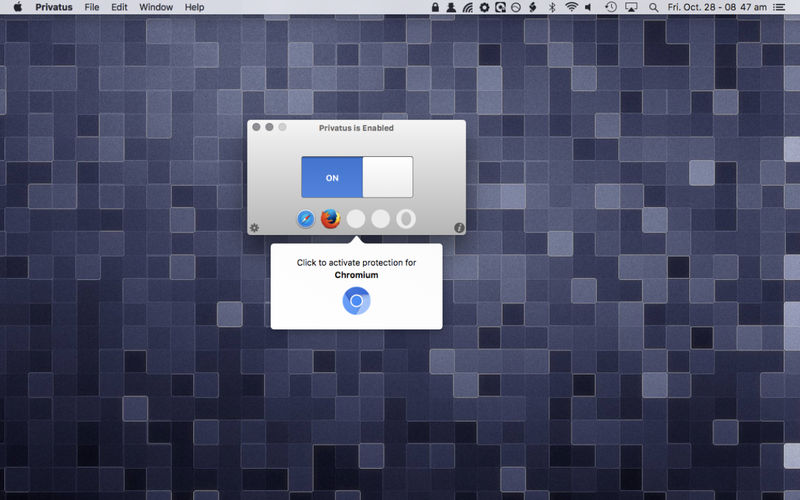
Privatus has been designed from the ground up with simplicity in mind. After a quick initial setup, Privatus will take care of clearing your personal and private browsing tracks automatically after each browsing session.
Privatus just works!
It has been designed for macOS Sierra, and takes the headaches out of cookie management, freeing your time to be more productive.
Clearing your cookies and cache can have the added benefit of speeding up your browsing experience.
Unlike many other Cookie managers, Privatus won't delete your Browser Extensions!
Privatus supports all the major macOS browsers: Safari, Firefox, Chrome, Chromium, and Opera.
Features:
- Automated Cookie, Flash Cookie, Silverlight, Local Storage, Database, Cache, History, Favicons, Webpage previews, Form values and Downloads removal
- One time setup, and forget
- Accessible from the system menu bar
- Highly intuitive
7.0
- Safari 17 support
- added support for Brave
- removed Chromium support
- data removal improvements
- new icon
- macOS 12+ only
- updated Sparkle
Frequently asked questions
How do I install the app?
Mount the image, drag the app into the "Applications" folder and launch it. If the system blocks the launch, allow it in "System Settings → Privacy & Security".
The app is damaged or won't launch
Reinstalling from a fresh image usually helps. Make sure your macOS version matches the one listed in the compatibility specs.
How do I update?
Download the new version from the site and install it over the current one — your settings will be preserved.
The download link doesn't work
Try a mirror or a download manager. For large files the browser often drops the connection.
How do I completely remove the app?
Use an uninstaller utility — it cleans up the service files that remain after moving the app to the trash.




Choose a download source
Privatus 7.3.3 · 7.05 MB
Previous versions
Privatus 7.3.3
Previous versions are available to registered users.