Radio Silence 3.4
Radio Silence — Mac Firewall and Network Monitor for App Control
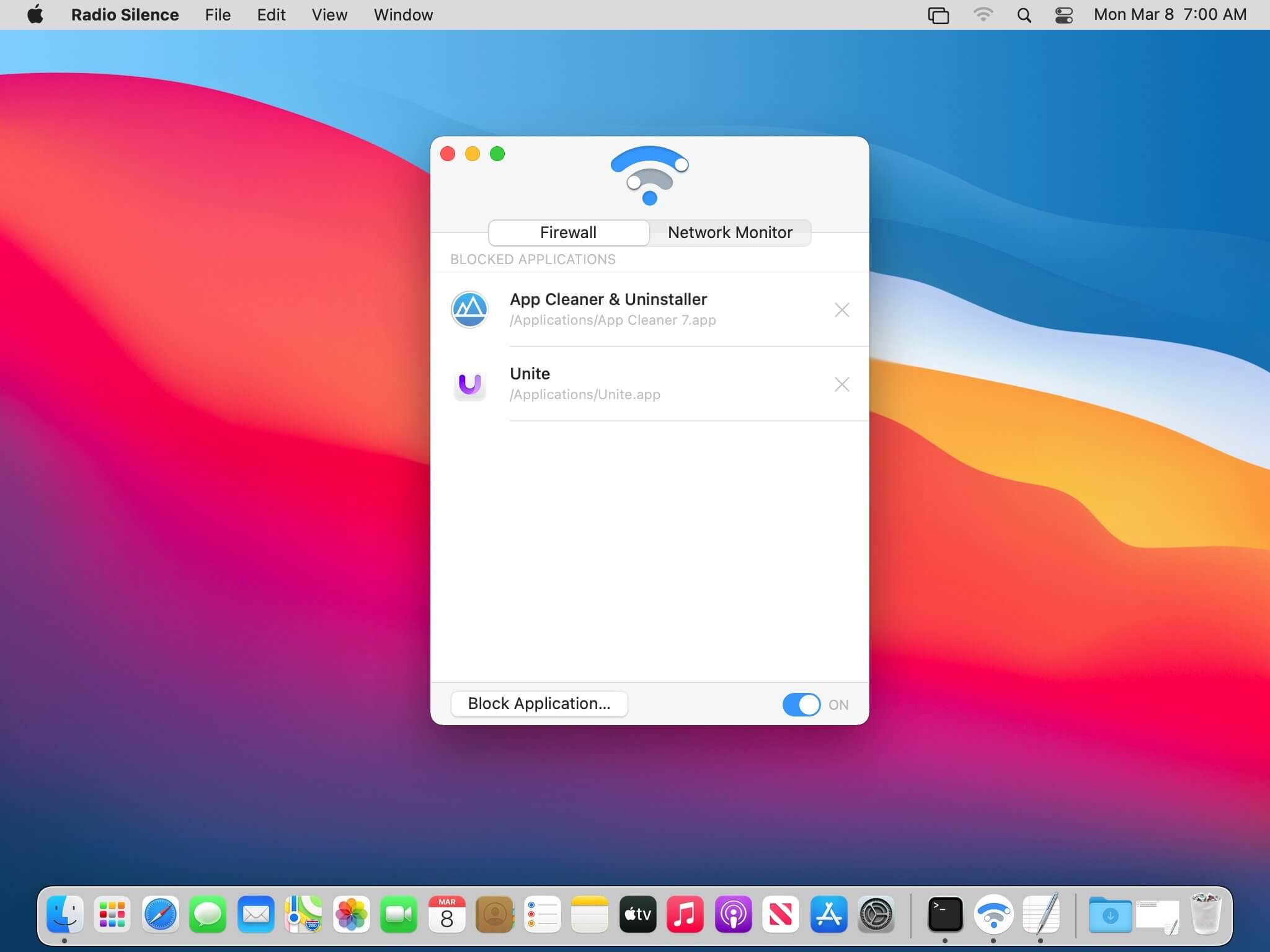
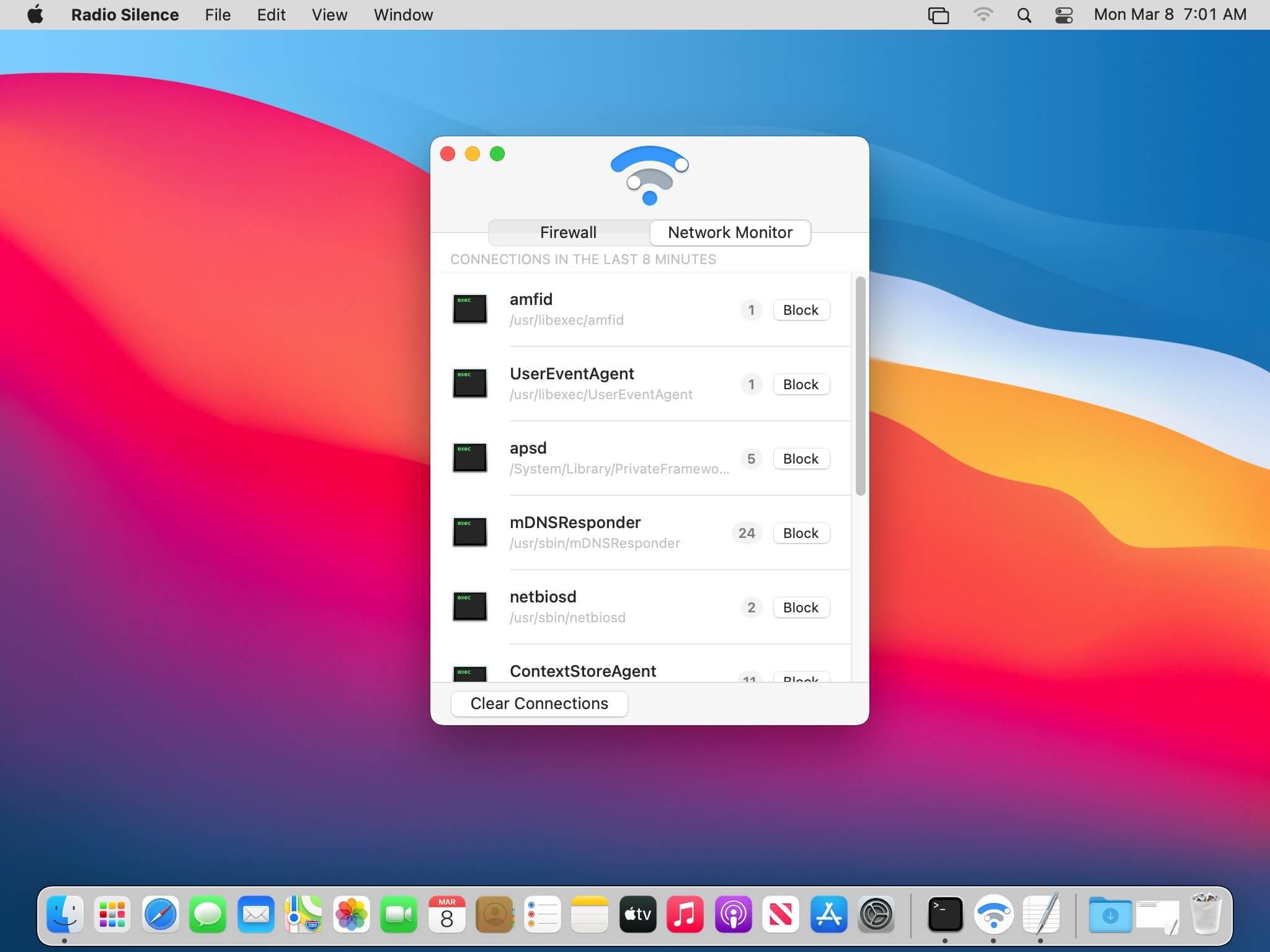
The easiest network monitor and firewall for Mac. See all network connections — block any app from going online. Powerful privacy for your Mac, usable by anyone: Radio Silence lets you keep a list of apps that aren't allowed to make network connections.
- Protect your privacy
- Prevent apps from phoning home
- Save on bandwidth and data charges
- Radio Silence is completely invisible
The firewall is invisible and always active. You don't have to keep any windows open.
- No annoying pop-ups
- No clutter on your screen or dock
- No effect on your Mac's performanc
Version 3.4
- Installation guidance for macOS Tahoe
- Better handling for installation errors & missing permissions
- New help view with troubleshooting info if the app fails to launch
Frequently asked questions
How do I install the app?
Mount the image, drag the app into the "Applications" folder and launch it. If the system blocks the launch, allow it in "System Settings → Privacy & Security".
The app is damaged or won't launch
Reinstalling from a fresh image usually helps. Make sure your macOS version matches the one listed in the compatibility specs.
How do I update?
Download the new version from the site and install it over the current one — your settings will be preserved.
The download link doesn't work
Try a mirror or a download manager. For large files the browser often drops the connection.
How do I completely remove the app?
Use an uninstaller utility — it cleans up the service files that remain after moving the app to the trash.



Choose a download source
Radio Silence 3.4 · 2.01 MB
Previous versions
Radio Silence 3.4
Previous versions are available to registered users.
Comments 1