
Total Video Player 3.5.1
Total Video Player: HD video player for almost any format

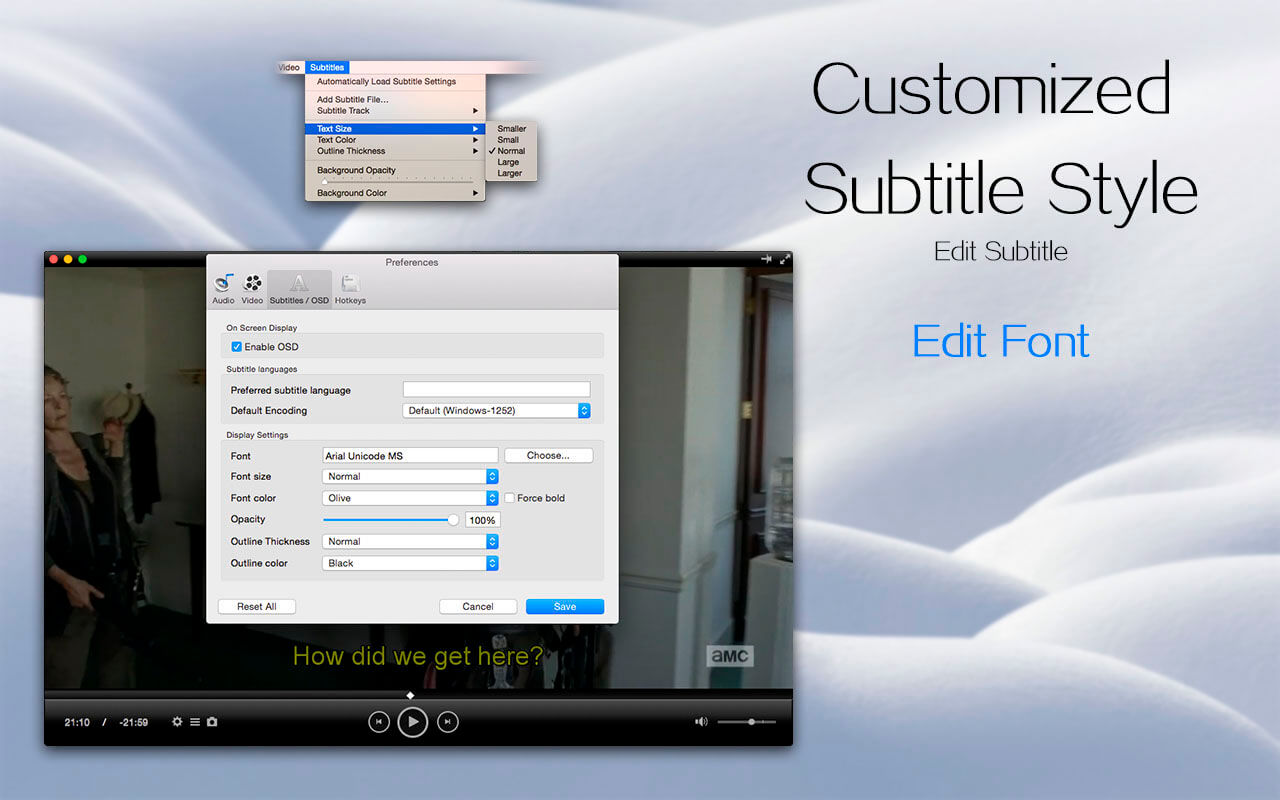
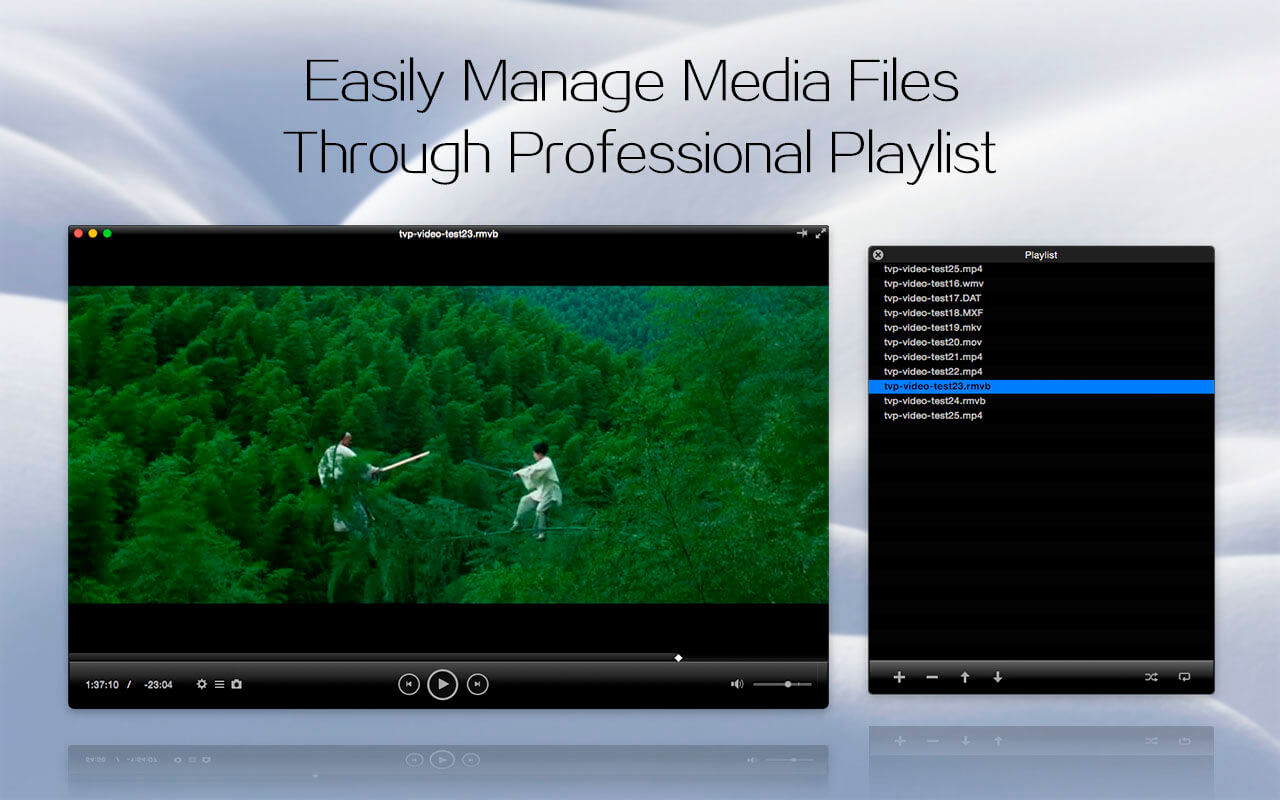
Total Video Player 3 brings all your videos together: on your Mac, across your network, and on the big screen.
Play almost any format without extra codecs, stream directly from network storage, and cast to your TV with AirPlay, Chromecast, or DLNA. Watching in another language? Show two subtitle tracks at once.
Dual Subtitles
Display two subtitle tracks at the same time. It's perfect for learning a language, watching with bilingual family and friends, or comparing translations.
Cast to the Big Screen
Send your videos from your Mac to your TV in seconds.
- AirPlay: cast to Apple TV and AirPlay-enabled TVs
- Chromecast: cast to Chromecast and Google TV devices
- DLNA: stream to compatible smart TVs and media players
Play from Your Network
Skip the copying. Browse folders and play media directly from your network storage.
- SMB, NFS, WebDAV, SFTP, and FTP supported
Share Your Library
Turn your Mac into a DLNA media server and share your collection with compatible devices across your home network.
Play at Your Pace
Speed through lectures, tutorials, and long recordings at up to 10x, or slow things down to catch every detail.
Rotate & Mirror
Fix videos recorded at the wrong angle. Rotate playback or mirror the picture horizontally.
Smooth 4K, Built for Apple Silicon
- Native Apple silicon support
- Hardware-accelerated H.264 and HEVC (H.265) decoding
- Smooth 4K UHD playback with lower power use
- Faster launch times
Plays What You Throw at It
No codec packs required.
- Video: MP4, MKV, MOV, AVI, M4V, MPEG, WMV, FLV, WebM, MTS, M2TS, TS, and more
- Audio: MP3, AAC, AC3, FLAC, WAV, WMA, OGG, M4A, and more
Everything Else You Need
- Full-screen playback and always-on-top window
- Playlist management
- Audio and subtitle track selection
- A-B loop to repeat any section
- Pause, step, and rewind
- Screenshot capture
- Volume control and custom audio output
- Retina display support
- Keyboard shortcuts
Total Video Player: Stream. Cast. Play. Your videos, your way.
Version 3.5.0:
- Up to 10x playback speed - Speed up video playback to 10X.
- Video rotation & mirroring - Rotate or flip your videos with ease.
- Network media browsing - Seamlessly stream and play media from WebDAV, SFTP, FTP, NFS, and SMB protocols.
- Built-in DNA Media Server - Share your media library across devices on your network.
- Dual subtitles - Display two subtitle tracks simultaneously for better language learning or viewing clarity.
- Streaming & casting - Enjoy AirPlay, Chromecast, and DLNA Video Cast support for big-screen viewing.
Frequently asked questions
How do I install the app?
Mount the image, drag the app into the "Applications" folder and launch it. If the system blocks the launch, allow it in "System Settings → Privacy & Security".
The app is damaged or won't launch
Reinstalling from a fresh image usually helps. Make sure your macOS version matches the one listed in the compatibility specs.
How do I update?
Download the new version from the site and install it over the current one — your settings will be preserved.
The download link doesn't work
Try a mirror or a download manager. For large files the browser often drops the connection.
How do I completely remove the app?
Use an uninstaller utility — it cleans up the service files that remain after moving the app to the trash.





Choose a download source
Total Video Player 3.5.1 · 144.39 MB
Previous versions
Total Video Player 3.5.1
Previous versions are available to registered users.