SecureCRT and SecureFX 8.5.4
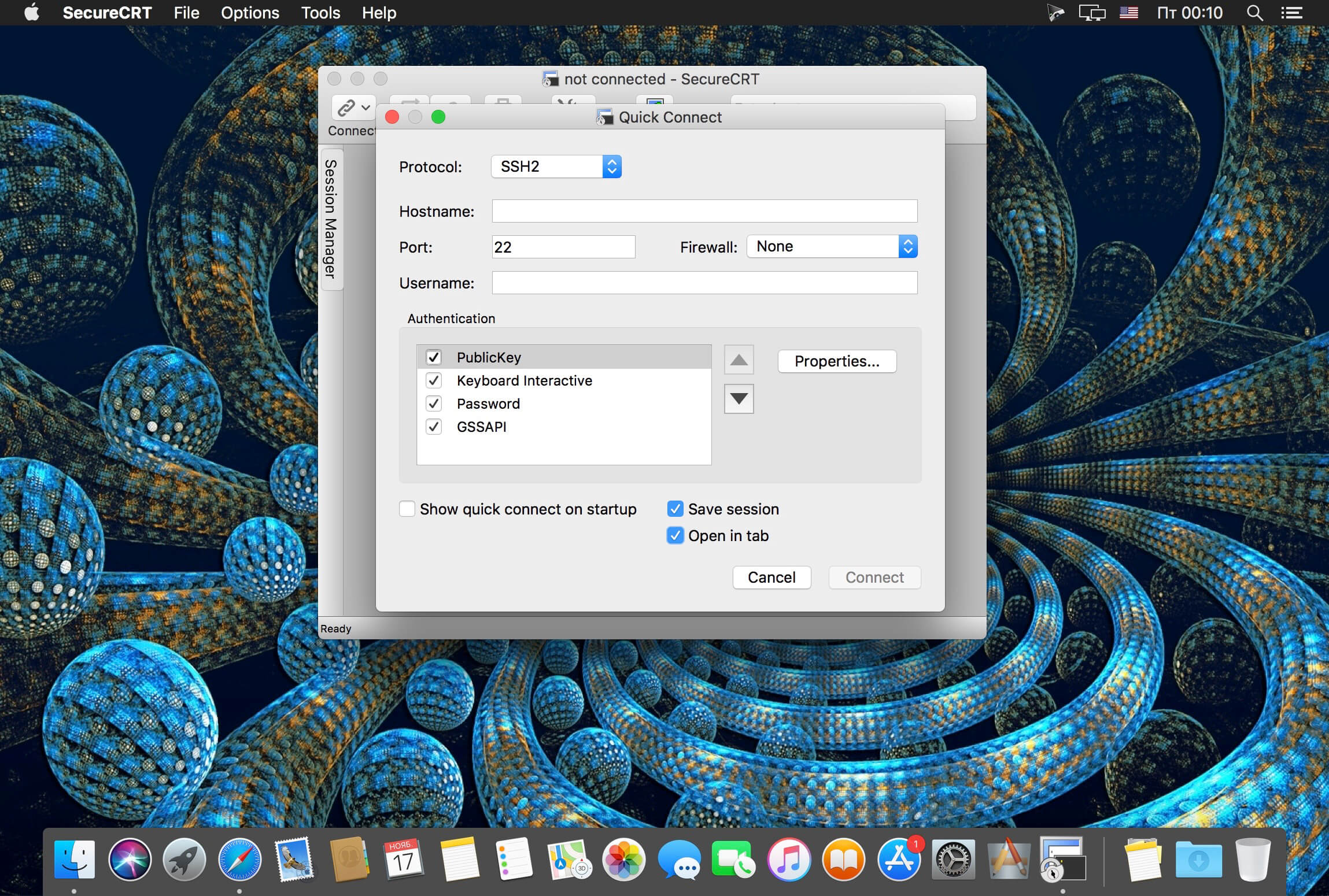
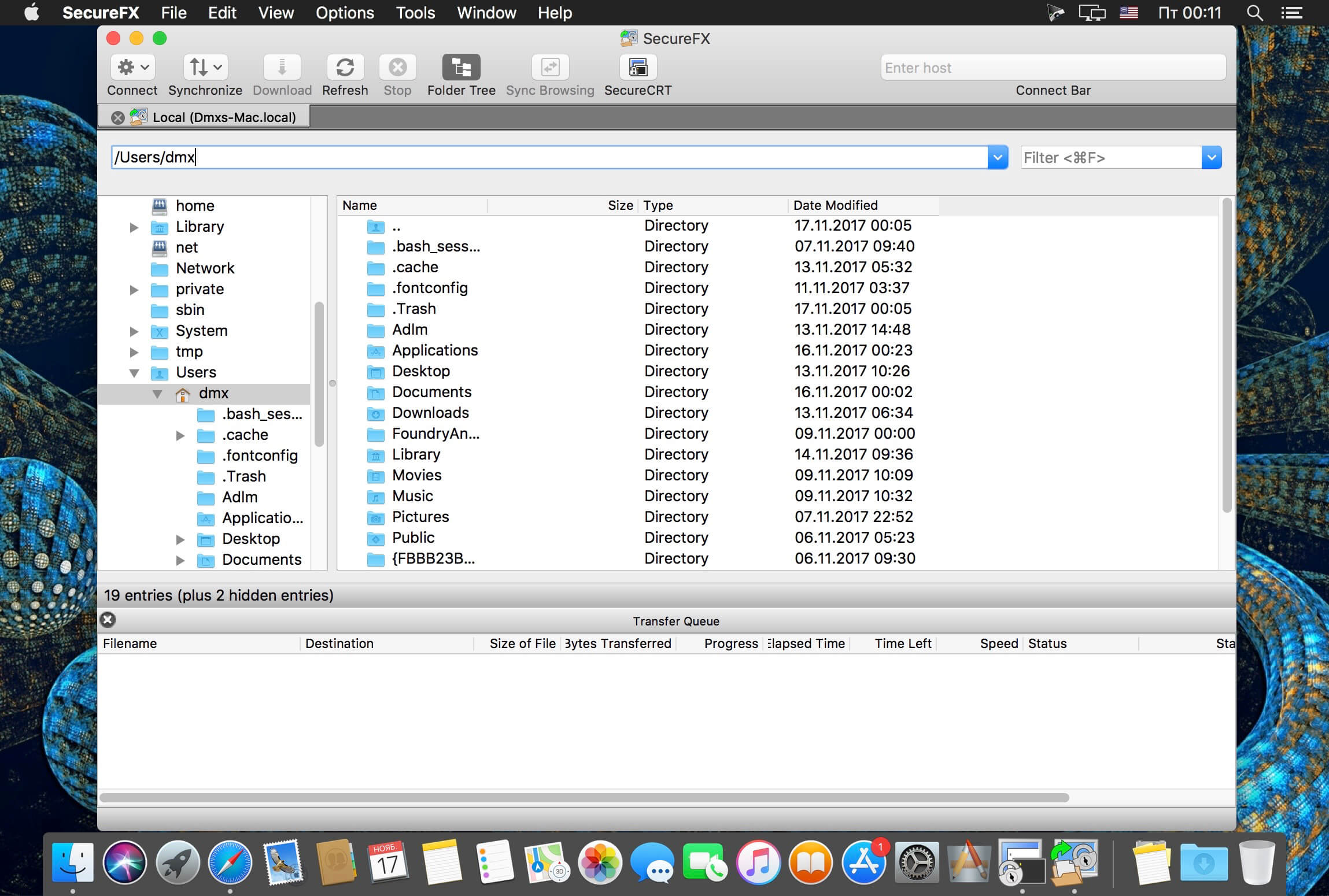
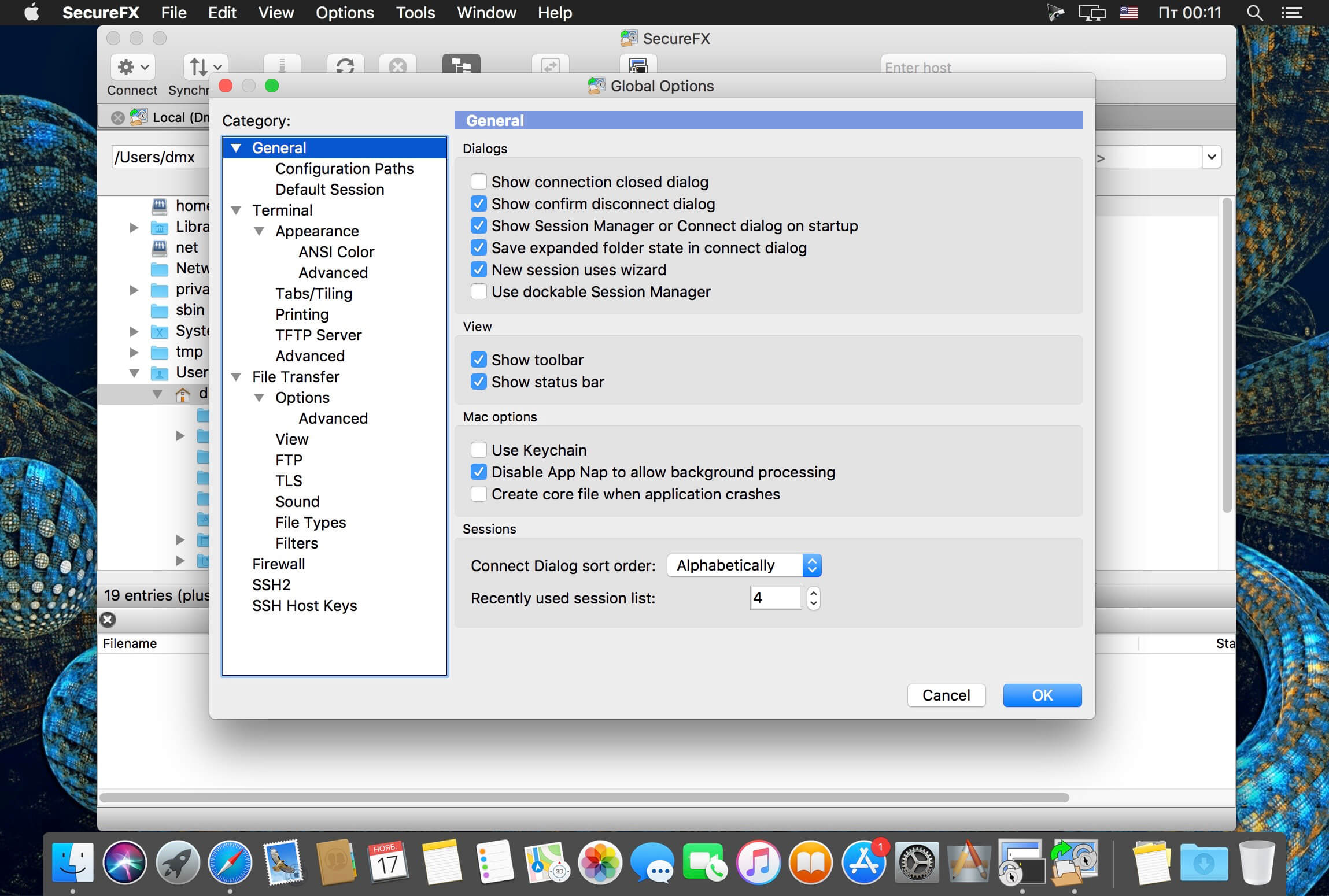
SecureCRT provides rock-solid terminal emulation for computing professionals, raising productivity with advanced session management and a host of ways to save time and streamline repetitive tasks. SecureCRT provides secure remote access, file transfer, and data tunneling for everyone in your organization.
Version 8.5.4:
Changes:
Changes:
- Updated the version of Python that ships with SecureCRT to 2.7.16.
- Mac: When opening certain dialogs (e.g., Session Options), the dialog may have opened in the upper left corner of the monitor, instead of centered over the main window.
Frequently asked questions
How do I install the app?
Mount the image, drag the app into the "Applications" folder and launch it. If the system blocks the launch, allow it in "System Settings → Privacy & Security".
The app is damaged or won't launch
Reinstalling from a fresh image usually helps. Make sure your macOS version matches the one listed in the compatibility specs.
How do I update?
Download the new version from the site and install it over the current one — your settings will be preserved.
The download link doesn't work
Try a mirror or a download manager. For large files the browser often drops the connection.
How do I completely remove the app?
Use an uninstaller utility — it cleans up the service files that remain after moving the app to the trash.
VersionSecureCRT and SecureFX 8.5.4
DeveloperVanDyke Software
CompatibilityOS X 10.10 or later, 64-bit processor
LanguageEnglish
IncludesK'ed by The Shark





Information
Visitors in the group Guests cannot leave comments on this publication.
Choose a download source
SecureCRT and SecureFX 8.5.4 · 64.92 MB
Previous versions
SecureCRT and SecureFX 8.5.4
Previous versions are available to registered users.