Digital Sentry 1.4.6
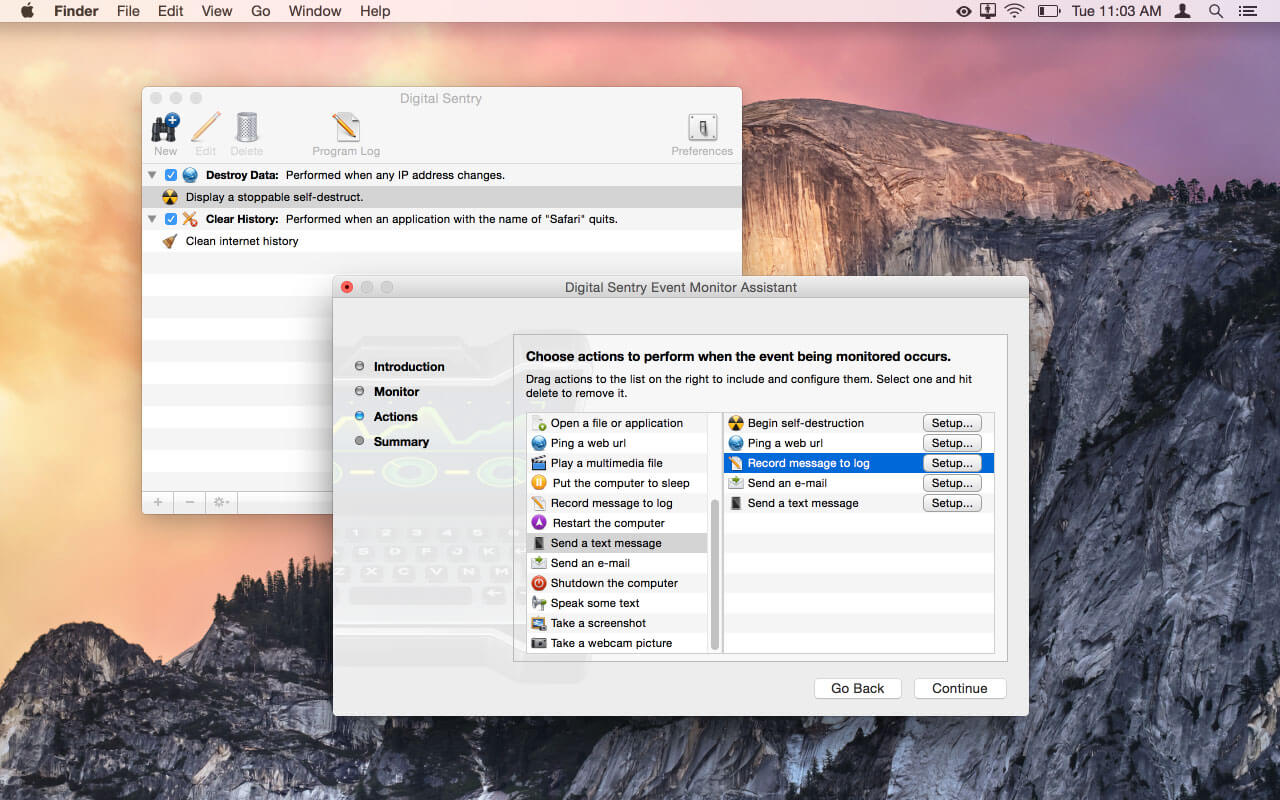
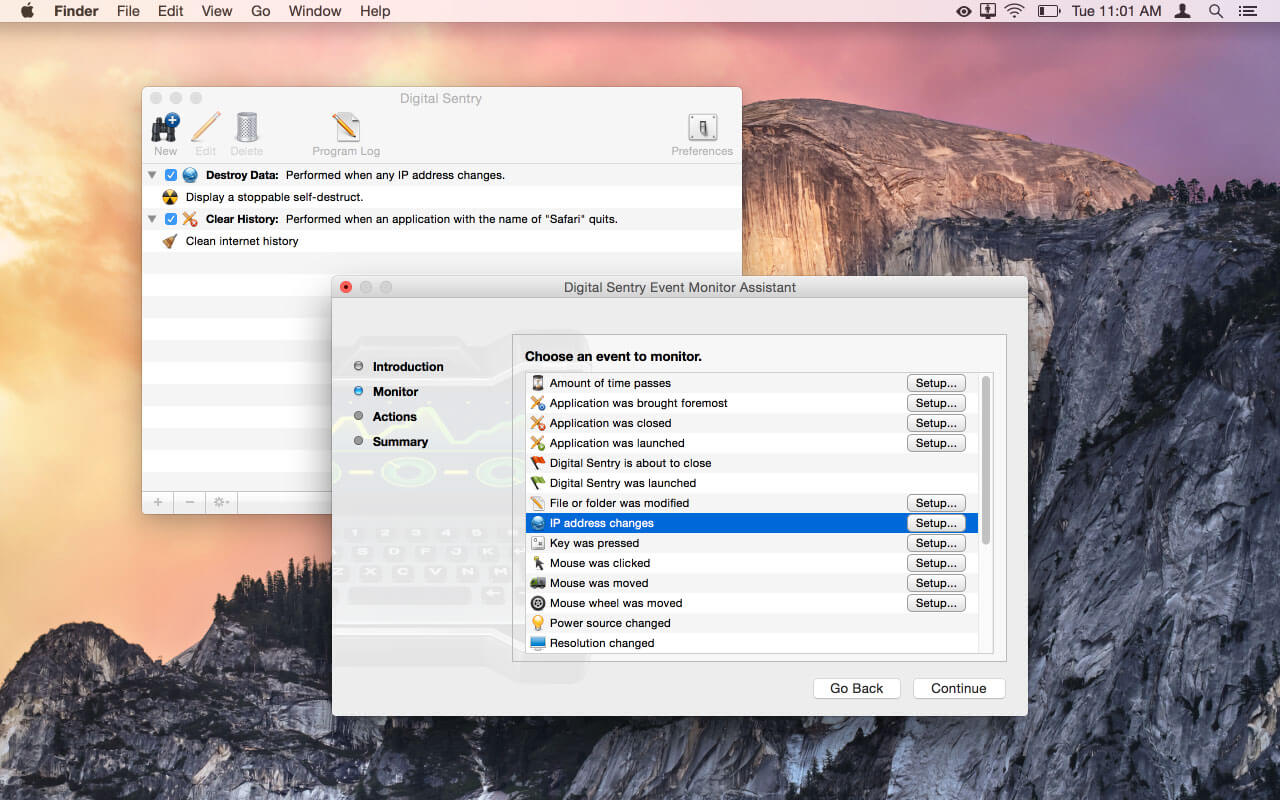
Digital Sentry monitors your system for specific events, and then can perform a vast array of unique actions in response. Use it to automatically cleanse Internet history when closing a browser, automate redundant computer tasks, perform covert surveillance, or even protect your sensitive data during unauthorized access or theft!
Watch for such system events as waking from sleep, program launches, closes, or switches, file modifications, incorrect password attempts, mouse and keyboard input, and many more. Then, perform any number of tasks like sending an e-mail, shutting down the computer, starting a simulated self-destruct, pinging a Web URL, taking a Web cam shot, taking a screenshot, playing a multimedia file, speaking some text, executing a shell script… the list goes on!
Frequently asked questions
How do I install the app?
Mount the image, drag the app into the "Applications" folder and launch it. If the system blocks the launch, allow it in "System Settings → Privacy & Security".
The app is damaged or won't launch
Reinstalling from a fresh image usually helps. Make sure your macOS version matches the one listed in the compatibility specs.
How do I update?
Download the new version from the site and install it over the current one — your settings will be preserved.
The download link doesn't work
Try a mirror or a download manager. For large files the browser often drops the connection.
How do I completely remove the app?
Use an uninstaller utility — it cleans up the service files that remain after moving the app to the trash.
VersionDigital Sentry 1.4.6
DeveloperKoingo Software, Inc.
CompatibilityOS X 10.10 or later, 64-bit processor
LanguageEnglish
IncludesK'ed by TNT





Choose a download source
Digital Sentry 1.4.6 · 25.32 MB
Previous versions
Digital Sentry 1.4.6
Previous versions are available to registered users.
Comments 1