Blocs 2.6.5
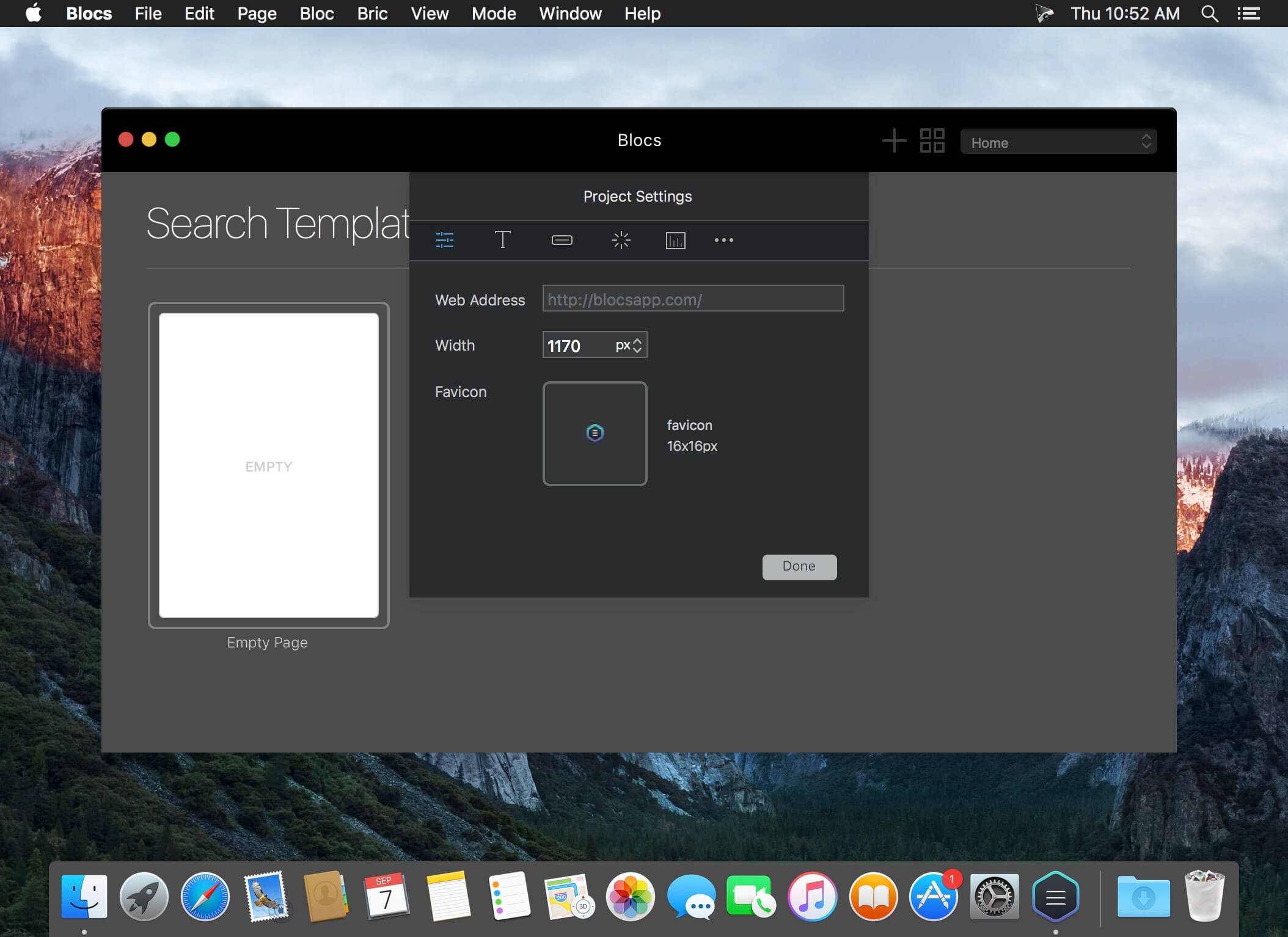
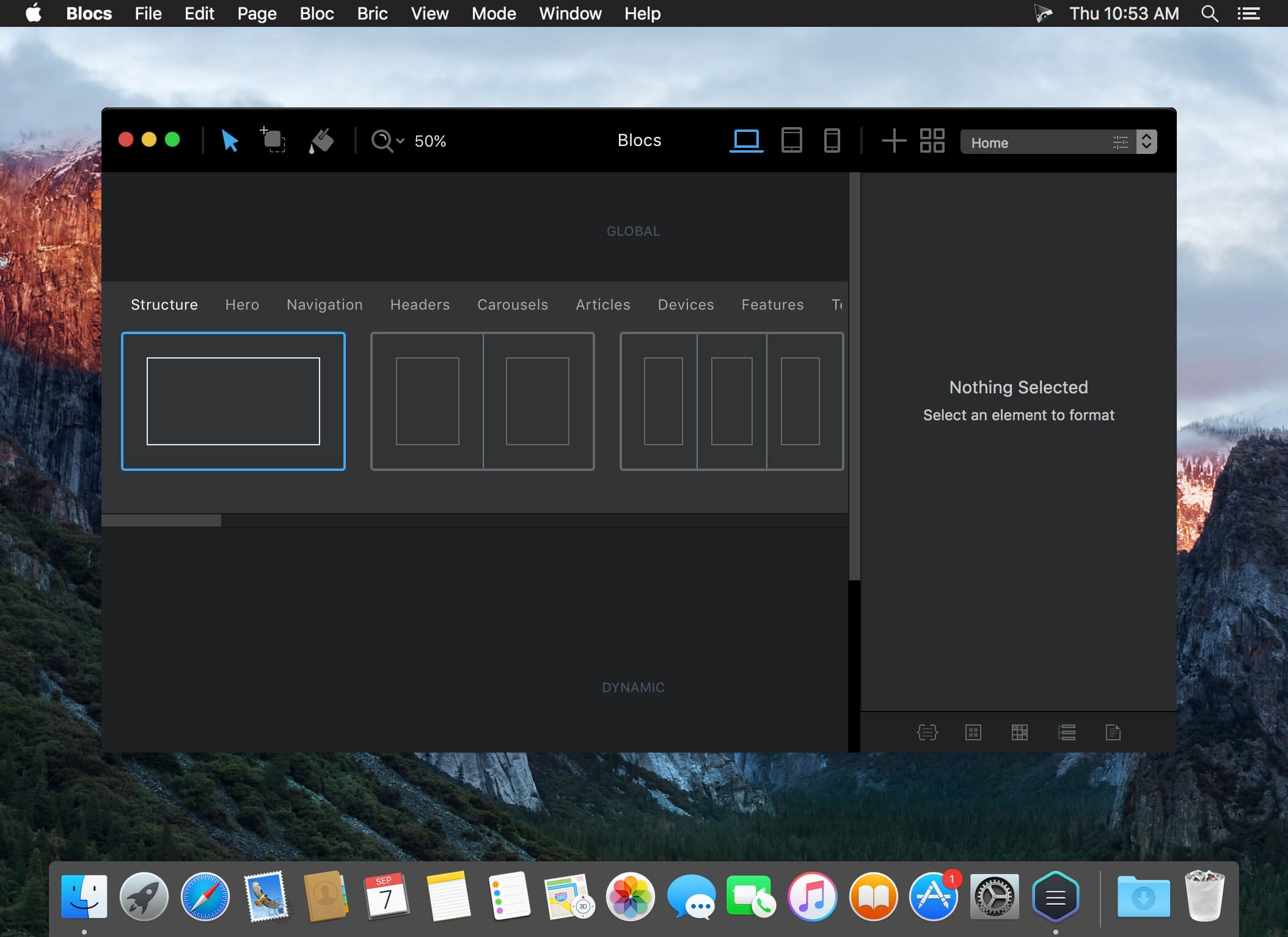
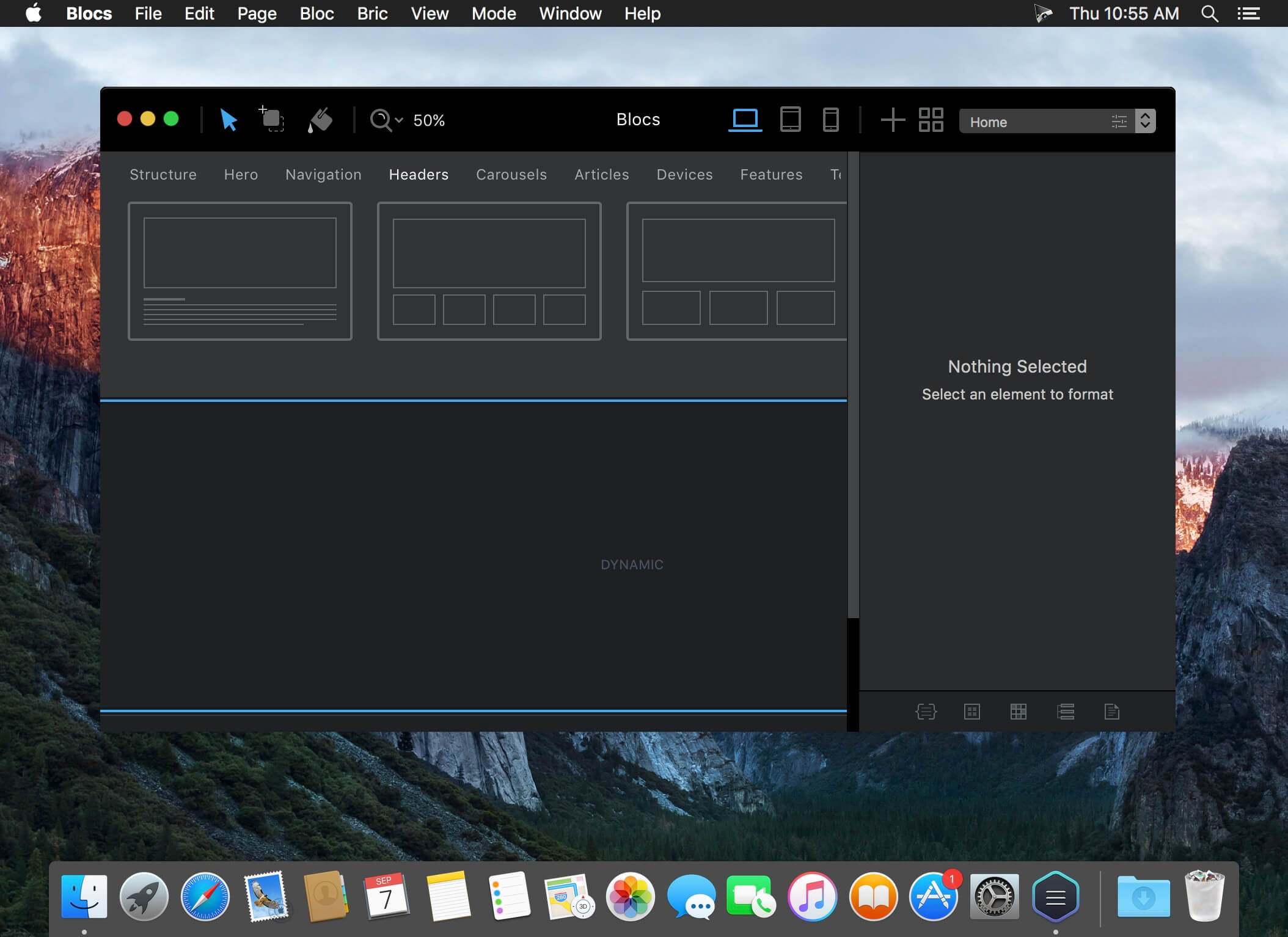
Focused on simplicity, Blocs brings a fresh new approach to building modern, quality, static websites without the need to understand or write code.
- Simplicity Blocs subtracts the need to write code meaning everyone can build websites.
- Quality Blocs generates good quality organized code with no clutter or inline styles.
- Clarity Blocs delivers a new level of clarity and focus helping you build websites faster.
- Intuitive Blocs has many time saving features such as smart swatches and auto type colouring.
- Fast Blocs really is insanely fast, you can build full webpage layouts in minutes.
- No Coding You don't need to understand or use any coding to build a website with Blocs.
- Bootstrap 3 Blocs builds using Bootstrap 3 one of the most reliable and proven frameworks.
- Responsive Because Blocs builds following page flow, sites are responsive with no extra work.
- Web Fonts Blocs has a curated list of Google Web Fonts that you can easy use in your sites.
- Unlimited Websites Since Blocs is an actual desktop app you can build as many websites as you like.
- Pre-Made Blocs Blocs comes with many pre-made layouts, so building and prototyping is super fast.
- Retina Support Blocs has retina support, so you can enjoy every pixel on your Macs retina screen.
- Easy to Use Blocs is one of the easiest website building tools, anyone can build with Blocs.
- Beautiful Not only is Blocs a great tool to use, it's also one you can enjoy to look at.
- Works Offline Unlike so many other website building tools Blocs actually works offline.
- Beginner Blocs is easy to understand and use. Its simplicity will encourage you to take your first steps.
- Designer Blocs lets you easily build and style great looking websites without the need to write a single line of code.
- Developer Blocs generates good quality, clean code. This makes it the perfect springboard to get the basics in place, fast.
Version 2.6.5:
- Release notes were unavailable when this listing was updated.
Frequently asked questions
How do I install the app?
Mount the image, drag the app into the "Applications" folder and launch it. If the system blocks the launch, allow it in "System Settings → Privacy & Security".
The app is damaged or won't launch
Reinstalling from a fresh image usually helps. Make sure your macOS version matches the one listed in the compatibility specs.
How do I update?
Download the new version from the site and install it over the current one — your settings will be preserved.
The download link doesn't work
Try a mirror or a download manager. For large files the browser often drops the connection.
How do I completely remove the app?
Use an uninstaller utility — it cleans up the service files that remain after moving the app to the trash.
VersionBlocs 2.6.5
DeveloperUi Parade
CompatibilityOS X 10.10 or later, 64-bit processor
LanguageEnglish
IncludesK'ed by The Shark


Choose a download source
Blocs 2.6.5 · 32.45 MB
Previous versions
Blocs 2.6.5
Previous versions are available to registered users.
Comments 3