Smart Shooter 3.38
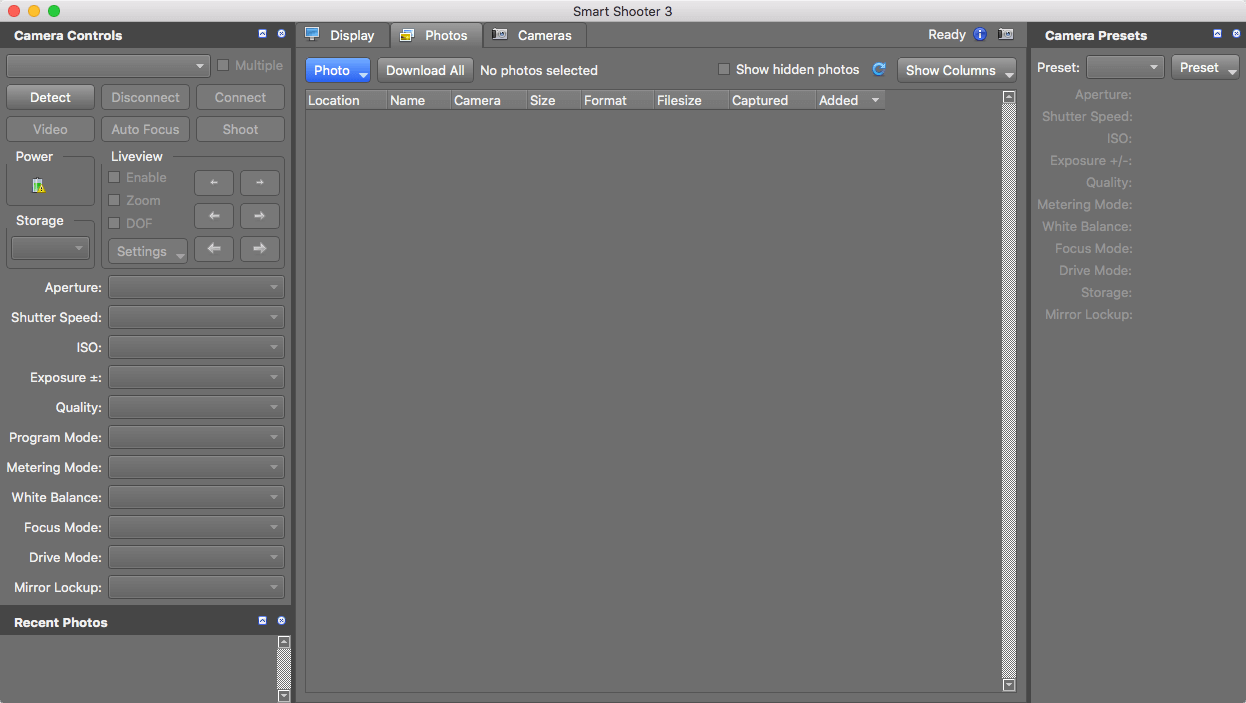

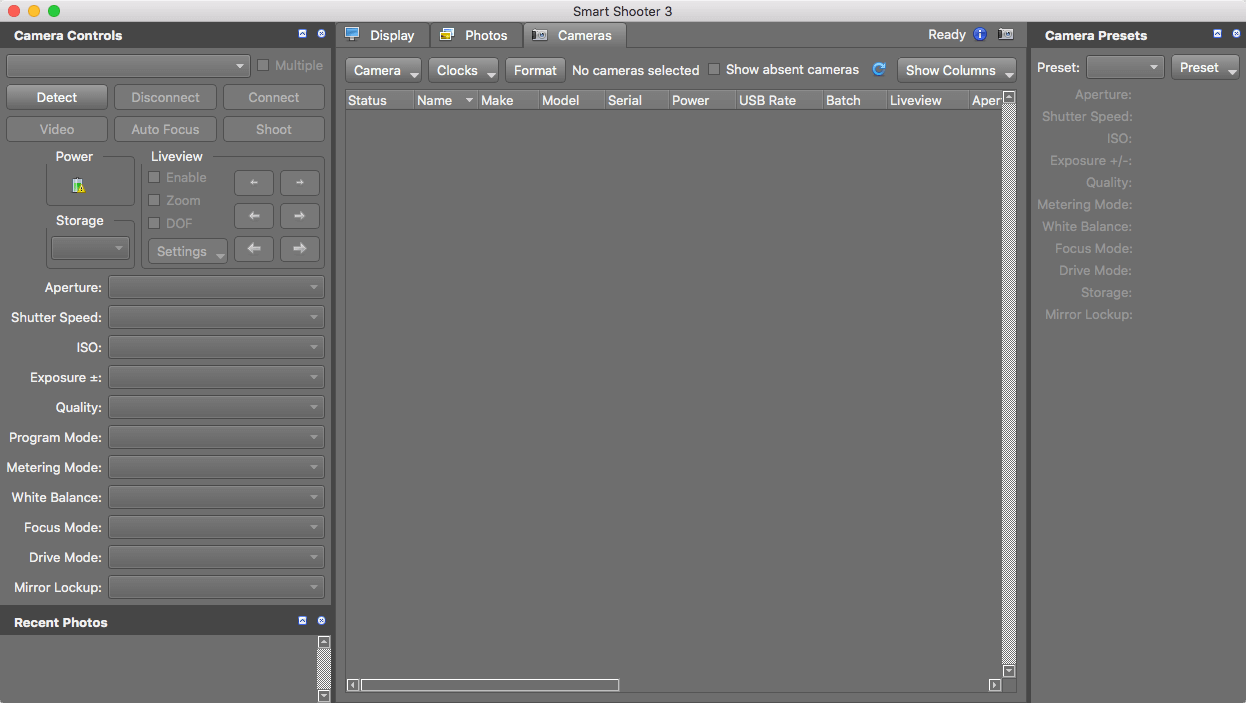
Smart Shooter allows you to fully control your camera from your Mac, giving you freedom to explore and experiment to help take the perfect picture.
Automatic download and display means you can fully evaluate your photos in seconds, and real time live view output will help you focus and compose the scene.
Scripting language lets you control your camera, allowing you to take multiple photos with varying settings just by clicking a single button.
Version 3.37:
- Fix possible crash, if camera gets disconnected while downloads are pending
- Enable USB fast poll when camera battery is fully charged
Frequently asked questions
How do I install the app?
Mount the image, drag the app into the "Applications" folder and launch it. If the system blocks the launch, allow it in "System Settings → Privacy & Security".
The app is damaged or won't launch
Reinstalling from a fresh image usually helps. Make sure your macOS version matches the one listed in the compatibility specs.
How do I update?
Download the new version from the site and install it over the current one — your settings will be preserved.
The download link doesn't work
Try a mirror or a download manager. For large files the browser often drops the connection.
How do I completely remove the app?
Use an uninstaller utility — it cleans up the service files that remain after moving the app to the trash.
VersionSmart Shooter 3.38
DeveloperKuvacode Oy
CompatibilityOS X 10.17 +
LanguageEnglish
IncludesK'ed by TNT



Information
Visitors in the group Guests cannot leave comments on this publication.
Choose a download source
Smart Shooter 3.38 · 19.02 MB