
iFFmpeg 6.7.0

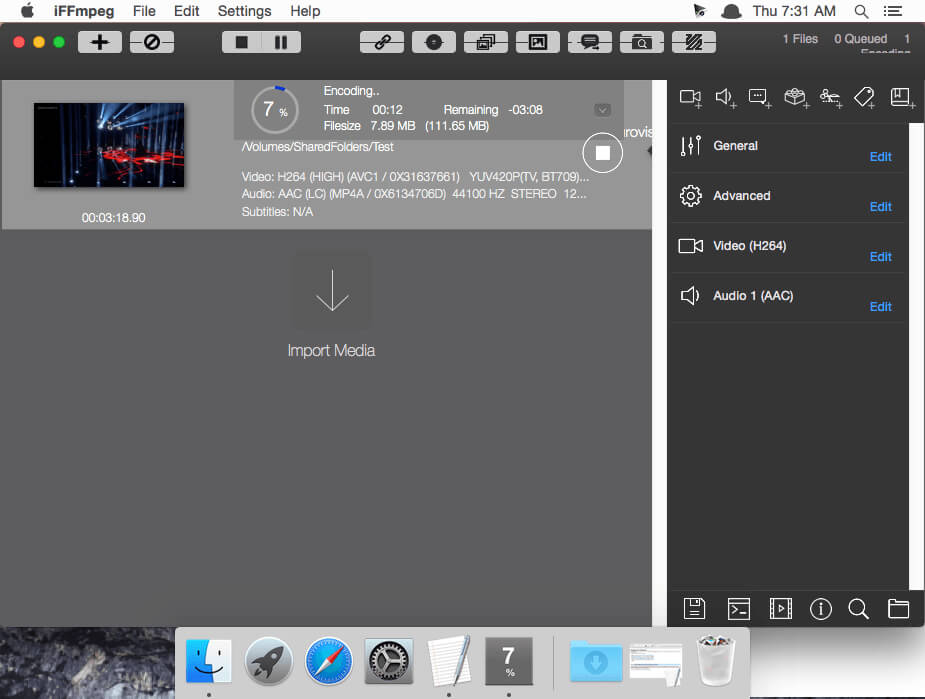
iFFmpeg is a comprehensive media tool to convert movie, audio and media files between formats. The FFmpeg command line instructions can be very hard to master/understand, so iFFmpeg does all the hard work for you. This allows you to use FFmpeg without detailed command-line knowledge.
High Quality and Control
Convert and processes many media files with high level quality using FFmpeg with no knowledge. Advanced users are not left out in the cold with lots of options to work with.
Media Formats
Support for many codecs and containers like MPEG4, H264, H265 HEVC, Matroska, PRORES, DNxHD, DVVideo, MPEG TS, MPEG PS, XAVS, FLV, Theora, AVI, OGG, VP8 & VP9 (.webm), Animated GIF, VOB, MXF, GFX and many more..
Merging media files
Stitch unlimited files to one file. Two methods : Concat passthru (blistering fast) and Complex Filter.
Subtitles support
Both hardburn subtitles and soft subtitles are supported (External or Embedded).
Presets
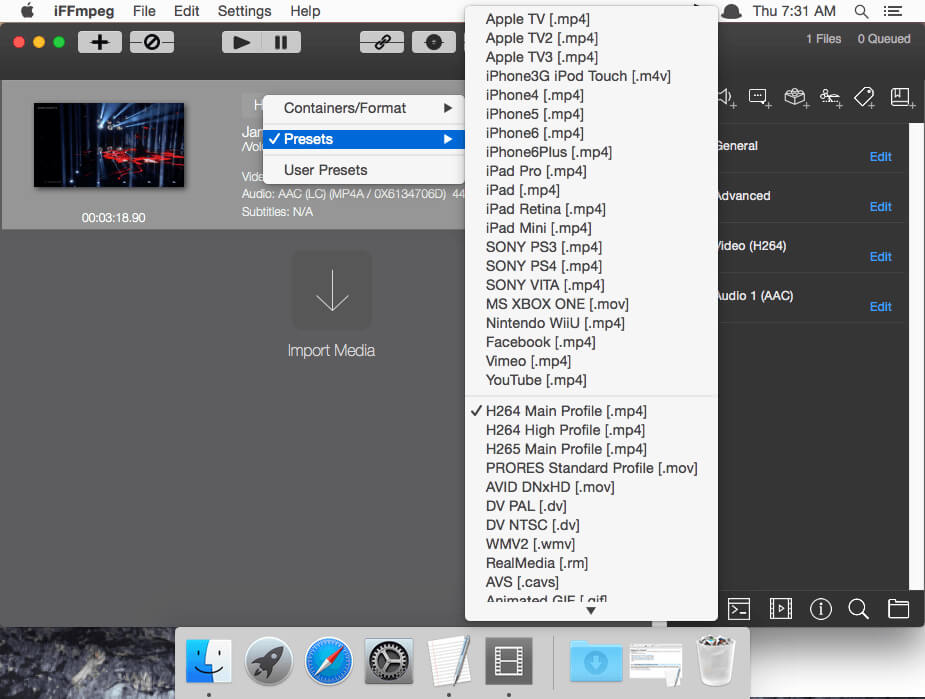
A lot of presets are included by default: iPod, iPad, iPhone, Apple TV, PS4, Xbox One, Wii-U, Android, YouTube, Facebook, Vimeo and many more.
Encode multiple files at once
Encode up to 8 batch at the same time.
- 4K and 5K Support
- +300 advanced options
- +40 Video filters
- Export movies to Images
- Monitor Output
- Watch Folders
- Users Presets
- Audio Filters
- Images to movies
- Trimming movies
- Chapter editing
- Unlimitted Streams
Frequently asked questions
How do I install the app?
Mount the image, drag the app into the "Applications" folder and launch it. If the system blocks the launch, allow it in "System Settings → Privacy & Security".
The app is damaged or won't launch
Reinstalling from a fresh image usually helps. Make sure your macOS version matches the one listed in the compatibility specs.
How do I update?
Download the new version from the site and install it over the current one — your settings will be preserved.
The download link doesn't work
Try a mirror or a download manager. For large files the browser often drops the connection.
How do I completely remove the app?
Use an uninstaller utility — it cleans up the service files that remain after moving the app to the trash.
VersioniFFmpeg 6.7.0
DeveloperOSXSoft
CompatibilityOS X 10.7.3 or later, 64-bit processor
LanguageEnglish
IncludesK





Information
Visitors in the group Guests cannot leave comments on this publication.
Choose a download source
iFFmpeg 6.7.0 · 30.76 MB