
Cookie 5.13
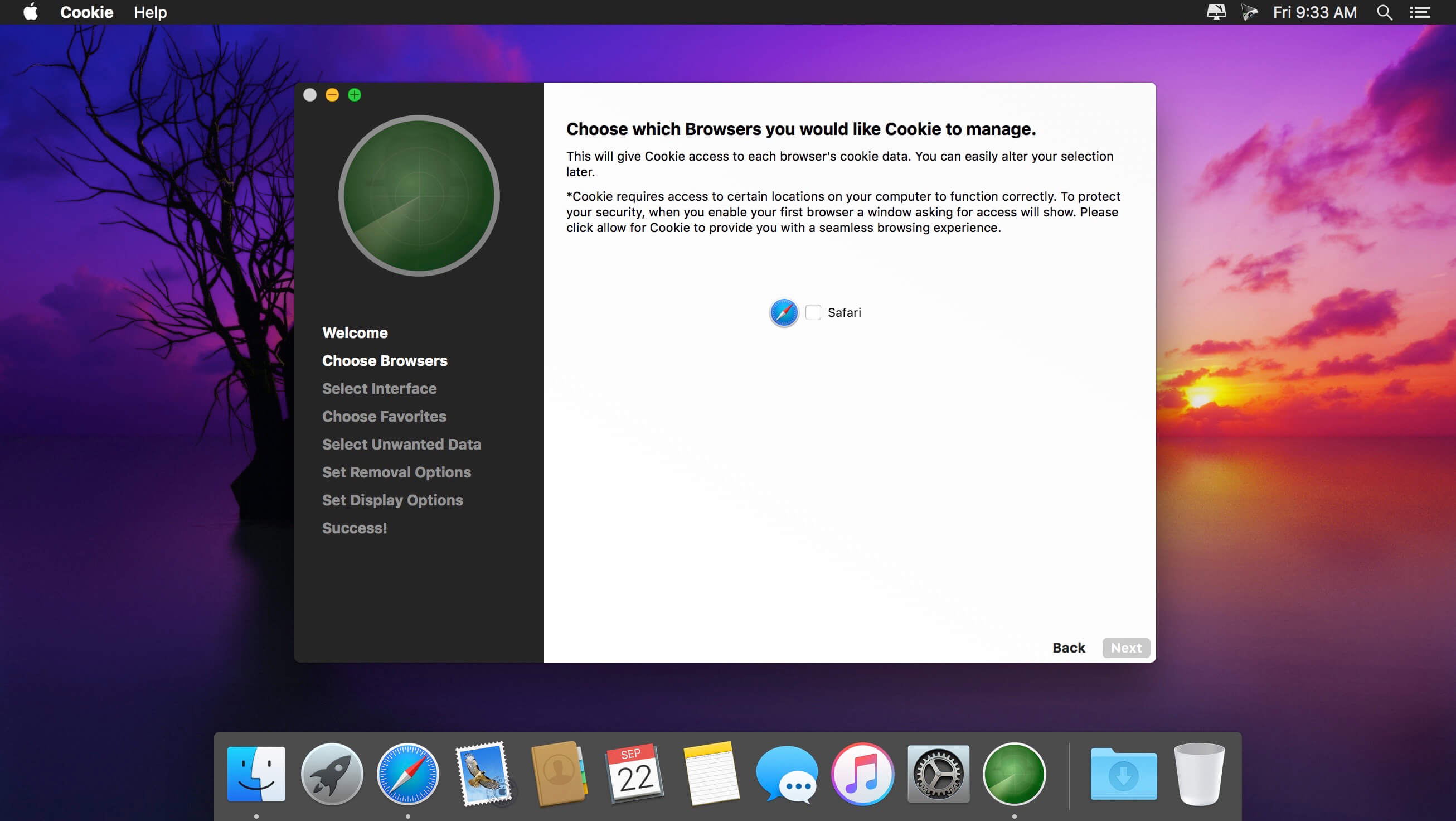
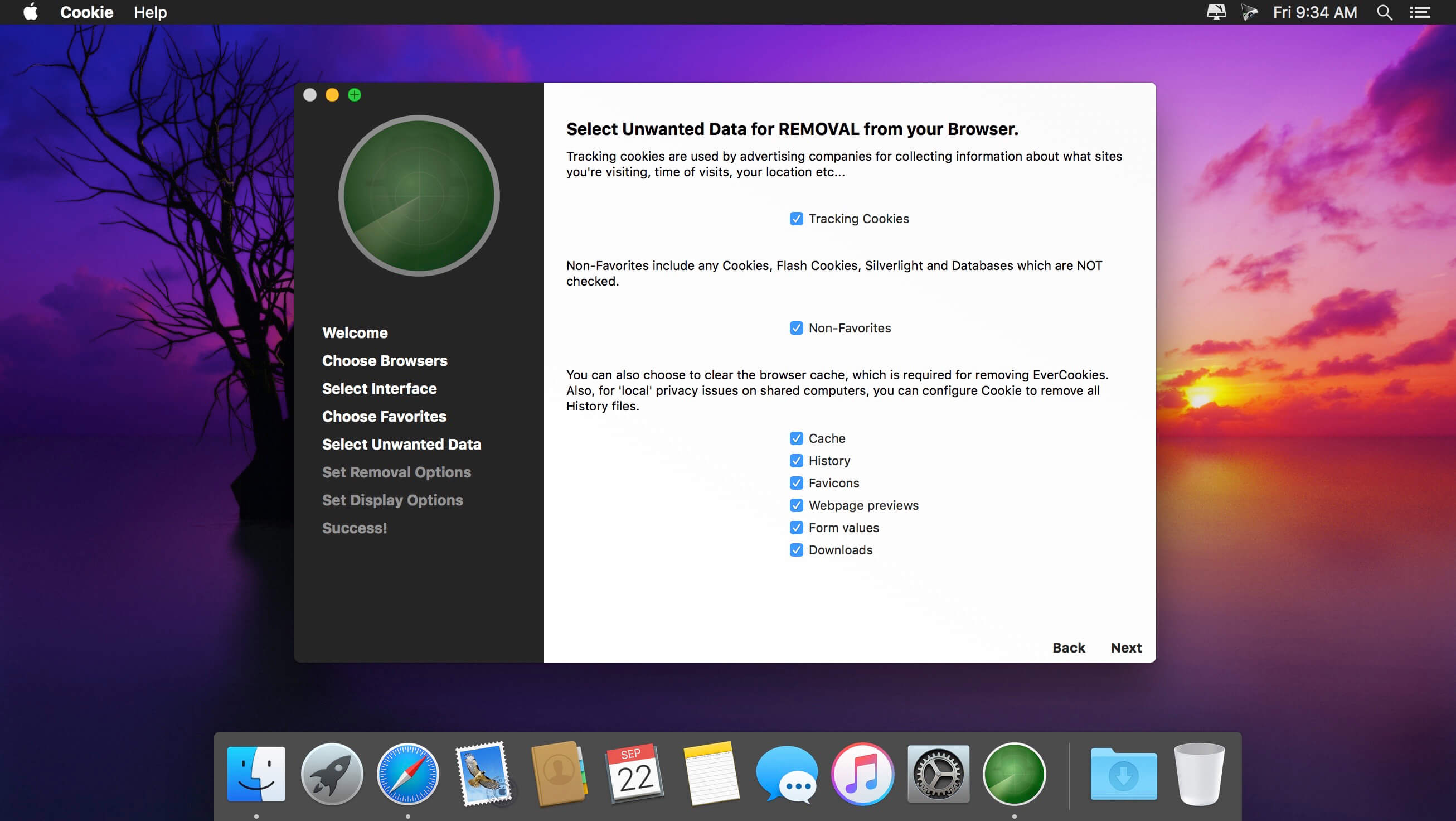
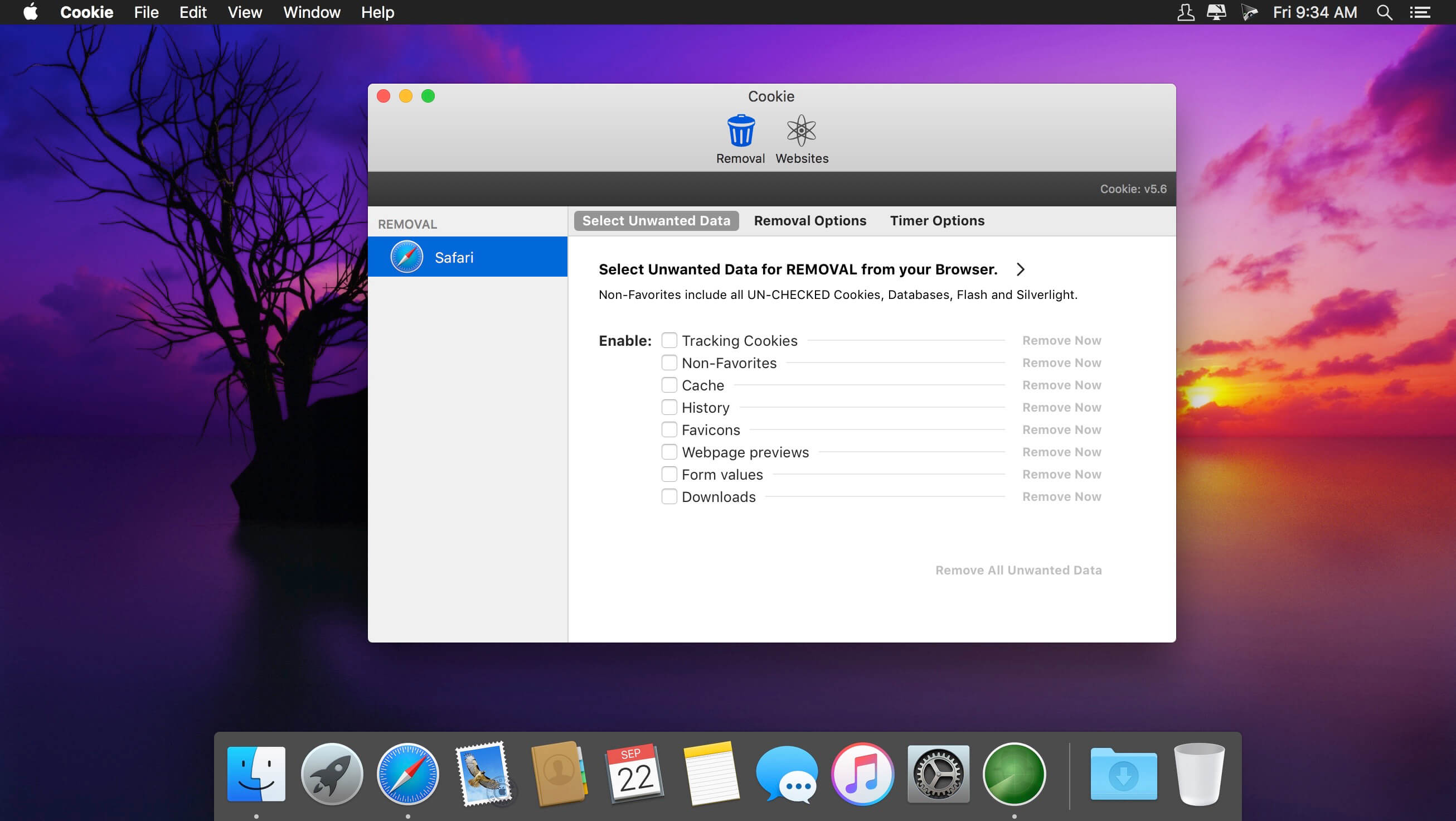
Cookie is the only cookie manager which gives you complete control over your privacy.
Cookie prevents third parties from hijacking your browsing experience.
The sites you visit store "cookies" in your browser without your knowledge or consent. Some are helpful, but others are frustrating and invasive. Cookie can help.
More privacy, better browsing
- Enhanced for Security. Secure delete any unwanted data, and rest easy knowing that external threats can't recover your private data.
- Avoid invasive marketing. Tired of targeted ads that mysteriously know what products you've been shopping for online? Eliminate them with Cookie.
- Freedom from Flash, and Silverlight. Cookie is adept at eliminating Flash and Silverlight cookies, especially large and persistent types of cookie.
- Impressive results, with minimal effort. By consolidating all your cookie controls into an easy interface, Cookie makes maintaining your browsing privacy a cinch.
Version 5.11
- added a Cookie 6 upgrade notice
Frequently asked questions
How do I install the app?
Mount the image, drag the app into the "Applications" folder and launch it. If the system blocks the launch, allow it in "System Settings → Privacy & Security".
The app is damaged or won't launch
Reinstalling from a fresh image usually helps. Make sure your macOS version matches the one listed in the compatibility specs.
How do I update?
Download the new version from the site and install it over the current one — your settings will be preserved.
The download link doesn't work
Try a mirror or a download manager. For large files the browser often drops the connection.
How do I completely remove the app?
Use an uninstaller utility — it cleans up the service files that remain after moving the app to the trash.





Choose a download source
Cookie 5.13 · 11.33 MB
Previous versions
Cookie 5.13
Previous versions are available to registered users.
Comments 1